Some deliveries may take a little longer than usual due to regional shipping conditions.

DOWNLOAD THE APP


Customer Services
Copyright © 2025 Desertcart Holdings Limited
DOWNLOAD THE APP


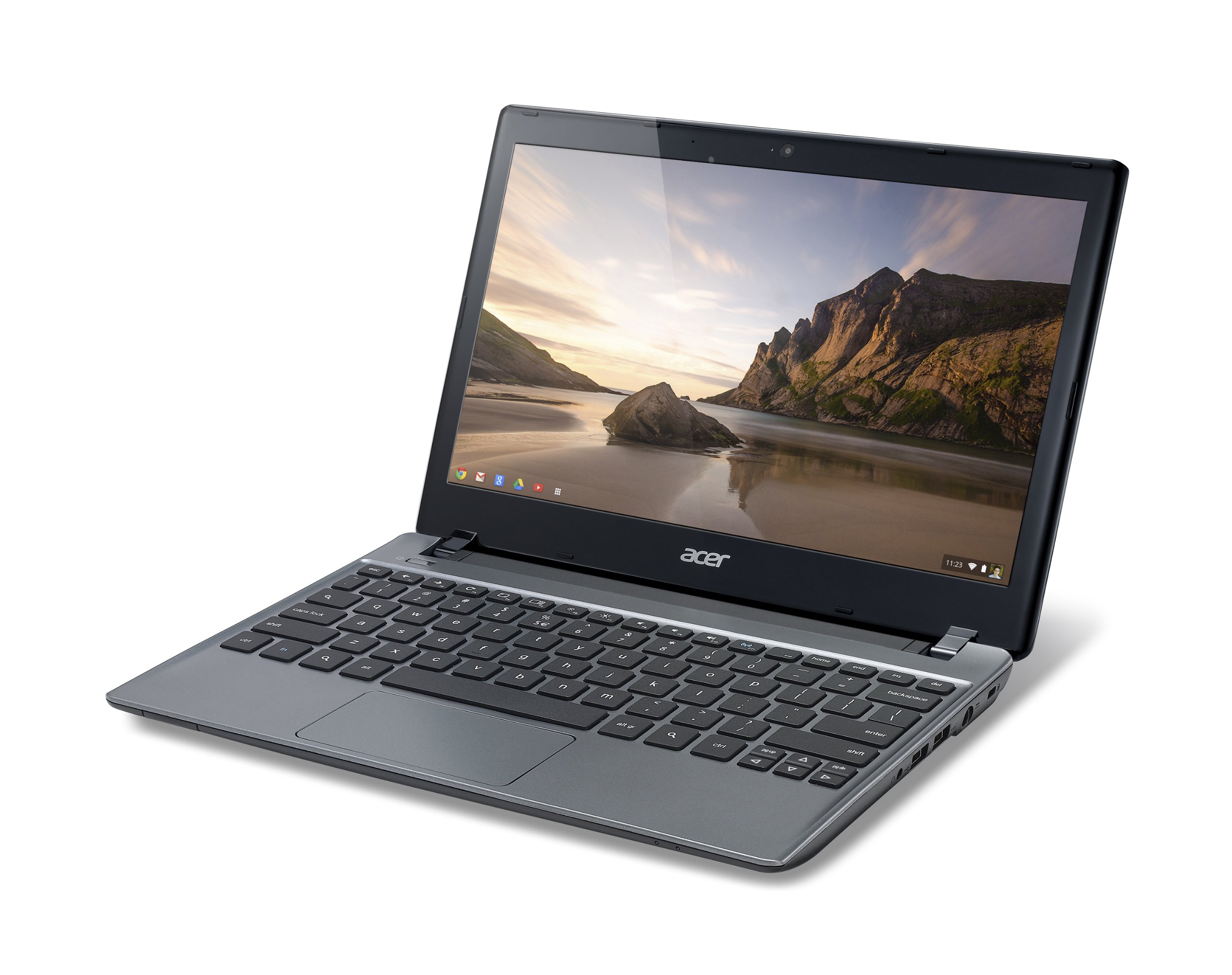

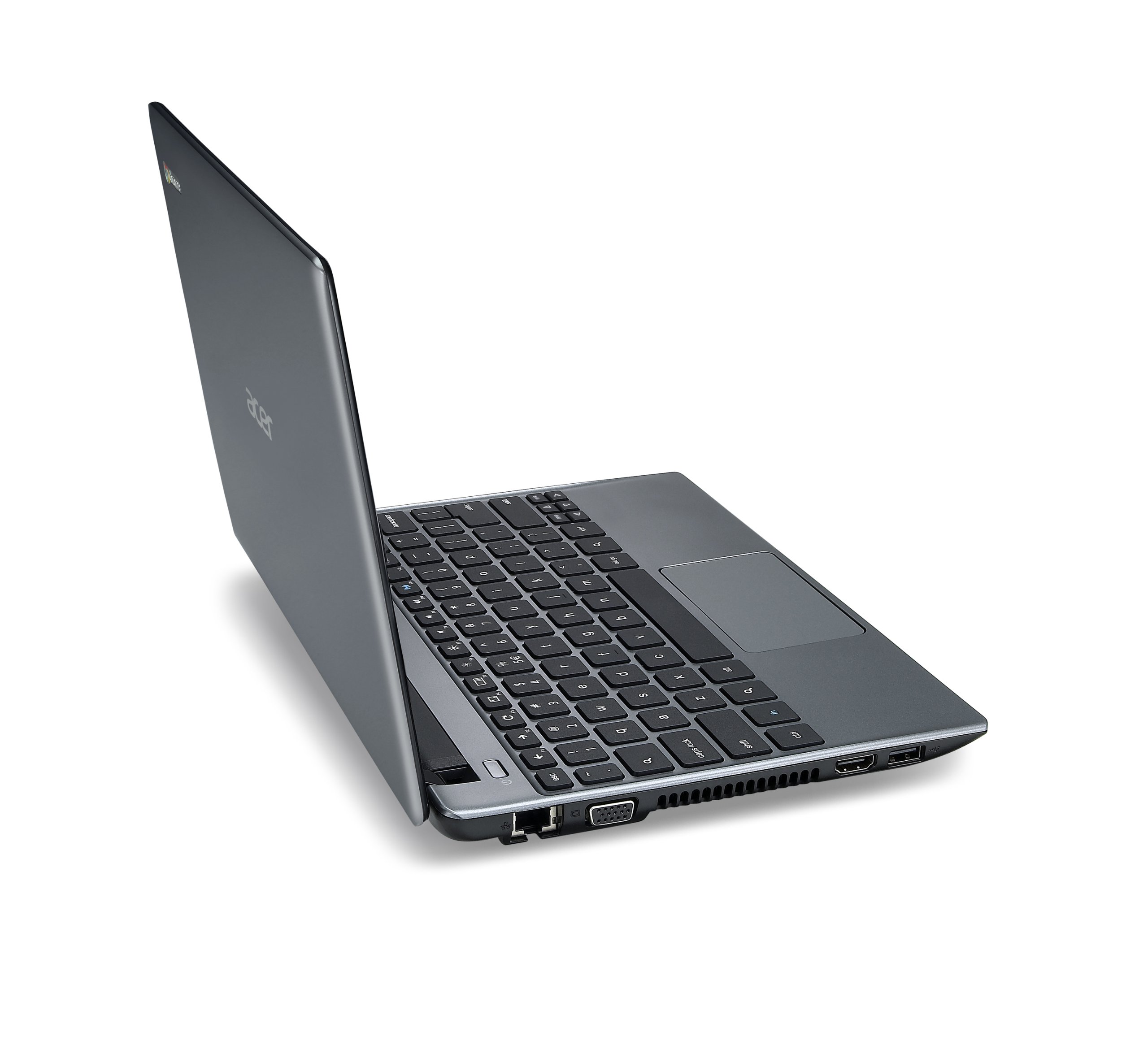
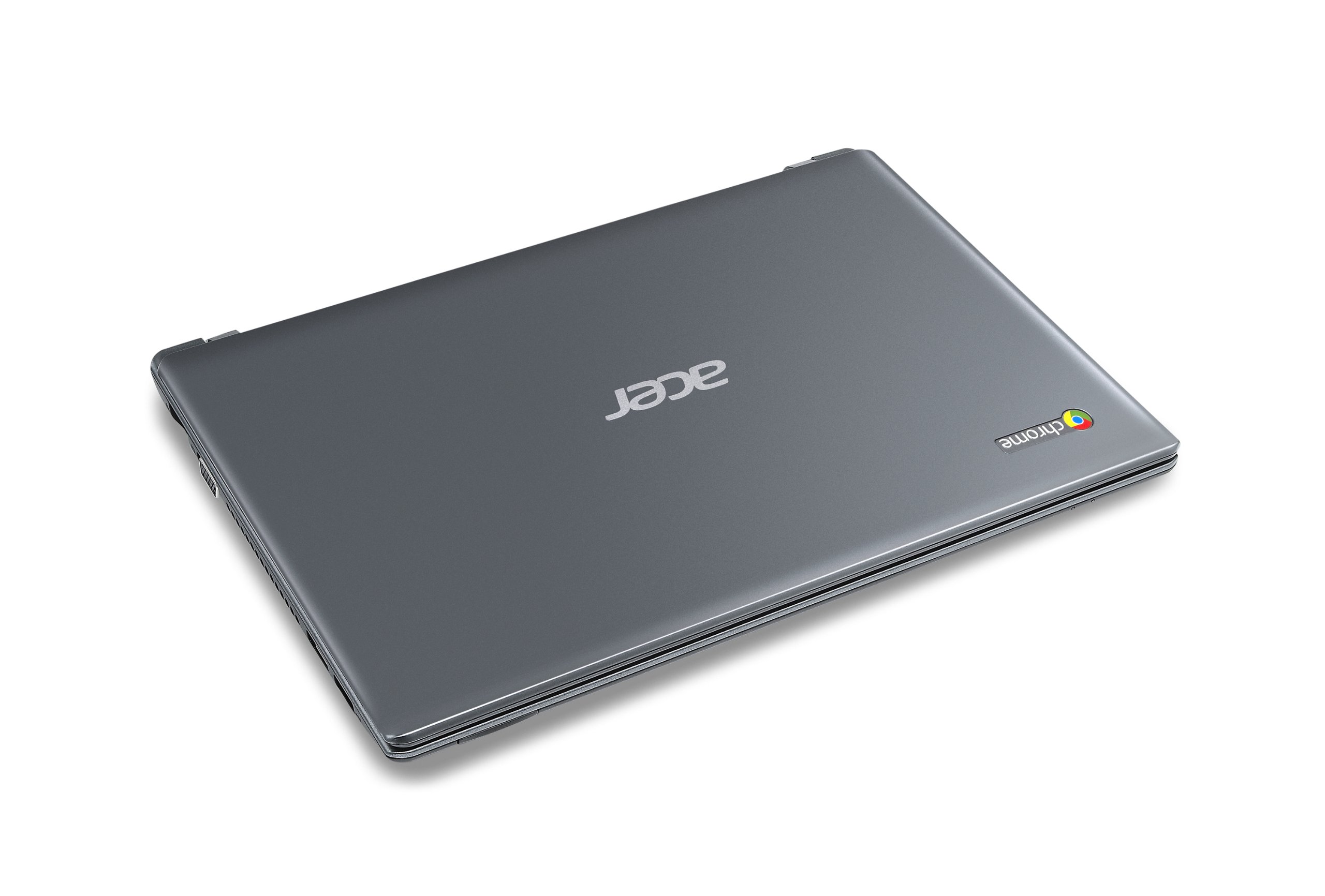
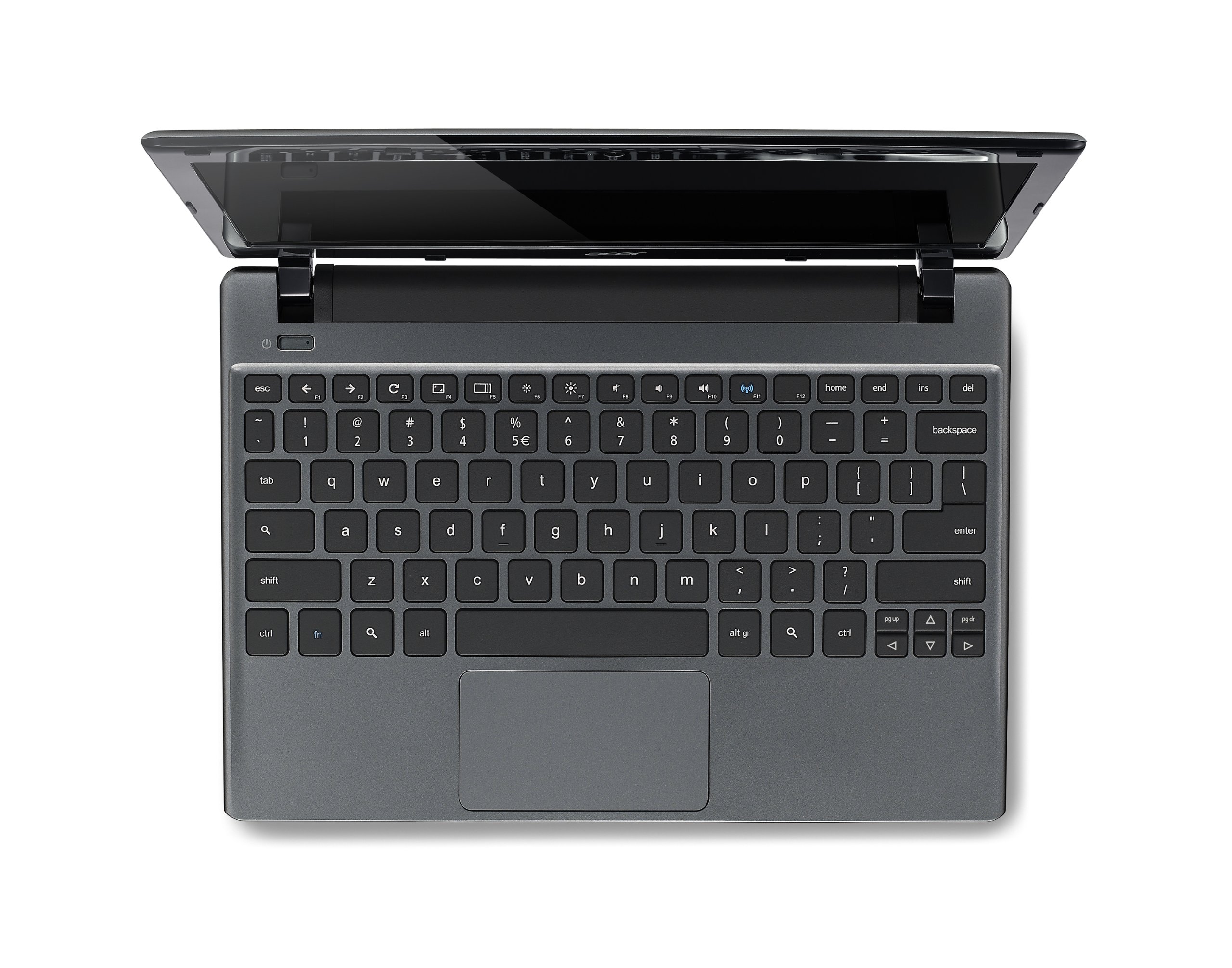
🚀 Elevate Your Everyday Computing!
The Acer C710-2833 Chromebook is a sleek, portable device featuring an 11.6-inch display, powered by an Intel Celeron processor and equipped with a 16GB SSD. With a lightweight design and a battery life of up to 4 hours, it's perfect for professionals on the move who need reliable performance and connectivity.
| Standing screen display size | 11.6 Inches |
| Screen Resolution | 1366 x 768 pixels |
| Max Screen Resolution | 1366x768 |
| Processor | 1.1 GHz celeron |
| RAM | 2 GB DDR3 |
| Memory Speed | 2400 MHz |
| Hard Drive | 16 GB SSD |
| Graphics Coprocessor | Intel HD Graphics |
| Chipset Brand | Intel |
| Card Description | Integrated |
| Graphics Card Ram Size | 128 MB |
| Wireless Type | 802.11bgn |
| Number of USB 2.0 Ports | 3 |
| Average Battery Life (in hours) | 4 Hours |
| Brand | acer |
| Series | C710 |
| Item model number | C710-2833 |
| Hardware Platform | Linux |
| Operating System | Chrome OS |
| Item Weight | 3.05 pounds |
| Product Dimensions | 11.22 x 7.95 x 1.09 inches |
| Item Dimensions LxWxH | 11.22 x 7.95 x 1.09 inches |
| Color | Iron Gray |
| Processor Brand | Intel |
| Number of Processors | 2 |
| Computer Memory Type | DDR3 SDRAM |
| Flash Memory Size | 16 |
| Hard Drive Interface | Solid State |
| Power Source | Battery Powered |
| Batteries | 1 Lithium Ion batteries required. (included) |
A**L
Wonderful Little Machine
I originally purchased the Chromebook as an inexpensive but capable backup for a Windows 7 desktop computer.Believe it or not this item comes with an instruction book (of sorts), but I also purchased Cloud Computing with Google Chrome by George Root-via Amazon.You will probably need both ( or other suitable book) if you are new to Chrome.I guess there are many and varied ways to initially connect to Google. I had previous accounts that seemed to confuse the login process. I called Acer and the nice lady solved the problem.Printing is somewhat of an issue if your printer does not have Cloud Print capabilities. My did and who would have thought that a printer had an e-mail address?? A phone call to HP also solved the problem.The Chromebook prints to the “ cloud ” and then back to the printer (and there is a slight time lag)The laptop is speedy, sleek and relative easy to use. Same as a windows computer but different.The trackpad works really well, but connecting a USB mouse makes things easier.The laptop will read a USB thumb drive if you have used one to back up your Word documents from a desktop as I have. Works well.It is possible to name and rename files and move to different folders that you can also rename.It will also read and display jpg picture files off of a USB drive and a Camera SD card. All things that my Apple ipad will not do.Seems like all things work from a item called Google DRIVE that you can access from your other computers and devices. Sleek but Scarey.Well that sums it up or me.Summary..Works Great….Wonderful price. Amazon wins again !!!
M**1
Dissapointment
UPDATE to previous review::I purchased the chromebook in December of last year. Since I was going to be traveling all around the United States, I needed something that could update reliably and directly onto a cloud. The chromebook was a perfect candidate, and indeed measured up to my expectations. Granted, this chromebook is effectively a paperweight with internet-access, I had found it a relatively reliable paperweight until last week.Without any apparent reasoning, the screen began to become distorted. In roughly 24 hours I went from having a single, random line down my screen to complete boxes and blacked out sections, rendering it unusable. I rely heavily on the internet for my business, so this was completely unacceptable. I was forced to go and pick up a different laptop so I could continue my work.To clarify, I never dropped my chromebook or exposed it to anything dangerous. I kept it secured in a laptop carrying case when I wasn't using it.I've changed my rating to 1 star because either I have the hands of a hulk (I'm 5'4 and two licks over 120 lbs, so your guess on this one) or the screen of this thing is impossibly fragile.So no, I would not recommend this to a friend. I would not recommend this to anyone until they manage to fix whatever problems seem to be occurring in the construction of the chromebook.Best of luck to you. If you decide on purchasing this, good luck. You're brave. I will not be buying one again.
A**N
Great Little Laptop
I bought this for my daughter for her 13th birthday. So far, she LOVES it. It's a great little computer. It's not a typical laptop, so those considering buying it should really understand what they are getting before purchasing it. Most of the limitations are software based, not hardware based.Things to consider before buying it:1) It's running Chrome OS. It's not Windows or Mac OS. Don't get me wrong, it's a great OS, but it has its limitations.2) It's got minimal internal storage.3) It's designed for cloud based functions.So, the person who would want this is someone who wants something light, quick, for web-based browsing and activities but is looking for more than a tablet.Getting past that, it's fantastic overall.PROs:1) It's fast. It's got a quick processor, 2GB ram, and a Solid State Drive. All that adds up to it working really fast. Boots in a matter of seconds, logs in quickly. In fact, almost every app loads very quick and is quite responsive.2) It's quiet. Being that it has a SSD, you don't have the typical noise that you hear from a typical hard drive.3) It's lightweight.4) Battery life so far has been fantastic. With the lack of Optical drive or traditional hard-drive, it uses less power at idle, so the battery life is much longer than typical laptops I've used.5) HD screen is really nice and clear.6) It has a good collection of apps and add-ons that give it additional functionality.7) It has HDMI, VGA out, 3 USB ports. Has a Webcam & microphone for webchatting.8) Comes with 100GB of Cloud storage (this also comes as a con...which I will discuss in that section).CONs:1) Only 16GB storage...but that's not 16GB that you can use for apps, etc. It's 16GB total...including the OS. Even though Chrome is light-weight, it takes some space on it.2) It comes with 100GB of Cloud storage. This is great, BUT...it's only free for 2 years. After that, you're paying for it or your stuff is "stuck"...and what I mean by that is that while you can access it, you won't be able to modify it (delete, move or add new material). You can buy more than 100GB for a fee.3) It needs the internet to do almost anything on it. The apps are run in the cloud, so even simple functions are not functional without internet. I did not subtract a star for this because anyone buying this should understand the device's limitations before buying it. Buying a Cloud based device and then slamming it because you need the internet would be like buying a cell phone and being upset that you need to have cellular service to use it.All in all, it's great. Truthfully, someone could buy this, format the drive and install a version of linux like Ubuntu, Opensuse, or Manjaro and have a great little full-function laptop for cheap, being that many Linux OSes can be installed on about 8 GB of space.For now, my daughter love it and thinks it's great for what she wants, and that makes me happy with my purchase
L**N
It is really good for a school computer, not so much as a home computer.
I am typing this comment on my Acer Chromebook. I take it almost everywhere. I bought it for school and i use it for school. But i also use it at home, even though i have a desktop. It is fast, connects very easily, and saving documents is better because it will always been on drive. The only problem is that it is an OS based off of a web browser, you cant program anything on it, you can't install games and such. It was fairly cheap, only 200 for a decent laptop. It even comes with an HDMI port along with VGA, making it very helpful for presentations and other applications as such. It was definitely worth buying.
Trustpilot
1 week ago
2 weeks ago