




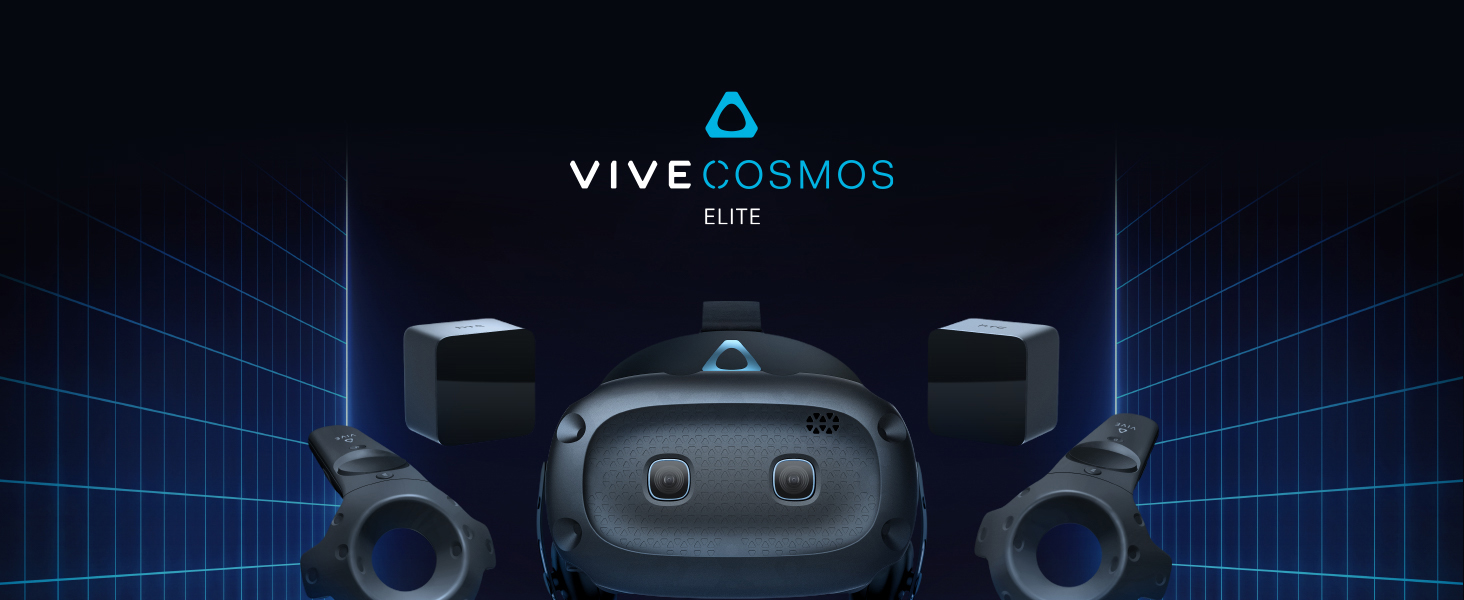
🚀 Elevate Your Reality with HTC Vive Cosmos Elite!
The HTC Vive Cosmos Elite Virtual Reality System offers an expansive play area, stunning 2880 x 1700 resolution, and a user-friendly flip-up design, making it the ultimate choice for immersive gaming on Windows 10 and 11. With Lighthouse tracking and access to Vive Port Infinity, it redefines virtual experiences.


| Memory Storage Capacity | 4 GB |
| Platform | Windows 10 |
| Resolution | 2880 x 1700 |
| Screen Size | 3.4 Inches |
| Display Type | LCD |
| Controller Type | [VR Motion-Sensing Controller Type] |
| Field Of View | 97 Degrees |
| Connector Type Used on Cable | Micro USB |
| Additional Features | Flip-up Design, Crystal-clear Graphics, Lighthouse Tracking |
| Connectivity Technology | USB |
| Compatible Devices | Personal Computer |
| Specific Uses For Product | Gaming |
| Operating System | Windows 10 |
| Item Weight | 12.9 Pounds |
| Color | Black |
R**E
Technically awesome, but it's heavy...
All of the technical specs are top shelf and works as advertised. I picked up this and the Valve Index, the Index does have it beat on field of view, but the Vive's display is noticeably better in color and clarity . The Vive controllers have amazing tracking, but they're heavy and starting to show their age and there is no comparison between them and the Index's controllers (you can use those on the Vive too). But honestly my only major issue is that it's stupid front heavy and your neck will be hurting after a few minutes of play. If you are younger or don't have ripped neck muscles like a body builder, you may want to look at the much lighter Mixed Reality or Oculus headsets.
T**O
A great headset and investment to save you money later on
So the htc vive cosmos elite. You are probably like me when I was buying this headset and wondering why would I buy this head if I can get a valve index for only $100 more? Well for one the whole point with the cosmos is customization. The way how the head set was built was for multiple attachments to be on it and face plates that can feel like your on a whole new head set. What I mean and what I think vibe is trying to do is make something you will never need to change out but instead just spend like $200 for a new face plate and boom it’s like you just bought a new head set. Plus let’s not forget this headset has a better refresh rate , better shipping , and it can be wireless all unlike the valve index.So in short words I would recommend getting this headset because it could save you money farther down the future.If you are switching from an oculus headset or a mixed reality head set I guarantee you will have a whole new experience. Now also this depends on your pc but that’s for every head set now.So there you have it that’s my honest opinion on theHTC VIVE COSMOS ELITE
J**R
Incredible Headset, Questionable Controlers.
I bought the HTC vive after my oculus rift started to fall apart, and could not get replacement parts due to its discontinuation. I decided to upgrade and, WOW. Just wow. The headset, while a little heavy, is a major leap from the oculus. The image quality alone was astonishing. While I found base stations to be a bit annoying to set up, they make everything far more responsive and smooth while playing In VR. While I do only have the Rift S to compair to, I still feel like this is a top quality VR headset. However, the controlers the set comes with are another story. They work great for simple games like Beat Saber, but for more in-depth games such as Blade & Sorcery and Into the Radius, they are terrible. The basic bindings are confusing and the general feel of them is awkward. If you want to get this VR set, get just the base stations with the headset, and get a separate compatible pair of controllers. I ended up getting the Valve Index controllers but you can also get the HTC Vive Cosmos controllers as well, which are a little cheaper but still work really well.
T**L
Not Meta or cheap, not the Porche Index of VR, but rather right in the middle!
I'm rather surprised this worked on my system. My gaming PC is an MSI GL63-series laptop with a Geforce 1660 TI Mobile graphics card. Not exactly the Lambo of gaming laptops or graphics, but it handles well enough for every game I've put it up against.All the 'DisplayPort needed' talk made me wiggle too, but an MDP-to-DP adapter make it work perfectly. (Heck, it came with one in the packaging, too)Pros:So far, games work just fine on mediumish quality with little to no lag issues. I play Half Life: Alyx on Medium and it works very well, Beat Sabre give no trouble, and VRchat also operated quite well. The room-tracking actually impressed me, it was quite near 1:1 movement with maybe 2-15 ms delay at worst and that was because of the laptop most likely. It presented an appropriate sense of scale within applications, as well as ample crouch detection, which you need for some games behind cover!The button configuration works well enough for all apps since SteamVR is handling most of the input mappings to known VR systems I suppose. Sure, it doesn't have a hand strap like the Index... so I use the wrist straps and don't drop my controllers. I don't hand per-finger tracking, but I got grips, and the interfaces are fine with that. Sure, I popped extra for the room sensors, it made logical sense so my clumsy self won't bump into the TV or couch.Cons:The cable can bunch up a bit after a few dozen turns around the room, I'll attest to that. Sort of wish the earphones would better press to my ears, but I can hear through them fine while they hover just a half-inch away from my ears. Wouldn't've minded a 3.5mm plug to auxiliary headphones. Mic works in VRchat clearly however.Maybe this is just me still finding my VR legs, but after a few hours of usage, I do notice a 'tactile disparity' with the real world the next day. It's gotten better, probably need to tune that side eye-spacing knob a little better. But that knob ain't great and I can't go below 60mm which might help some smaller folk.Sure I had to make a Vive account during setup but... at least it ain't hocking my personal information or locking my games to a Meta account like some VR solutions might be doing. I don't HAVE to use the Vive storefront; SteamVR interfaces with it just fine. In fact, it's what does the actual room setup.Summary:I mean, sure the Index would be baller, but some of us have more important things like... you know... rent or groceries or bills. Do you NEED a $1,000+ VR setup? ... I mean REALLY NEED it? Do you need a $1,000+ phone? I mean REALLY NEED it? Do you NEED a car with power windows or can you just use the hand crank to achieve the same outcome and save a couple hundred bucks?Moderation in all things; the middle option is oftentimes sufficient. The HTC Cosmos Elite is plenty sufficient for its intended use case scenarios.
Trustpilot
3 weeks ago
2 weeks ago