We remain fully operational. Our teams are working around the clock to ensure your deliveries continue safely.

DOWNLOAD THE APP


Customer Services
Copyright © 2025 Desertcart Holdings Limited
DOWNLOAD THE APP
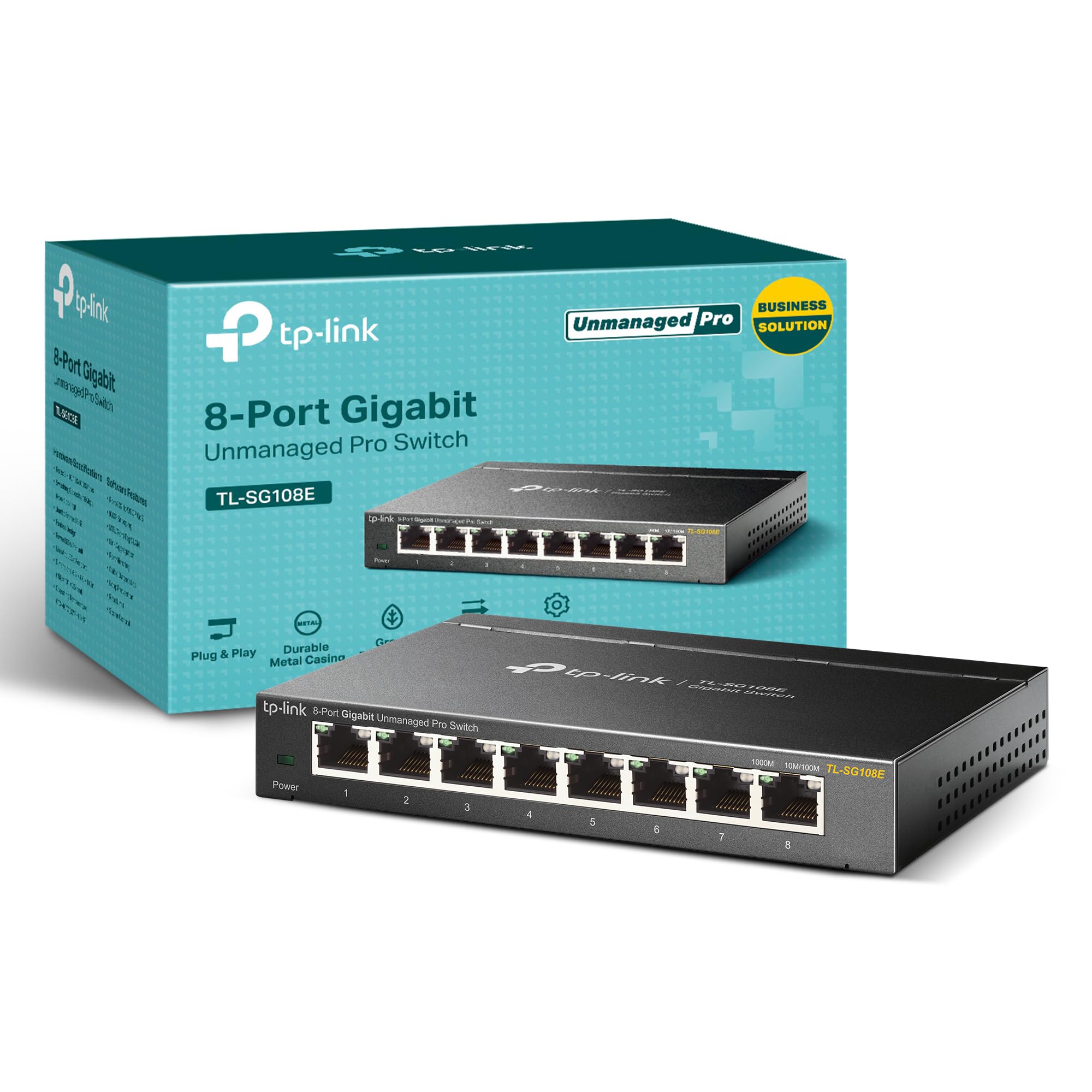
⚡ Elevate your network game with pro-speed and smart control!
The TP-Link TL-SG108E is an 8-port Gigabit Ethernet switch featuring a robust metal chassis and shielded ports for reliable, interference-free connections. Designed for easy smart management, it supports advanced features like QoS, VLAN, IGMP Snooping, and Link Aggregation to optimize network performance and security. Ideal for professionals seeking seamless plug-and-play setup with powerful traffic monitoring and segmentation capabilities.


| ASIN | B00K4DS5KU |
| Best Sellers Rank | #9,074 in Computers ( See Top 100 in Computers ) #49 in Network Switches |
| Brand | TP-Link |
| Built-In Media | TL-SG108E Power Adapter Installation Guide Rubber Feet |
| Case Material Type | Metal |
| Color | Black |
| Colour | Black |
| Compatible Devices | Desktop |
| Compatible devices | Desktop |
| Current Rating | 1 Amps |
| Customer Reviews | 4.7 out of 5 stars 6,179 Reviews |
| Data Transfer Rate | 11.9 Megabits Per Second |
| EU Spare Part Availability Duration | 2 Years |
| Global Trade Identification Number | 06935364021863 |
| Interface | RJ45 |
| Item Dimensions L x W x H | 15.7L x 10.2W x 2.5H centimeters |
| Item Weight | 1.12 Pounds |
| Manufacturer | TP-Link |
| Maximum Power | 1000 Watts |
| Mfr Part Number | TL-SG108E |
| Model Number | TL-SG108E |
| Number of Layers | 3 |
| Number of Ports | 8 |
| Number of ports | 8 |
| Platform | Windows |
| Product dimensions | 15.7L x 10.2W x 2.5H centimeters |
| Switch Type | Metal |
| UPC | 840460604086 845973021856 |
| Upper Temperature Rating | 55 Degrees Celsius |
| Voltage | 9 Volts (DC) |
A**R
سرعة في نقل البيانات ويعمل بالتوافق مع جميع الشبكات وسهل الاستخدام
حل مشكلة منافذ الروتر لدي، ويعمل بكفائه والسرعة المطلوبة على الرغم من توصيل اكثر من جهاز به، ليس له صوت وسهل الاستخدام
M**R
Good user for Home
Hi, it's a business switch, but since it's not that much expensive and not very advance switch, you can use it at home and have a little bit advance network. E.g. if you want to use VLANS or Link Aggregation. Regards, M
M**K
Everything is ok
Good
Trustpilot
1 month ago
2 days ago