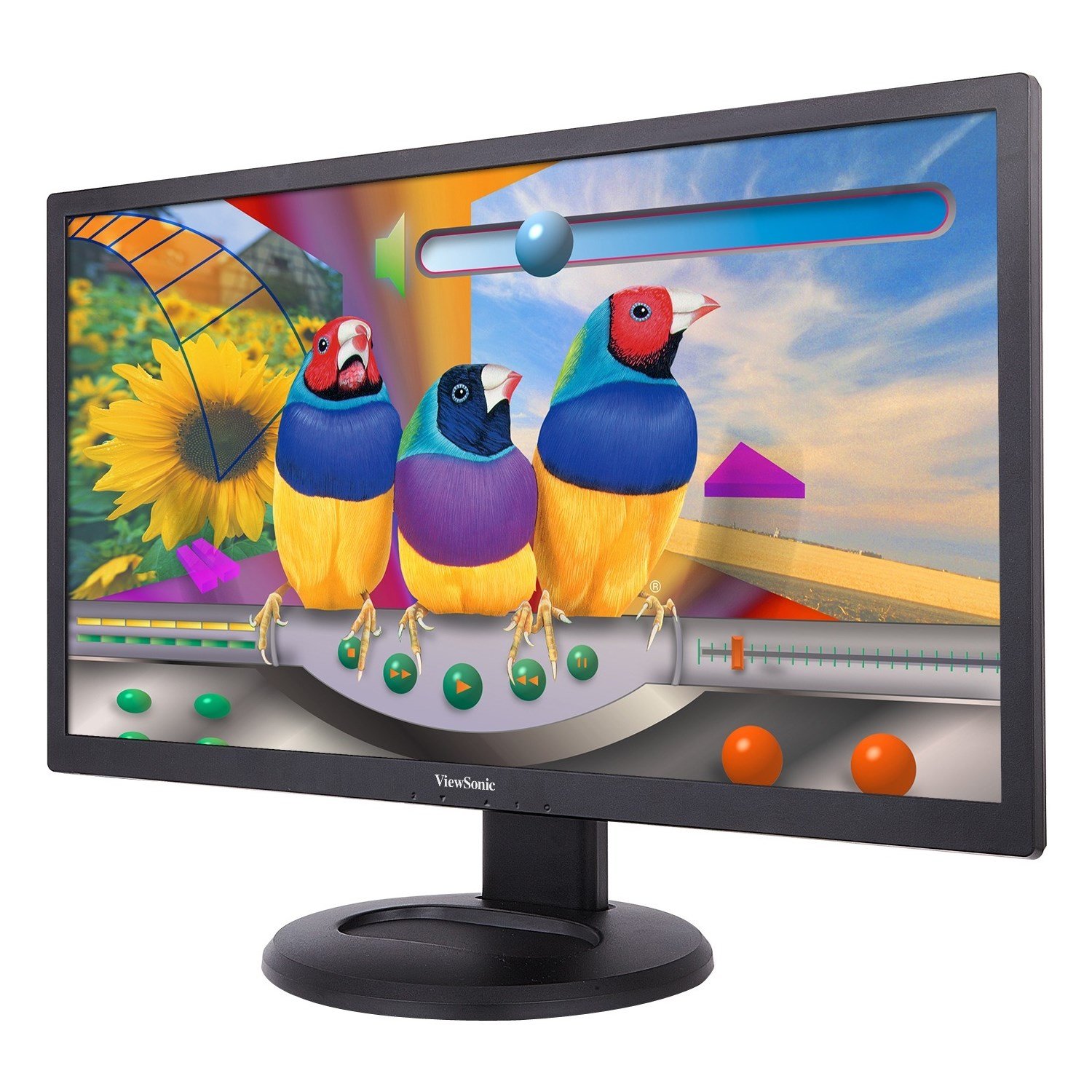
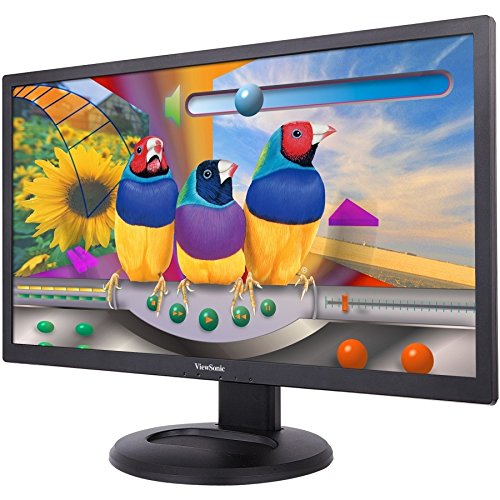
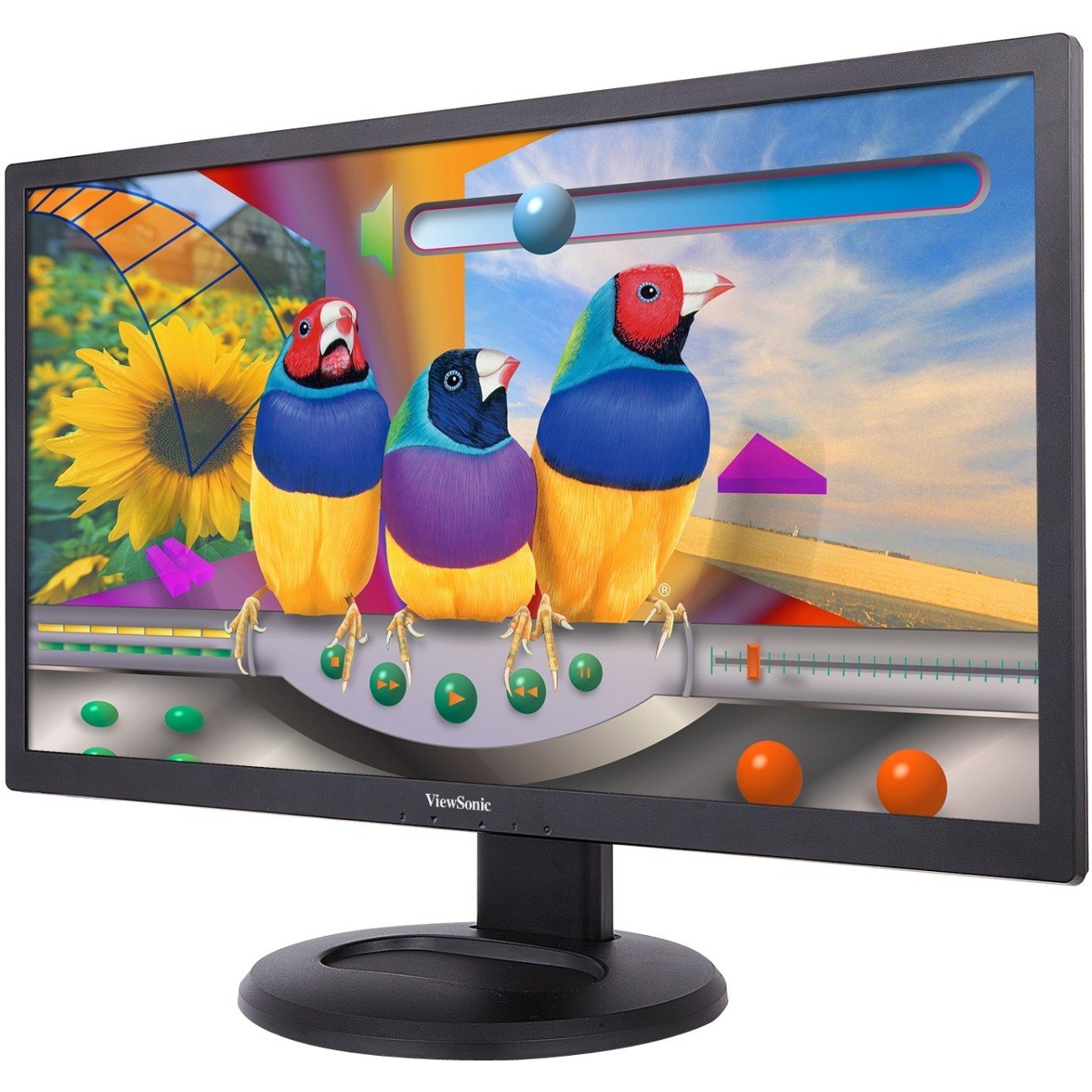
🚀 Elevate your workspace with ViewSonic’s powerhouse 28" ergonomic monitor — see more, do more, be more.
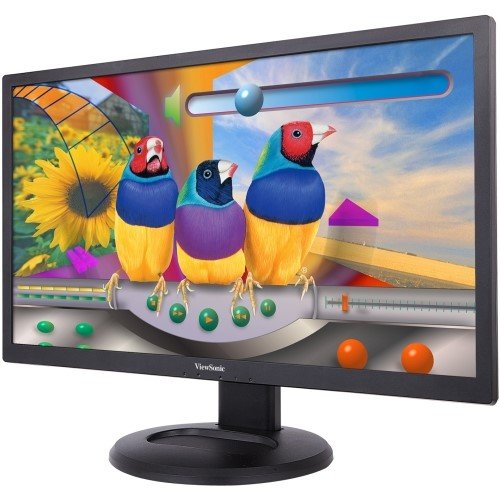
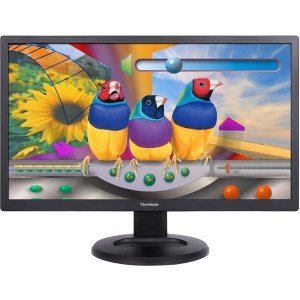
The ViewSonic VG2847SMH is a 28-inch Full HD (1920x1080) business monitor featuring advanced ergonomic adjustments including height, tilt, swivel, and pivot. Equipped with SuperClear Pro MVA technology, it delivers rich 8-bit color and wide viewing angles. Future-proof connectivity options include HDMI, DisplayPort, VGA, and a USB hub, supporting a wide range of devices. Eye comfort is enhanced with Flicker-Free and Blue Light Filter technologies. The monitor is ENERGY STAR and EPEAT Gold certified, backed by a 3-year warranty, making it an ideal, energy-efficient choice for professional environments.


| Standing screen display size | 28 Inches |
| Screen Resolution | 1920x1080 |
| Max Screen Resolution | 1920 x 1080 Pixels |
| Brand | ViewSonic |
| Series | VG2847SMH |
| Item model number | VG2847SMH |
| Item Weight | 16.28 pounds |
| Product Dimensions | 10.5 x 26 x 19 inches |
| Item Dimensions LxWxH | 10.5 x 26 x 19 inches |
| Color | gold |
| Manufacturer | ViewSonic |
| ASIN | B00SZ4GJIU |
| Is Discontinued By Manufacturer | No |
| Date First Available | January 30, 2015 |
S**P
Fantastic bang for the buck.
This is a very solid MVA panel monitor for generic use as any kind of display. Currently I have this set up as my secondary monitor.Good: Not a single dead or stuck pixel. I seriously cannot stress enough how happy I was to turn this on and run it through some tests and see not a single malfunctioning pixel. Also, I have no back-light bleeding. I was expecting at least some but there is none on my screen. It's an MVA panel so the viewing angles are immensely better than a TN panel and almost equivalent to IPS panels, of which I'm not a fan due to various reasons. Color accuracy could use a little work and did take some tweaking for me to achieve a satisfactory result - but a satisfactory result IS attainable. Text is sharp, clear, and easily readable. THE STAND is FULLY adjustable and not difficult to deal with at all. I don't understand why fully adjustable stands aren't included with all monitors these days.Not So Good: For an MVA panel, the black levels (contrast ratio) are not as deep as I'd like. When directly comparing to a Dell 2440L (my primary monitor), the Dell seems to be leaps and bounds beyond the Viewsonic in this area. Maybe its due to the fact that the Dell 2440L states that it is an A-MVA panel and not an MVA panel as the Viewsonic. So as a result, watching movies or videos on the Dell 2440L looks slightly better than on the Viewsonic. Now don't get me wrong; the blacks are definitely beyond that of a TN panel and definitely deeper than ANY IPS panel in existence, but maybe I've just been spoiled by the 2440L in that regard.Ugly(ish?): The bezel. The aesthetics of this monitor are plain and simple - nothing exciting whatsoever. This is just a classic-looking monitor with generic buttons and a normal bezel. But for $185, I wasn't expecting a glass-edge bezel-free modern design gold star winner here. If aesthetics are important to you, you may want to look elsewhere.OSD: Again - generic. It has all the options I need, but due to the buttons on the monitor, navigating the OSD can be annoying at times. Keep in mind that this isn't marketed as a gaming monitor and probably won't come with many options that more expensive options will have. It does however, have a blue light filter option and an overclocking option to eliminate ghosting and the overclocking option DOES work.Again, this is a sub-$200 monitor so don't expect $500 greatness when you're spending $185. But I will say that I am very satisfied with the purchase and for the price, I don't think I could have received any more bang for my buck. I'd buy this monitor again and I would recommend it to others.
J**K
Monitor and Amazon outstanding! Everybody else involved Yeesh Really?
Not too happy with the way this item is shipped. To begin with it was not sealed at all with shipping tape. It arrived on the porch upside down by UPS. Judging by the wear/dirt marks it spent most of the time on its back instead of being placed in the upright position like it is clearly marked on the box. To get to my town in NV it made multiple stops (8) from TN to get here.Once I got the monitor started up I noticed the image went from filling entire monitor to a shrunken image. So I put the disk in and added the drivers that are supposed to accompany this monitor. What I had noticed that was very obvious and disappointing right away was the text appeared to be quite blurry and the images did not seem to appear correct. After a couple hours of tweaking and fiddling with it I came to the conclusion I would return this because the image and appearance was just not acceptable. After going into windows help and looking on the community pages I discovered that blurry imaging and text is a common problem on computers which reminded me I had experienced this years ago.What was going on is the "scaling" was not set right and this corrected not only the blurry text but it filled the image back out to the edges of the monitor. What a ginormous difference this made! The clarity and sharpness on this monitor is absolutely fantastic. It is too bad that VS does not include a Tips/Troubleshoot page in with the quick start guide as I am sure I am not the only person that has experienced this issue.A word about HDMI- The reason I decided to purchase this monitor was because it has a DisplayPort connection in addition to HDMI and VGA. From what I have heard and read about DP is a newer better connection than HDMI and is totally free as opposed to a royalty/proprietary setup like HDMI. For this reason a DP cable is included while an HDMI cable is not. Turns out I had to go with a HDMI/DVI cable out of BestBuy because the back of my computer which is not that old (3/14) only has DVI and VGA. As you recall VGA connection is the old fashioned analog which is ironic because the signal generated from computers is digital to begin with and the whole point of VGA is to step down to analog to accommodate the old CRT monitors. While you can hook up a DP/DVI cable it is only one way. The DP has to be at computer end and DVI at monitor end not the other way around.A word about MS updates. I assumed that when MS sends out an update for say your video card that it is the best update. Not true. I went to The AMD site and got a card driver update that was current (2014) while the MS update was over two years old. Had made the mistake of believing the MS update to be the better and proper update and had noticed a significant reduction in image quality.Hope all this information is helpful.
T**.
Good overall, but minor annoyance with control buttons
I've bought a few of these for work, and overall it's a pretty good product at a fair price.Color accuracy, even after calibration with an external "Spyder 4" instrument, is not as good as my personal Dell U2713HM, so I wouldnt use the Viewsonic for work where color is critical (photoshop, etc). But for business use it's fine.The legibility of the 4 menu and power buttons in the lower right corner is very poor. Subtle embossing of the black plastic is inadequate. Also the buttons are not raised or easily distinguishable. Very easy to press the wrong button. I ended up applying a narrow, 3.5mm, black-on-white, Brother P-touch label above the row of buttons.Would be very annoying, if I didn't already have the label catridge.
Trustpilot
1 month ago
4 days ago



