Some deliveries may take a little longer than usual due to regional shipping conditions.

DOWNLOAD THE APP


Customer Services
Copyright © 2025 Desertcart Holdings Limited
DOWNLOAD THE APP
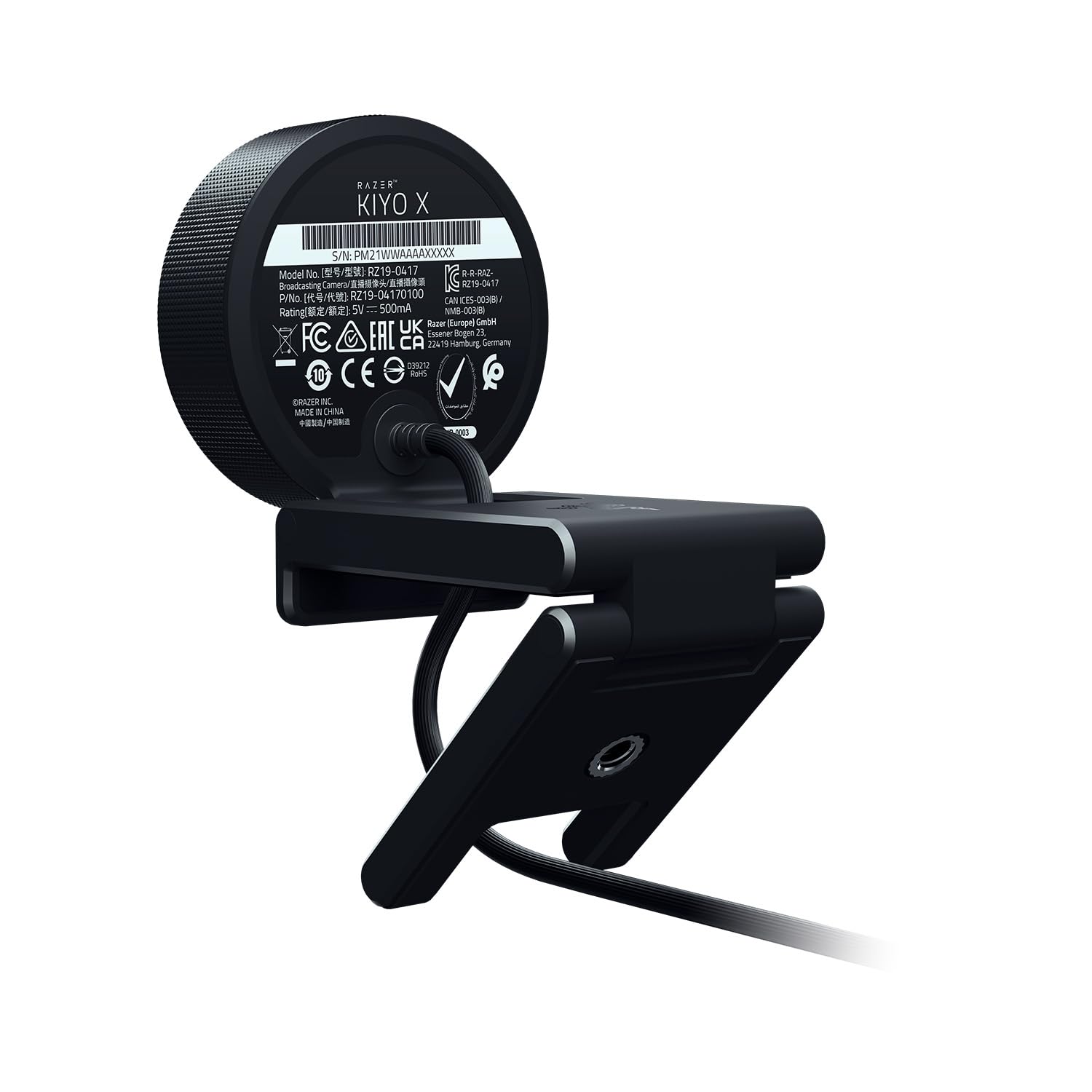
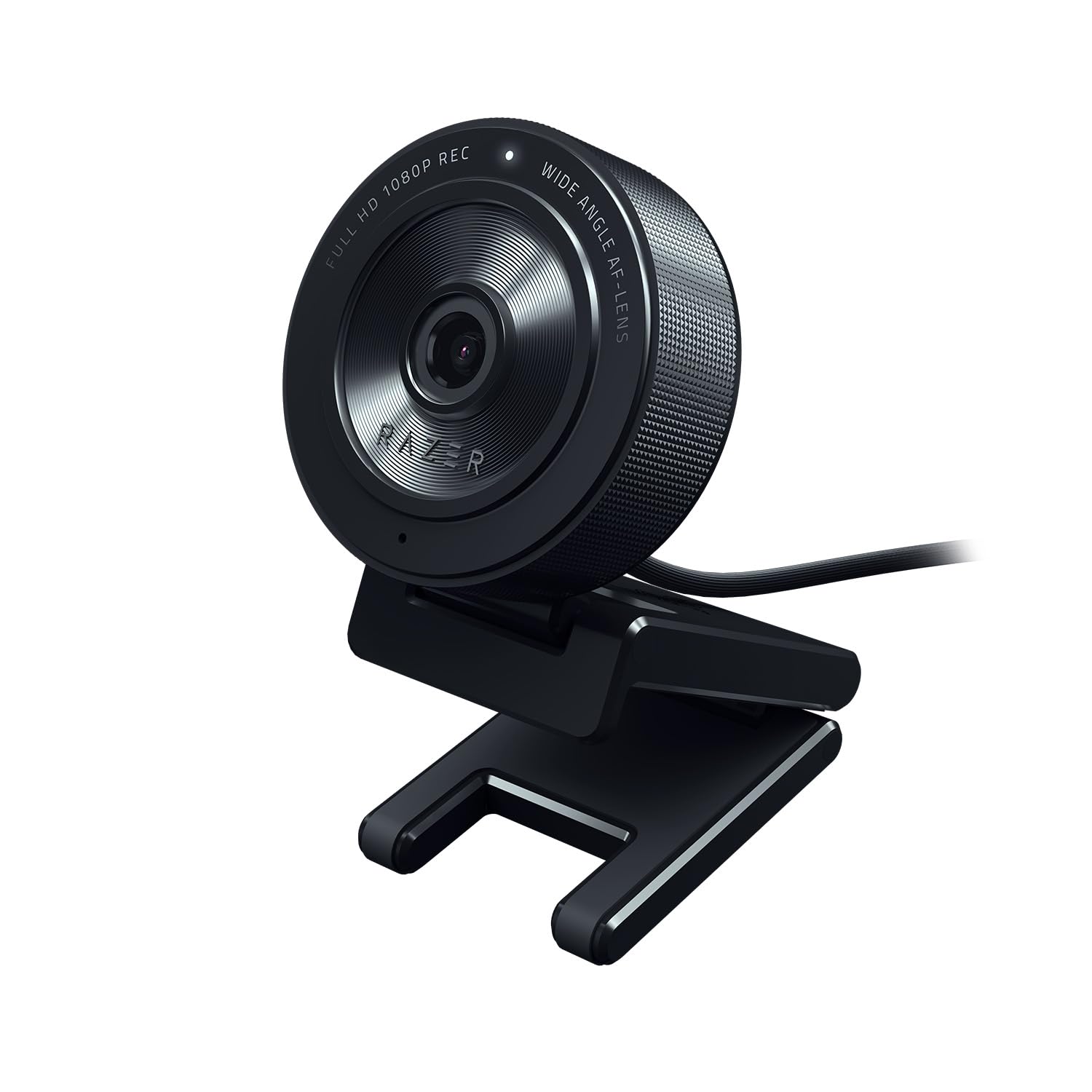
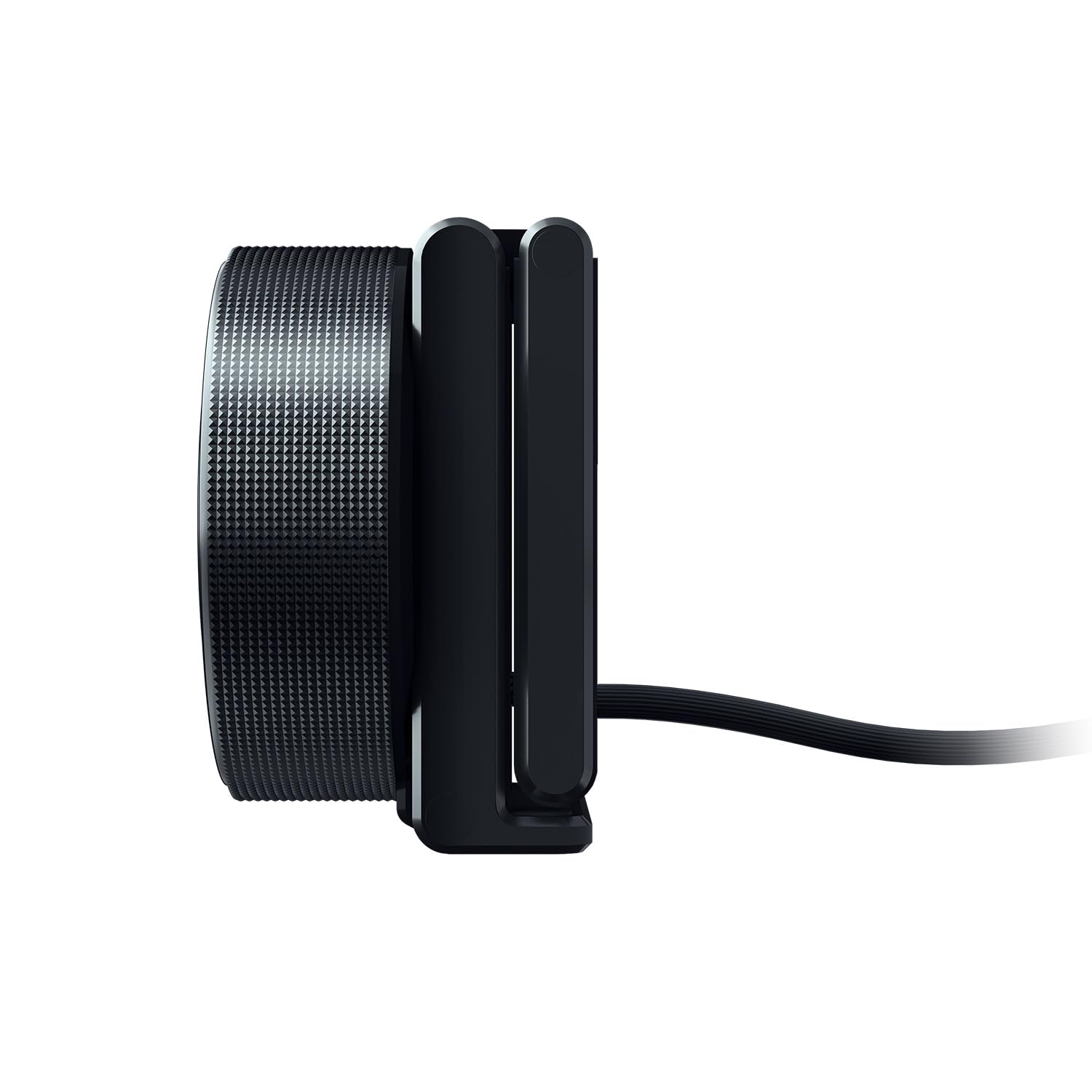
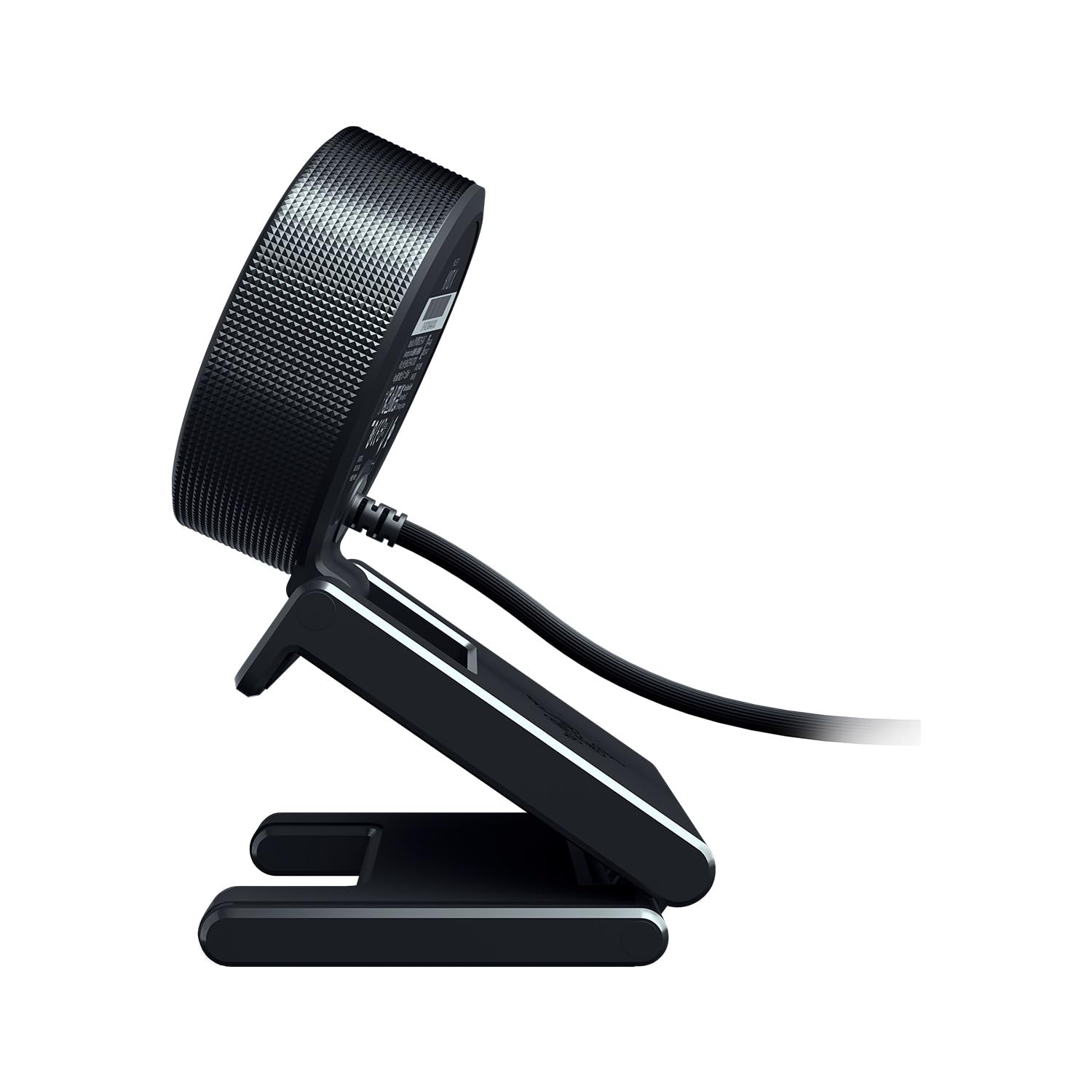
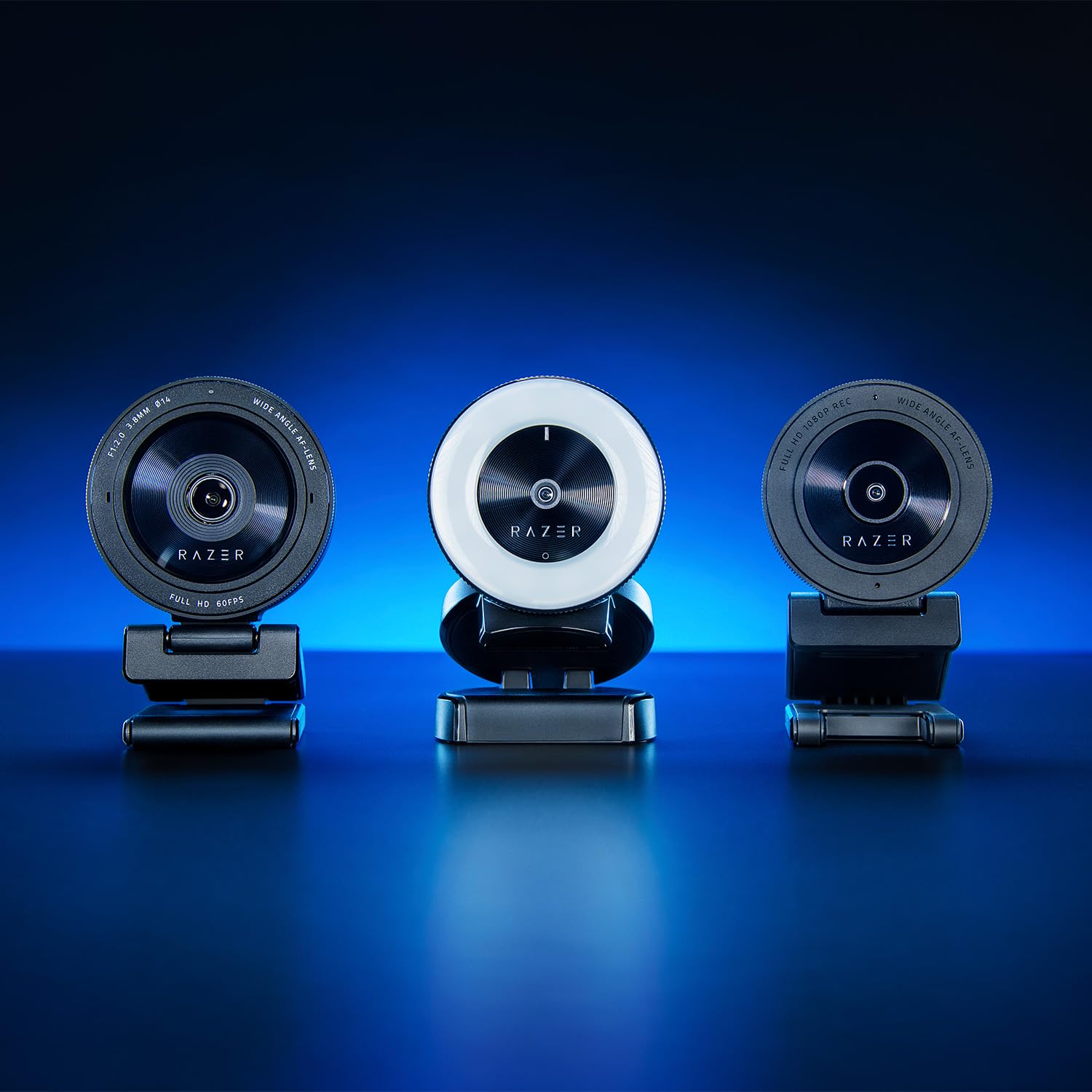



🎥 Elevate your stream game—because your audience deserves nothing less!
The Razer Kiyo X is a compact, plug-and-play Full HD webcam offering 1080p at 30fps or 720p at 60fps with smart auto focus and fully customizable image settings via Razer Synapse 3. Designed for professionals and creators on the go, it features flexible mounting options and a portable form factor, making it ideal for high-quality streaming and video calls anywhere.


| ASIN | B09DGQHV87 |
| Best Sellers Rank | 3,145 in Computers & Accessories ( See Top 100 in Computers & Accessories ) 24 in Webcams |
| Brand | Razer |
| Colour | Black |
| Customer Reviews | 4.2 4.2 out of 5 stars (9,822) |
| Date First Available | 30 Sept. 2021 |
| Effective still resolution | 64 MP |
| Focus type | Auto Focus |
| Guaranteed software updates until | unknown |
| Has image stabilisation | No |
| Included components | Camera |
| Item Weight | 11.2 Ounces |
| Item model number | RZ19-04170100-R3M1 |
| Max Focal Length | 1 Millimeters |
| Min Focal Length | 1 Millimeters |
| Package Dimensions L x W x H | 20.1 x 17 x 11.4 centimetres |
| Package Weight | 0.34 Kilograms |
| Part number | 8887910000052 |
| Product Dimensions L x W x H | 20.6 x 21.6 x 16.5 centimetres |
| Style | Kiyo X |
| Water Resistance Level | Not Water Resistant |
| Zoom Type | Optical and Digital |
V**T
great quality
picture is clear the quality is durable, great value for money, the mount options seems very well made sturdy, the privacy cap is brilliant
H**N
Sound and autofocus not great, but otherwise it's the best webcam right now.
I was a little unsure about the Kiyo Ultra from reading reviews, some quoting needing an account login to use the camera interface, but when I got it, it worked perfectly as a plug-and-play camera straight in OBS, which is what I will be using 99% of the time anyway, and for the slightly more fine control of the Razer interface software, no login was required. It's not goin to be my go-to camera for web chatting since the sound quality leaves something to be desired (I might use it as a camera but get the sound with something else), but for video and still image quality, it's almost as good as the Panasonic FZ1000 it replaces in my home setup, but with the added convenience of being smaller (thus also fitting on a simple gooseneck mount), and being a webcam I can simply just plug into my computer without a capture card. And it's no wonder that it is, considering its 1"/1.2 sensor is only a tiny bit smaller than the 1" sensor of the FZ1000, but with the added advantage of a fixed focal length lens. So, the two only real caveats I have for this camera, which may or may not be important to you: the built-in microphone isn't great, and autofocus isn't anything to brag about either. I always use manual focus when recording with webcams as no webcams I've used are great in that department, but it is more noticeable with the longer focus throw and fuzzier out-of-focus area of the large-sensor Kiyo Ultra.
P**L
Elevating My Streaming and Content Creation
As someone deeply invested in the world of streaming and content creation, the Razer Kiyo Pro has become an essential part of my setup. Let me take you through my experience with this impressive webcam: 1. Stunning Visuals: The Kiyo Pro's standout feature is its breathtaking video quality. Streaming at 1080p and 60 FPS, it produces crystal-clear, buttery-smooth visuals. Whether I'm streaming gameplay or recording videos, the image quality is consistently top-notch. 2. One of the Kiyo Pro's superpowers is its low-light performance. It handles challenging lighting situations with ease, thanks to its adaptive light sensor and snappy autofocus. Even when I'm in a dimly lit room, the Kiyo Pro manages to make me look like a pro. 3. The ability to adjust the field of view is a game-changer. I can easily switch between a narrow focus and a wide-angle shot, adapting to the content I'm creating. It's like having a camera crew in a tiny device. 4. Razer's reputation for quality shines through in the Kiyo Pro's construction. It feels solid and dependable, with a sturdy clip that securely attaches to my monitor. It's clear they've put thought into the design. 5. Although it lacks the original Kiyo's ring light, the Kiyo Pro compensates with software-based lighting control via Razer Synapse. This level of customization lets me achieve the perfect lighting setup for my streams and videos. Cons: 1. The Kiyo Pro doesn't come cheap. It's an investment, and while the quality justifies the cost for serious content creators, it might be a bit steep for those on a tight budget. 2. Some, including myself, might miss the built-in ring light from the original Kiyo. It offered quick and easy control over lighting conditions, which could be a plus for those without additional lighting equipment. In conclusion, the Razer Kiyo Pro has elevated my streaming and content creation. Its remarkable visual quality, low-light capabilities, and versatile framing options make it an invaluable tool for content creators. While it's not the most budget-friendly option out there and lacks the original Kiyo's ring light, the Kiyo Pro's overall performance and build quality make it a strong contender in the webcam market. It's a worthwhile investment if you're serious about your online presence and want to look your best on camera.
W**S
Fantastic Camera
Incredibly good camera. Minus the requirement for USB-3 for a smooth capture, which I really can't fault it for, it's a perfect camera for the price, with great clarity in colour and overall quality.
C**S
Great with drawbacks
Excellent! Way better image quality than standard built in webcam - don’t like how it just hangs on the laptop screen by a 5 mm lip and that’s basically it - plus the lead is pretty think and plugs directly into the back meaning need a little space behind it - need to install a pretty big multi purpose app to change settings
M**S
La caméra Razer Kiyo est exactement ce dont j'avais besoin pour commencer mon aventure dans le monde du streaming. Je suis ravi de cette petite caméra qui offre une qualité d'image exceptionnelle, une installation facile et de nombreuses fonctionnalités utiles. La première chose qui m'a impressionné, c'est la qualité de l'image. La Razer Kiyo propose une résolution Full HD (1080p) qui offre des détails nets et des couleurs vives. La fonction d'éclairage annulaire intégré est un énorme avantage, car elle assure un éclairage uniforme et flatteur, ce qui est essentiel pour paraître professionnel à l'écran. L'installation est un jeu d'enfant. Il vous suffit de la brancher, et elle est prête à l'emploi. Elle est compatible avec la plupart des logiciels de streaming populaires, ce qui simplifie encore plus les choses. De plus, le support réglable vous permet de positionner la caméra à l'angle parfait pour votre diffusion. Ce que j'apprécie également, c'est le fait que la Razer Kiyo dispose d'un couvercle de confidentialité intégré. Vous pouvez facilement fermer le cache lorsque vous ne diffusez pas, ce qui est rassurant du point de vue de la sécurité. Enfin, le rapport qualité-prix est excellent. Vous obtenez une caméra de streaming de haute qualité sans avoir à dépenser une petite fortune. Si vous êtes un débutant dans le streaming ou même un créateur de contenu expérimenté à la recherche d'une caméra abordable et efficace, la Razer Kiyo est un excellent choix. Dans l'ensemble, je suis ravi de ma Razer Kiyo. Elle offre tout ce dont j'ai besoin pour diffuser des vidéos de qualité professionnelle sans tracas. C'est un excellent investissement pour tout aspirant streamer !
V**R
They are selling the $120 model for $230 shipped tricking you into buying cheap garbage for an extra $100+ DO NOT BUY
S**R
Picture quality is too good, got it for 3.5k . I use it for google meet classes , the mic quality is decent though. U can also change settings in the razer app Nice webcam in this price range
A**N
I was wanting a camera so a friend suggested this one. its a pretty good price for a good quality camera. It works as it should and i have never had any problems for the time i have had it.
G**Z
Działała przez trochę ponad 2 lata. Dzisiaj przestała działać - pojawia się krótki błysk na ringu i tyle. Aktualizacja firmware nie pomaga.
Trustpilot
2 months ago
2 days ago