Some deliveries may take a little longer than usual due to regional shipping conditions.

DOWNLOAD THE APP


Customer Services
Copyright © 2025 Desertcart Holdings Limited
DOWNLOAD THE APP
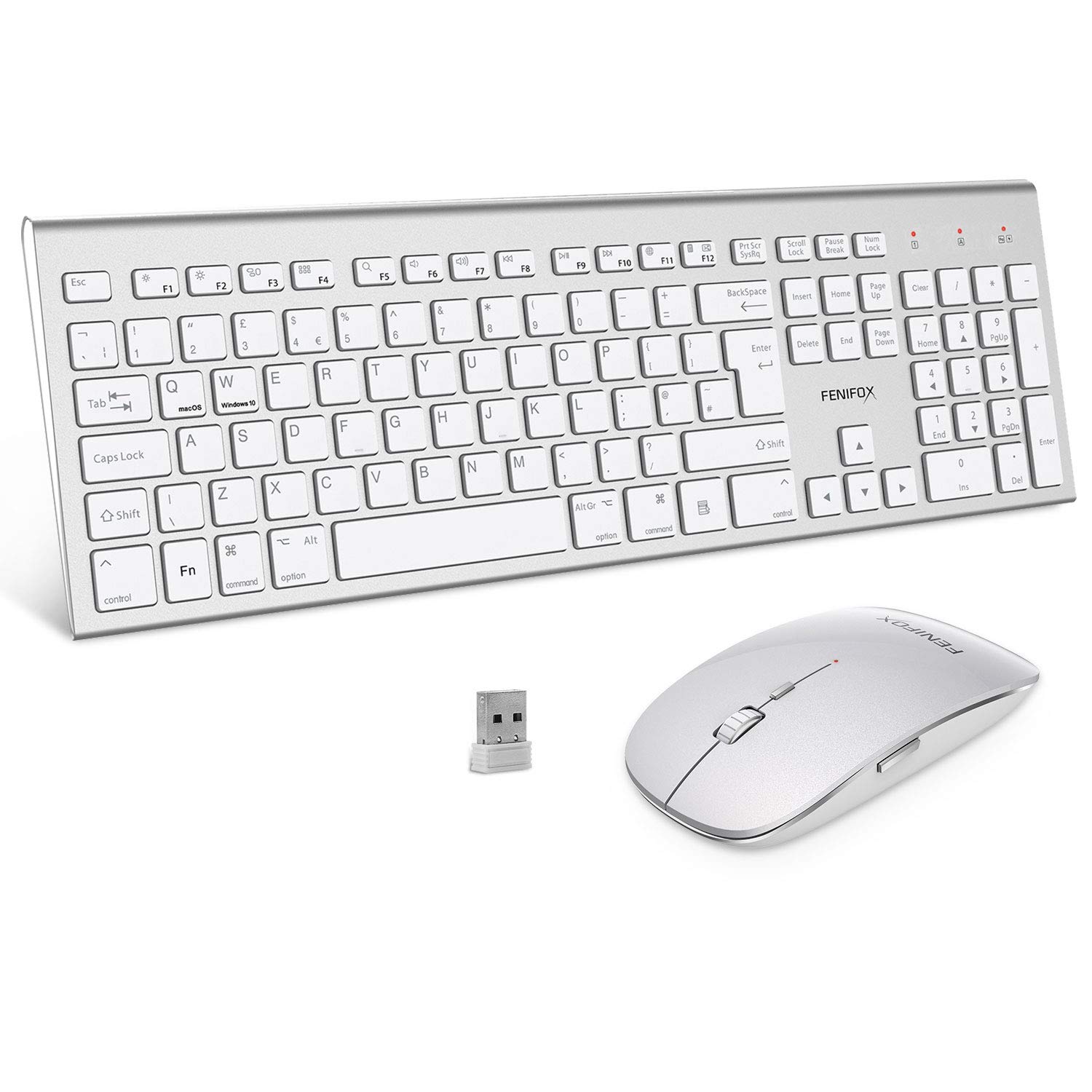
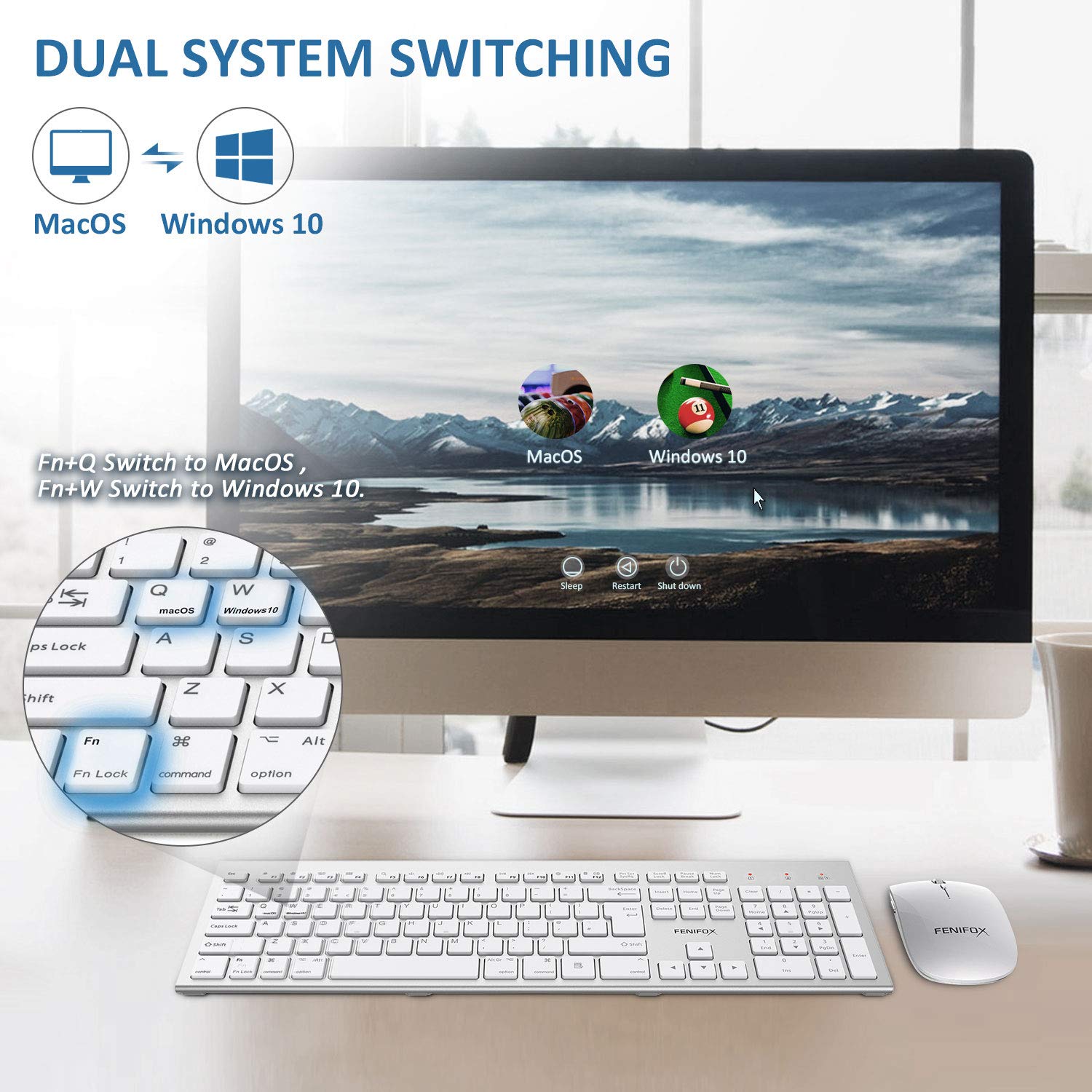
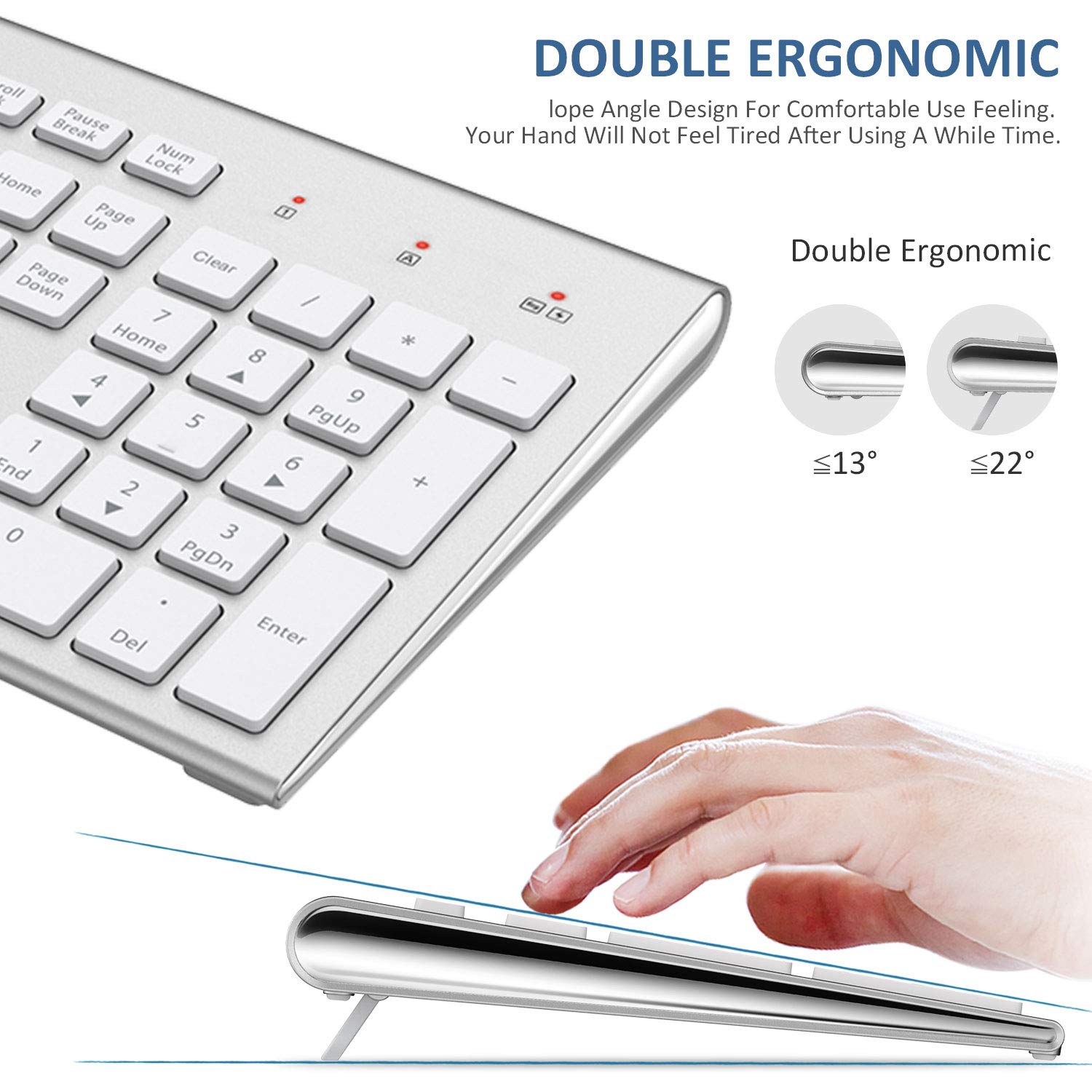
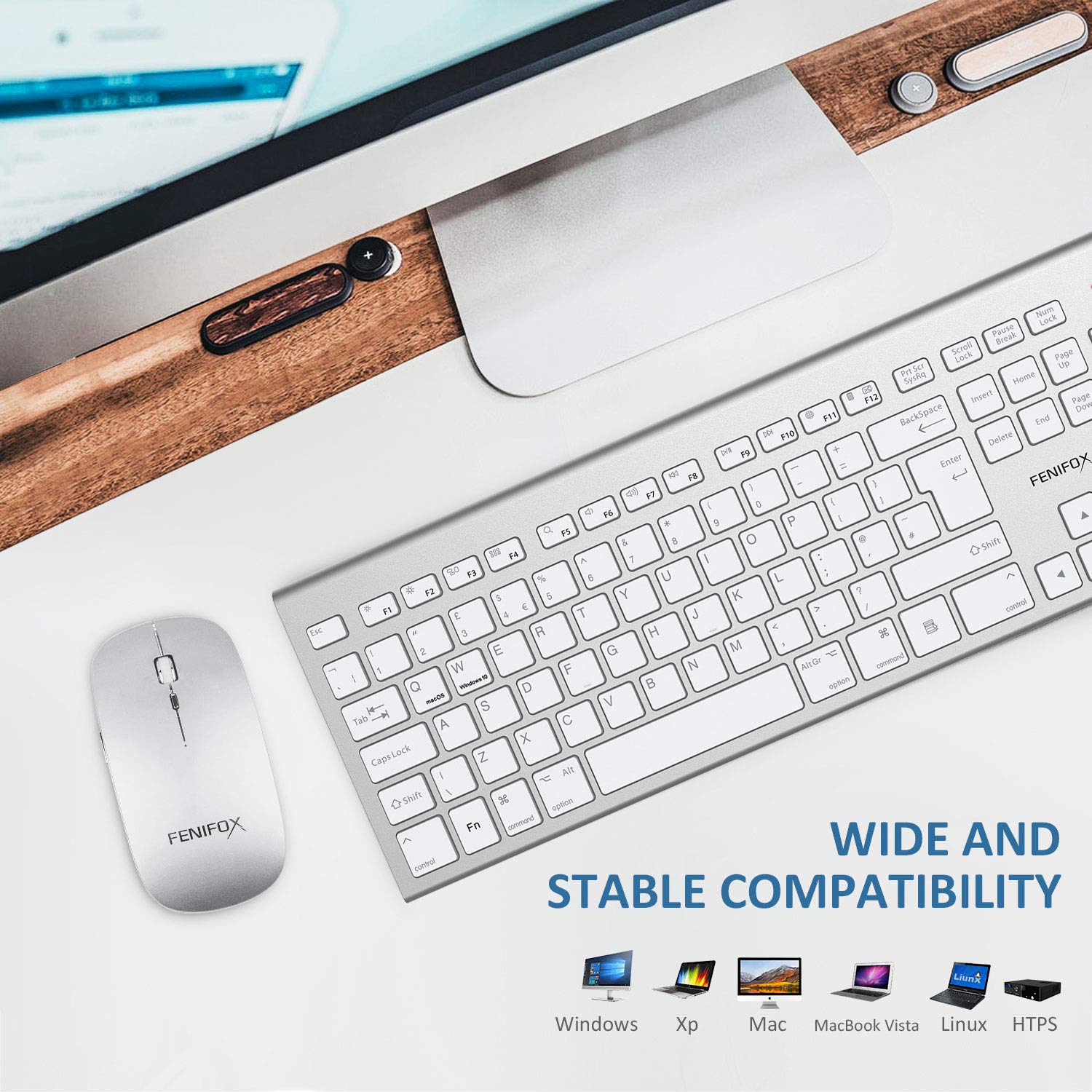
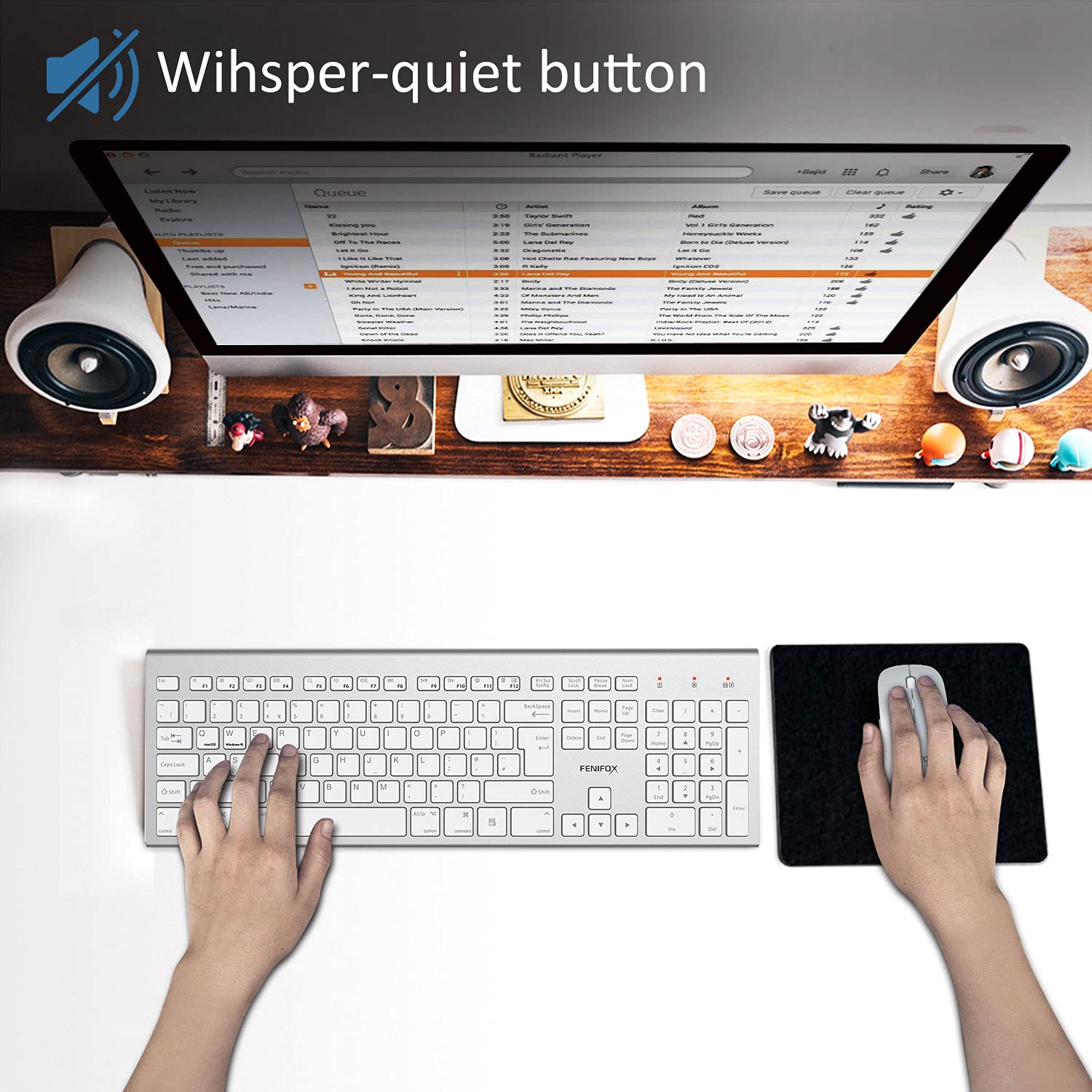
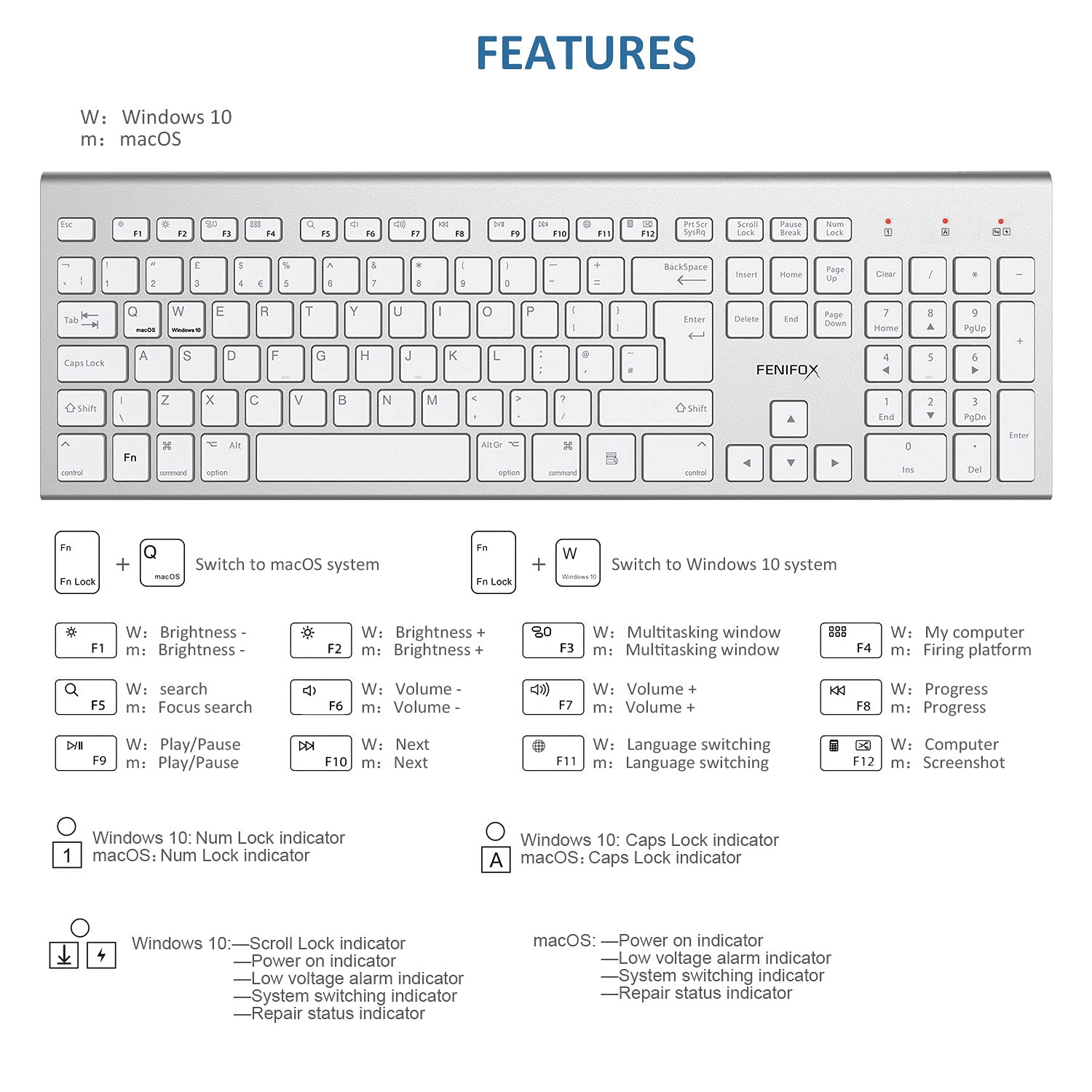
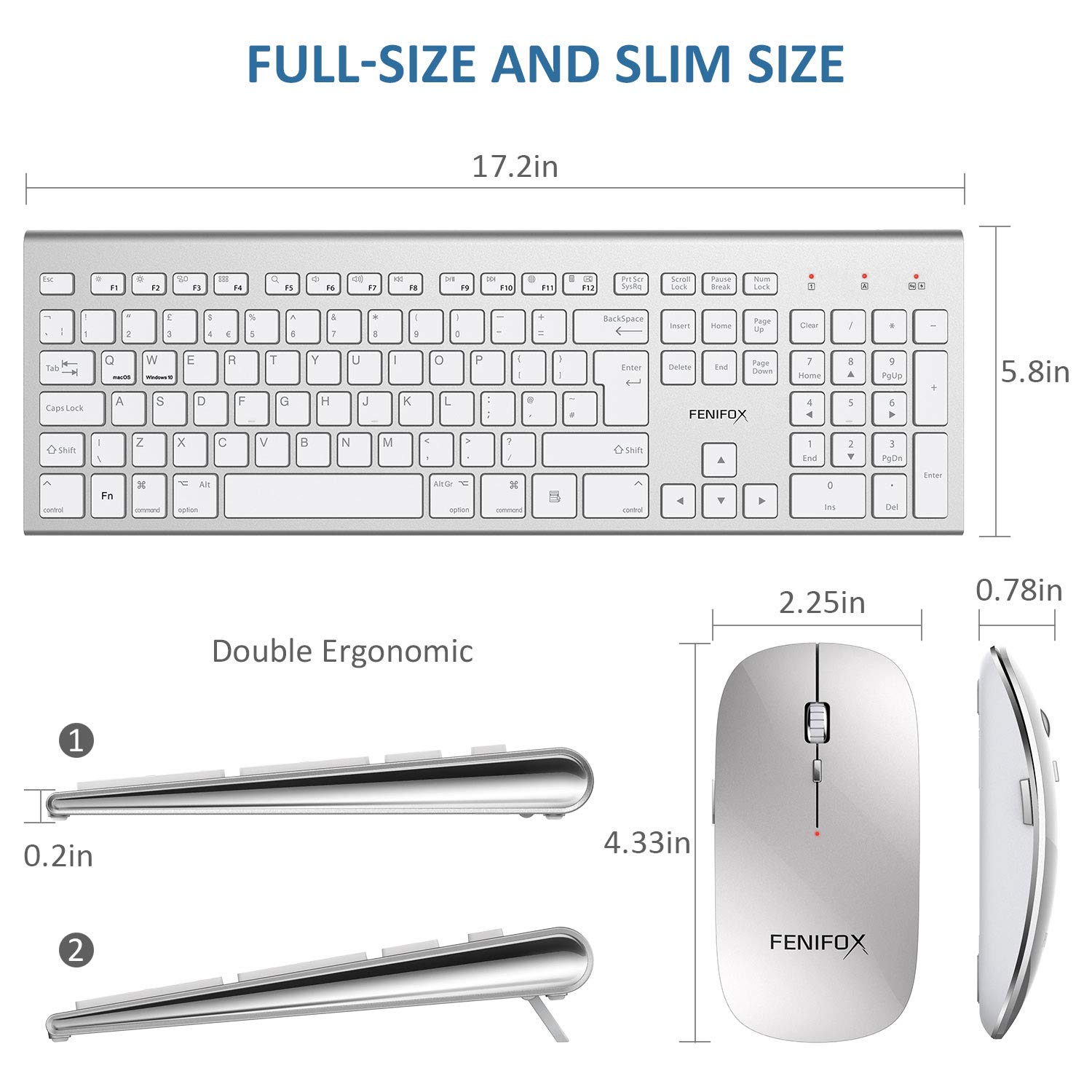
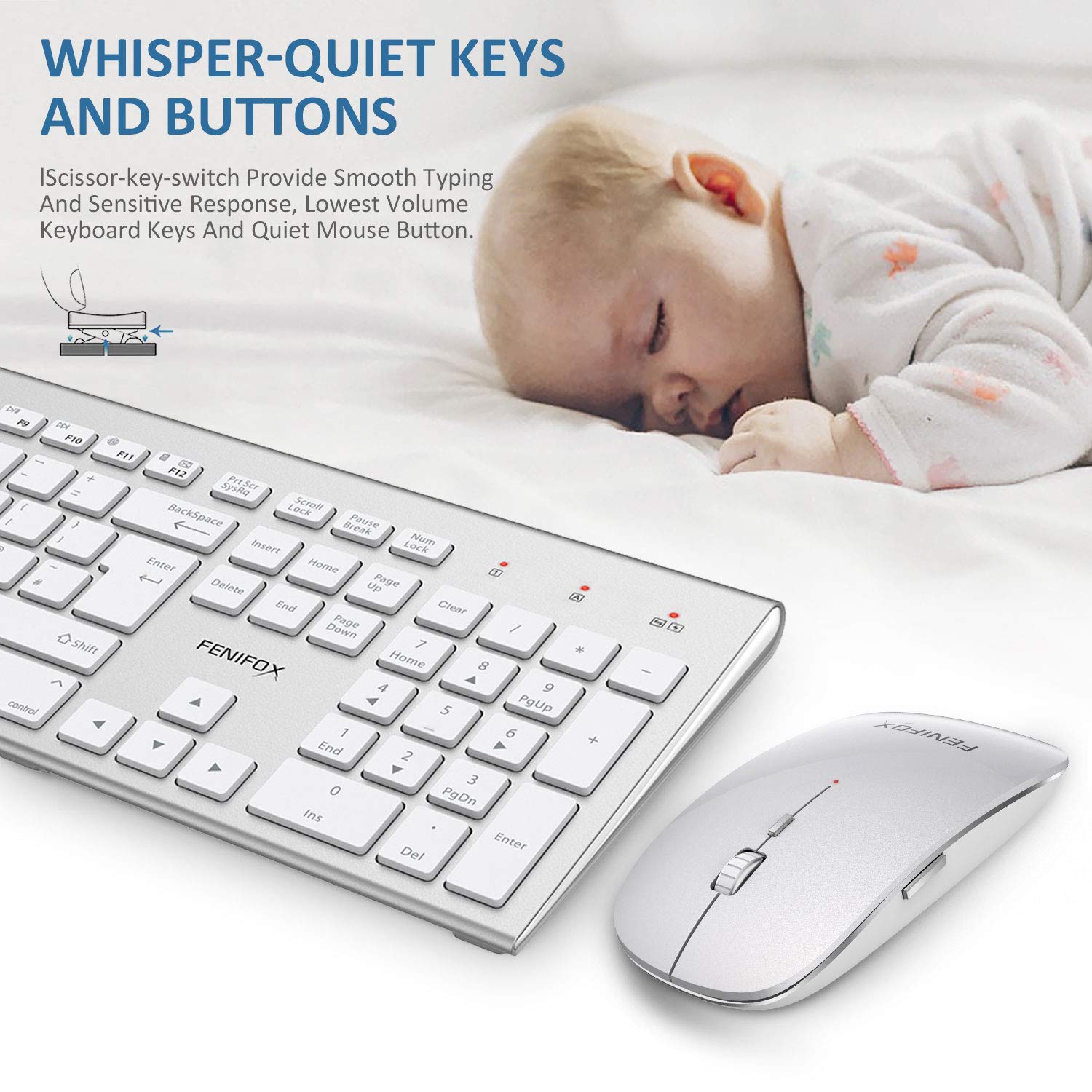
Colour Name:White Silver Newest Design Wireless keyboard and mouse,fully compatible with mac and windows.Dual System Switching SimplyDouble Ergonomic design for most comfortable feeling.Luxurious and attractive design suit for all customers. Dual System Switching: Switch Simply the operating systems of the device by Fn+Q and Fn+W combination keys.Get StartedStep 1: Take out the 2.4G Nano receiver and insert batteries for each mouse and keyboard.Step 2: Plug the nano receiver into the USB port of your laptop/ PC/tablet.Step 3: Switch on both keyboard and mouse and then they will connect to your device automatically.NOTE: The keyboard will enter sleep mode to preserve power after 10 mins of inactivity, press any key and wait for 1 seconds to activate the keyboard again.Solution for keyboard no response:1. Restart the keyboard, Press “ESC” and “+=” keys at the same time, the keyboard enters the repair mode (the low voltage indicator lights up)2. Insert the new USB receiver within 20 seconds, the repair is successful, the LED will turn off immediately and the keyboard available;Tips:If plug the USB over 20s ,it need to restart from 1 again.Please make sure the keyboard enter pairing mode in step2.NOTE: If the above actions failed, please power off the both, remove the receiver and restart from step 2.Last but not least:If you have any problems,pls contact us.We will give you best service! Thank you
Trustpilot
1 month ago
1 month ago