

Desert Online General Trading LLC
Warehouse # 7, 4th Street, Umm Ramool, Dubai, 30183, Dubai
Desert Online General Trading LLC
Warehouse # 7, 4th Street, Umm Ramool, Dubai, 30183, Dubai



🖨️ Print smarter, live inspired — your home office just got a glow-up!
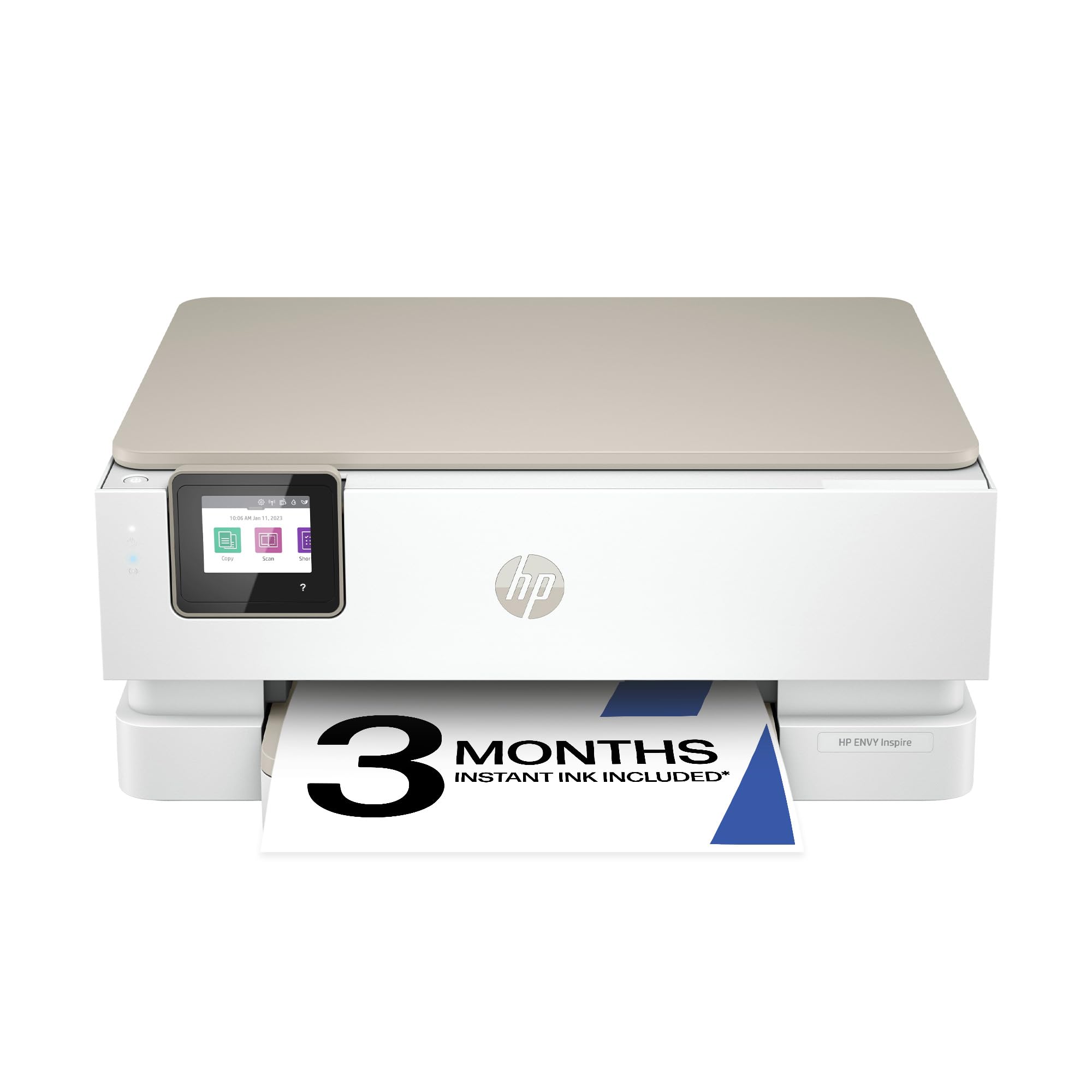
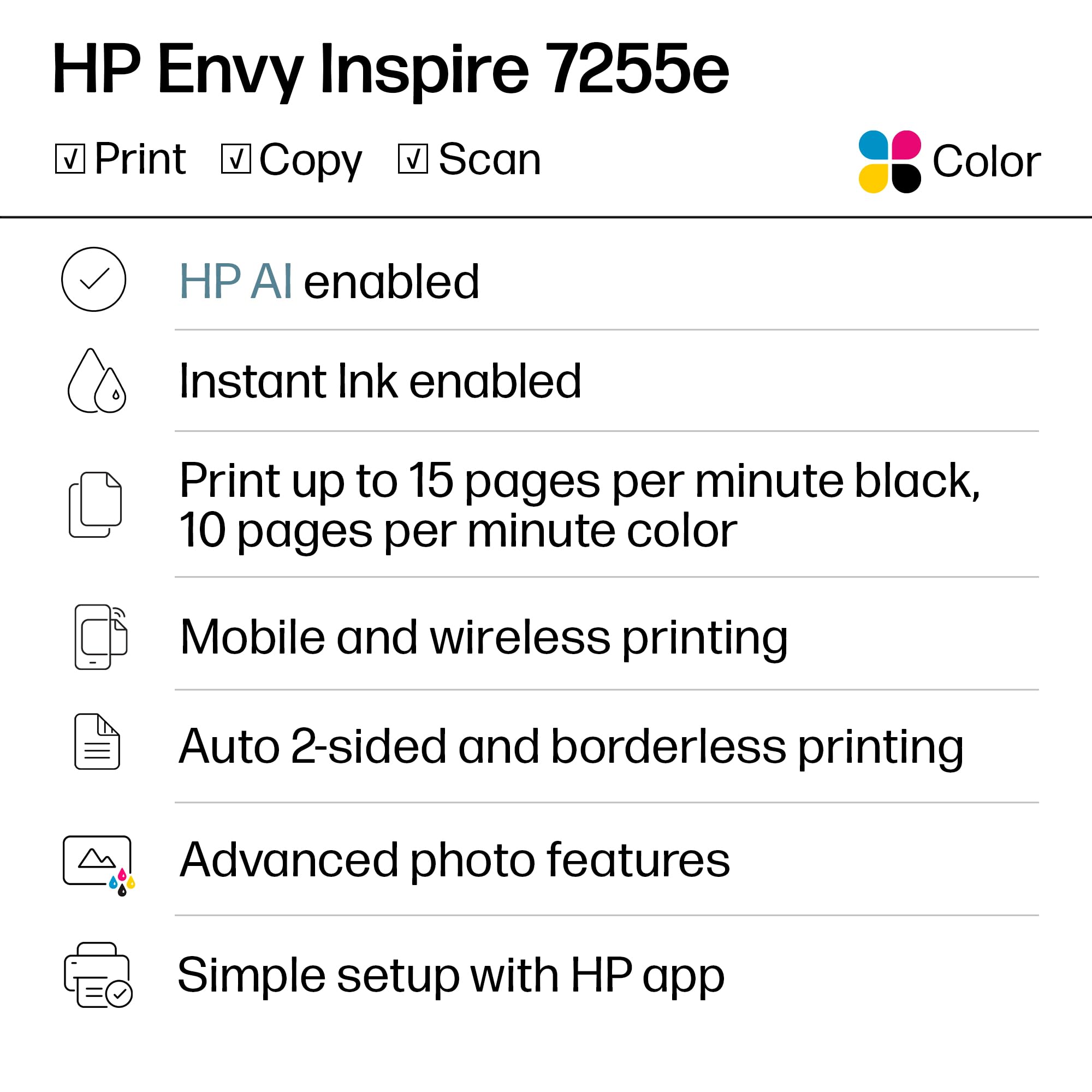
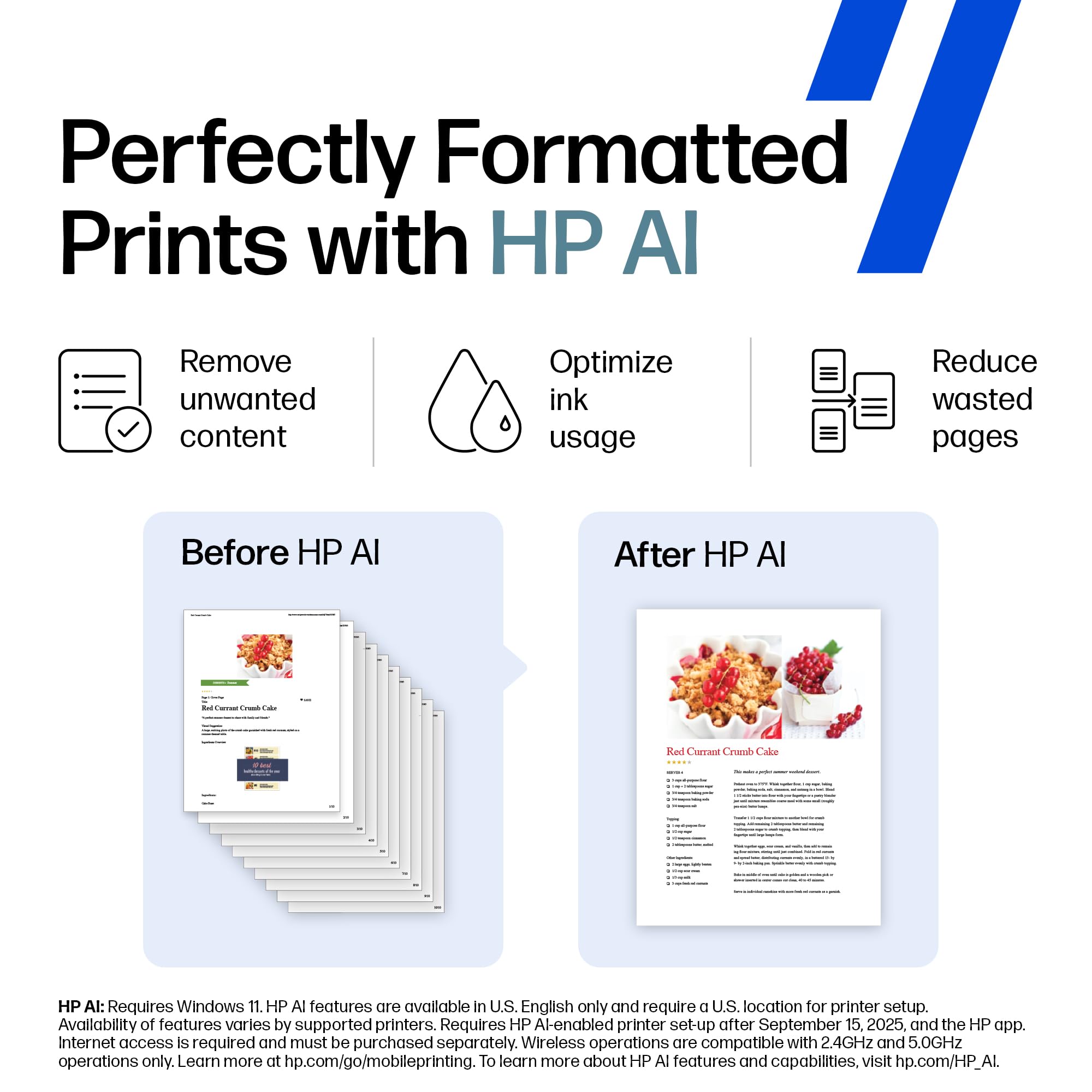
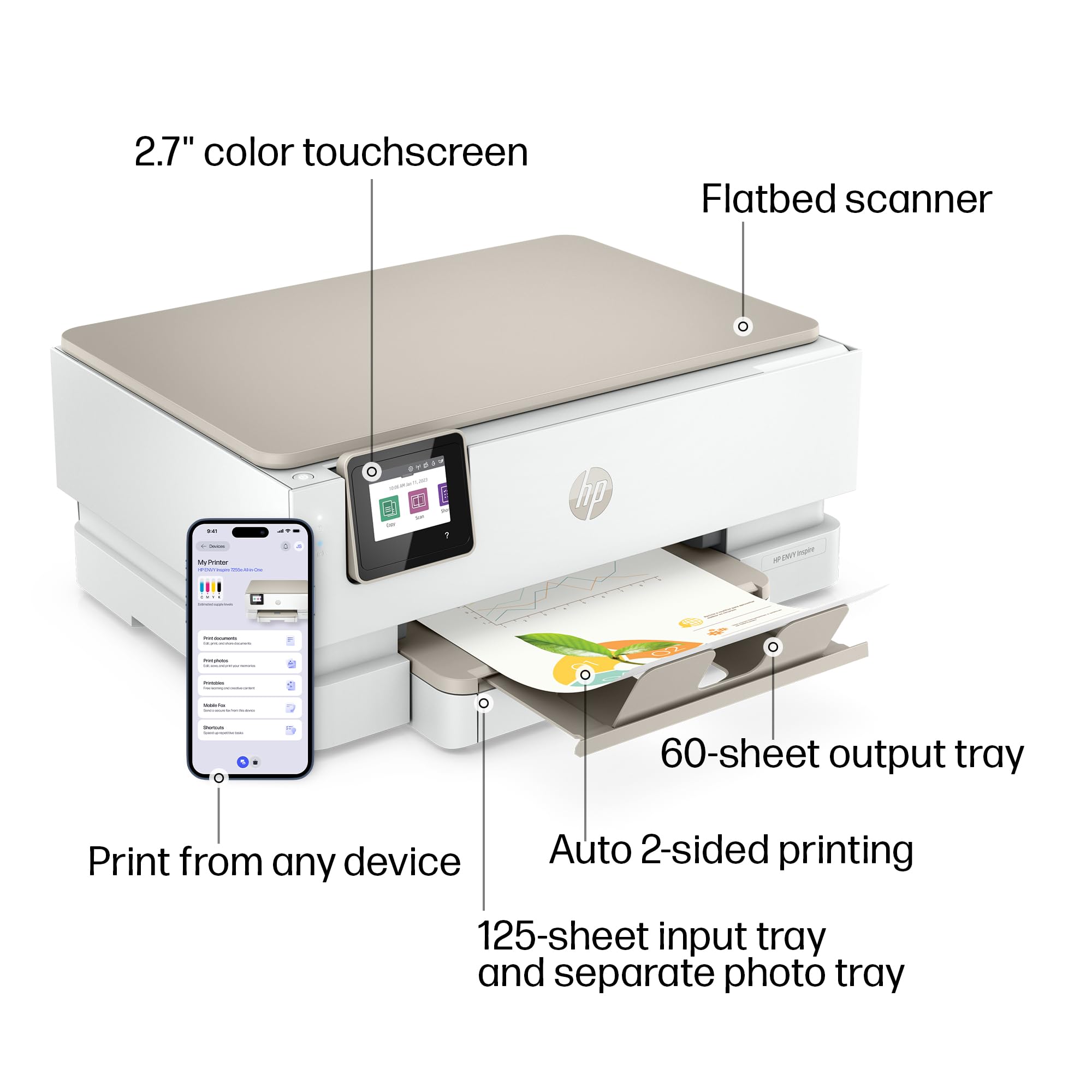
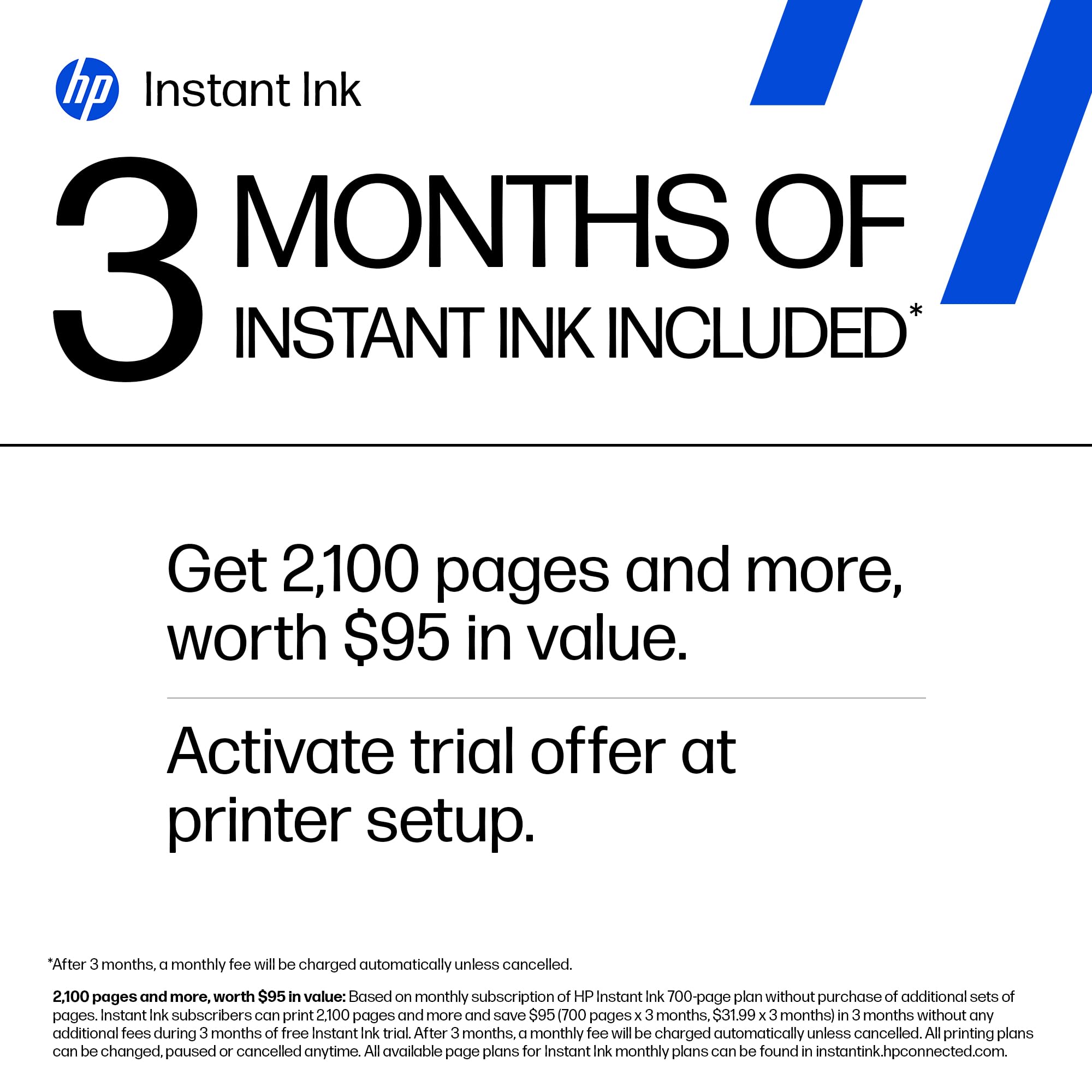
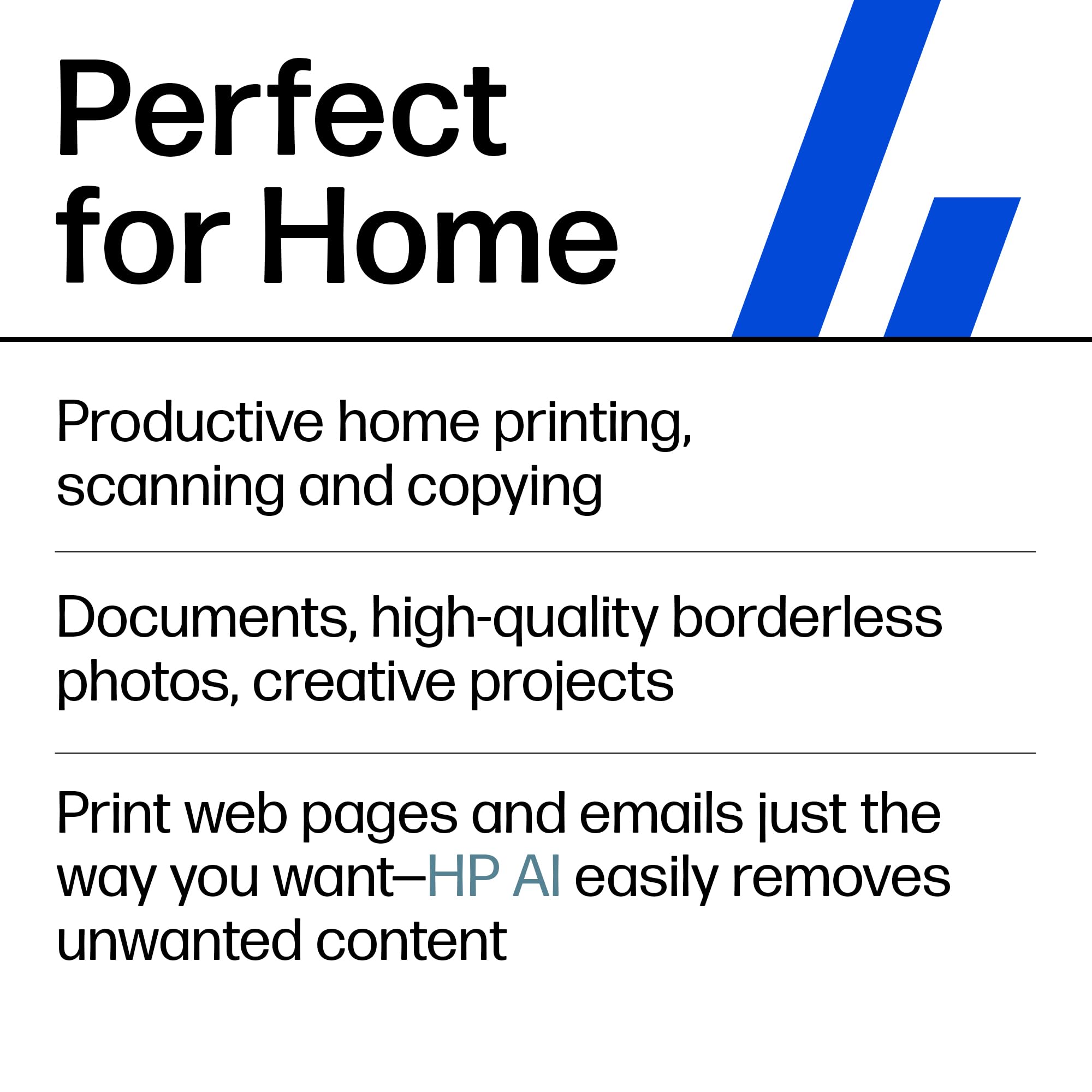
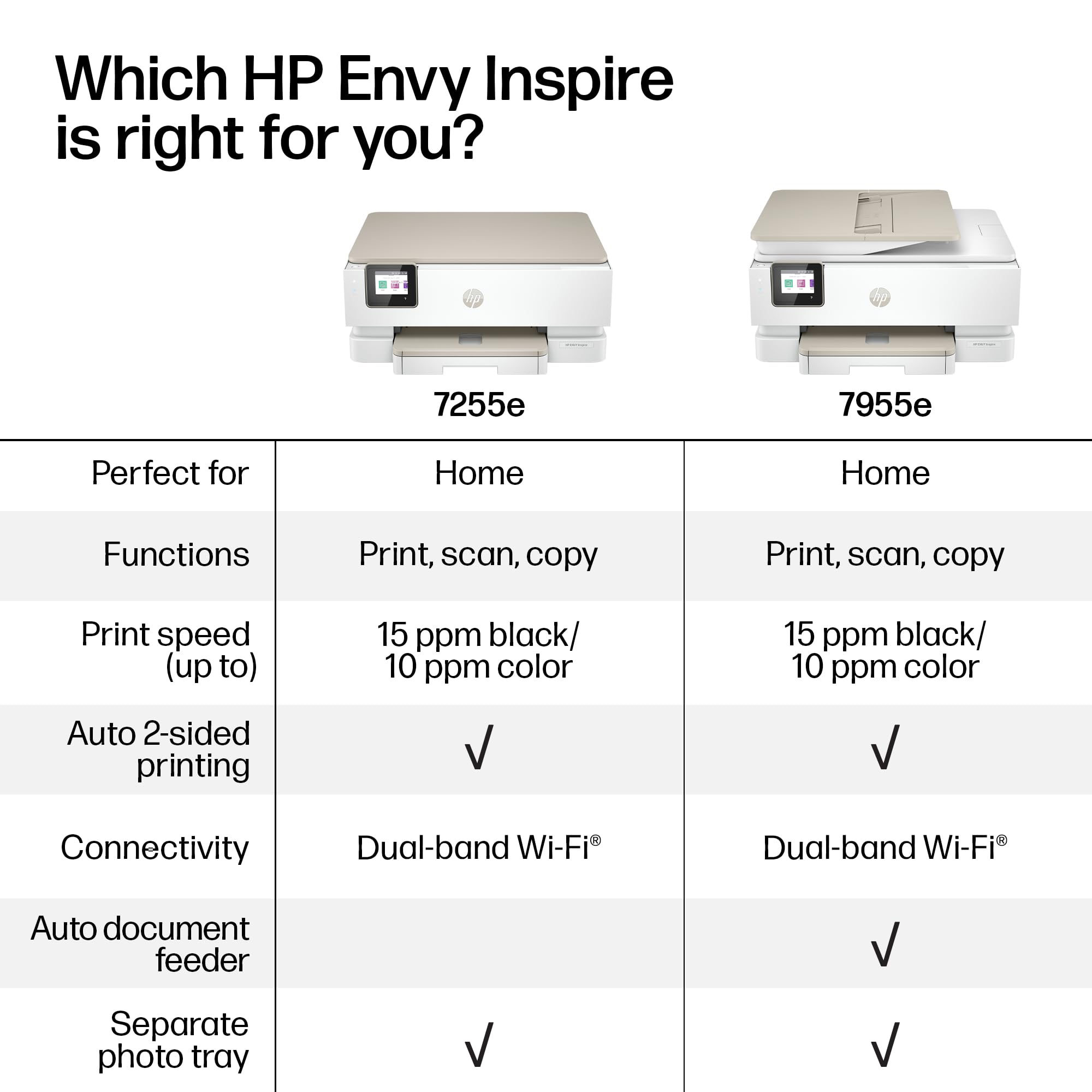
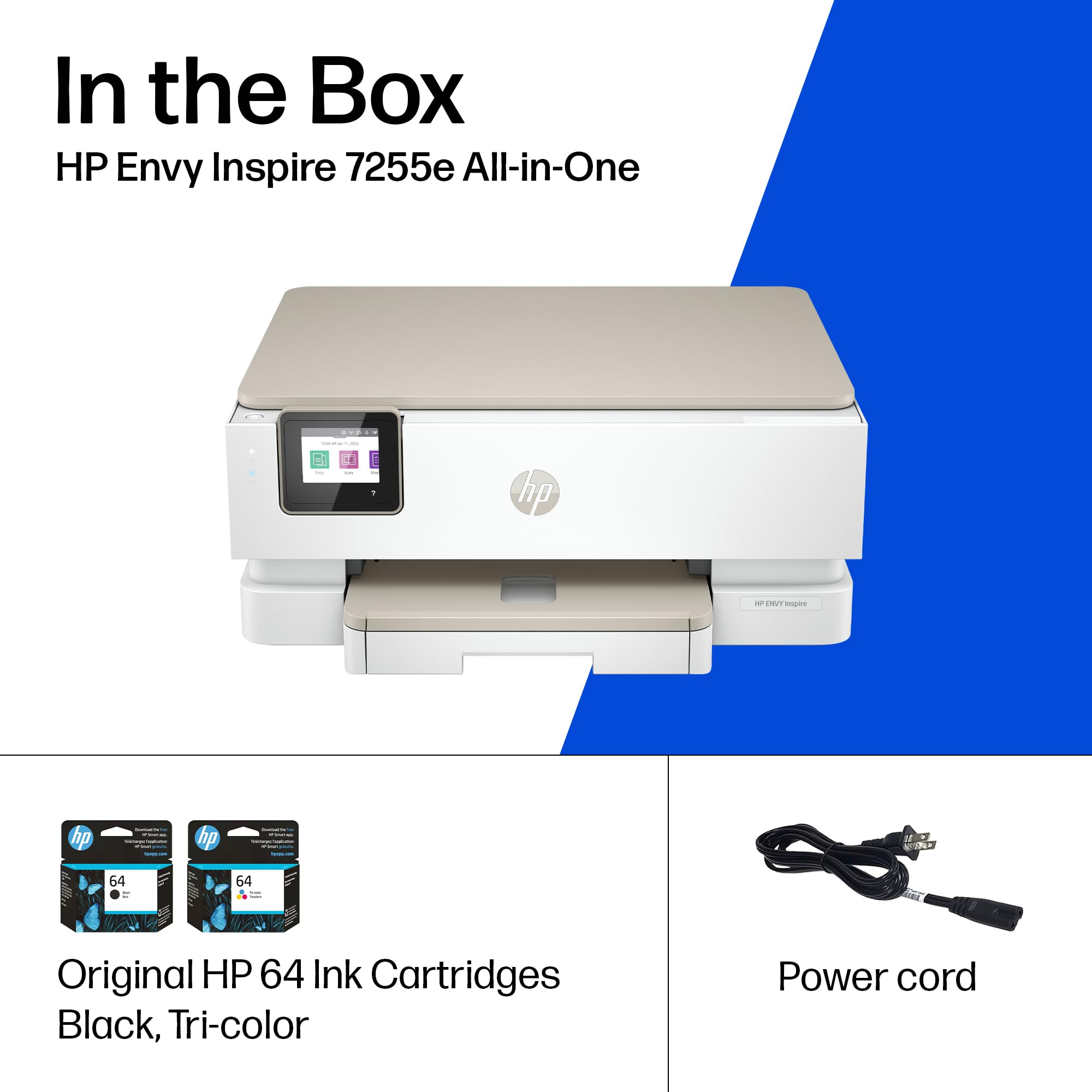
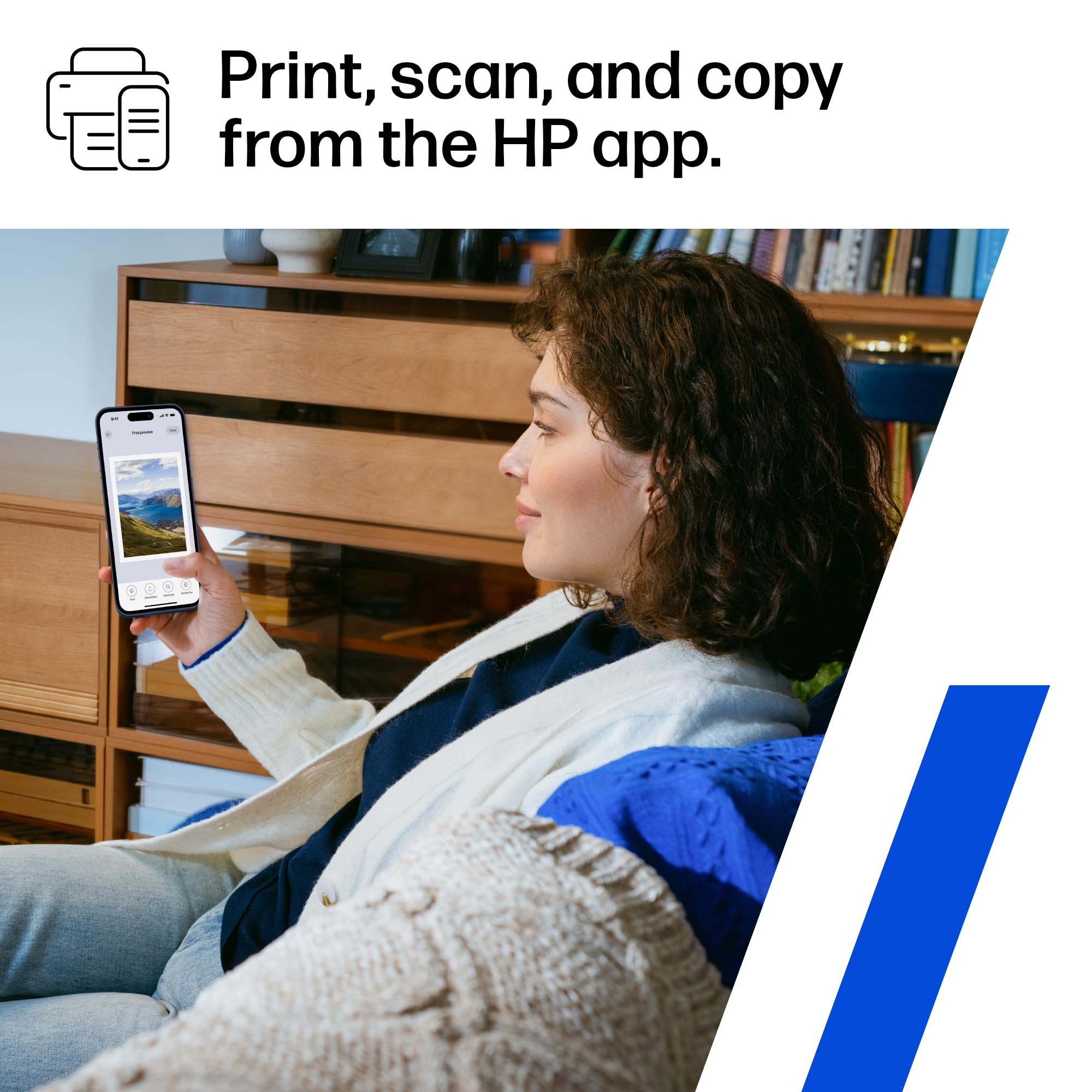
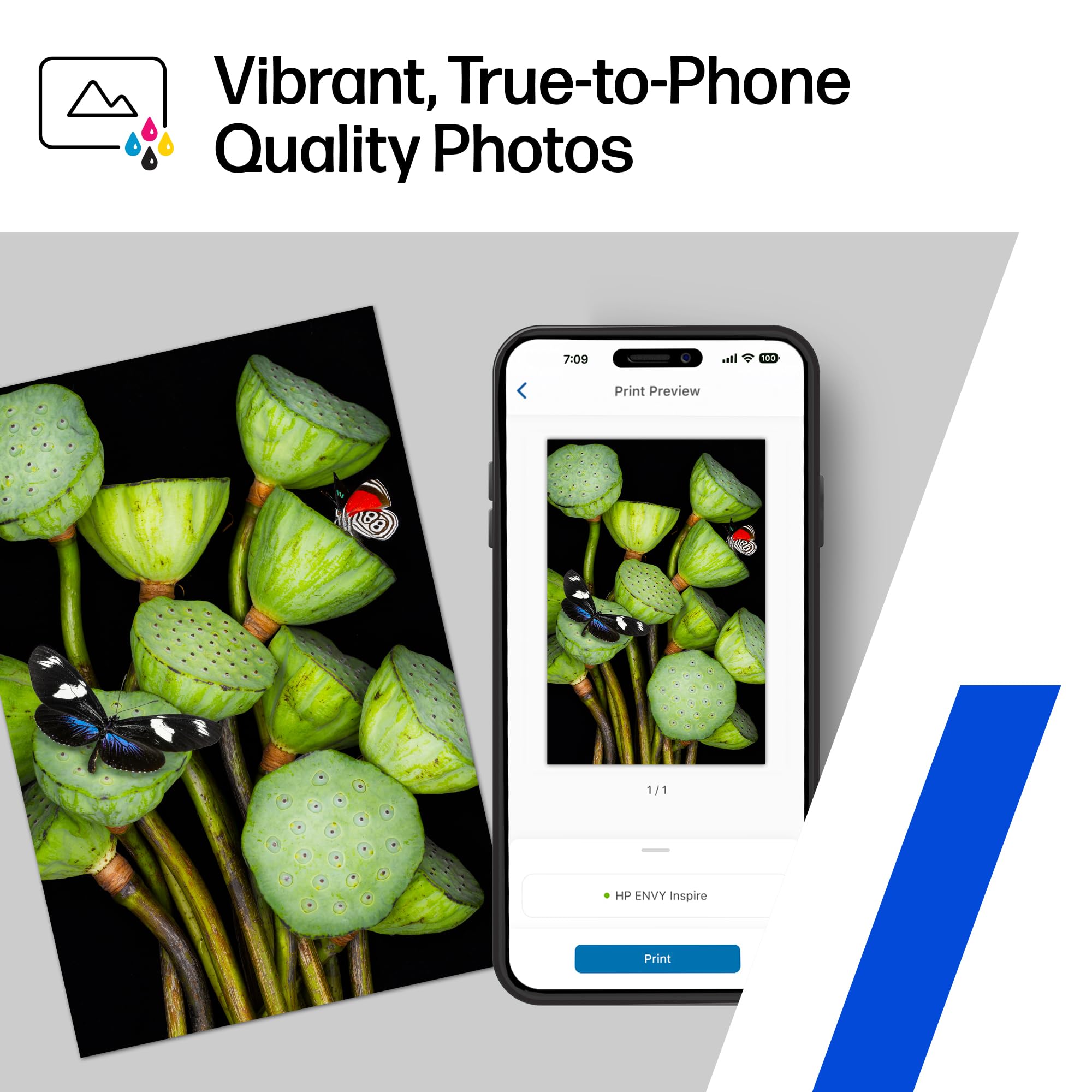
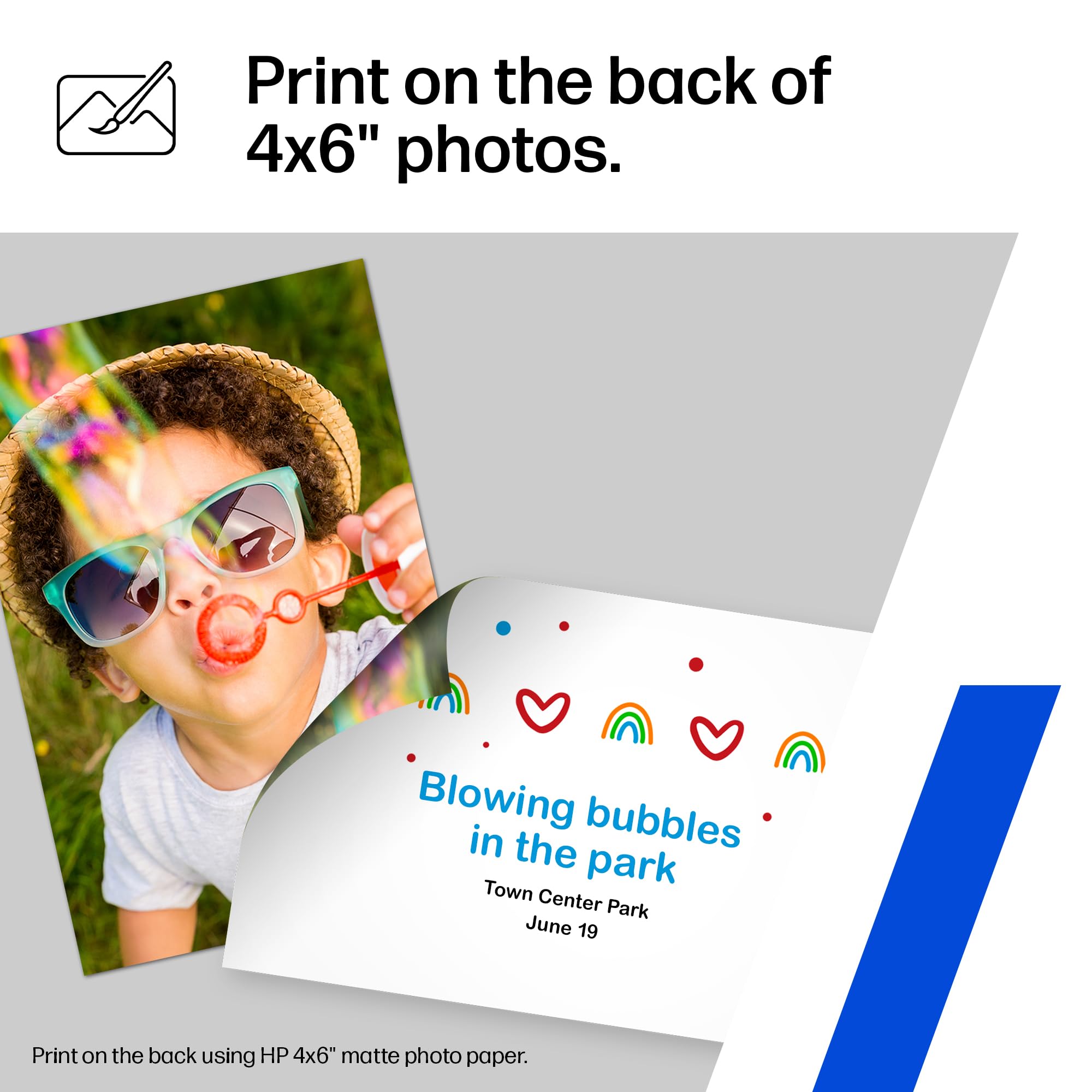
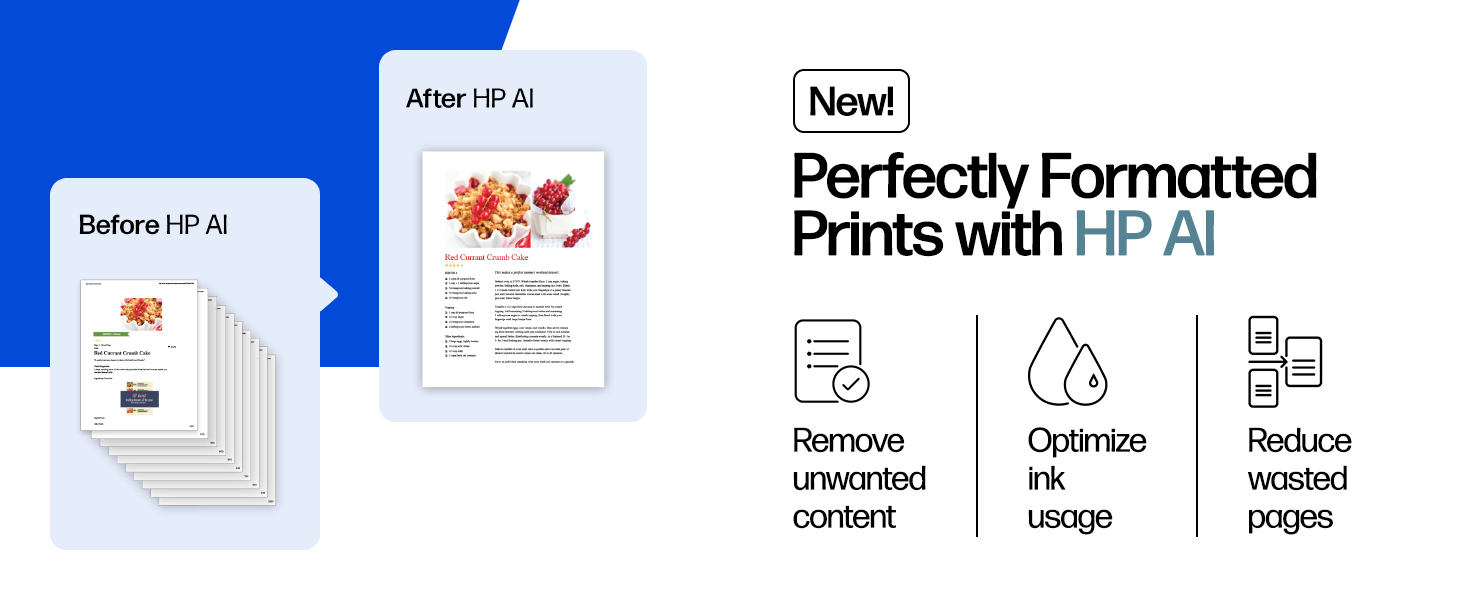
The HP Envy Inspire 7255e is a versatile wireless color inkjet printer designed for home use, offering fast print speeds up to 15 ppm (B&W) and 10 ppm (color). Featuring AI-driven formatting for flawless prints, automatic duplex printing, and a dedicated photo tray for vibrant borderless photos, it supports seamless mobile printing via the HP app and dual-band Wi-Fi. Made with over 45% recycled plastic and Energy Star certified, it combines sustainability with cutting-edge technology. Includes a 3-month Instant Ink trial for hassle-free ink delivery.



| Maximum Print Resolution Black and White | 1200 x 1200 Dots Per Inch |
| Maximum print Resolution Color | 4800 x 1200 Dots Per Inch |
| Wattage | 14 watts |
| Power Consumption | 14 Watts |
| Maximum Copy Resolution Color | less than 4800 x 1200 dpi |
| Ink Color | Cyan, Magenta, Yellow, Black |
| Resolution | 1200 x 1200 |
| Additional Printer Functions | Copy, Scan |
| Maximum Copies Per Run | 50 |
| Control Method | App |
| Controller Type | Apple Airprint, Mopria-certified |
| Print media | Envelopes, Paper (plain), Labels, Glossy photo paper, High-resolution paper |
| Scanner Type | Flatbed |
| Maximum Copy Speed Black and White | 13 cc/min |
| Display Type | Capacitive Touchscreen CGD |
| Compatible Devices | Smartphones, PC, Tablets, Laptops |
| Printer Type | Thermal Inkjet |
| Additional Features | Dual Band Wi-Fi, Built in Photo Tray, Energy Star Certified |
| Printer Output Type | Color |
| Item Weight | 15.2 Pounds |
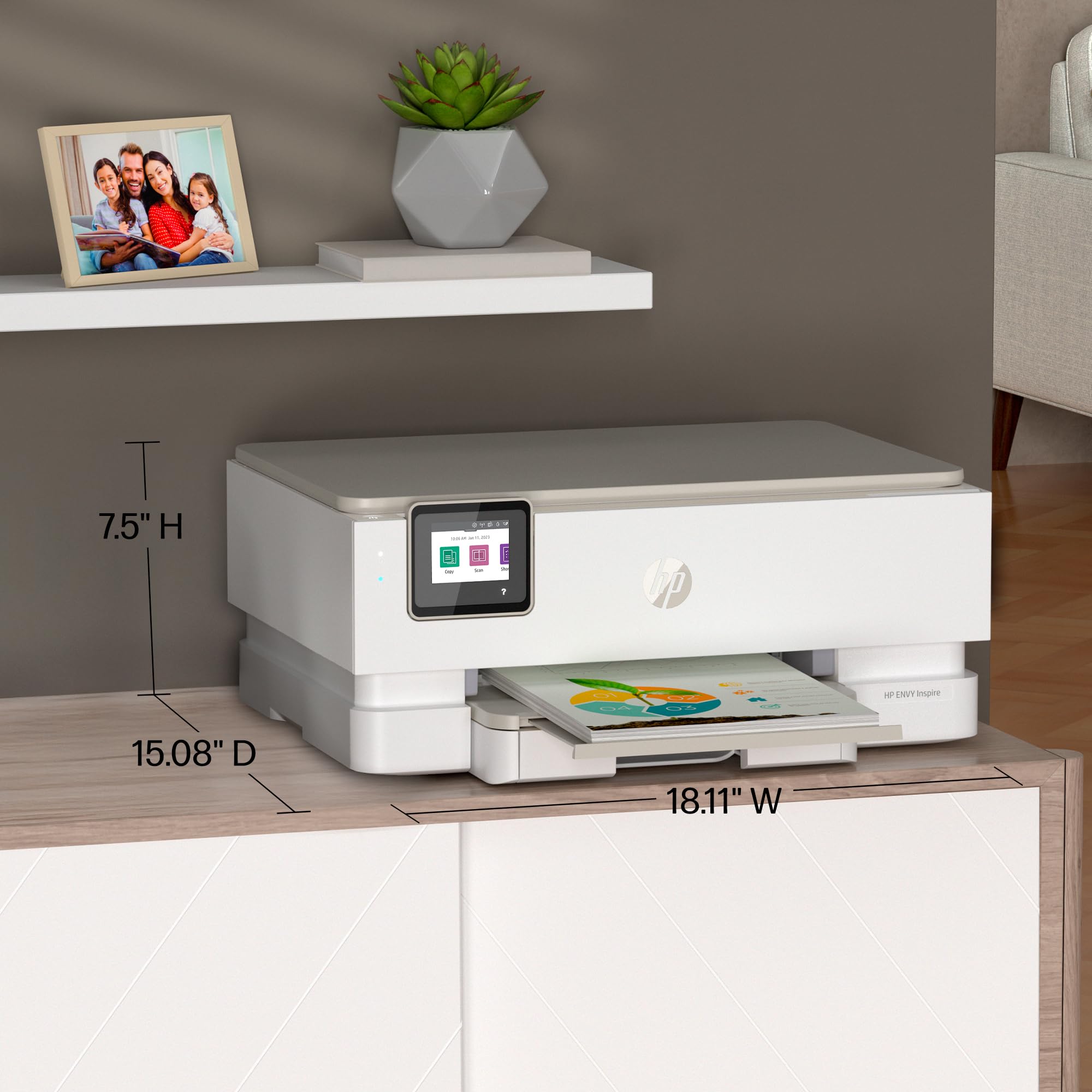
| Item Dimensions D x W x H | 15.08"D x 18.11"W x 7.5"H |
| Paper Size | 4 x 6 in, 5 x 7 in, 8 x 10 in, 4 x 12 in |
| Maximum Sheet Capacity | 125 |
| Media Size Maximum | 8 x 10 |
| B&W Pages per Minute | 15 ppm |
| Initial Page Print Time | 16 seconds |
| Color Pages per Minute | 10 ppm |
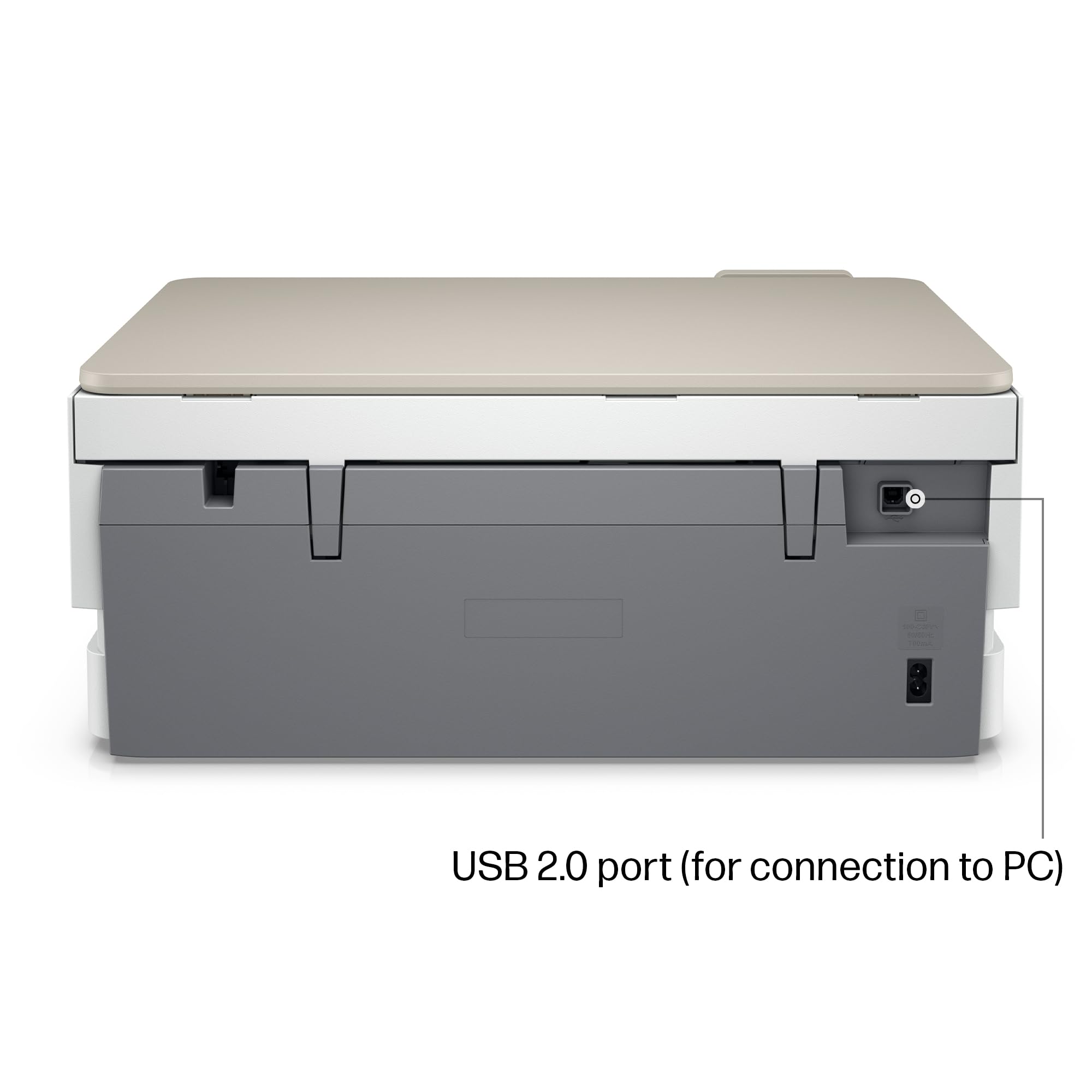
| Hardware Connectivity | USB 2.0 |
| Connectivity Technology | wireless |
| Duplex | Automatic |
| Dual-sided printing | Yes |
| Color Depth | 24 |
| Color | White |
A**X
Fantastic Budget-Friendly Color Printer for Photos, Posters, Signs, etc.
[Original Review: March 3, 2024][Purchase Date: July 19, 2022]I gave my previous HP Envy 5055 away and kept my Brother laser printer. Then I found myself wanting to do color posters on photo paper for a non-profit. I wasn't looking to break the bank and reviews for this printer were great. I purchased it in July 2022.While I do have a love/hate relationship with HP's newer software, the printer installed easily, it rarely has connection issues and the remote Smart printing came in useful a few times. A feature I never figured I'd use.I did probably 30-50 posters with this printer. Granted that eats up the extremely expensive, HP Genuine ink I was buying, they printed BRILLIANTLY. Especially on photo paper and then laminating them afterwards. They were beyond my expectations. There was fading when the ink was low, but that is to be expected. New cartridges had me right back to the stunning quality the first batch had. However, over time, I wasn't printing as often and the line streaking began.I'd print a document and every other line would either me faded or non-existent. After multiple print head cleanings, an alignment and page smear, it would print correctly.Here is the problem with that: the ink cartridges, especially the XLs I buy are expensive and it's wasting ink to do those tests and cleanings.Fast forward to March 2024 the time of this review. I'm not sure how old the cartridges in the printer are. I've not done much printing, and I have probably printed 15 pages now and it's still streaking no matter what I try. I plan to buy one more batch of ink and test those. Maybe these cartridges have just sat too long and will not work correctly no matter what I try; which is a shame because they are half full.In the next month or so I will try one more time with HP Genuine cartridges, either the 64XLs or 64s. If everything works correctly, I will amend this review. In the meantime, my suggestion would be unless you print in color and often, I would avoid this printer. If you do print in color and often, like I said at the beginning the first 30-50 prints were full color posters and they looked amazing. Cartridges can start to have issues after 6 months in an ink jet printer from my experience.[UPDATED REVIEW: March 16, 2024]I ordered some Official HP 64 cartridges... not the XLs as I didn't know how much printing I'd be doing if they did fix the problem, and if they didn't, well I'm not paying double to test something.Removed the old cartridges, the black one looked dried out for sure. I replaced with the new cartridges. Printer acknowledged "genuine" cartridges were in. I've only used the official/genuine cartridges. It did one alignment/cleaning and the page came out perfect. I had it do a page smear which came out clean too.I did a full color graphic print and it came out perfectly. Problem solved.The cartridges were the culprit. So my suggest to anyone who doesn't print as often as I do. If you know you're doing a bulk color print job, buy the XLs, you'll go through the ink. If you aren't doing any bulk jobs but need to replace your cartridges, just buy the regular 64s and if 6 months goes by and you haven't replaced them, at the first sign of ugly printing, replace them. It solved my problem and my faith is restored in this printer.5 Stars. I highly recommend this printer for anyone who wants a budget friendly color printer that can do high quality photo or graphic printing on regular or photo paper.
C**Y
HP ENVY 7255e PRINTER
After having my HP 895cse printer form 20+ years it finally died and went to the printer grave yard. This was my first and only paper printers I ever owned and purchased from HP. It gave me more than the service I needed for the projects that I worked on. However, since I have purchased my new HP Envy 7255e printer I am quite happy now. This printer was very easy to set up and easy to use and print copies.It does have two types of connectivity, Wi Fi and a USB port. The print and color quality is very good and acceptable for me. It is a very good 3 in one printer that has the capability of scanning, copying and printing documents. HP has gone several steps further and advancing the technology on their printers. These printers they make today are more advanced than the one that I owned since the year 2000. I hope to have this printer for as long as it will deliver good service.
E**R
Finding New Ways to Scam People with Ink
UPDATE: 3 years (I obviously don't print a lot, hence the lack of a new printer) I think it is bricked now. The buggy software locked all the controls and I couldn't unlock them via the HP app even when it said they were unlocked. Did a factory reset, but now I can't use the asinine HP app to finish the setup because it wont let me register the printer as it is already registered to me.UPDATE: 2 years later this printer rarely works.UPDATE 2: 3 years later (why do I still own this stupid thing?) Now it randomly will stop printing because it says I am using cartridges that are not HP circuitry. These cartridges were purchased from a big box brick and mortar store and are 100% HP cartridges. You have to power cycle the stupid thing anytime this happens. The fact that I am still using this means the stupid thing at least still works, but the DRM-like protections are ridiculous. Buying a new printer still isn't on the top of my priority list, but when I do I am going to go with a Brother.So first of all, the setup for this printer was a pain. The normal installer wasn't working for me, so I needed to use the, "Offline Only" version to finally get everything installed and working so I could utilize the scanner and other utilities on my PC.In regards to the instant Ink:You only get 6 months of the service included if you purchase HP+, otherwise you get a 60-day trial. I utilized the 60-day trial, and it seemed nice. They send you a set of new cartridges when your ink runs low along with a return envelope to have them recycle the old ones. When the trial was up, however, I looked into the details because it seemed too good to be true. They had plans as low as $0.99 a month... How? Well, it turns out that they don't limit the amount of ink they send you, they limit the number of pages you print. For the lowest tier at $0.99/month you are only allowed to print a measly 10 pages a month. If you exceed your monthly allotted amount, you are charged an overage fee. Any unused pages can rollover, but there is a cap for each tier on how many pages can be stored in your rollover. Keep in mind that a page is a page, regardless of how much printed material is on it. For example, when you print a recipe from the internet and it prints a blank page that just has the URL of the website that still counts towards your allotted amount.Depending on how much you print, Instant Ink may actually be a good deal for you at the appropriate tier level. Regardless, I personally dislike the level of control this gives HP on a device that I already spent nearly 200 dollars on. Why does everything have to be subscription based? I bought the printer, I should be able to use it the way I want and print as many pages as I want. I never tested it, but I am sure if your printer is not connected to the internet it will not print."Just buy ink separately then."About that... While I was using the instant ink cartridges I was mailed, I printed out a ton of pages in color and black and white and they still have a lot of ink left in them (that will go wasted because you can't continue to use them once you end your subscription). I just purchased the standard ink cartridges from the store for $40 a week ago and I already have an alert that the color cartridge is almost out, and I have yet to print a small fraction of what I printed while using the instant ink cartridges. The black cartridge is still almost completely full, which leads me to believe that the printer is making black composite with the color cartridge which causes it to run out much faster. The standard color ink cartridge is also much smaller and likely contains a lot less ink than the ones you get with a subscription. That's the thing about all this. I feel like HP is going to find ways to push you to use this service one way or another, and I don't like that.If you don't want to purchase a device that is going to try to lock you into yet another monthly subscription, steer clear from HP.
C**T
Easy to
Easy to install and great printer.
G**E
I have used Hewlett-Packard printers for more than 25 years.
HP makes a fantastic printer. I had a situation with mine it worked for a month and then it stops working. I was upset I have to admit. I called their support team and ask for help. I got the runaround for a month, calls everyday back and forth. I couldn't believe it. And then it went on for another month. I don't know if it's because I'm a woman or what but I sure got the runaround. Finally they agreed to replace my printer. The replacement printer was a refurbished printer. I agreed to that because I figured it had been somebody else's problem and they fixed it. It has worked very well, I'm very happy now.
Trustpilot
1 month ago
3 weeks ago