
DOWNLOAD THE APP


Customer Services
Copyright © 2025 Desertcart Holdings Limited
DOWNLOAD THE APP
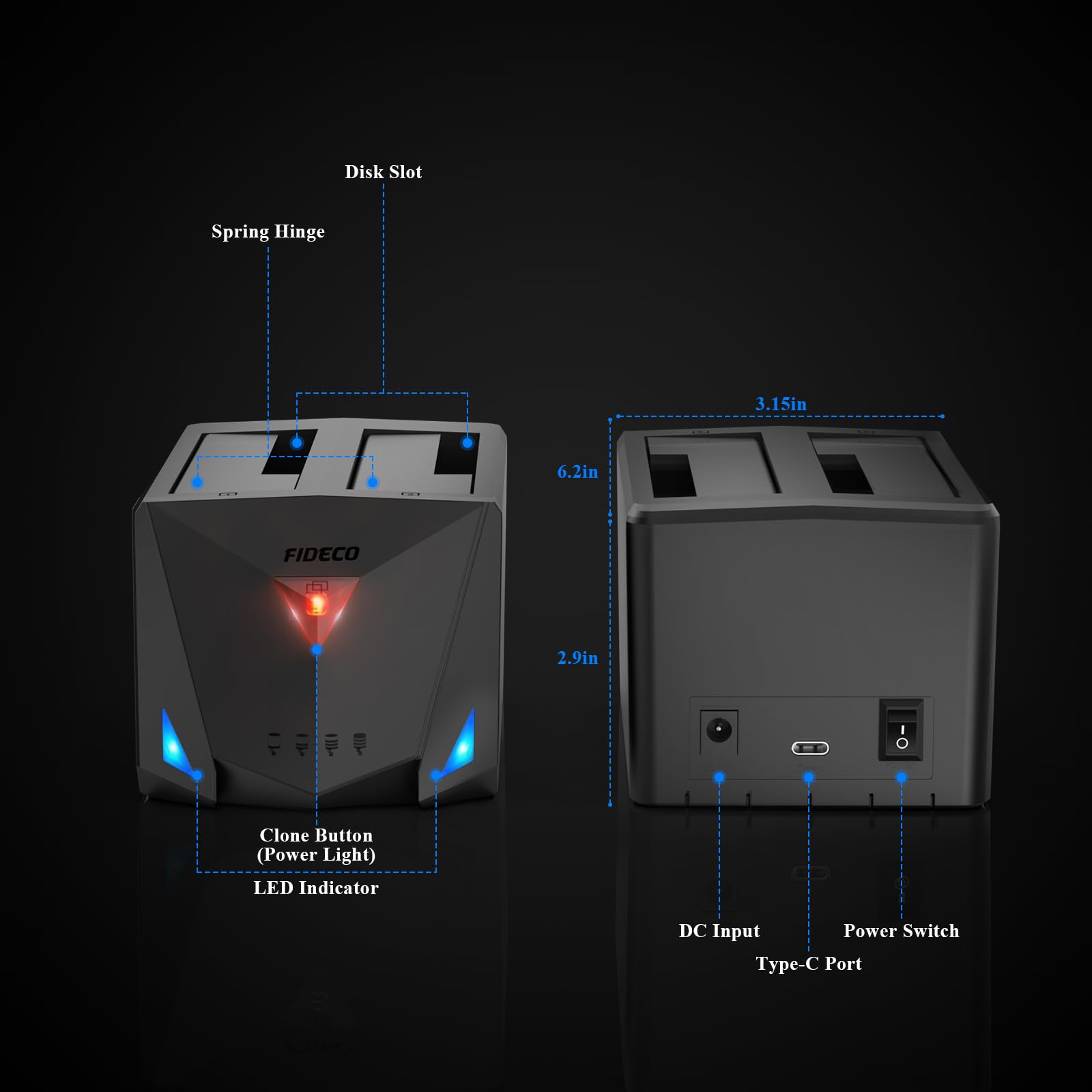
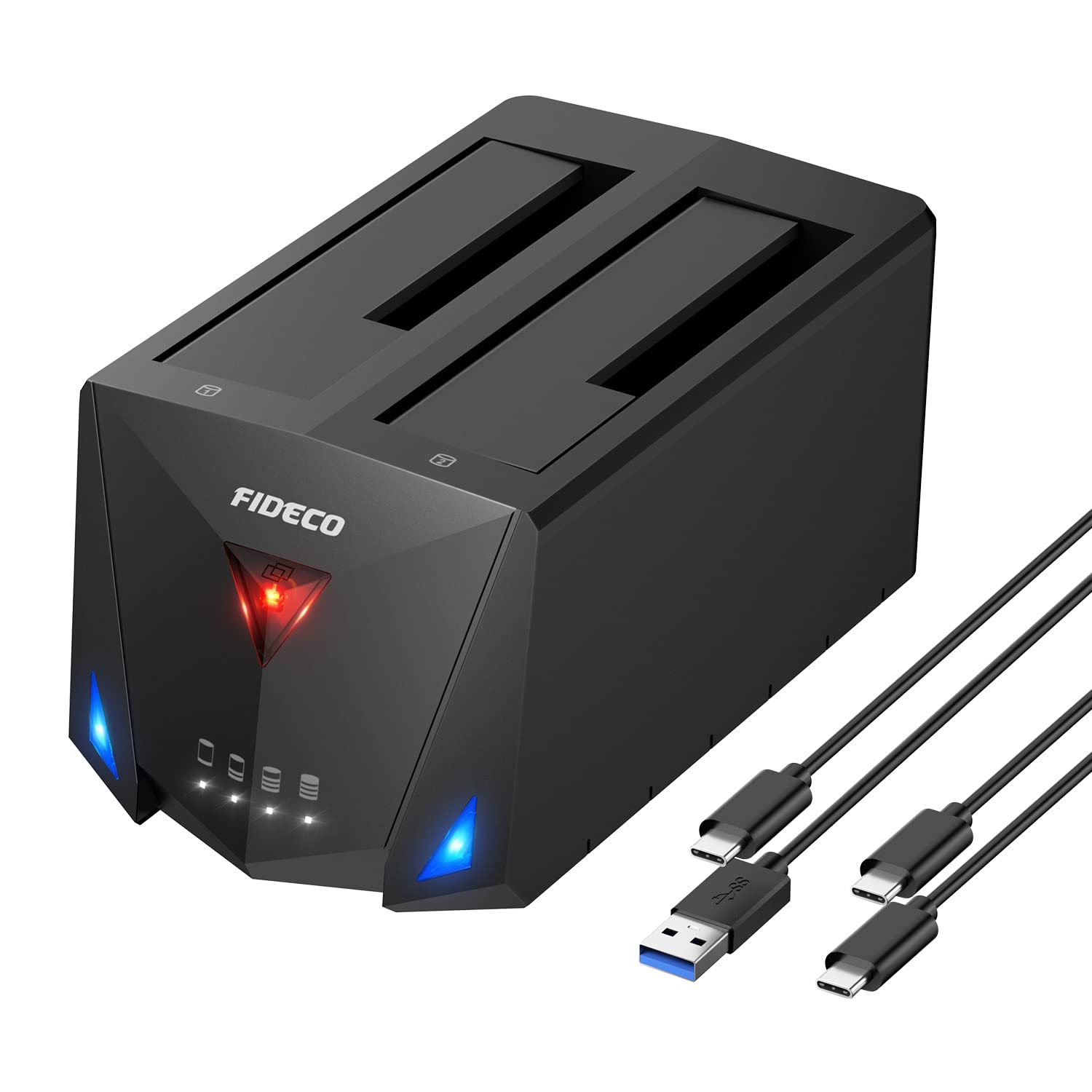
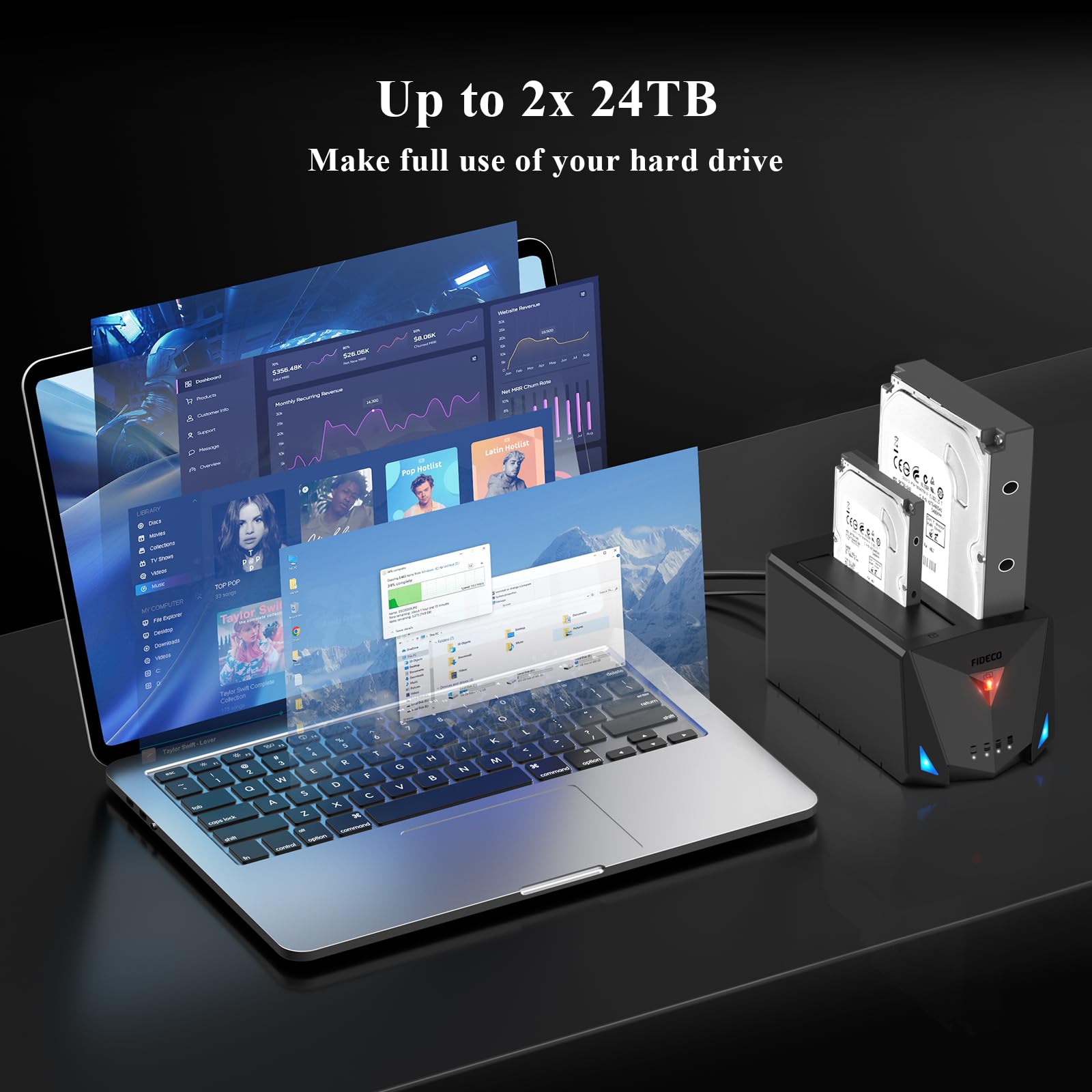
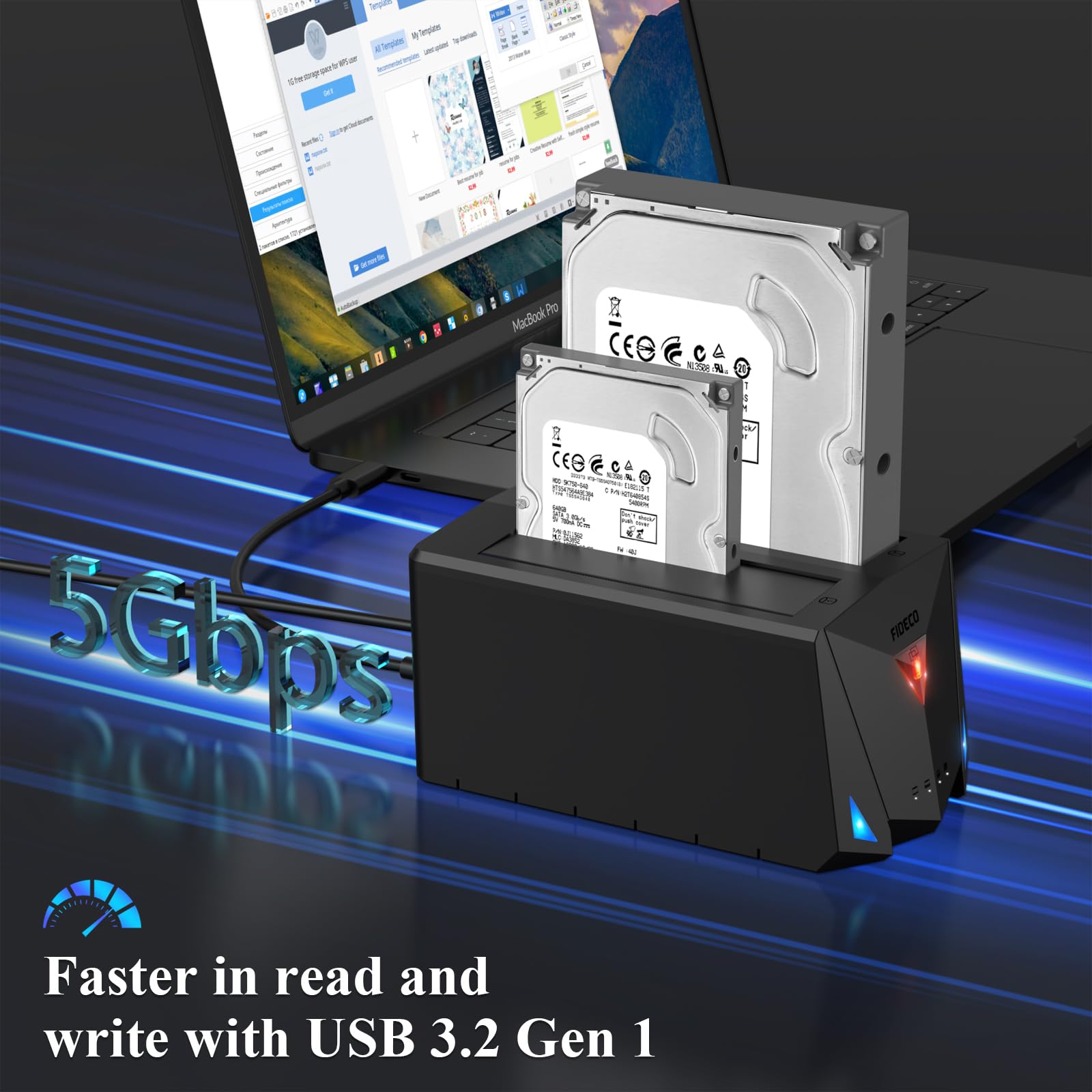
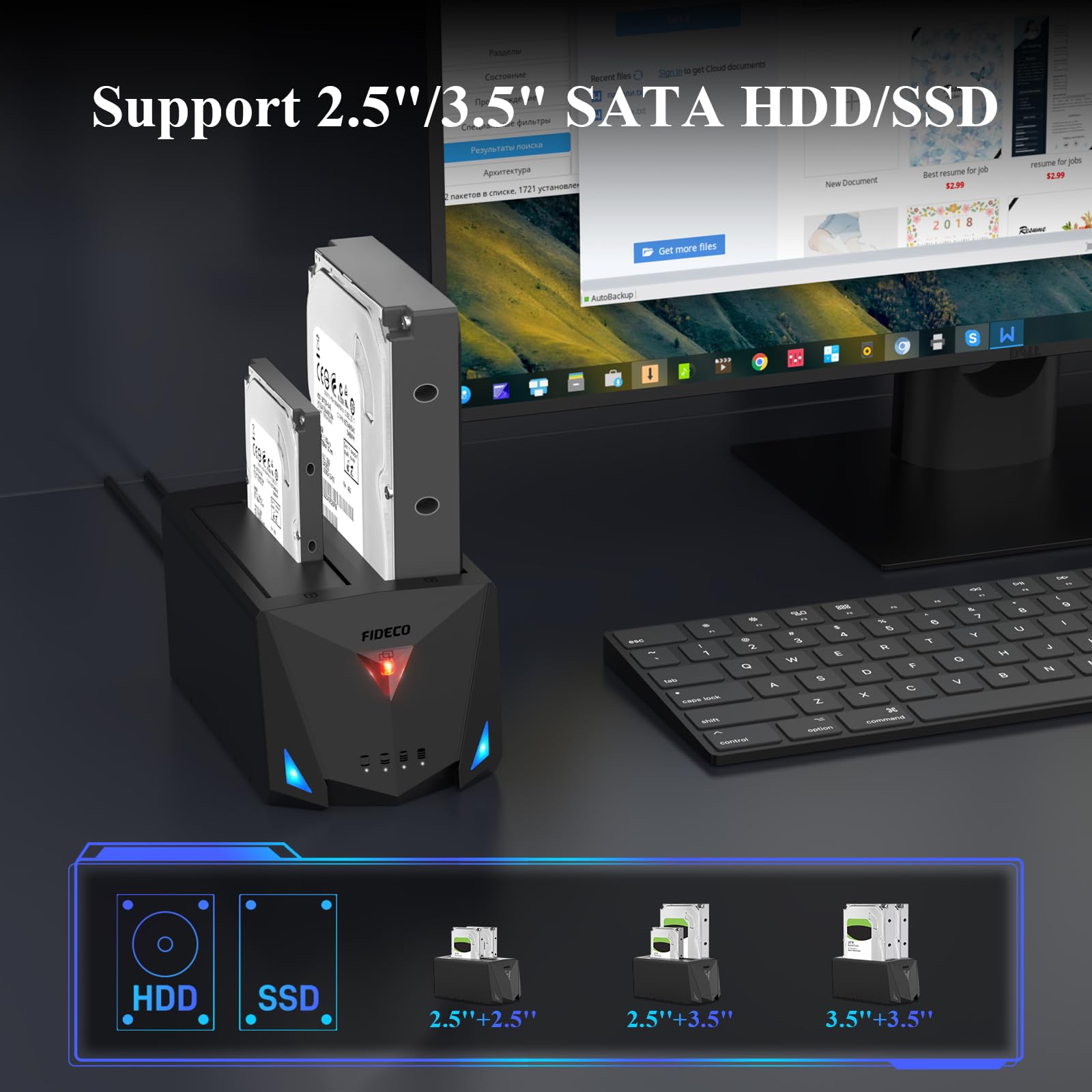
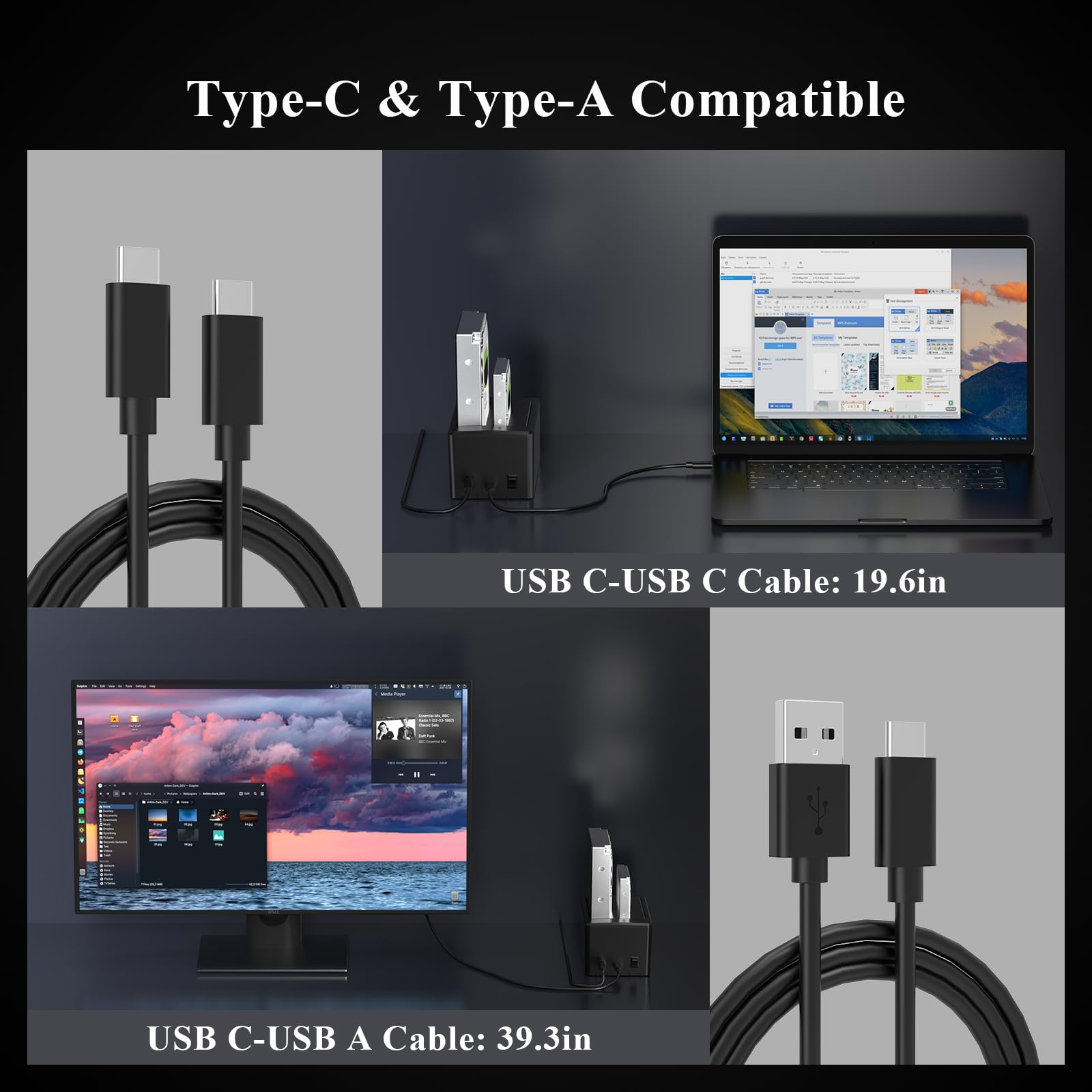
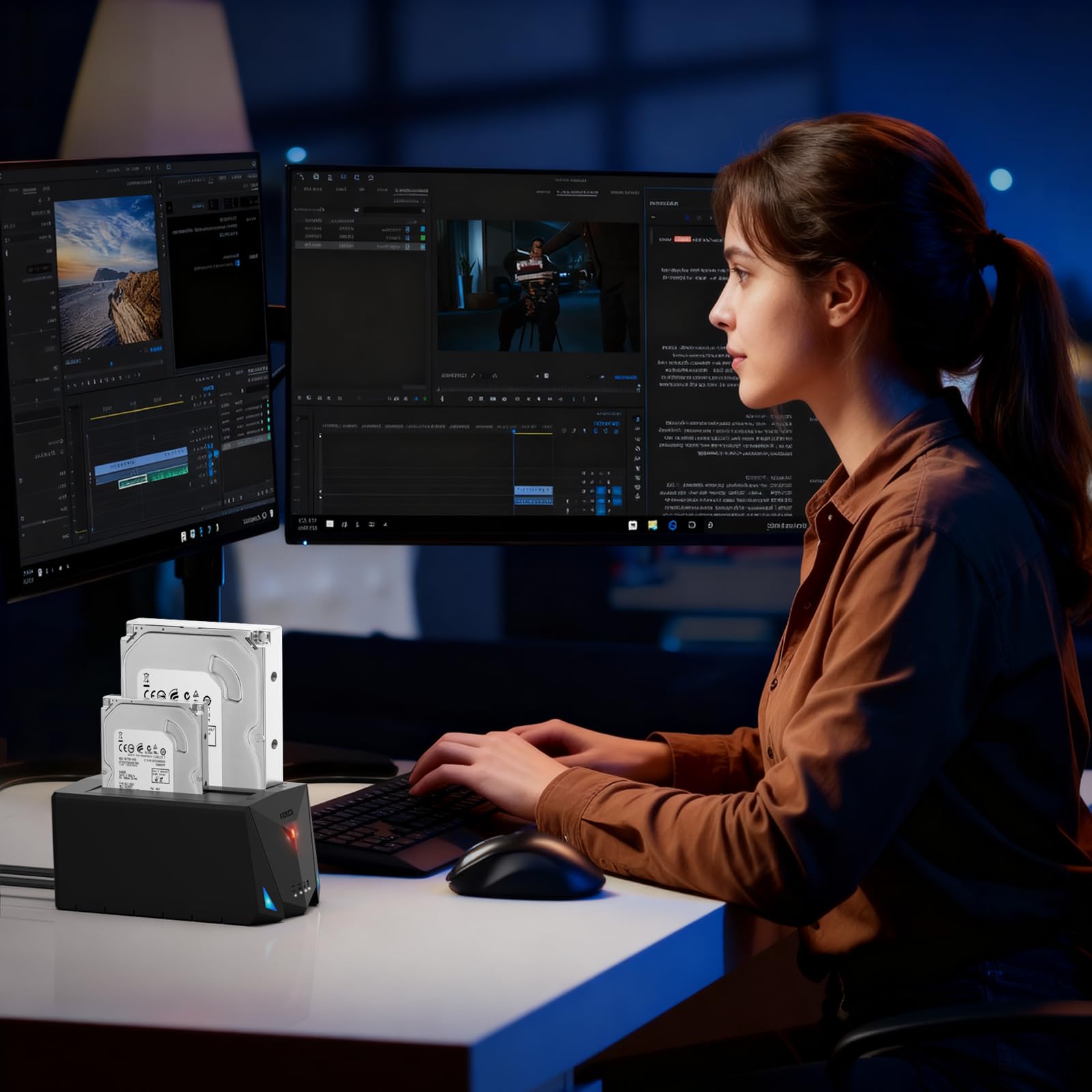
🚀 Clone, Connect, Conquer: The Ultimate Dock for Your Data Empire
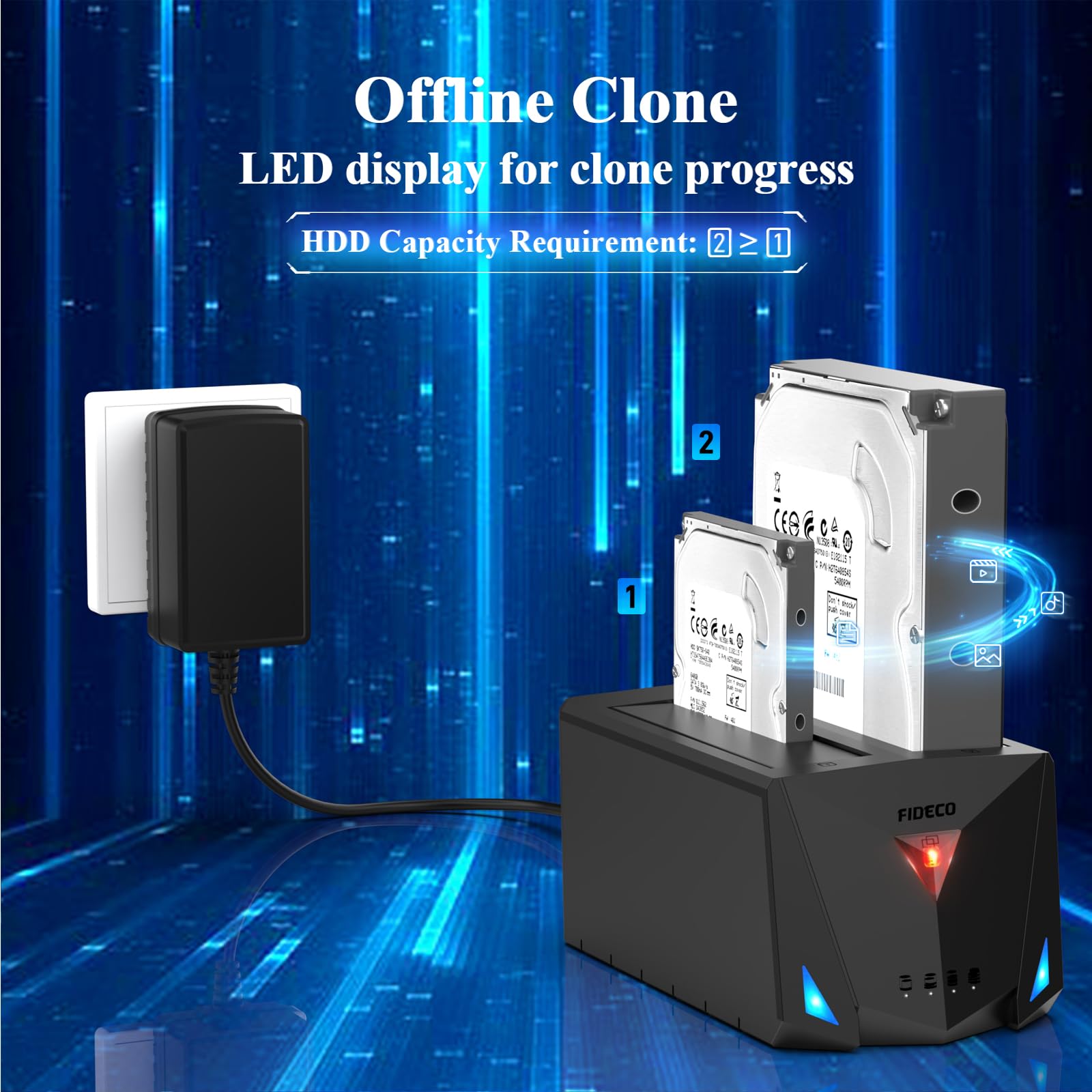
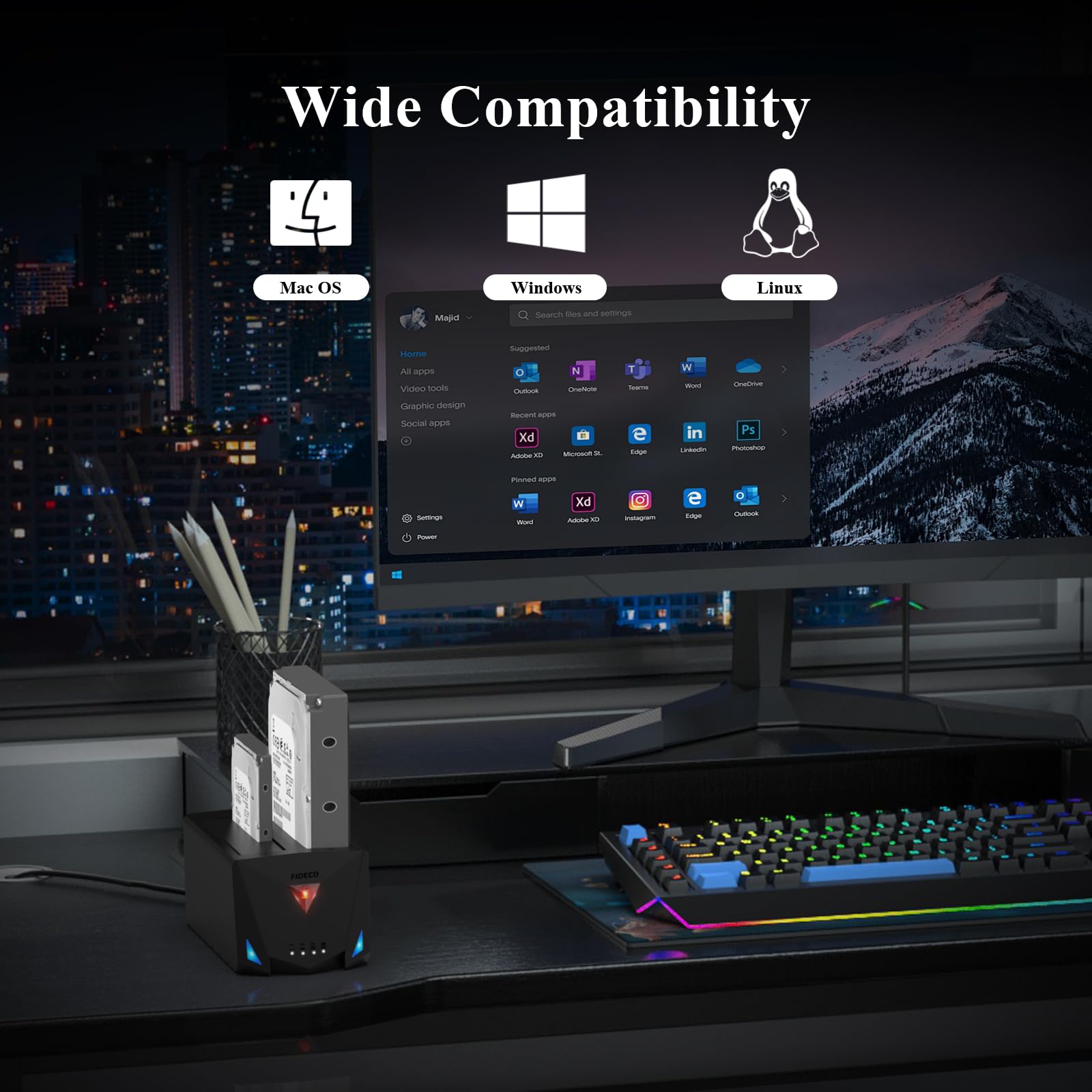
The FIDECO USB 3.2 Gen 1 Hard Drive Docking Station is a versatile, high-speed docking solution supporting 2.5" and 3.5" SATA HDDs and SSDs. Featuring dual USB-C cables for maximum compatibility, it delivers up to 5Gbps transfer speeds with UASP support. Its standout offline clone function enables direct disk duplication without a PC, while the power switch and auto shut-off enhance drive safety and energy efficiency. Compatible across Windows, Mac, and Linux, this dock is a professional-grade tool designed for seamless data management and expansion.


| ASIN | B09X9WN96L |
| Best Sellers Rank | #30 in Hard Drive Docking Stations |
| Compatible Devices | Linux, Mac, USB A, USB C, Windows |
| Customer Reviews | 4.3 4.3 out of 5 stars (7,326) |
| Data Transfer Rate | 5 Gigabits Per Second |
| Date First Available | April 28, 2022 |
| Hard Disk Form Factor | 2.5 Inches |
| Item Weight | 1.32 pounds |
| Item model number | YPZ220C |
| Manufacturer | FIDECO |
| Material | Plastic |
| Max Number of Supported Devices | 2 |
| Memory Storage Capacity | 20 TB |
| Product Dimensions | 5.91 x 3.54 x 2.95 inches |
B**N
Great value and functionality
I had returned a couple of other docking stations that were MUCH more expensive than this one but this one works very well for me, with some minor problems that are acceptable or can be worked around. I'm very happy with it for now and expect I will be for quite a while. The basic functionality is very good (not great transfer speeds, but good enough). The auto shut-off feature (which I"m not a fan of) works very well; it causes a delay when the disk has to be (automatically) powered back up after a period of non-use, but has never caused any application errors or aborts (which I did have with some of the other docking stations). And the power switch is a BIG plus, for when I won't be using the device for a while. The ability to clone other disks might be useful in the future, but was not a significant reason for me to try (and keep) this this device; it does its basic job very well and better than many other unit that are 5 times more expensive. One very significant problem is that the (exposed) disk drive(s) can get VERY hot. I have a small USB powered fan in front of the device that seems to take care of that heat very well and is not at all noisy. I expect that some of the other external USB drives with encased disk drives and no fan have the same heat problem but it is just not apparent. (I need the disk drives to last a very long time, so the heat dissipation is a major concern of mine.) I'm very satisfied with this unit, for now and the near and perhaps medium future. I'm also sold on the utility of being able to insert new or different 2.5" and 3.5" disk drives into a "docking station". I inetnd to replace this unit, sometime in the future, with one that supports encased disk drives and includes a fan; and so the ability to just move the disk drives to that new unit whenever I am ready to is a VERY big benefit to me. I highly recommend this unit as an economical and flexible way to add external (disk) drives and upgrading the drive capacity when needed. I know I'm currently stuck with "old-school" rotating disks (and slower than SSD drive transfer speed), but the transfer speeds of this unit, with the USB C 3.2 interface, are fine for backup and secondary storage uses.
E**W
just what I needed
worked and was easy to use
D**K
Device itself is pretty Good! But I did run into an issue....
This thing is pretty good for what I was able to accomplish. It's a simple Plug N play Docking Device that lets you access SSDs & HDDs in the sizing of 2.5 and 3.5 that use a SATA Connector. I was able to put some SATA hard drives I had laying around back to good use. It transferred data pretty quickly without issues and I was even able to use free 3rd party Data migrating software for cloning like EaseUS, DiskGenius, Clonezilla (separate software Not affiliated with product itself). You can definitely use the Off-line cloning at the press of a button, and it works.... However, I do want to elaborate a few things about the "Offline Cloning" feature as I did run into an issue when using it. If you decide to do Offline Cloning, you only need the power connector and not the USB connecting to PC. I ran into an issue relating to where had a 3.5 size 500GB HDD in Slot 1 (Source) and a 3.5 size 1TB HDD in Slot 2 (Destination). Both Drives would show in the list (both were empty) when I plugged them into the ports and connected the device to my PC's and Laptop. I added a few files into the 500GB HDD just so I could TEST the Offline-Cloning to see how it worked. Well I pressed/held the button and the cloning was starting. When it got to the 2nd blue light (50%) I accidentally bumped the connector on the wall outlet and the device shut off in the middle of cloning. So immediately after, I re-plugged the power and checked the HDDs through my PC. I could only see 1 drive in the list (Slot 1) but not in slot 2. I removed the 500GB HDD and all of a sudden I could see my 1TB HDD from slot 2 in the list. On this 1TB HDD when you data migrate from a drive with lower storage to a drive with more storage, migration limits your 1TB to match the lower storage device being 500GB as a partition and the other set of storage becomes a separate partition of storage not linked. I couldn't touch the remaining storage space by extending/merging it without some kind of error message with using Windows 10 Disk Management. Sadly, I was forced to Download a free 3rd party software called EaseUS which worked well in deleting the partitions to free up all the Drive Space on the 1TB HDD so I could format it to a fresh empty 1TB HDD again. Unfortunately after clearing out both HDDs and putting them both back to how they were, the same issue of only seeing 1 of the 2 HDDs instead of both, this issue remained. I'm not sure if that cloning while powering off the device screwed up something internal on the HDD or if the device itself malfunctioned but it seems to act like it doesn't carry enough power to display both 3.5 Sized HDDs. I have no issues when Mixing a 2.5 with a 3.5 Hard Drive but it will no longer show two 3.5 HDDs like I could before this Offline-Cloning attempt. I will re-update this review if I figure out what the issue was. In general issues relating to power can relate to a bad 3.0 Port (Never use 2.0 ports for 3.5 HDDs), a bad wall outlet, bad power connection on the Device power connector, possibly the device itself or the HDD could have malfunctioned. One thing to make offline cloning easier if you aren't that tech savvy, you should always use the same storage size of HDDs/SSDs so that way you don't have to use 3rd party software like EaseUS just to modify the partitions to expand the drive space. Granted this is mostly my fault for Knocking power adapter out of the wall outlet but I'm hoping I can figure out why it will only show 1 of 2 HDDs 3.5 in the list. Overall, aside from my own screw-up, the product seems pretty good as I did accomplish what I needed after using it. Update: So I think I figured out what was wrong. It’s not the product, it’s not the power, and it’s not a damaged hard drive. It seems that if you Clone (or Attempt to clone) a hard drive, there is some kind of data or code That gets copied, written, or embedded onto the Destination hard drive. Once that Embedded data gets put onto the destination hard drive, It becomes one and the same. So then if you put two hard drives of the same in both slots, it’s going to read off only one hard drive and not two separate ones. This means any Hard drives relating to its clone that are in the dock Will only display what is in Slot 1 as Primary because The device just assumes it’s only one hard drive due to the Embedded data matching. I don’t know if that’s just a Limitation of the device itself or if that’s actually normal. If this is not supposed to happen, then it’s because the Embedded data got stuck because the cloning did not properly finish. Unfortunately, this is not fixable just by formatting or deleting the partitions. So this means you pretty much have to have a 3rd empty hard drive laying around to use for reclone over the destination hard drive to change the embedded code readings so the device can register that there’s two different drives in the device itself. This might be a hassle with time when it comes to failed cloning attempts but outside of being an expert that’s probably the only workaround I could see being done. I hope this Information was helpful for anyone that’s reading.
M**V
Good speeds and stability
If you only want to read two sentences: This dock is stable and hits 250MB/s with a 2 year old 3.5 in Seagate Barracuda 7200 rpm drive. It's been running for weeks without a single disconnect or hiccup using Windows 10 on a new AMD 7950X system. A little more info... I had purchased a Sabrent drive bay before buying this docking station. This doc is advertised as a USB 3.2 Gen 1 (aka USB 3.1 Gen 1) and should run at up to 5GBps. The Sabrent was advertised as a USB 3.2 Gen 2 and should have run up to 10GBps. However, the Sabrent never saw speeds above 160GB/s with the same drive named above. In addition, it would drop the USB connection all the time regardless of the cables I used (rated and verified cables). This little dock runs two drives fine and can keep high throughput through both drives simultaneously. The drives are basically air cooled obviously, and I have not had a problem with high temps (around 40-50C) even under sustained loading at 70F ambient. It worked fine with either their stock cables or the 3rd party rated ones I use. Tip: Look for cables with the official USB rated cable logo - see usb.org for details. I tried USB C to C and C to A and both worked fine for me but I did find the C to C to be much slower for some reason (I blame the USB4-C Thunderbolt implement on my MB). While this won't hold more than 2 drives unlike the Sabrent types, it is rock solid and has great performance. If you need to clone drives or use drives for backups, etc., this dock is great and has a nice small form factor as a bonus.
P**R
Very good product
A**.
Funciona excelente. Pero vean bien la primera vez clone al reves y perdi mis datos :) :)
Y**R
جميل جداً وبدعم هارد سعة حجم كبير تمت التجربة على هارد 6 تيرا سرعة النقل جميله
B**I
pour ajouter du stockage sur un nas, c'est une solution très efficace
M**N
Gayet güzel, 2 Adet 16TB HDD’yi tam yük altında kayıp olmadan çalıştırdı.
Trustpilot
1 month ago
1 day ago