We remain fully operational. Our teams are working around the clock to ensure your deliveries continue safely.

DOWNLOAD THE APP


Customer Services
Copyright © 2025 Desertcart Holdings Limited
DOWNLOAD THE APP


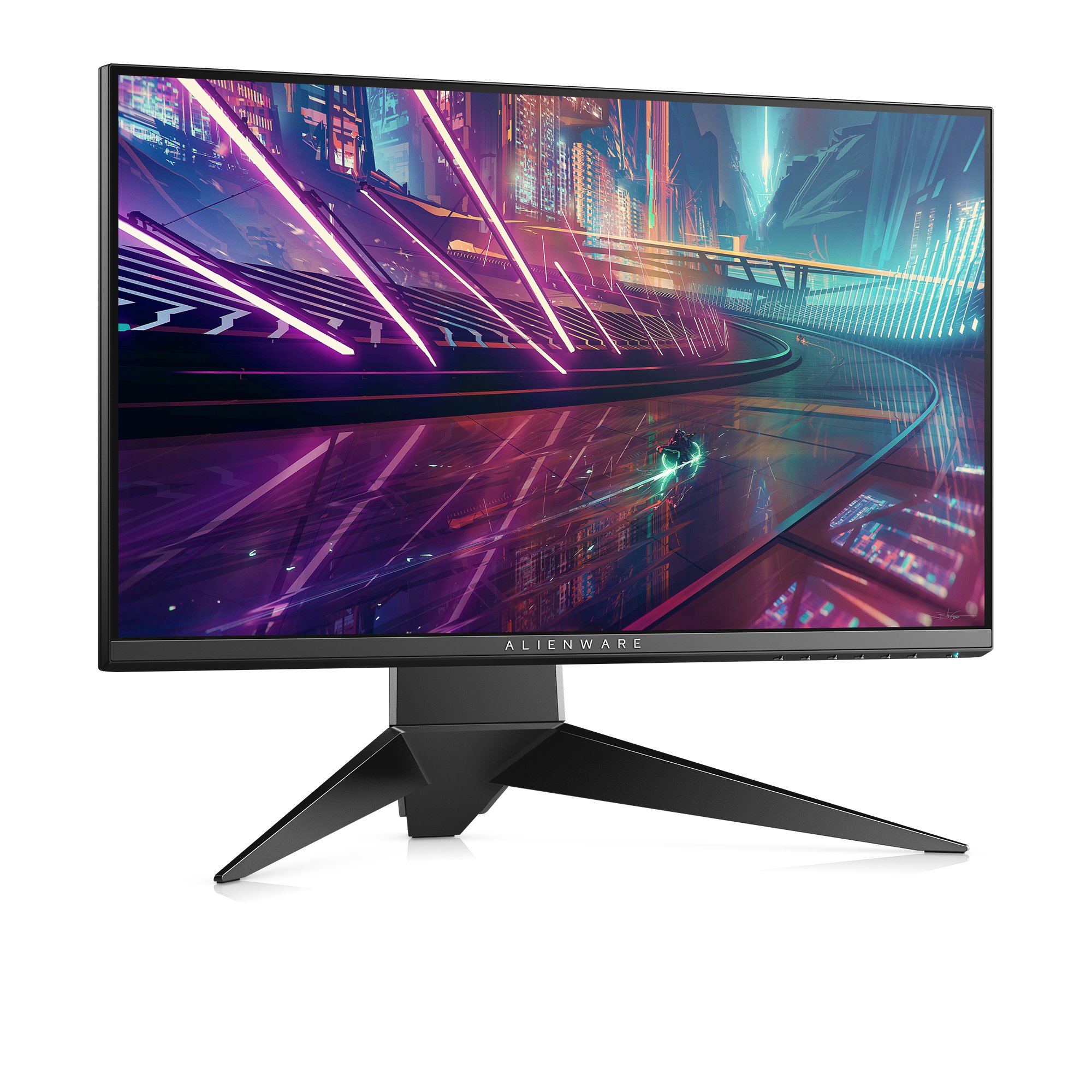
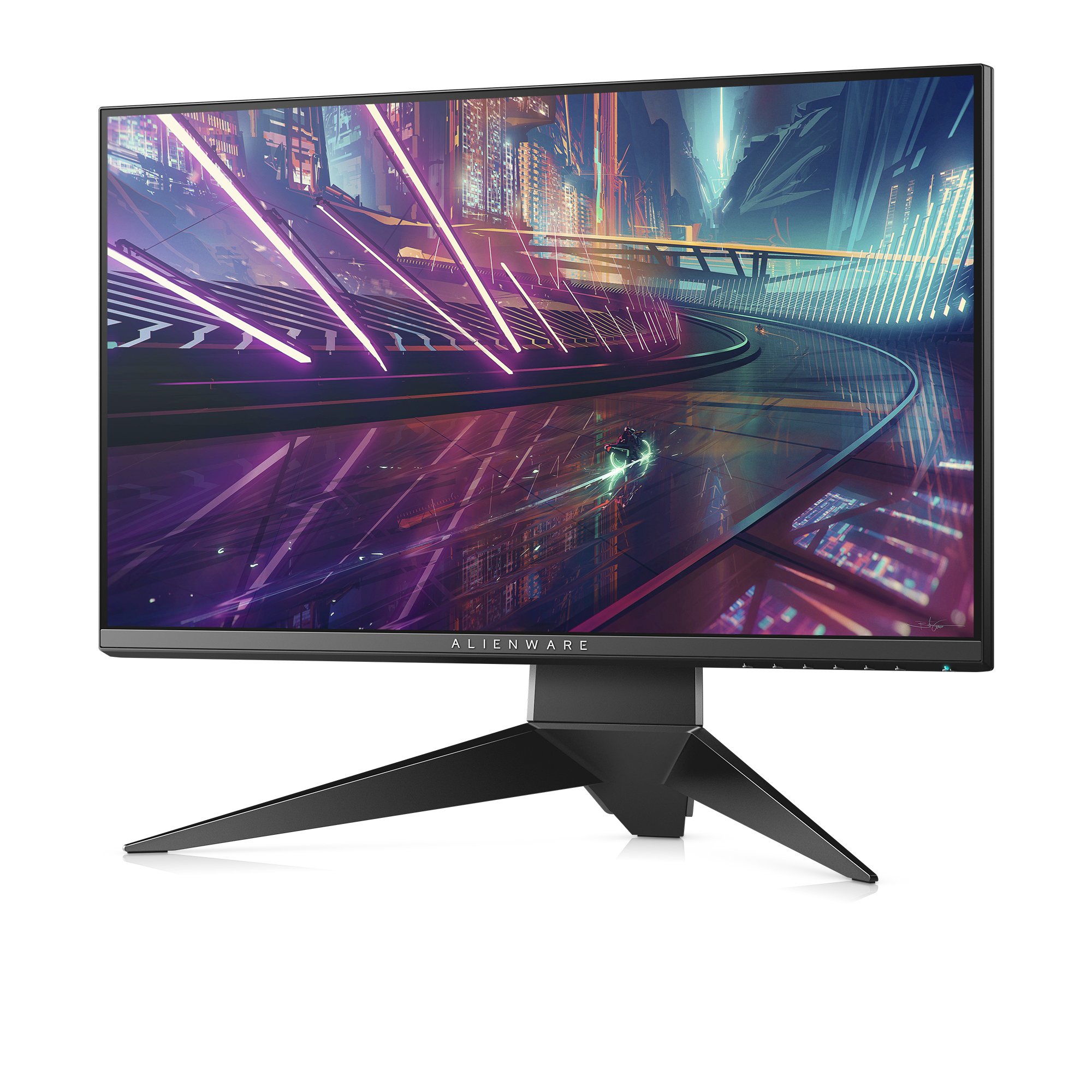
🚀 Elevate Your Game with Alienware's Futuristic Monitor!
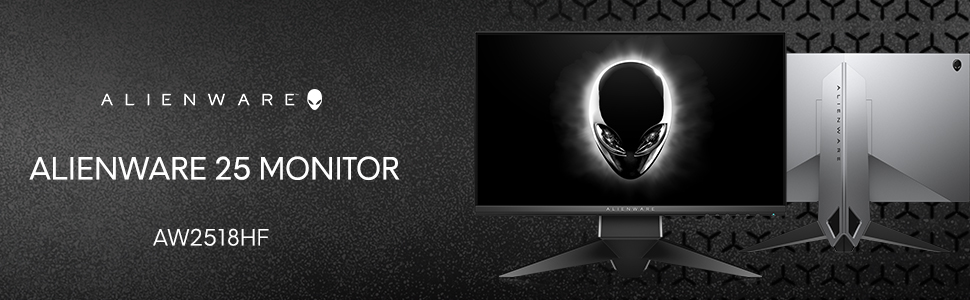
The Alienware 25 Gaming Monitor - AW2518Hf features a stunning 25-inch Full HD display with a native 240Hz refresh rate and a rapid 1ms response time, ensuring an unparalleled gaming experience. Equipped with AMD FreeSync technology, this monitor provides fluid performance without tearing or stuttering. Its ergonomic design includes a height-adjustable stand, tilt, and swivel options, making it perfect for long gaming sessions. With a brightness of 400 nits and compatibility across all operating systems, this monitor is a must-have for serious gamers.




| ASIN | B0733YCKM5 |
| Batteries | 1 Lithium Polymer batteries required. |
| Best Sellers Rank | #554,271 in Electronics ( See Top 100 in Electronics ) #10,638 in Computer Monitors |
| Brand | Dell |
| Color | Freesync (for AMD cards) |
| Customer Reviews | 4.7 4.7 out of 5 stars (3,078) |
| Date First Available | June 15, 2017 |
| Is Discontinued By Manufacturer | No |
| Item Dimensions LxWxH | 10.57 x 21.88 x 20.56 inches |
| Item Weight | 13.5 pounds |
| Item model number | AW2518Hf |
| Language | English, English, English, English, English |
| Manufacturer | Dell Marketing USA, LP |
| Max Screen Resolution | 1920 x 1080 Pixels |
| Number of Processors | 1 |
| Product Dimensions | 10.57 x 21.88 x 20.56 inches |
| Screen Resolution | 1920x1080 |
| Series | Alienware 25 Gaming Monitor - AW2518Hf |
| Standing screen display size | 25 Inches |
| Voltage | 230 Volts |
M**A
Fast, Sleek & Crystal Clear
1. Opening Box: Remove the white (4 total) plastic tabs from both sides of the box to lift the box from the monitor. 2. Packaging: Heavy foam supported the monitor within the box very well. A single cardboard box will be inside containing your cords and warranty information. 3. Includes: Power cord (100 - 240 VAC, 50/60Hz), HDMI 2.0 cable (x1) and USB 3.0 cable (x1). Display port cord will need to be purchased separately if you need to connect that way. Speakers are not built in so purchase those as well if needed. 4. Connectors: DisplayPort 1.2 (x1), HDMI 2.0 ports (X2), USB 3.0 ports (X4 - one with the quick charging capacity), headphone jack and audio out jack. The USB 3.0 cable must be plugged into the back of the monitor and into your computer to power the additional USB ports on the monitor. Monitor has HDMI 2.0 port (x2), Display Port 1.2 (x1), USB 3.0 port (x4) 5. Base: Quick and easy setup with no tools required. Base snaps easily into the back of the monitor. Cords can be ran through the base for clean cord management. 6. Enable 240hz: (Windows Users) Right click your desktop >display settings>advanced display settings>display adapter properties for display>monitor (tab)>screen refresh rate (drop down box)>240hz. You will not receive 240hz if your computers graphic card does not support it. Always research your graphic card specs first prior to purchasing to make sure you get the most out of your money and product. 7. Graphics Card: If you have an AMD FreeSync graphics card, you can synchronize the refresh rate of the Alienware AW2518HF to your GPU. This allows for a dynamic refresh rate which will eliminate screen tearing and stuttering without significantly increasing the input lag. For NVIDIA card users, the Dell AW2518HF is also available with G-SYNC instead of the FreeSync technology. FreeSync also works without any issues when using a compatible NVIDIA G-SYNC graphics card. FreeSync range is 48-240Hz. 8. On-Screen Display: The OSD (On-Screen Display) offers a plethora of gaming features including the pre-calibrated picture presets (FPS, RTS, RPG) and three customizable gaming profiles. The OSD menu is easily navigated via the six OSD buttons placed on the bottom of the screen. While the menu is not open, four of these buttons can be used as hotkeys for certain functions. You can assign them to any shortcut under the ‘Personalize’ section. Other useful features include Dark Stabilizer and Game Enhance Mode - three functions: an on-screen timer, an FPS counter, and Display Alignment for multitasking. 9. Ergonomic Functionalities: 130mm height adjustment, 90-degree pivot, 20-degree swivel to the left and right, -5, 25-degree tilt, and 100 x 100 VESA mount compatibility. The screen is covered with an anti-glare matte (3H) screen coating. Ultra-thin screen bezel and a steady metal tripod stand under which you can conceal the cables. The viewing angles amount to 170° vertically and 160° horizontally meaning that the colors will shift in tone when the screen is viewed from certain angles i.e. too far from the side or above/below. 10. RGB LED: The AlienFX RGB LEDs are placed at the back of the monitor which allows for the lighting to reflect off the wall and create atmospheric lighting. Definitely will recommend - great product with sleek look and awesome performance. The brightness performance is perfect as it peaks a bit over 400nits with consistent and uniform luminance. The colors are also great for a *TN panel. *Twisted nematic. This is a type of LCD (a form of LED) panel display technology panel.
T**K
Amazing monitor
I purchased this monitor towards the end of February for $279, an absolute steal! I'm very impressed with the design and image quality, couldn't be happier. I've never actually had a gaming monitor so this is the first time for me getting to experience a high refresh rate. As soon as you switch the settings from the default connection via HDMI @ 60Hz to 240Hz, there is a noticeable difference in the way the cursor moves across the screen and the colors seemed to pop more as soon as I switched to 240Hz. It's very smooth and makes for a great experience. I ran into an issue using the DisplayPort initially. One HUGE con worth mentioning is that the I/O port on the back is almost useless because there is a raised piece of plastic just underneath the ports and it makes it ALMOST impossible to insert the DisplayPort cable, it actually feels like it's not going in correctly/at an angle because you're unable to get it flush and flat enough to plug it in. Horrible design flaw, honestly don't know why that little piece is there. I'm not sure if that was why I couldn't get the display working with DP or what, but I couldn't get it working with DisplayPort (it could have been a defective cable, too). I had to use the included HDMI cable and by default it runs the monitor at 60Hz. You have to go into display settings and set the refresh rate to 240Hz. Boom, done. Although, Windows is showing it actually running at 239Hz. I heard that HDMI wouldn't be able to run 240Hz, but it is and setting the refresh rate in Overwatch it's also running at 240Hz.
J**N
The Best Gaming Monitor I've Had
I've had this monitor for almost 2 years now and can confidently say that it is by far the best gaming monitor I've seen. The first thing that I thought I might have an issue with was the monitor stand itself. The feet or legs of it were weird to me at the time and I wanted a new monitor stand. After finally getting two different monitor stands, I went back to the original one. I didn't like the original one at first by how far spread out it was and how much supposed space it took. But after trying the other two, they actually took more space than the one provided. Pictures also look a lot better than my other monitors that I don't want to name. The colors seem more true without an artificial brightness effect to it. But I don't really focus on that because quality doesn't matter to me as much as performance. 240Hz is a lot better than 144Hz and 60Hz isn't even in the picture at that point. Playing on 240Hz for a couple months is a total gamechanger. I went to my friend's house and saw him play on his 144Hz monitor for a little bit. I could tell the difference - it was choppy to me. Then just playing at 60Hz, it gave me a headache and eyesores. After going 240Hz, it's nearly impossible to go back to anything else. The HDMI cable included can go to 240Hz if you're wondering, so no need to buy a new cable. The backplate to hide the cables is a little finicky and I eventually gave up on ever trying to put it on, especially since no one is going to see it. For gaming, I absolutely love the size of this monitor. Some VESA mounts will be more difficult to install because of the shape on the back of the monitor. There are better monitors for picture-viewing, such as a 27" 240Hz 2k monitor, but that seems unreasonable for gaming purposes.
B**H
The monitor is great for gaming and also for other purposes. Got a very good deal from Jain Infoways/Storazebiz. Also got very good customer support from them.
H**F
Amazing display with good color reproduction What I like: + The size is perfect (having a monitor that is slightly larger than your typical 24inch display is always better) + colors are “good” but please keep in mind its not actually 8bit as advertised but it is 6bit+frc (but still good colors) + super smooth 240hz (obviously) once you use it’s hard to go back +The stand is amazing, you can rotate, swivel or adjust the height and its very stable What I dont like: - there is a noticeable pixel overshooting on 240hz when setting the response time to fast and super-fast ( can be fixed by lowering the refresh rate, just set it to 200hz) but I consider that forgivable. - not the best viewing angles ( It’s a TN panel and it’s advertised as a TN panel which depends on the buyer) which makes it Uncomfortable working on stuff other than games Finally The colors can be calibrated to your needs, Color profiles can be found on reddit to make the colors similar to an IPS panel which can solve few problems. I definitely recommend this monitor.
A**R
Compre este monitor en el prime day y no me ha defraudado. Pros: - Los materiales del monitor se sienten de muy buena calidad. - Los ajustes de imagen base del monitor, son buenos, únicamente hay que ajustar un poco el brillo (en mi opinión era mucho, pero no es problema) - Si se alcanza a notar la diferencia de 120hz a 240hz en algunos juegos, no en todos. Sobre todo FPS donde tienes que hacer movimientos bruscos de ángulos. - Los colores en la pantalla se ven bien, no se ven deteriorados como en otros monitores que he probado (por ejemplo: viewsonic Xg2402) - Utilizó el monitor también para trabajar y no siento fatiga alguna. Contras: -La base del monitor ocupa demasiado espacio. - Requieres un buen GPU y CPU para alcanzar constantes 240hz y aún así, no en todos los juegos lo logras. (Yo tengo RTX2080 e intel I7) - La interfaz de ajustes del monitor es compleja, hay sistemas más fáciles y claros.
M**E
Personally I found a huge difference between 144hz and 240hz. Everything looks extremely smooth which gives you an advantage over other players. It's crazy how much better I can track enemies and enjoy singleplayer games much more than before. The bezels are slim and the colors are fantastic for a TN panel. Almost as good as my IPS display. I kept the response time to very fast. It eliminates motion blur completely. The matte screen can help prevent finger prints from stranger touching the screen and reduce reflection. The design is unbelievable. 10/10
W**R
Ein gutes Gerät
Trustpilot
1 week ago
2 months ago