
DOWNLOAD THE APP


Customer Services
Copyright © 2025 Desertcart Holdings Limited
DOWNLOAD THE APP
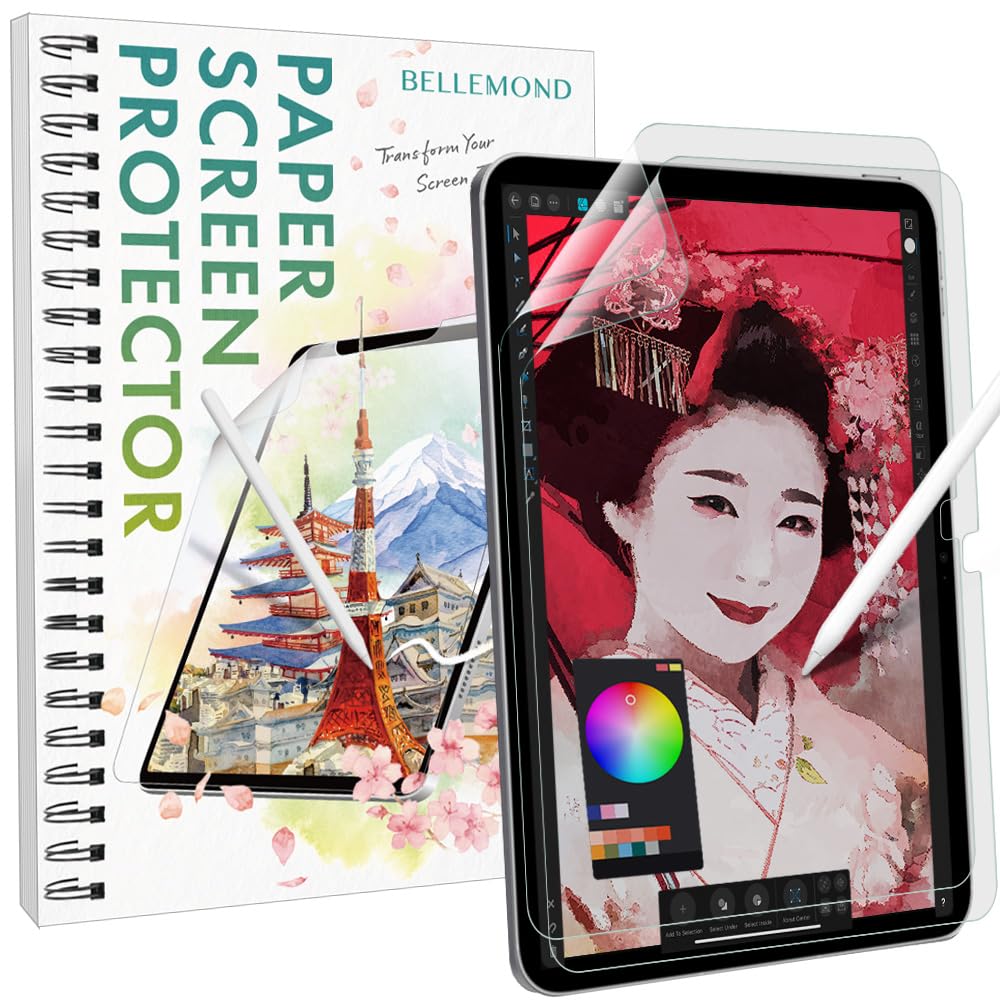
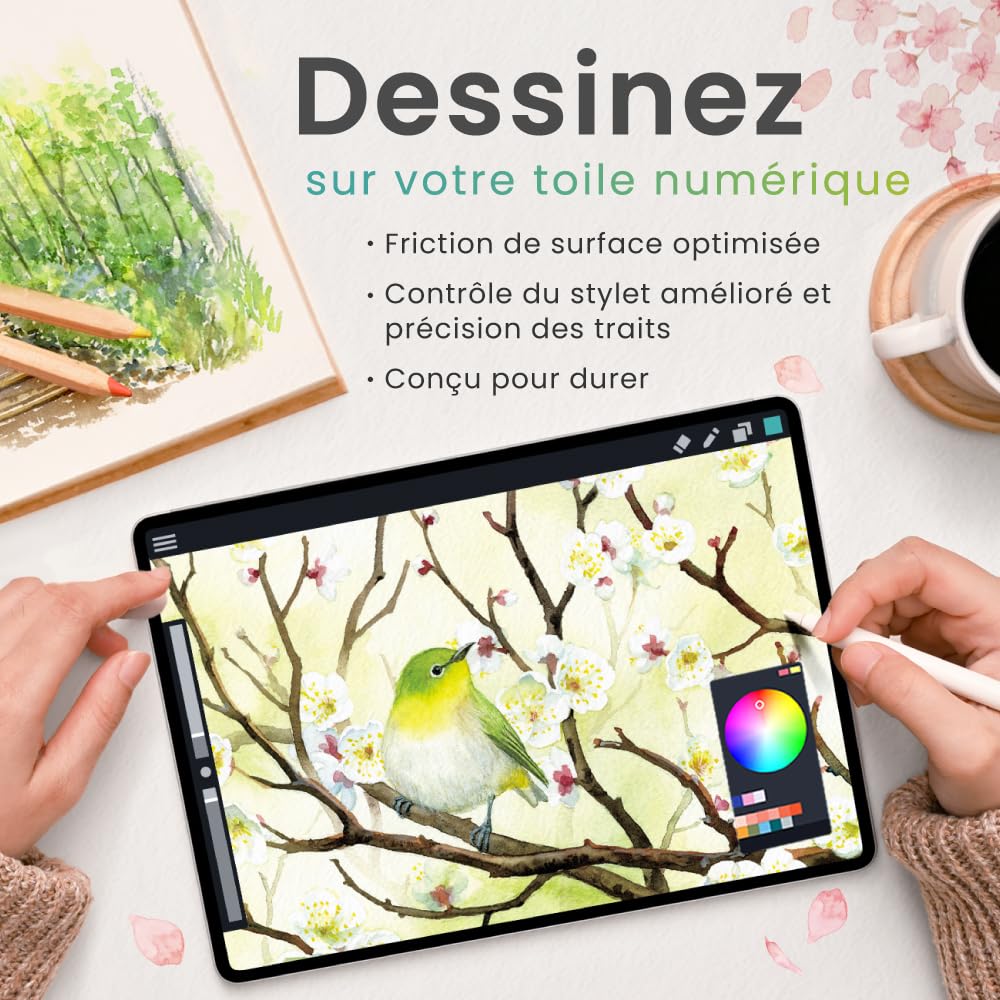
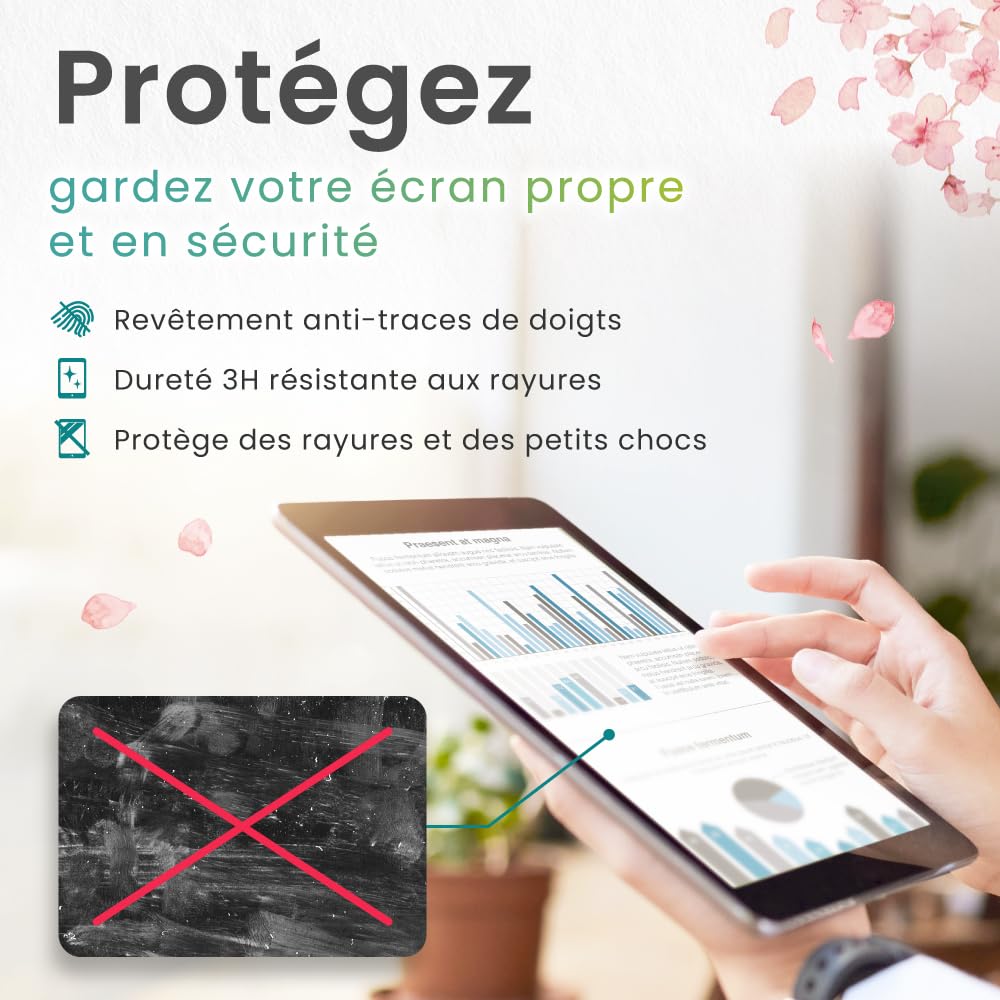
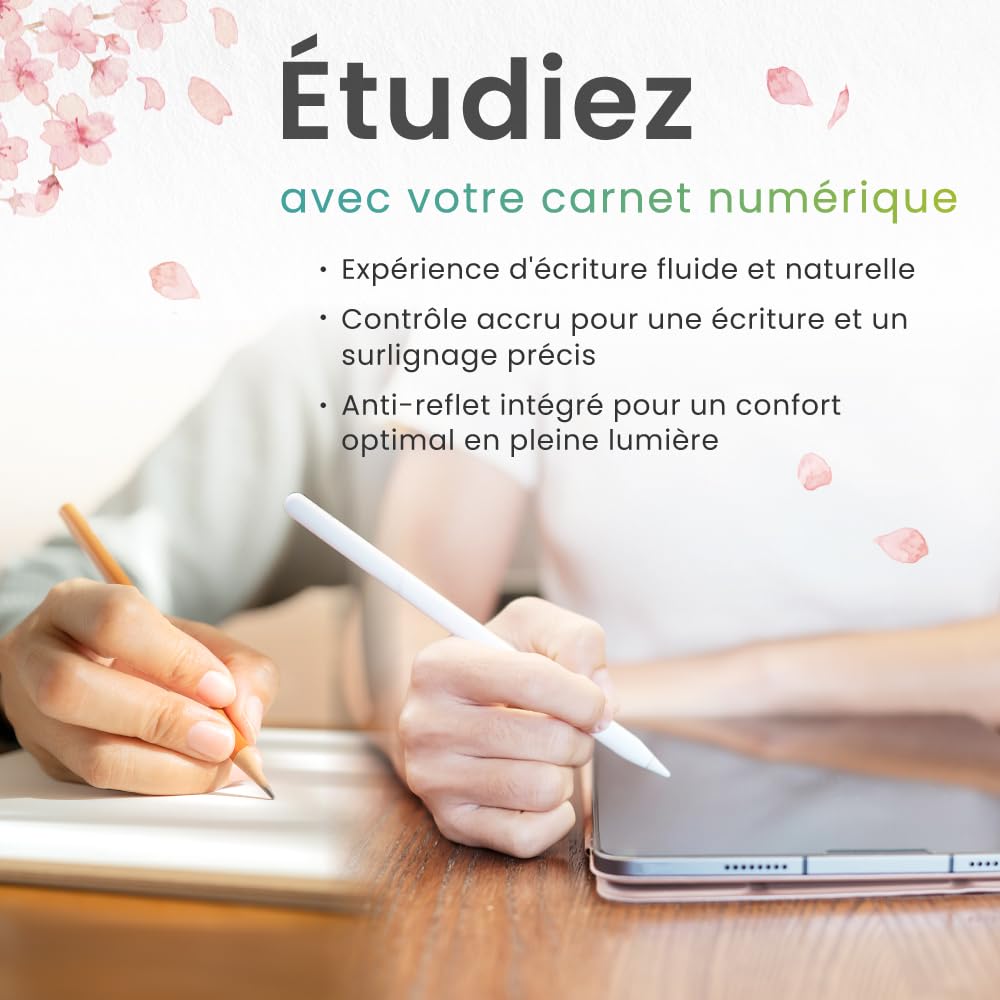
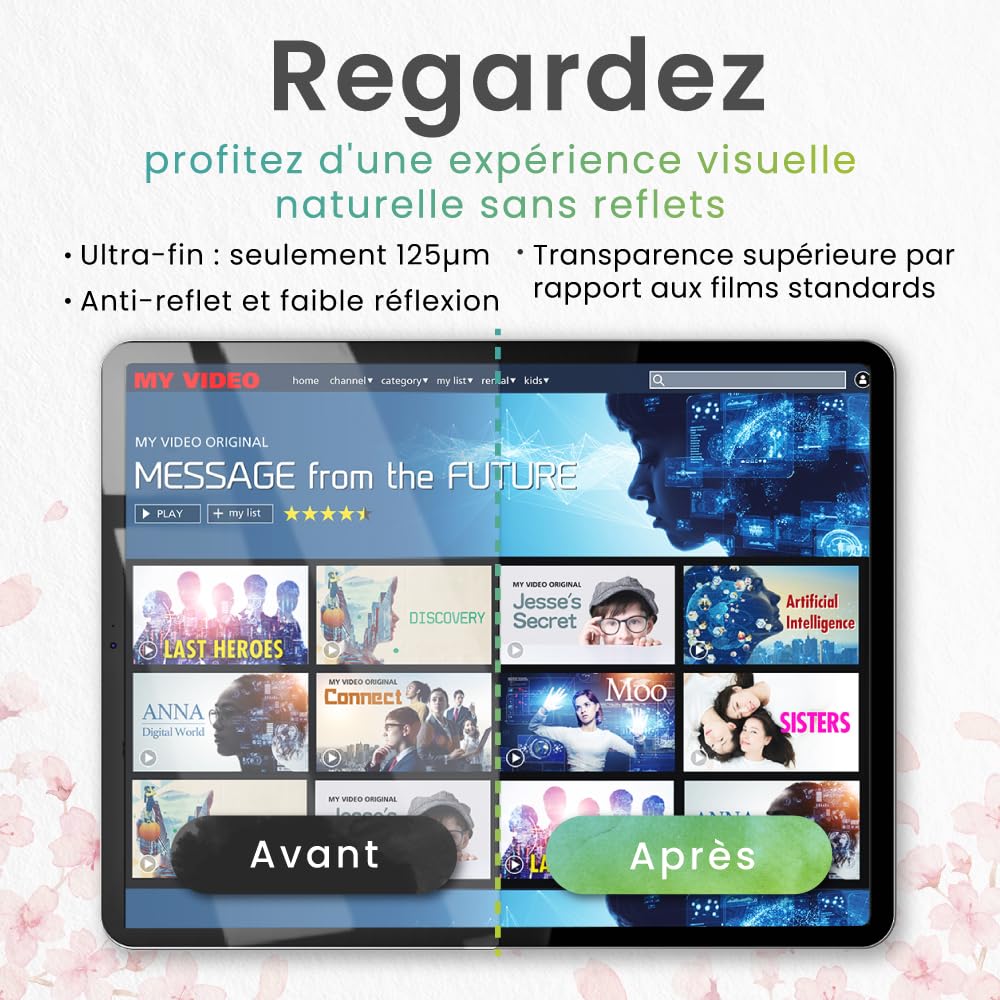
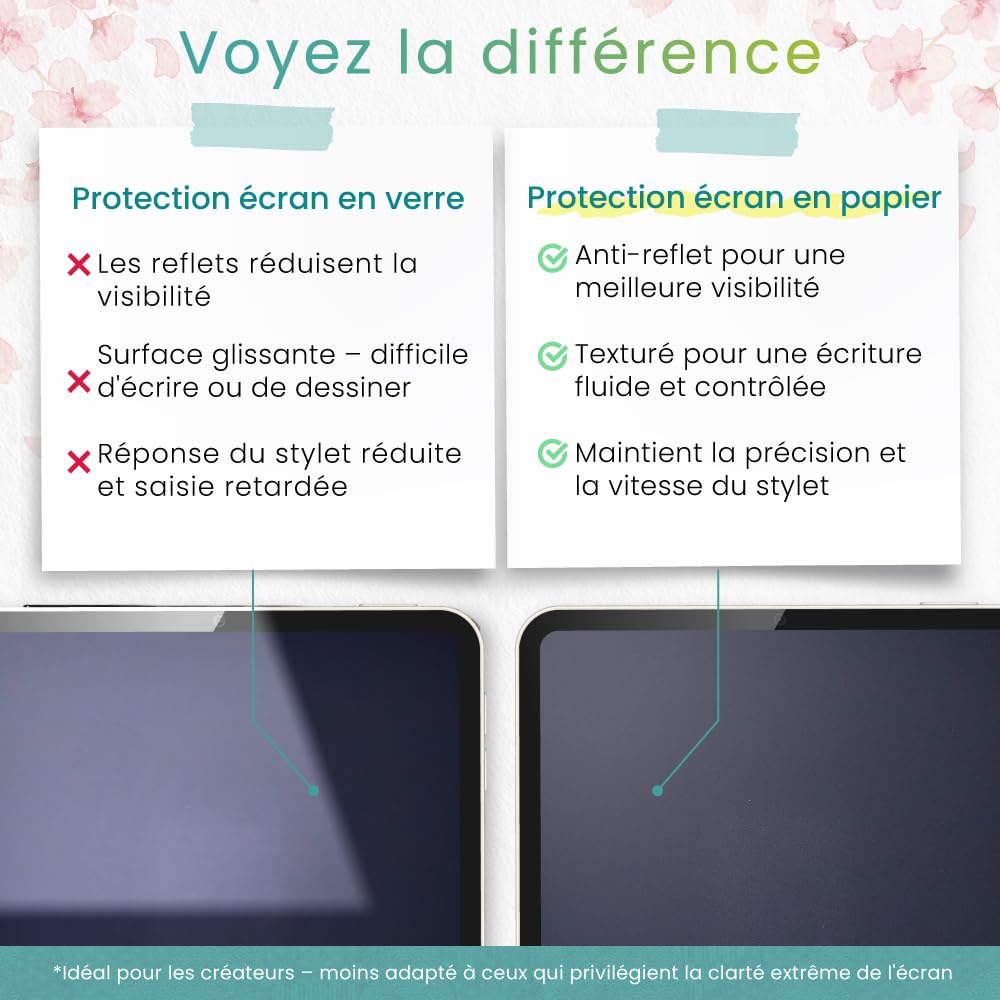
✍️ Elevate your iPad experience with the original paper-feel screen protector — because your creativity deserves the best!
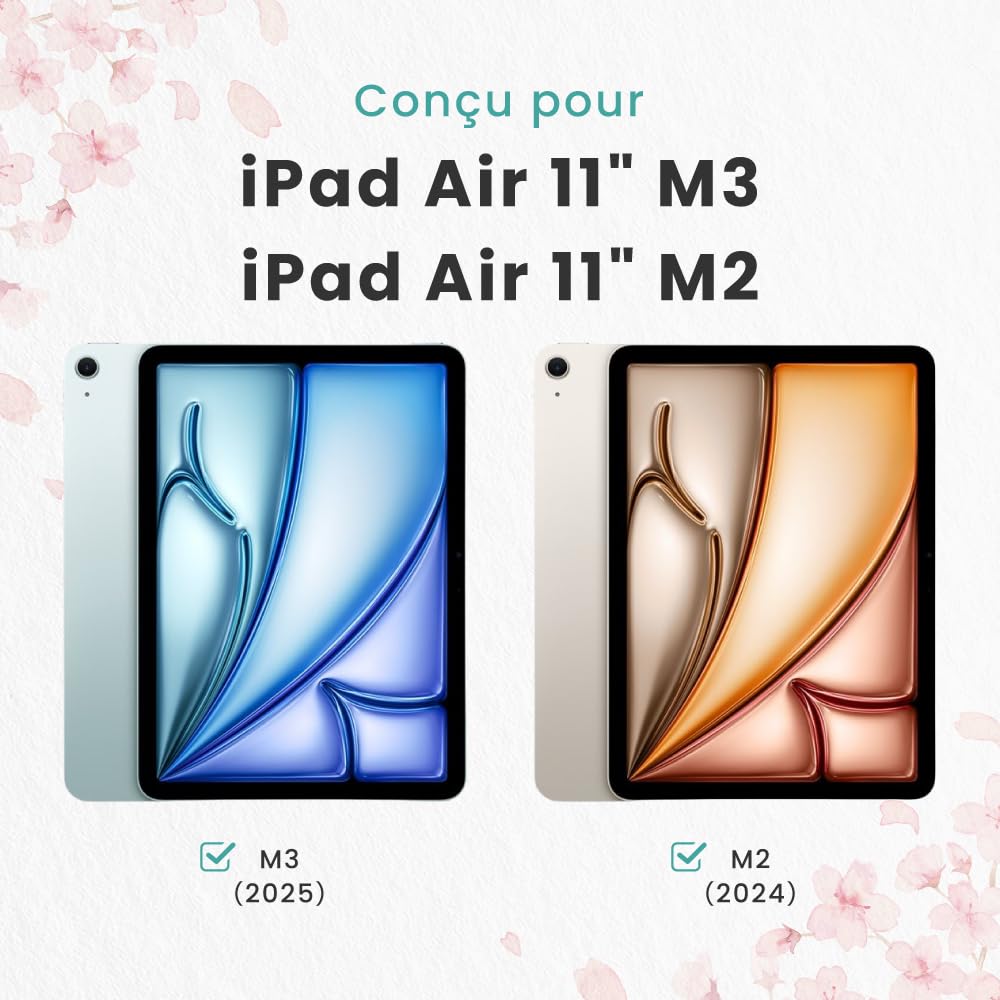
BELLEMOND’s Made in Japan Paper Screen Protector for iPad Air 11” (M3, 2025 / M2, 2024) delivers a premium matte PET film that replicates the natural feel of paper while maintaining full touch and Face ID functionality. Designed for artists, students, and professionals, it offers enhanced Apple Pencil precision, anti-glare properties, and scratch resistance. This 2-pack includes installation tools for a flawless, bubble-free fit, making it the top choice for those who demand quality and authenticity in their digital note-taking and drawing experience.


| ASIN | B0FK479SNL |
| Best Sellers Rank | #170 in Tablet Screen Protectors |
| Brand | BELLEMOND |
| Color | Transparent |
| Customer Reviews | 4.3 4.3 out of 5 stars (2,110) |
| Date First Available | October 12, 2025 |
| Item Dimensions LxWxH | 9.02 x 6.29 x 0.5 inches |
| Item Weight | 5.3 ounces |
| Item model number | GFLPLHQPIP-ARM2-2S-1100 |
| Manufacturer | BELLEMOND |
| Product Dimensions | 9.02 x 6.29 x 0.5 inches |
| Standing screen display size | 11 Inches |
J**4
Great 'paper like' feel for better price
This is my third time using this product, although in the beginning I choose this one merely by the good reviews. I first installed to my iPad Pro 12.9" that I use for drawing tee shirts designs and illustrations. I sketch and draw every day for a period of 3 to 6 hours, so it's imperative for me to recreate the paper feeling on my iPad screen, and after tried the Original 'Paperlike' screen protector for close to $50 I realized that it not worthy the exaggerated price. So Bellemond proved itself better texture with a very good feel like paper itself. The iPencil Pro resist like is scratching the surface of paper, the negative part of that great sensation is that the iPencil Pro tip wear off significantly faster than without this screen protector, but I rather replace more frequent the tips. The resistance on the iPencil makes the experience of drawing or writing on a glass surface very real just like you are doing it on paper. Now, I installed it to my iPad Mini where I start the sketching process before the finish piece. Great product and does it very well what it promise for a good price.
B**S
An amazing paper-feel screen protector, an amazing and THIS REVIEW HAS THE INSTALL SECRET FOR YOU!
I don’t like the paper feel screen protectors that attach magnetically or with static or whatever, because they get sort of loose and unkempt. The ones that stick on for a permanent install, and you know the brands, it seems to me the difference is not in the quality of the screen protector, but in the installation kit they give you. this particular item I am reviewing has no install kit to speak of, and if you read the reviews, you will see that’s the only thing people are really unhappy with. A permanent install version gives you a nice tight experience. All you have to do now is install it perfectly. Here’s what you need to do to install this one as if you spent $40 plus on one of the ones with the fancy installer. Get some washi tape or masking tape. Position the screen protector perfectly on your screen. Take your time in this step and all my steps. Sit at a table with good lighting. Have your tools around you. Take your case off if you haven’t already, and of course, you will have already cleaned the screen with the kit they gave you. Make little hinges on one side of the protector with washi or masking tape. Tape the protector to the iPad in this way. Make sure it is tight and precise. Remove the adhesive backing after you have flipped back the whole thing on the little hinges you just made, and very carefully apply it to the screen slowly rolling it down and placing it steadied by the hinge. Watch the edges not the bubbles!. It is somewhat forgiving in letting you reposition, but you don’t want to do that a lot. Once it is perfect on the sides, now get a credit card or the card they give you and start working the bubbles out. Work the bubbles out until they are gone. Totally gone. You can fix them later, but they will never be as perfect as if you fix them right now. Don’t get excited and start using it until you have done this. Be careful that the card does not dig into the plastic coating. When it starts to do this, it’s time to take that plastic coating off because you can continue somewhat with the bubbles once it is off, but you want to get as many out as you can before you remove that. The bigger bubbles can be pushed to the edge as if they are water droplets. Smaller ones can be sort of burnished down and out. Pay attention as you go, and you will get a technique. This installation will be flawless, and you can afford to change your protectors more often by not paying all that extra money for a few stickers that make up an “install kit. keeping a fresh protector on every three months or so is, in my opinion is the best way to enjoy this type of protector. This particular brand is now my personal favorite. If I had had to install it just freehand, though I may have killed myself in the process. I hope this helps! Keep drawing!
J**N
So far so good. Installation is a pain though.
When I first read the reviews I assumed that the installation issues were user error (and, still, most of it still is) but here are some things that I noticed that make the installation process troublesome. The first is that the adhesive is not sticky enough. I got it all on my iPad the first time only to go and lift the tab and it took it right back off. This was AFTER pressing it down with my hands and a credit card to remove any bubbles. Thus I placed it on again and had to restart the process, luckily, without any trapped dust or hair underneath. I also have an issue with the little card they give you to press the bubbles. It ended up ripping through a lot of the blue film on top and getting caught so I switched to a plastic card. The second is lining up the screen protector isn't difficult but it could be a lot easier so that you get a straight and clean experience. Many screen protectors achieve this by providing a frame of sorts so that you can keep it in line. If plastic use is the issue I feel we could even achieve it with cardboard or something similar. I can't say how well it holds up but am hoping it lasts a while. It doesn't interfere with the screen clarity and it feels much better than a bare screen. I won't claim it's the same as writing on paper and you don't get that feeling like you would on a remarkable or something like that but it definitely helps.
J**N
El producto traía burbujas desde antes de aplicarlo y a la hora de aplicarlo no pegó bien y se le hacen burbujas y por más que se las quite le vuelven a salir
S**T
As a professional artist. I always went for the paperlike screen cover. It used to be much more cheaper back then but now, it’s ridiculously high price. I wanted to give a try to this screen protector after many positive reviews by artist and I must say it was very smooth transition from paperlike to bellemond for me. It’s really worth it. The only negative thing about it is that the surface get smooth after a few use like in a week. But it still maintain the paper feel. UPDATE: less than a year, the cover got so smooth and creating problem adding strokes while painting. Sometimes get itching sound. I was impressed by the quality for few weeks within that price. But now, I will highly recommend paperlike (original) cover which I used more than 2 years and it maunting the paperlike feel. Removing 4 star rating to 2 star. Not sure why people having a problem installing it as it has same installation process than almost all screen protector.
Y**G
Good quality
L**K
Does what it says. Adds a rougher feel to your screen. Applying it is somewhat challenging. But take your time and make sure the screen is super clean.
I**M
Extremely cheap quality material. Not great paper-feel screen protector. Poor visibility. No alignment tools for application, so it is extremely difficult to fit. Doesn’t fit on the screen well. Just a very bad product.
Trustpilot
3 days ago
2 weeks ago