
DOWNLOAD THE APP



Desert Online General Trading LLC
Warehouse # 7, 4th Street, Umm Ramool, Dubai, 30183, Dubai
DOWNLOAD THE APP
Desert Online General Trading LLC
Warehouse # 7, 4th Street, Umm Ramool, Dubai, 30183, Dubai



🎥 Elevate Your Filmmaking Game!
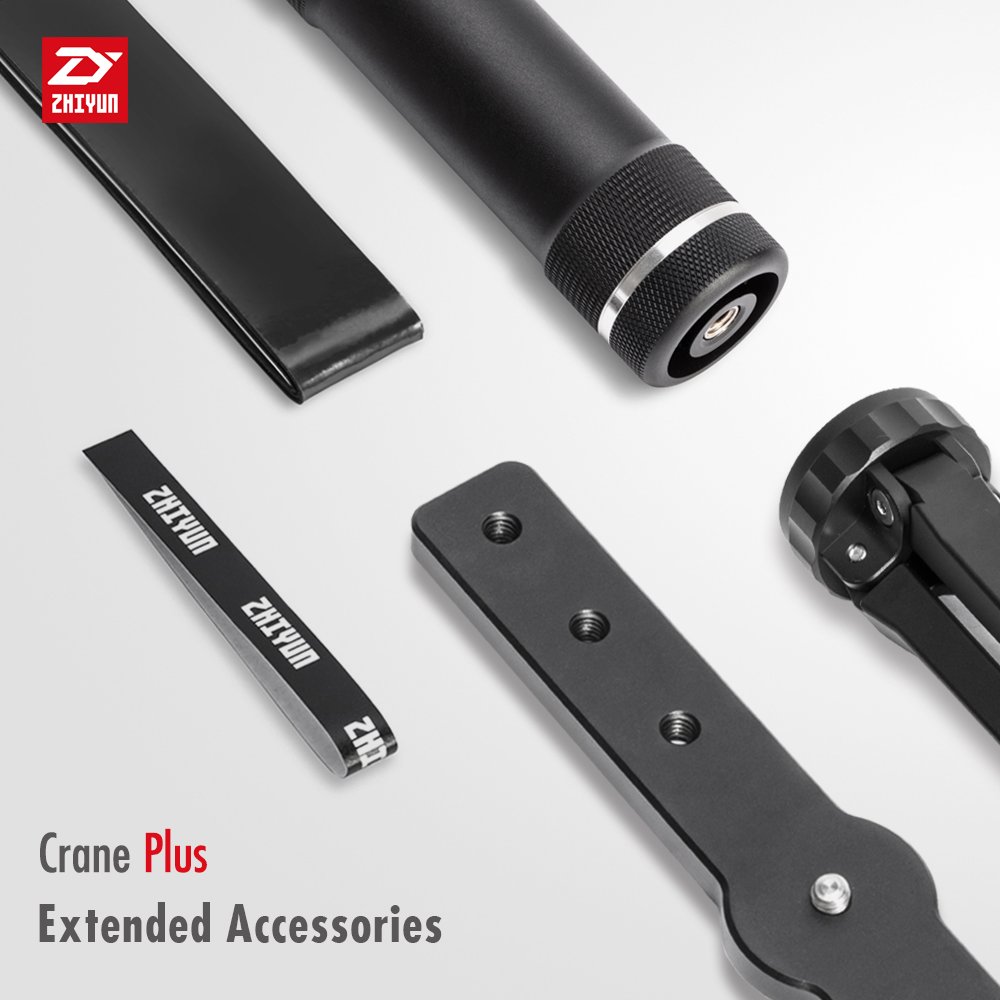
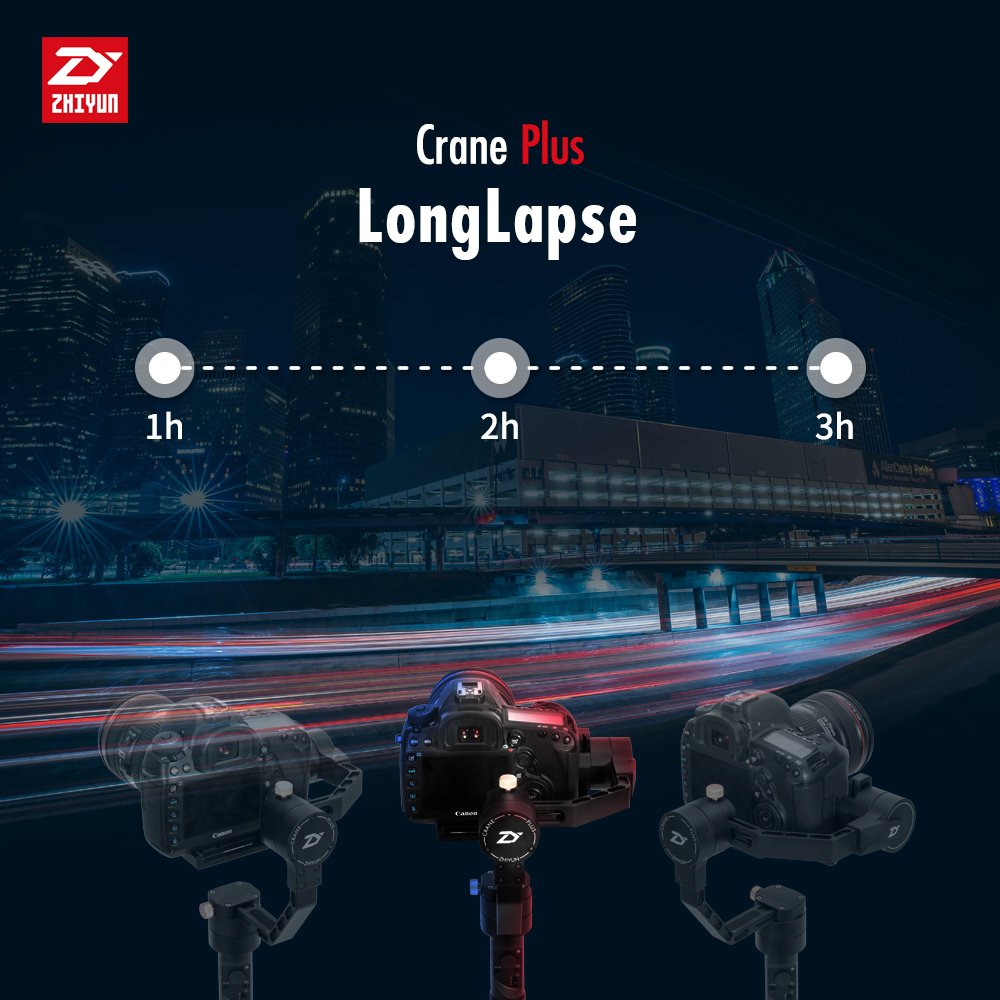
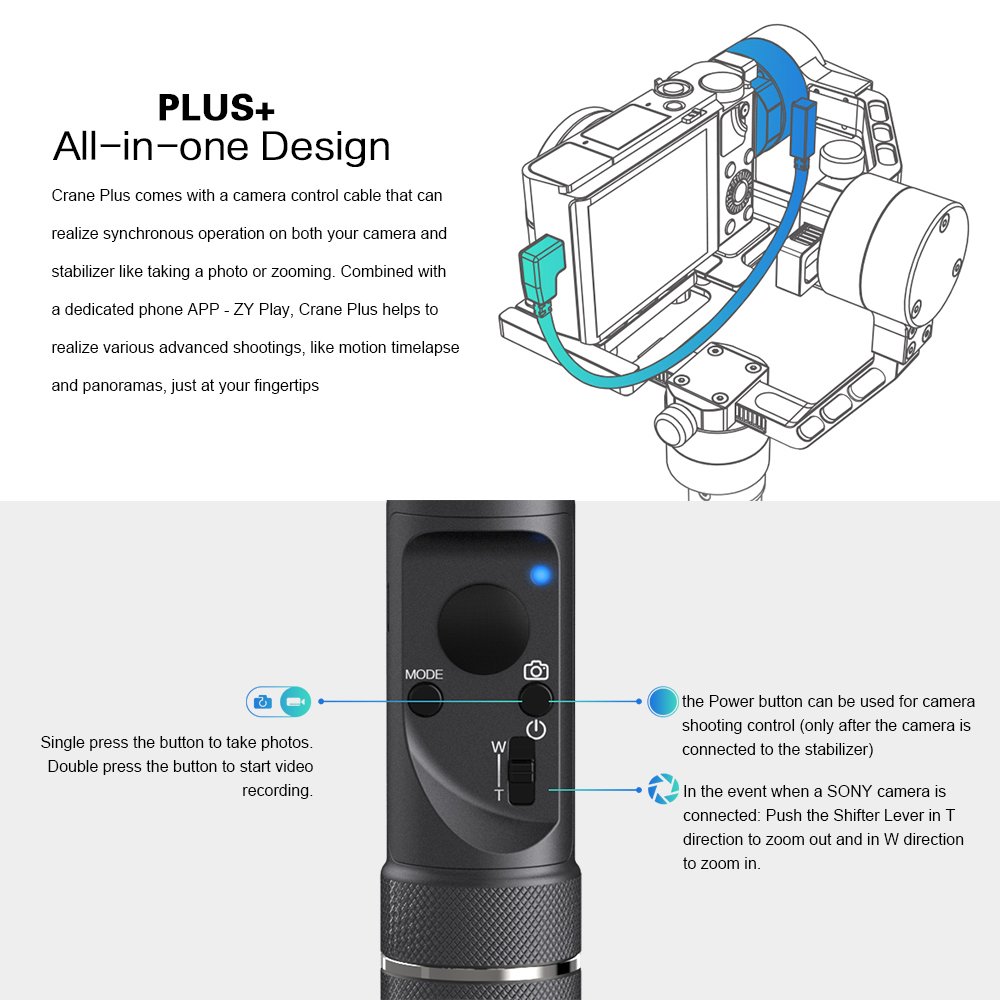
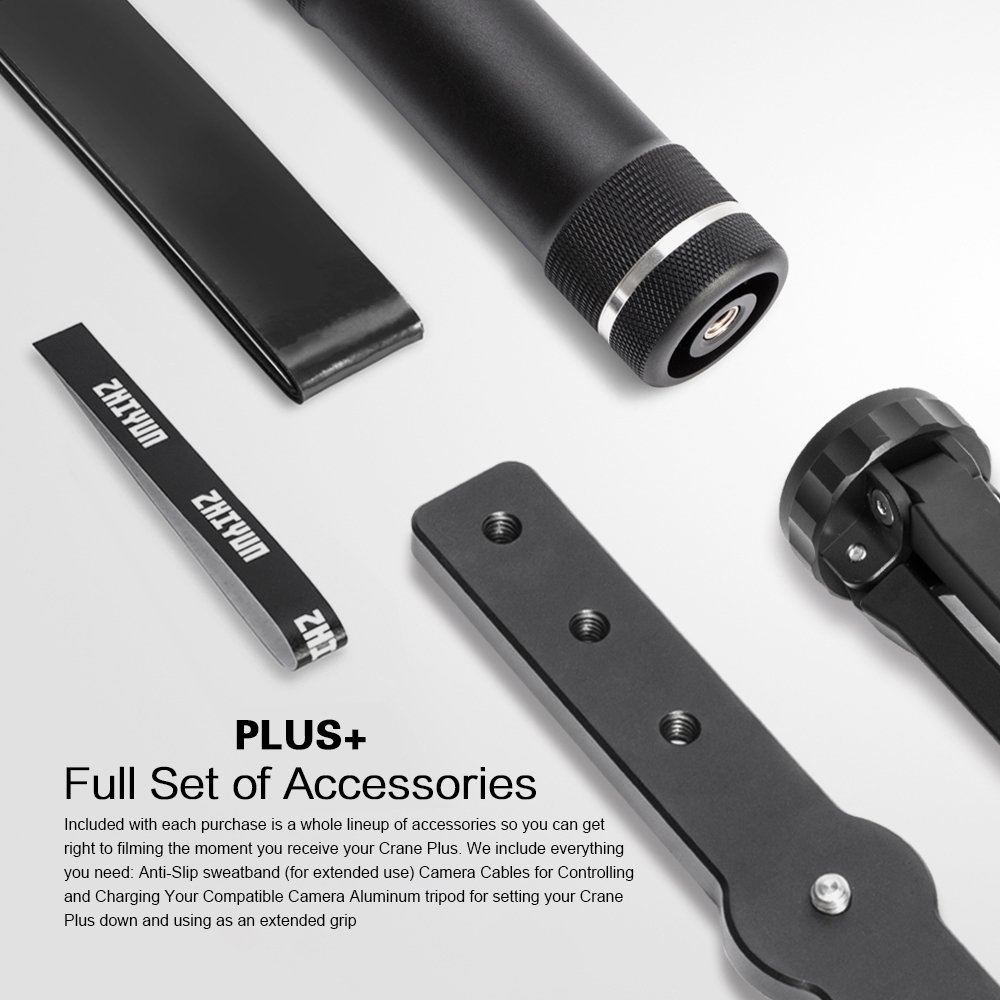
The Zhiyun Crane Plus is a state-of-the-art 3-axis handheld gimbal stabilizer, capable of supporting camera rigs up to 5.5lbs. It features intelligent object tracking, FPV mode for dynamic shots, and advanced time-lapse capabilities, making it the perfect tool for professional filmmakers and content creators.


M**A
What great customer service, buy with confidence from Pergear.
I am writing this email regarding the product and the stellar customer service I received from Pergear, and a big shout out to Ivy who has been in constant communication with me. So here's my story, I have a Nikon d800 with a 16-35mm and 24-70mm lens. I am also new to the world of gimbals. I have a tour to France, Spain, and Portugal for 10 days in April and I want to capture it on video without the shakiness. Well, I checked the weight allowances on the Zhiyun Crane vs the Crane Plus and decided that the Crane Plus could handle the Nikon D800 and the 16-35mm. Well, I balanced and rebalanced my Crane Plus before the trip and everything seemed correctly balanced. Well here's the challenge, when I took it out on the trip and started to use the different functions, especially the vertical tilt, the D800 was too large a camera, and by that I mean it is too long and it would keep hitting one of the sides of the gimbal with the flash hot-shoe. Long story short I had to use my backup camera d7000 which was smaller but did the job. I felt I should have bought the Crane 2 but what to do? When I came back it would be past the 30 days windows and I used the product, yet it is unusable for my camera. Here comes the good part. I emailed Pergear just to see if they could do anything for me. To my surprise Ivy, the CSR emailed me back and said they indeed contact Zhiyun and that the D800 was too large a camera for my camera. They asked me to simply send the product back to them with a tracking number and they will refund me the entire order so I can order the Crane 2. When I sent them the tracking number, the same night they refunded the entire order and I immediately ordered the Crane 2. I was so ecstatic I also needed the Crane M for my Canon g7x Mark 2 that I ordered one from them as well. They told me there was a promotion with the crane 2 where I get an additional follow focus servo for free. I had read a review on how good Pergear is for customer service and I am proud to have witnessed such great customer service, and on top of this, all their Zhiyun Crane comes with an additional 6 months warranty for FREE if you register it on their website which took 30 seconds.As for the Crane Plus, it works great for a smaller camera. The battery life was phenomenal as I never ran of battery for constant use each day. The gimbal was well made with quality construction and the case was great. There are a bunch of sellers, but look for Pergear and you will have a peace of mind that they will take care of you no matter what.
C**A
Great Gimbal.
If you want smooth footage this gimbal will do it.Just giving the points:1) Footage is smooth but you should follow proper walking technique to get the smoothest. .2) Watch the tutorial on youtube on the Zhiyun crane page. Some features offered needed a tutorial to find them. Example the moving time-lapse needs that you set rotation in app but have to go to the knob to set the original position.3) For heavier lenses like a canon 6d and 24-70f2.8 mkii. You should use the lens holder and go in the app to set the motors to high strength.4) Lastly it will weigh you down after a while so keep that in mind. you will be happy for the stand.Update: if you use back button focus on GH5, you may want to go back to the original settings as the gimbal works with that. This is to allow focus from the handle of the Crane plus.
M**3
It's a lot of fun recording with this!
Pros:It's not that difficult to use. It takes some time to get a feel for it but after a couple of sessions, it's awesome.Balancing is not as difficult as a Flycam or Glidecam.Nice carry case.Battery Life is great.App to the phone is awesome.Cons:It does a funny reset sometimes when you try to turn it from inverted to regular.For sony alpha users it covers a bit of the preview monitor making it hard to see what you are shooting.On rare occasions, it will boot for one second and dies. This seller was kind enough to accept my return and told me to repurchase.Overall: It's a great gimbal. I would highly recommend it.
T**N
Fantastic and essential
This is probably one of the highest quality things I own. It's fantastic, easy to use (a little practice required to get used to it), and super sturdy. App works great with it as well. It can be a little heavy at first, but gets easier to manage with use. Only minor complaint is that I have to rebalance every time I use it due to the way the carry case packaging is designed. I have to adjust the slides to put it back in the box each time.
A**A
Goes limp
I can only get a few minutes of footage before it goes limp using my GH5 + 25mm 1.7. I have the gimble calibrated to a T, Ive only used it in a hand full of shots and its been the same story for all of them.
D**R
Jitters with heavy lens and phone attached (under 4lb)
The media could not be loaded. Pro:- Gimbal is solid built- Lighter than the Crane 2- Slimmer and easier to pack- Supports sony (i own a sony a7 iii)- Comes with accessoriesCon:- Not as powerful- APP is terrible- Handle can be slippery (thus they included the grip tape)- Major bug: when using phone front camera to track object, vertical tracking is inverted (really Zhiyun?!)- Jitters with heavy setup (under 4lbs)- Not sure if it's just me but the gimbal camera plate will hit the base if you tilt and pan in a certain angle, this is very annoying. I tried to balance the camera further out, but the plate just won't avoid the top of the base motor... design flaw??- With out LCD it's difficult to know the mode, the battery life, the strength etc. Have to rely on phone app. But, i prefer to have the phone setup above the camera to track objects.. solution?- With phone attached to the hotshoe, the phone will bump into the back motor. Think the new version of the Zhiyun lab 3 has the back motor moved lower to avoid blocking the screen. This one still blocks screen..I will likely return it due to jitteriness, inverted vertical tracking in phone front camera mode, camera plate not able to avoid base plate, and phone screen hitting the back motor. Plus, the app is terribly made.Update: another issue found — gimbal will not hold the camera still when tilted upwards for more than 5 seconds, then suddenly drops. This gimbal is well balanced and I tried to debug and research online, seems like others have similar problem. This gimbal is going back for sure.
C**N
Crane Plus - Lots of Features/Great Stability for $$
I haven't had a chance to experiment with this product for a long time since I just received it a few days ago. However here are my first impressions:- Emgreat-CA shipped the item and it arrived early (they also followed up with me to make sure everything came without issue - great service!!). It arrived in exceptional packaging. 2 layers of packing cardboard plus the box that contains the hard shell case with the product. Inside the hard shell case is hard foam that holds all the components together safely.- Opening the hard shell case all items were mint (as advertised) with the new gimbal smell.- So far, everything seems to be working as advertised. All included items were in the case, all the modes lock into place as they should.- The Zhiyun app seems to now work with Android phones for the motion nightlapse feature which is one of the main reasons I bought this product. -- Battery life is spectacular as advertised.If anything changes regarding the working condition/functionality of the product I will update this review.Note to new gimbal users: Make sure you learn to balance your camera properly (there are tons of videos out there showing you how). Do this BEFORE you turn on the gimbal (even if you want to place the camera in standby I would mount camera first and then take it off afterwards even thought he manual says just to hold on to the gimbal with your hand). You don't want to strain your motors or you can significantly reduce their lifespan. The camera should balance and stay in any position you place it without recoil even if the gimbal is not "ON".
C**2
Not impressed...horrible instructions...doesn't work as supposed to.
Edit April 16, 2020: I had given the gimbal a rating of 3 stars and I am taking it down to 1 star. The gimbal just will not stay level as you move. Once you get it in perfect balance, screw all the adjustment screws firmly into place and then you turn the unit on, it works just fine, but then after doing maybe a minute of movement and put it on a straight table, with the tripod that comes with it, you can clearly see that it shifts angle as you use it. I already took more than a total of 4 hours of footage in 2 days after resetting and all and all my footage is at an angle after a few minutes.Second deal breaker: I bought this gimbal mostly for the track subject function and it just doesn't work: I have tried using the video on youtube from Zhiyun themselves and everything does set up properly with the connection of the phone and all connects ok, and once I start the subject tracking function, the camera just goes vertical and start spinning. I have tried with Iphone, Samsung Note 9 and with OnePlus 5T and none of them work.Third deal breaker: The Joystick can be reconfigured and the Gimbal tools software allows to reverse the axis (just like i do on xbox controller) and it does work, but the minute you take the batteries out to recharge, then you need to reconfigure again.Last negative: you cannot charge the batteries in the unit using the micro usb port, you need to disassemble the whole unit to charge the batteries... If the unit wouldn't have all those other bugs, I could live with it, but it is too much...Final words: I will try to reset the unit, repush the firmware and if nothing changes, then i will return the unit.----------------------------------Original review:I just got the Gimbal Crane Plus and here are my first impressions:-instructions are horrible, almost useless.-upgrading firmware doesn't work on windows 10 using the tool software version 1.35 (it kept saying "search failed". I had to find a site with prior version 1.30 that is in Chinese, but with Google translate I was able to upgrade firmware without issues.-With a single click of mode button it cycles between 3 modes, but you never really know in which mode you are. There is no visual indication of which more you are in.-I will need practice, but I was unable to shoot any decent footage with my a7iii as I just don't know how to "drive" this thing.-Object following option with app doesn't work because as soon as you put phone on camera, there is no way to balance this thing.I intend to keep it because the A7iii video is way too shaky, but I was expecting way more for a 300$ plus device.
P**E
Compatibility
What I disliked is it advertises it supports Nikon, this merely means in weight and not electronically, there was no patch cord to connect my Nikon D750 to the gimbal therefore can’t use the functions like being able to zoom or snap a photo with hand wand, I sent a complaint to the company distributor with no reply from Amazon either. I was asking for the info or send a patch cord at my cost. This is a good product and used by local colleges in their photography courses, should be compatible with all models, that would make a great product.
A**R
Best to use gimbal for mirrorless camera than DSLR
I would suggest that if you want to shoot video with a DSLR you should purchase a larger gimbal. While weight is an important consideration so is the size of the gimbal to allow the size of the camera body (and lens) to work without any issues.While the capacity for weight was good for both of my DSLRs and even using a smaller 50mm lens for shooting video (Canon 5D and Canon 60D) I found that even the smaller 60D was too bulky on the gimbal.Depending on the angle I was holding the gimbal, the camera would sometimes hit or rub against the gimbal which of course would ruin the shot.I switched to a Canon mirrorless camera and the gimbal worked beautifully with the smaller body of the mirrorless. I also found that the gimbal's motors worked better (smoother) with the lighter mirrorless.This is a really nice gimbal that works exactly as it should but again, best paired with a mirrorless camera with a smaller body.
J**N
Zhiyun Crane Plus With Sony 16-35mm GM and A7Riii does not work well.
I found out the hard way that the weight limit only tells half the story. The Sony 16-35mm GM with the Crane Plus and Sony A7Riii is not a great combo. What they don't tell you is that you have to move your camera so far back into the gimbal you lose functionality and don't get full range of motion.1. You have to take the viewfinder cap off2. the front lens of the camera will hit the bottom of the gimbal if you rotate it forward too much3. you can't pivot out the LCD screen at all because you need to push the camera so far back into the gimbal just to balance it. You have to fly completely blind if you want to flip the gimbal upside down and take low profile shots.Here's how much this setup weighs.Sony A7Riii - 1.445lbsSony FE 16-35mm f/2.8 GM - 1.50lbsThat's 3lbs total. Well within the limit. Lesson to be learned, just because it's in the weight limit doesn't mean you'll get full functionality and an optimal experience if your setup is front heavy.Definitely consider that when buying this gimbal.
Trustpilot
2 months ago
2 days ago