
DOWNLOAD THE APP


Customer Services
Copyright © 2025 Desertcart Holdings Limited
DOWNLOAD THE APP

🚀 Print Like a Pro, Even as a Beginner!
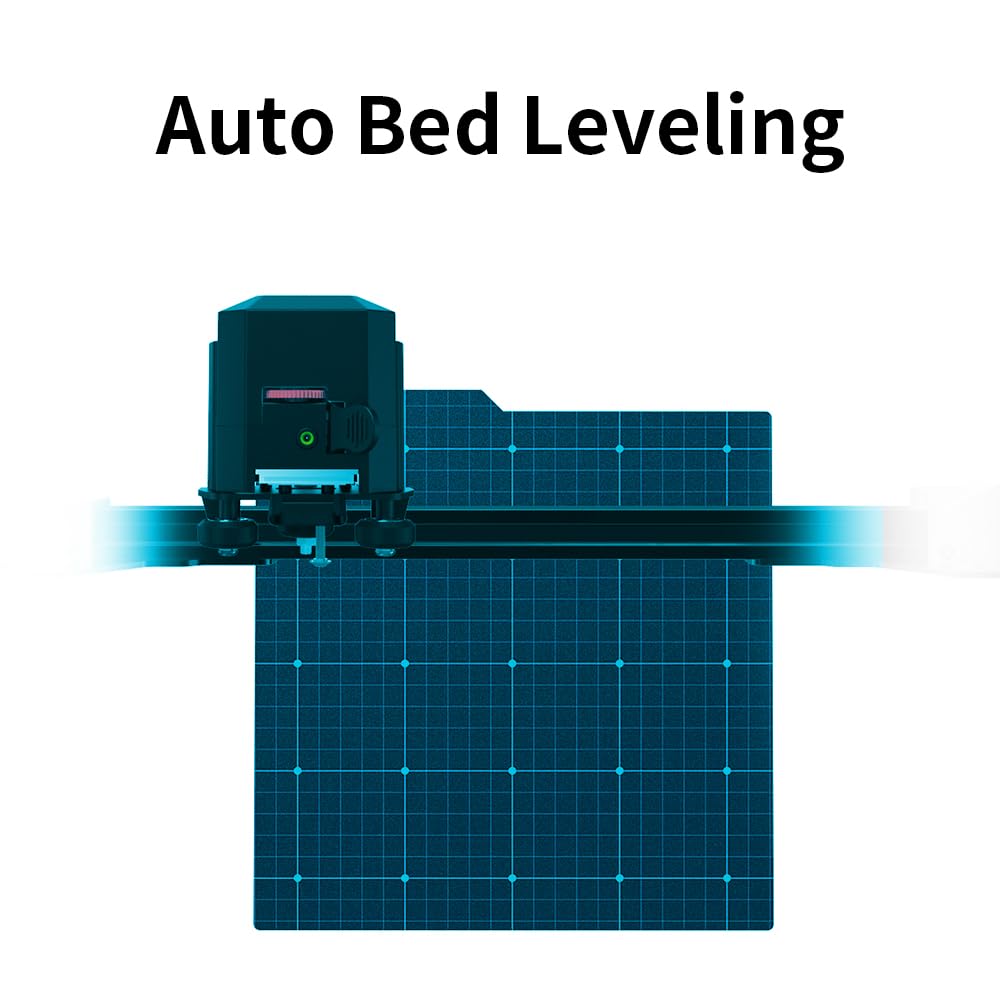
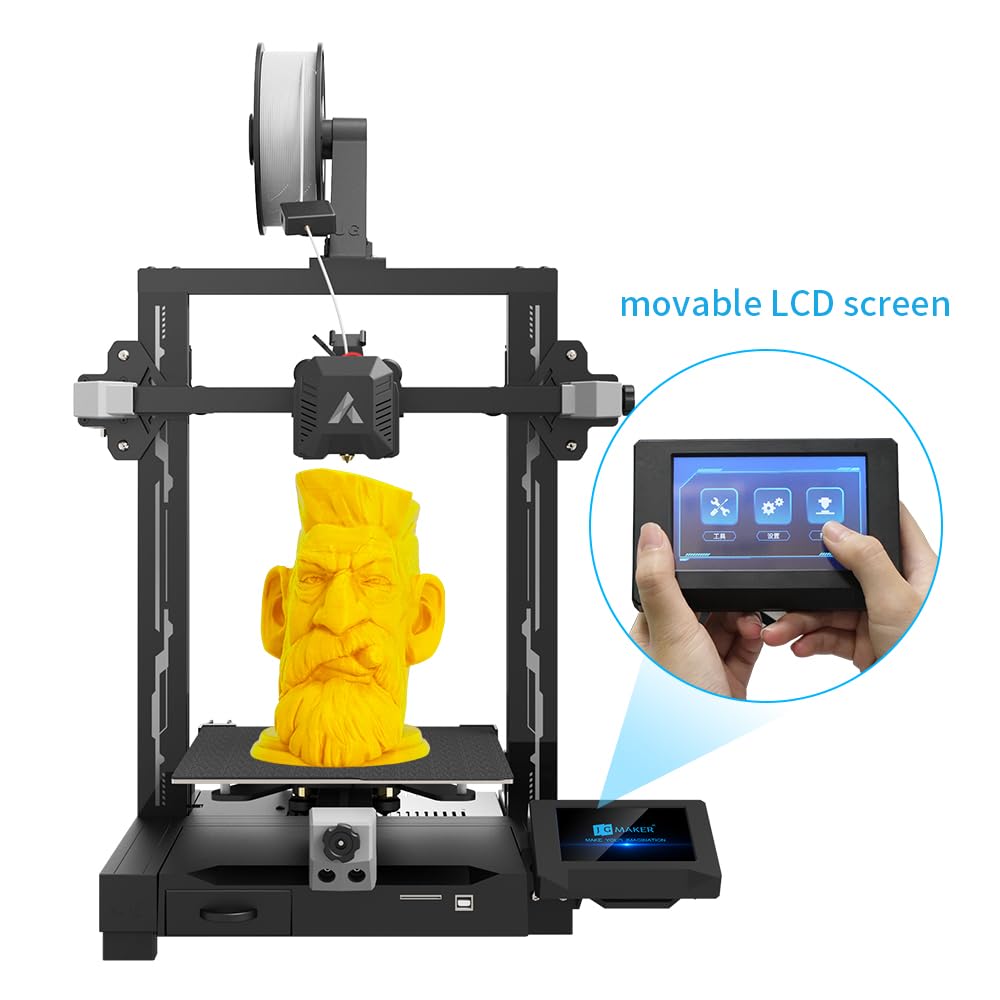
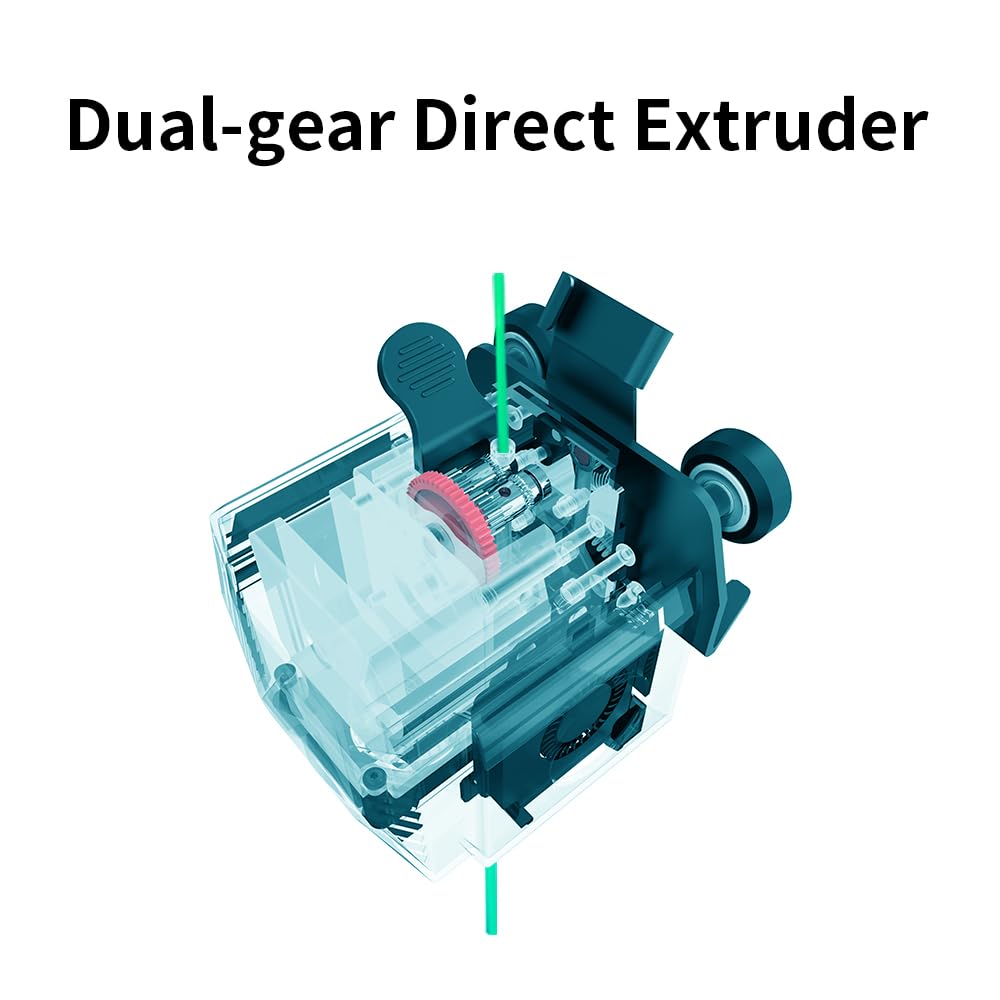
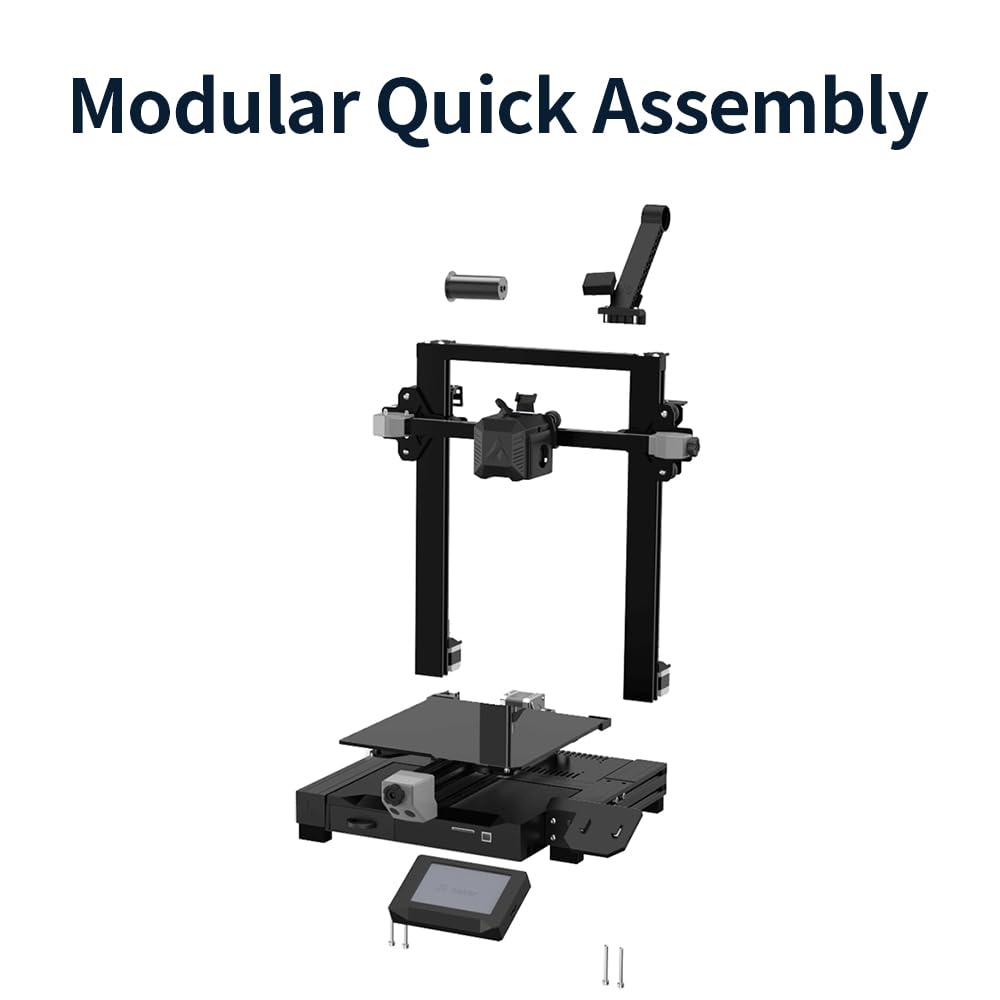
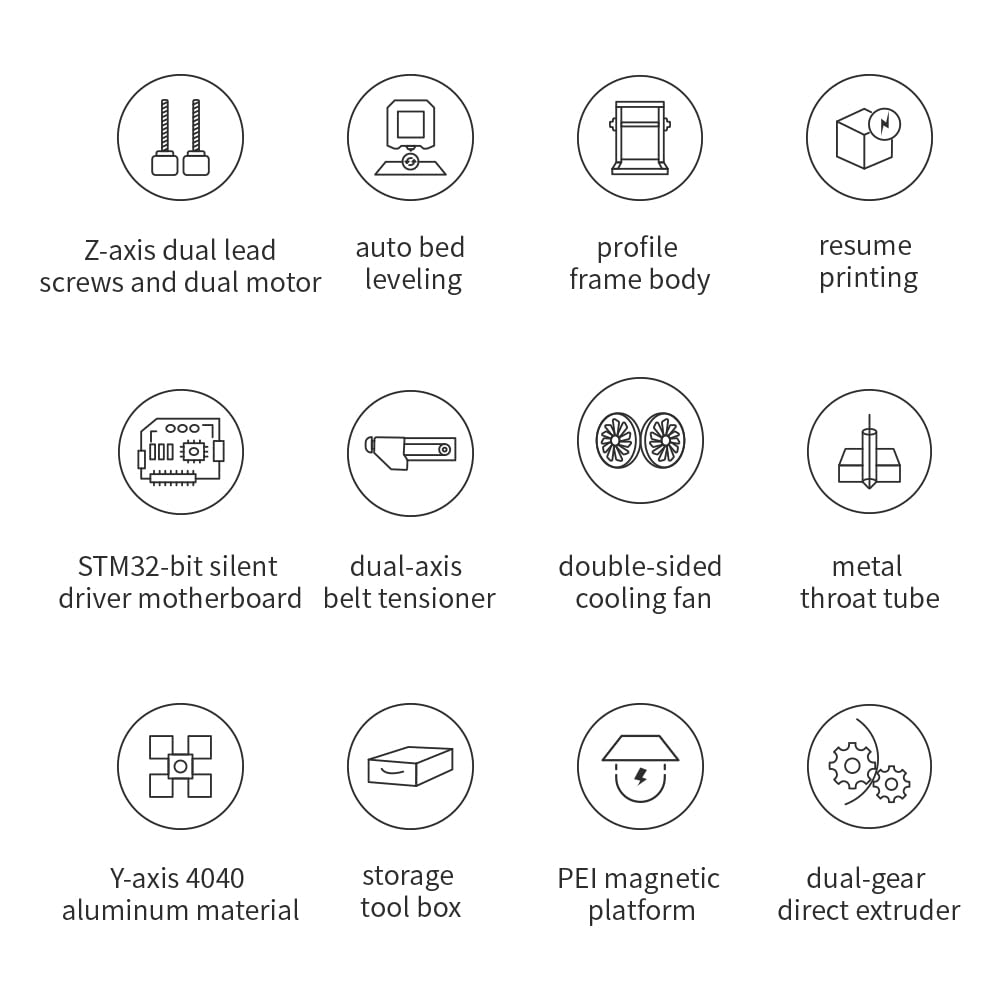
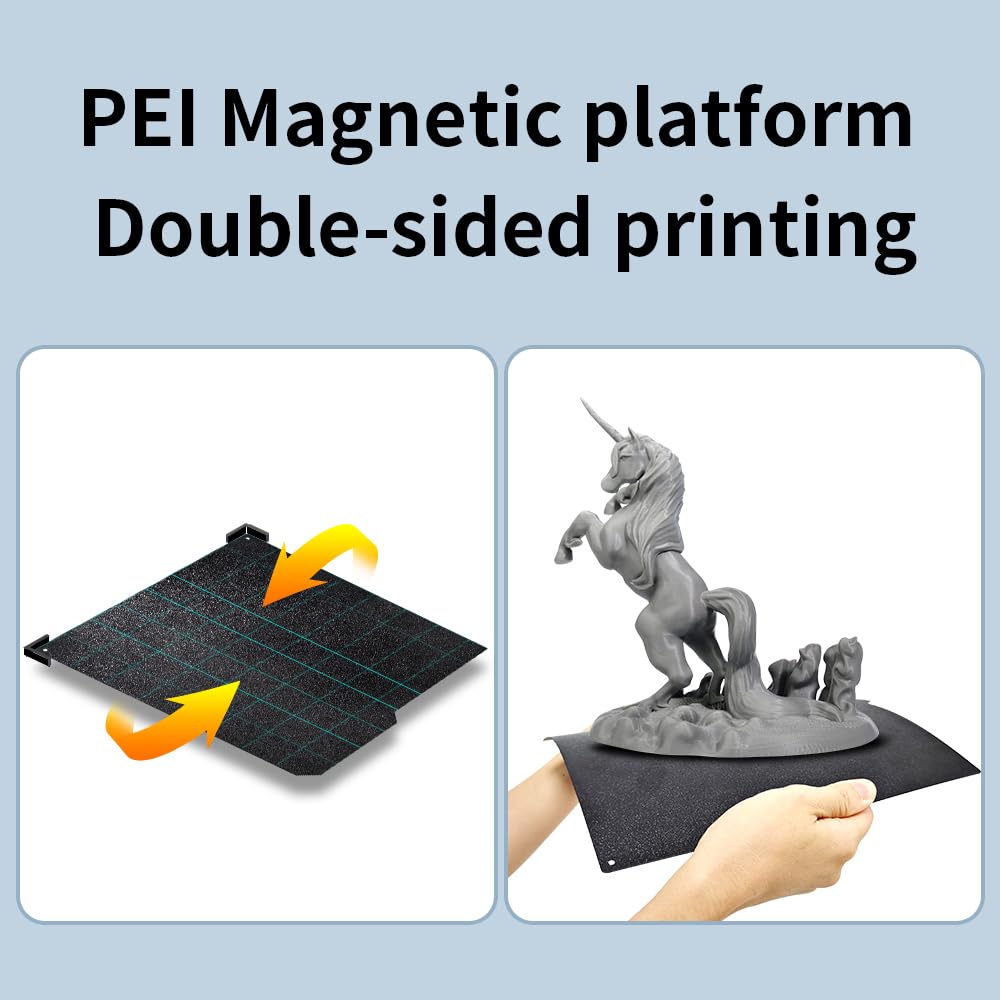
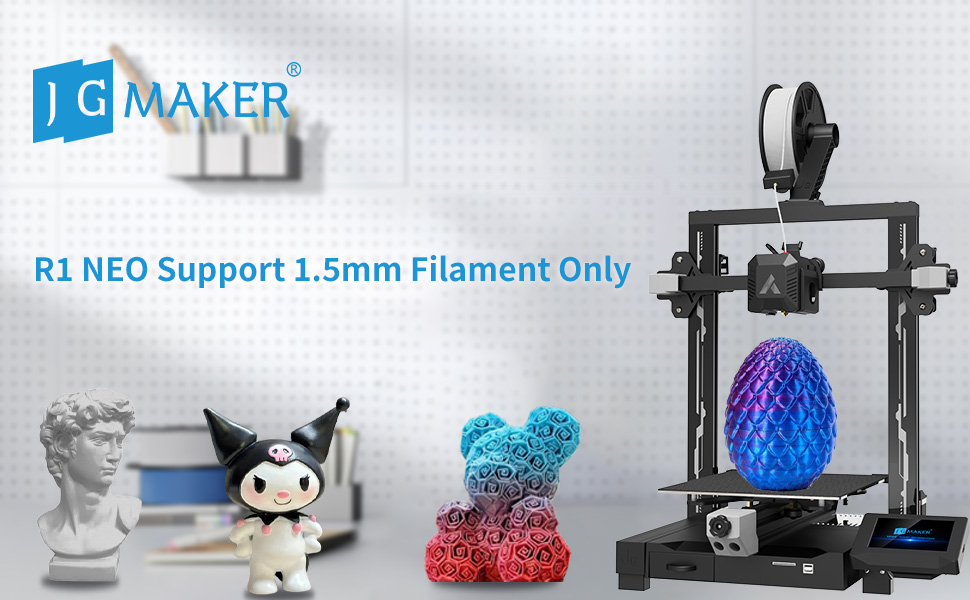
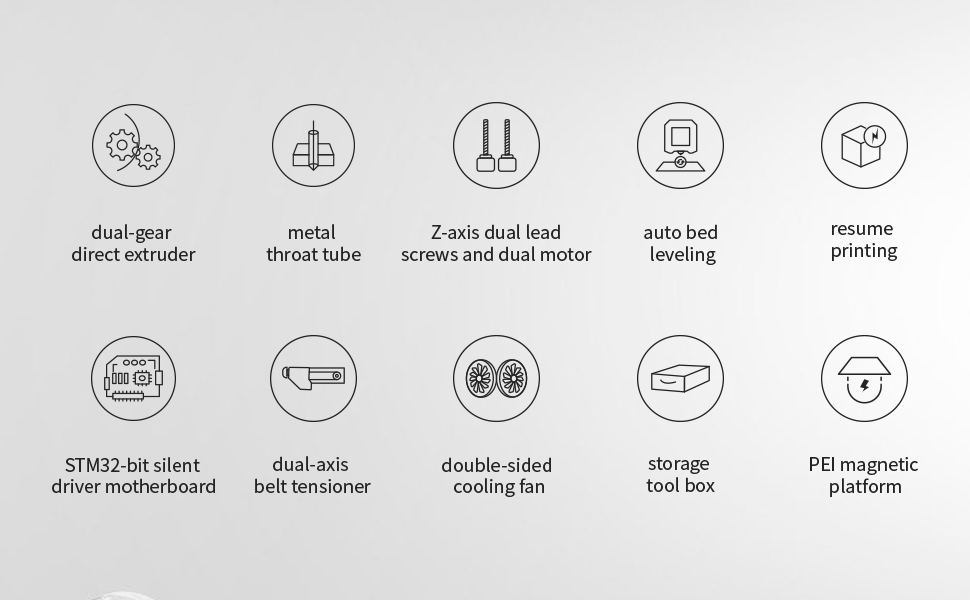
The JG MAKER R1 Neo is a beginner-friendly 3D printer kit featuring 98% pre-assembly for quick setup, advanced 25-point auto leveling, and a dual gear direct extruder system. Its dual lead screw Z-axis and filament run-out detection ensure stable, high-accuracy prints. Designed with user convenience in mind, it includes a magnetic double-sided PEI spring steel platform and a built-in tool storage box, making it an ideal entry point for professionals stepping into 3D printing.






| ASIN | B0CDPQ6PSL |
| Best Sellers Rank | #325,767 in Industrial & Scientific ( See Top 100 in Industrial & Scientific ) #288 in 3D Printers |
| Customer Reviews | 3.7 3.7 out of 5 stars (75) |
| Date First Available | August 4, 2023 |
| Item Weight | 23.4 pounds |
| Item model number | HX-R1-CA |
| Manufacturer | JG MAKER |
| Product Dimensions | 16.54 x 16.93 x 23.83 inches |
J**K
FANTASTIC PRINTER
I had been looking for a few months for a good first printer for myself. Looked around with the help of some friends that had more experience than I did. We came across the R1 and even though they had no experience with it, based on the description, details and reviews we came to the mutual decision that this was the one. It was the right choice! This thing went together easily and prints smooth. You can follow the written directions or the video on how to assemble. They also have a ton of troubleshooting and maintenance type videos available to help you in your journey. I've had one minor issue that wasn't even related to the printer, and customer service handled it amazingly. Overall if you are looking for a "first" printer, extra printer, or whatever, I highly recommend this one.
K**.
Terrible in 3D
There are no instructions (except what appears to be in Chinese). No way to know what files to use and how to even get it working. Terrible !!!!!!! Don’t buy!!!!!
R**.
Pleasantly surprised by this printer
Decent bed size for a budget printer, and it's feature rich. Magnetic flexible bed, filament runout sensor, and auto levelling, all seem to work well. It came with both a 250g spool of sample filament, and a separate coil of test filament. The test filament was useless, it crumbled as I tried to straighten it out, but the sample roll is working well. It took me a couple of attempts to get the nozzle baby stepped properly. The plastic sheet they provide doesn't seem to be better than a sheet of paper, maybe use that instead. The real test will be how well this printer stands the test of time. A similarly priced competitor's printer is plagued by heated bed failures, likely due to cheap thermistors, but at the moment things are going well.
J**A
This is a great 3d printer and very beginner friendly!!
My son has been saving his money for a 3d printer for awhile now. I was very nervous about choosing a good one that would work well for him. I am very impressed and very glad that we chose the JGmaker R1. This printer it very easy to use and doesn’t seem to have any issues with clogging or errors. My son has been printing with it almost continuously since it arrived and he hasn’t had one malfunction. We did have one issue with support but it was with the way we set up the slicer and once we adjusted the measurement it worked like a charm. I will be looking into getting a second R1 JGMAKER soon. GREAT PRODUCT!!
M**E
A Beginner's (but quick learner) Review
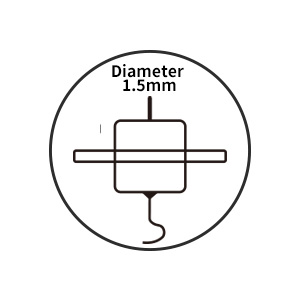
I have had this for less than 1 week. This is my first 3D printer. I feel I am the typical target for this machine. I watched hours upon hours of videos before purchasing, and continue to watch them as I experience issues (more on that coming). I am having to learn the software as well as hardware side. As I understand it, JG Maker is an industrial 3D printing company who is trying to break into the commercial market. So, while you may not know the name, you may trust it. I have only turned this poor thing off maybe 5 times, just to swap SD cards in the 6 days since it arrived and was put together. And, the trend has been like this - the first 5 or so prints were pristine. I did not understand fully about "raft" and resolution and things like this. But, I will say that all of them were on rafts and 0.05 layer height with 100% infill. Yes, very slow, but also very perfect. I now much better understand that it had some issues which required addressing from the beginning that the raft was saving me from. So, I got very lucky in my slicing choices, filament choices, etc. If I had experienced the issues I have since been experiencing at the beginning, I would have been very discouraged. Let me explain... Now, I have looked back at the rafts I had peeled from the prints, and every one of them is thinner on one side. This makes perfect sense to me, now. Rafts will save you from leveling issues. When I performed the auto-leveling that the set-up video instructed me to, I noticed that the extruder "bent upwards" by about 5-10 degrees... very much. I didn't know anything, and assumed this is the way these things work. It stuck out in my mind, though, because it was enough of a tilt when it hit the plate to "look wrong". And, it was. There are two things you will want to do as soon as you get yours built - 1) take the big side of the little wrench they've provided and tighten the nut on the back side of the bottom extruder roller. There is a more proper name for it and some videos you can check out, but I am coming at you as a beginner to a beginner. Move the extruder way up where you can easily get to the roller, then turn the machine off so that you are not moving steppers with power on, which can damage them. Tighten that thing to where you can no longer move the extruder back and forth with your hand, then back off a bit until it moves freely and there is no more "wobble" left in it. 2) Pull the plate out towards you and use that same wrench to tighten the rollers below it on the right side to eliminate any plate wobble. Make sure the plate moves freely afterwards, but just has no more free-play in it. After these things, go back through the auto-leveling. Actually, after every time you change anything physically, including taking the plate out and putting it back in. Now, something else they do not explain that would not be obvious to a beginner - keep your fried chicken greasy fingers off that plate. Use the scraper. Use the tab on the front to lift it, if you need to bend to get something off. And, if you HAVE to touch it, wash it gently with warm, soapy water, then dry it completely. You will get some lifting if the plate is not clean. The glue stick should never really be required, at least for PLA filament. If you find that it helps, then suspect other issues. The glue stick is just acting like a really thin raft. Could be leveling, heat, cooling, contaminated plate, etc. I am sure that I have plenty more to work through, as I continue to progress, but the fact that it worked so perfectly out of the box, even with these issues was the magic that has hooked me. I will likely be purchasing a second and possible third of these in the near future - and I mean this exact brand and model. It is a solid machine from a solid company at a very reasonable price (around 180USD when I got it). I am seeing no reason yet to move on up to anything else. Thank you, JG Maker! P.S. - I asked an odd question in the QA section regarding which firmware type this was using. This question was really just me testing to see how open the company was regarding their product and allowing us to customize. They answered openly and honestly and quickly. Extra points for that, from a hacker. Awesome company. EDIT (6 mos. later) - I have returned to buy another. This thing is a workhorse and is still going strong with very minimal maintenance. But, they have swapped the listing! My review was for the "JG Maker R1" and this listing is now for the "JG Maker R1 Neo". It appears as though they are now requiring that you buy some odd diameter 1.5mm filament!? It is, of course, only available from them. My "R1" takes the more standard 1.75mm filament, available everywhere. This feels really scammy, frankly. I am removing 2 stars just for this craziness.
R**I
Good for the price
It prints well enough and provides some satisfying results. My only complaint is that it struggles with small details. It's overall an excellent starter printer though.
M**B
Under rated machine.
Yes it's lacks installation directions on paper but is on file on SD card. Was very simple and free parts to put together to get up running compared to the voxellab printer. Far better printing slicing software and direct drive extruder and is faster. Wasn't able to print a articulating dragon with the voxellab software but this software with this printer printed it the first time for it adds a platform for the print to stick better that the voxellab software doesn't do. I would say this is not a 5 start for a newbie just because of the lack of printed directions to put together but it's a great addition to anyone who is tech savvy and has a printer already.
D**L
Not what your looking for
Horrible product, doesn't work after 1st print, I do not recommend this one. Maybe the reason why it's not longer being sold? Please discontinue this product an start over...no stars of i could , but I have to in order to post this important info.
Trustpilot
2 months ago
1 month ago