
🖌️ Elevate your digital art game—wireless, precise, and ready to create anywhere!
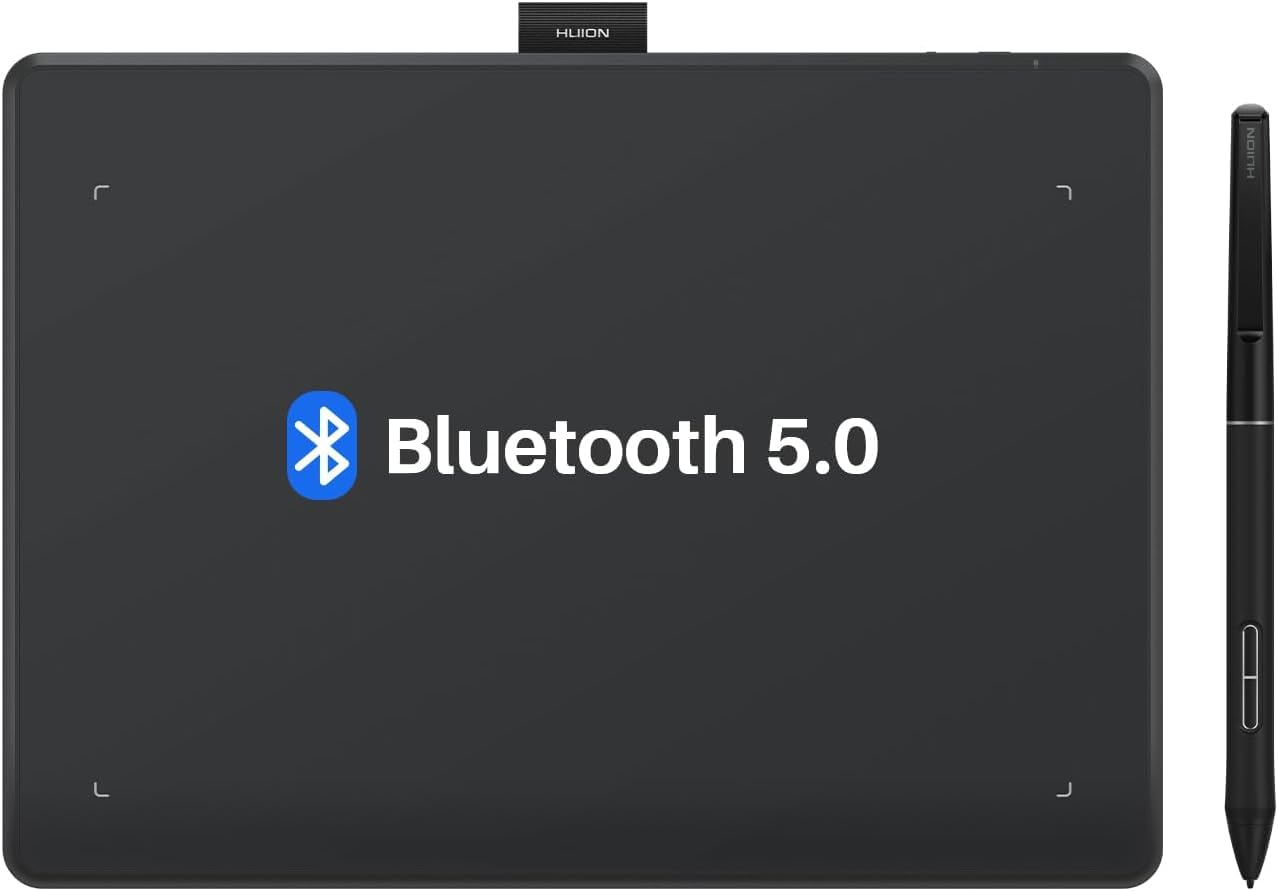
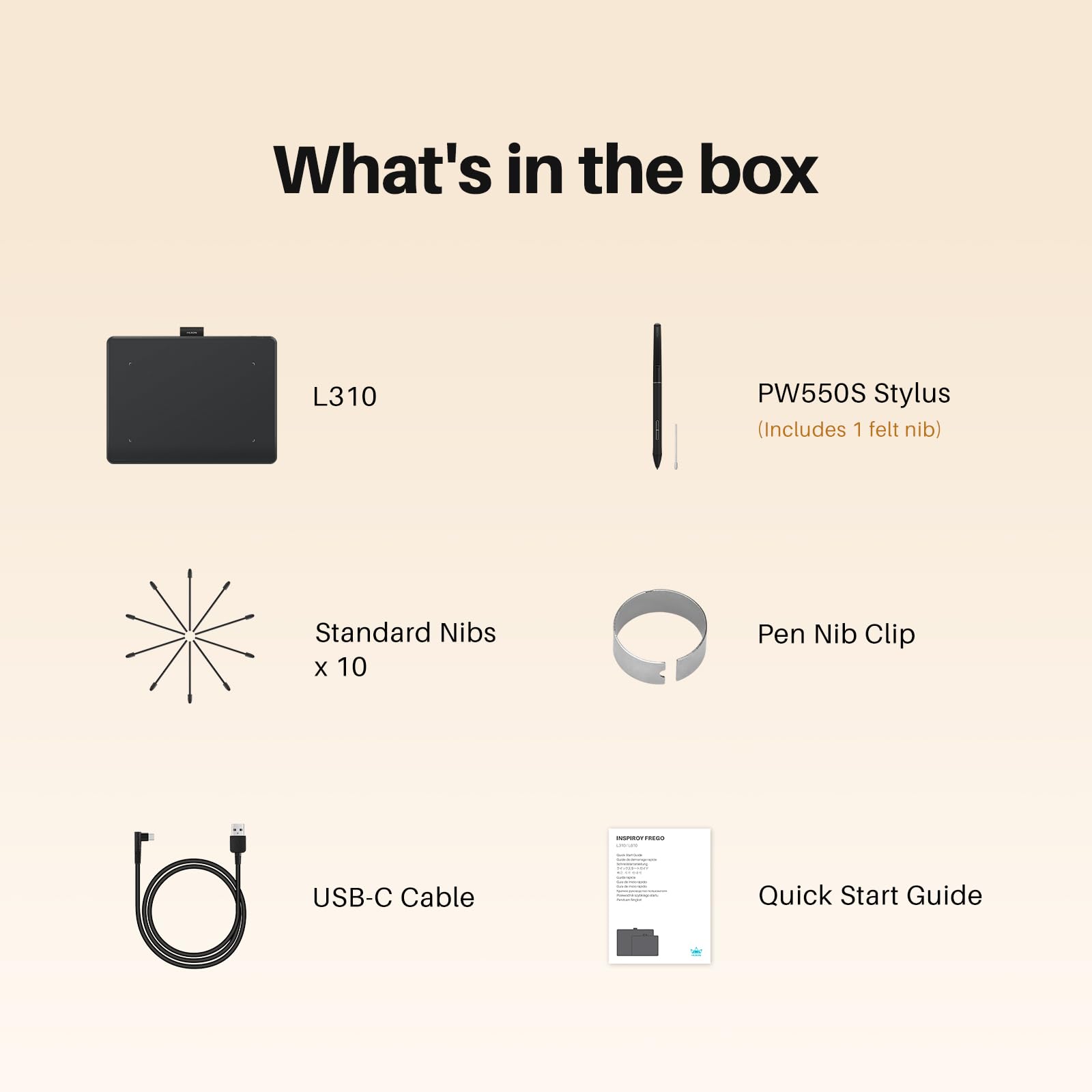
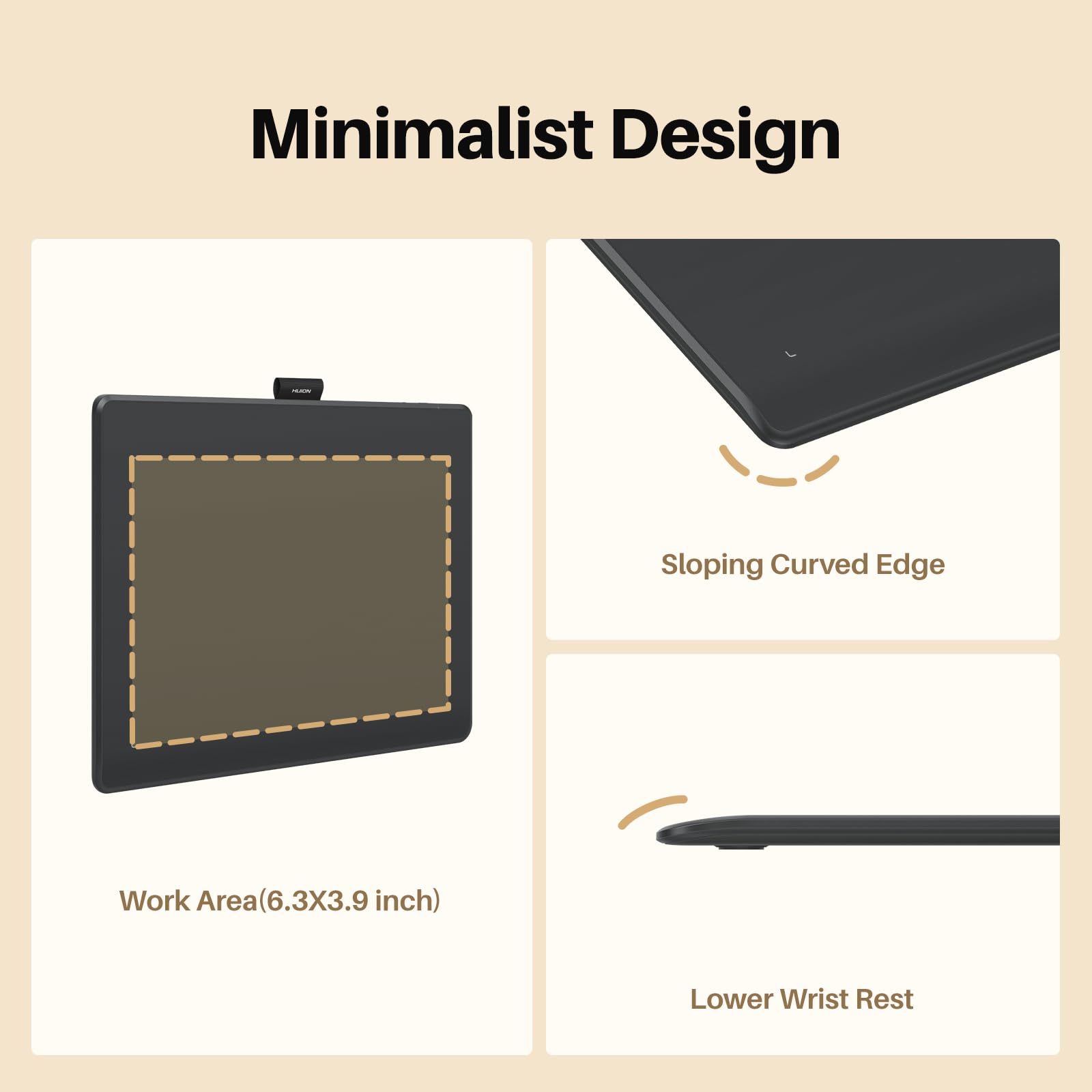
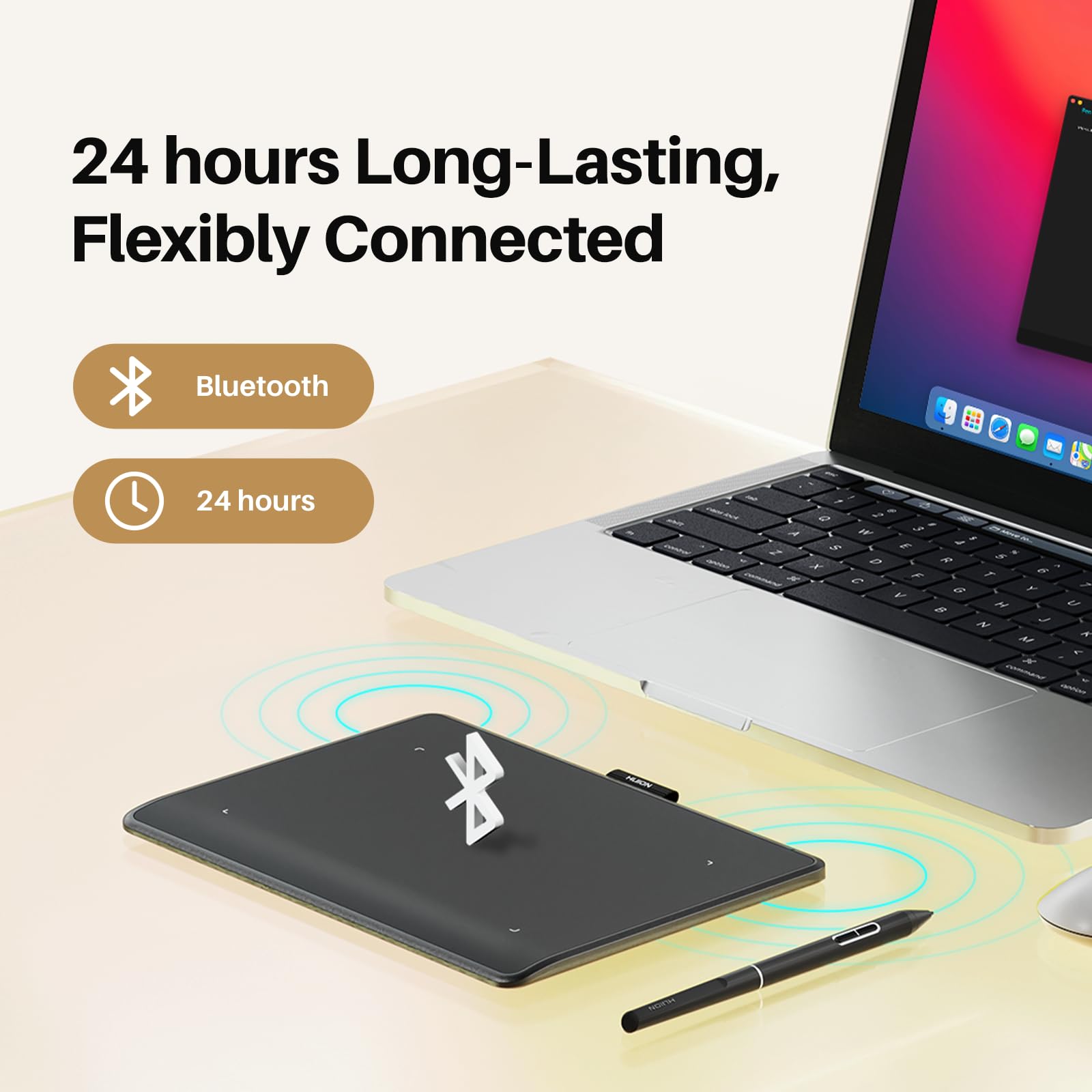
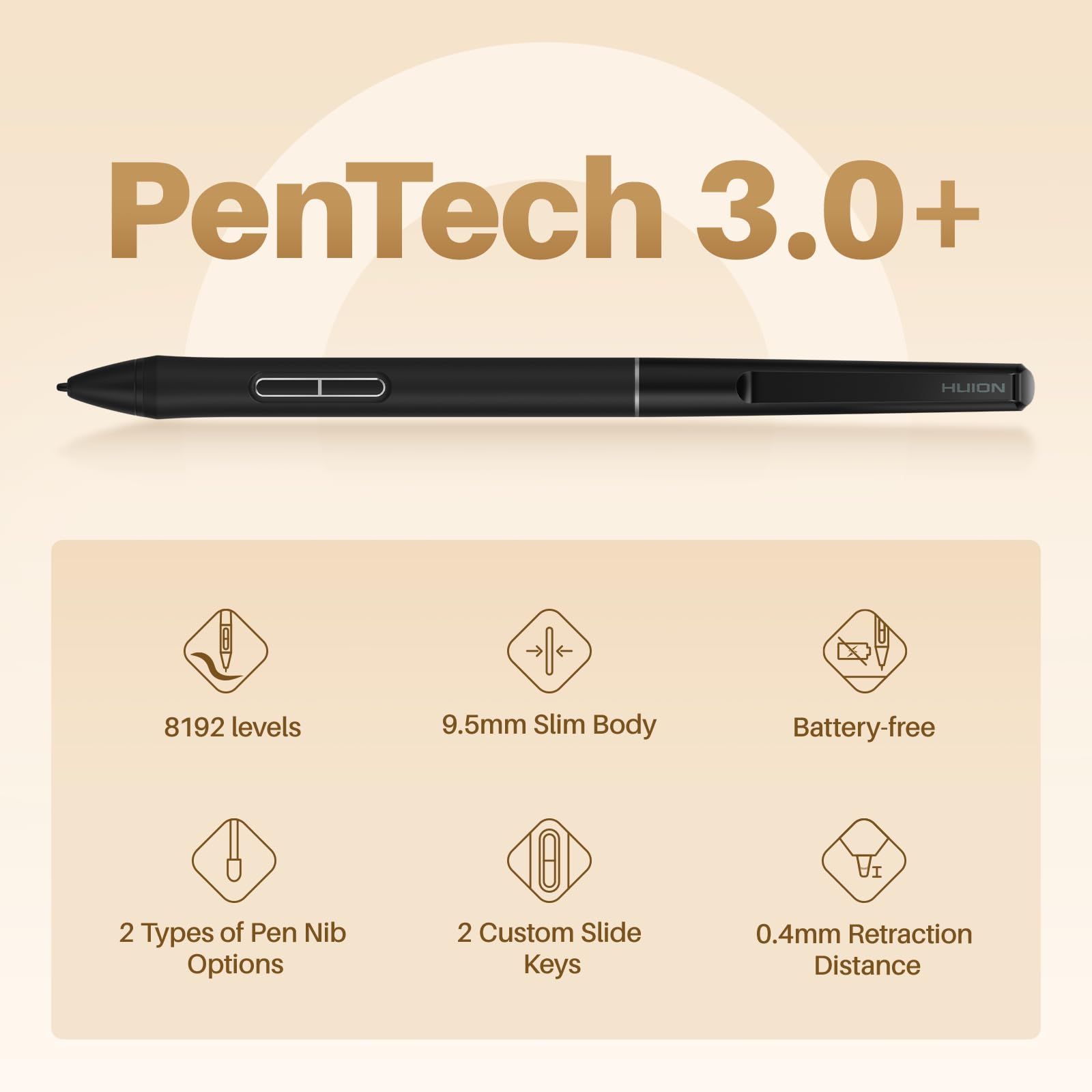
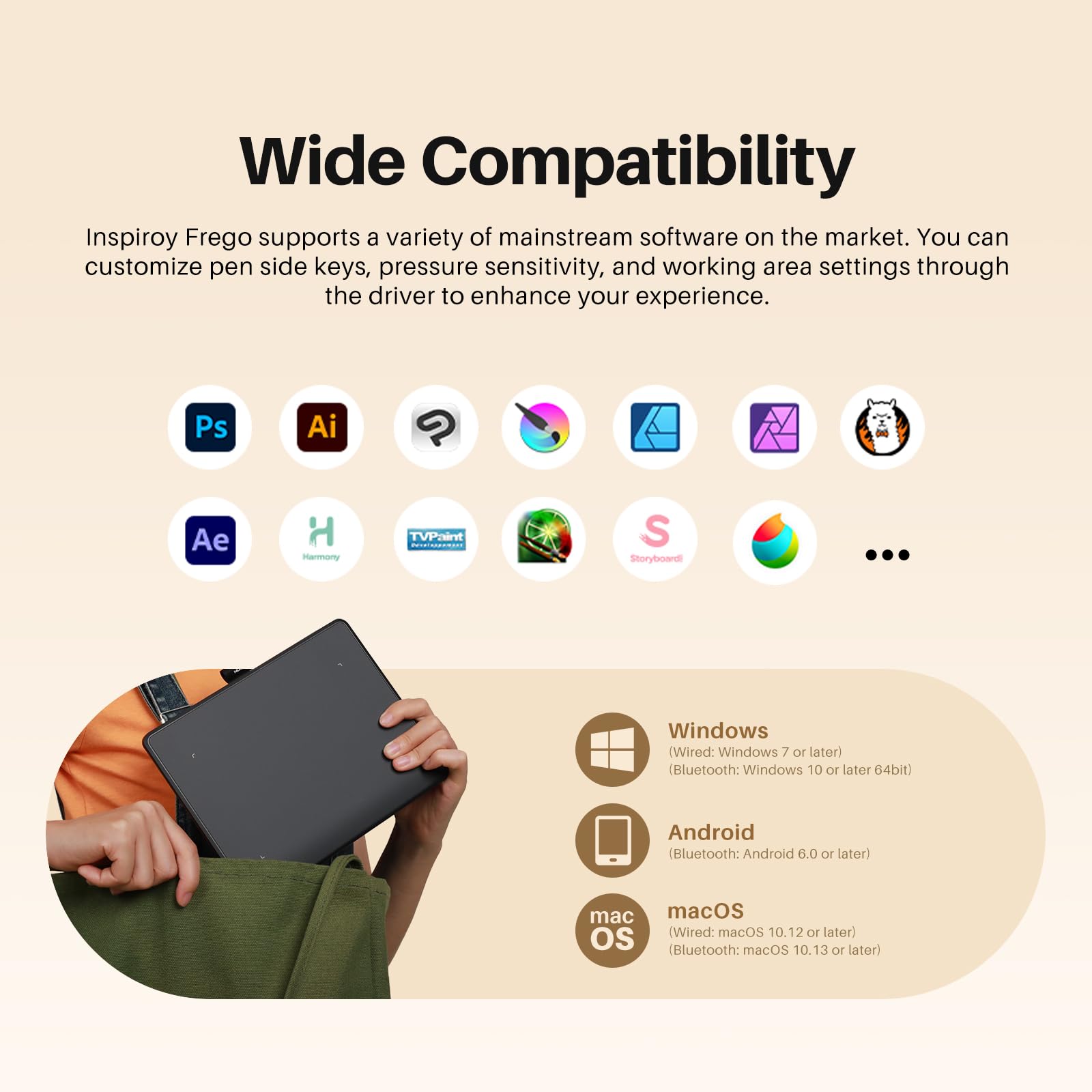
The HUION Inspiroy Frego is a compact 6.3 x 3.9 inch wireless drawing tablet featuring Bluetooth and USB-C connectivity, a long-lasting 24-hour battery, and a slim PenTech 3.0+ stylus with programmable buttons. Designed for professionals and creatives on the go, it offers cross-platform compatibility with Windows, Mac, Android, Linux, and iOS devices. Its minimalist design and ergonomic features ensure a comfortable, distraction-free digital art experience.


| ASIN | B0D6FXHX7P |
| Best Sellers Rank | 14,348 in Computers & Accessories ( See Top 100 in Computers & Accessories ) 42 in Graphic Tablets |
| Guaranteed software updates until | unknown |
| Item model number | cd309a38-c58c-4ad0-a07b-3c493ec71a63 |
| Manufacturer | HUION |
| Product Dimensions | 16 x 16 x 0.1 cm; 350 g |
B**S
price and performance 10 out of 10
pros 1 easy to install software 2 easy to use 3 the software works 4 they give you a bluetooth dongle it is a no brainer for them to do so but i have bought several bluetooth devices in the past that dont do this so spot on for them doing so 5 the pen and tablet both work great feel smooth way more accurate touch than i expected 6 i have a pen tab that cost around 360 at the time and honestly this 70 bucks tablet is better for starters like i said above the software works unlike pen tabs software lol 7 on average i can hover pretty decently high over the tablet and it knows were the pen is unlike my other pen tab that cost 360 bucks con 8 it is wireless like jesus i hate when i use my other pen tab that is wired with such short fecking wires its like im hugging my pc when i use it but with this i can sit on my sofa lean back on my pc chair anything as long as i can see my pc monitor 1 yes it does not have a screen you cant see jack on it but for the price i was not expecting to see one 2 the utube vids i watched said you cant use it while charging so that kinda sucks overall thoughts 10 out of 10 for price 10 out of 10 for performance 10 out of ten for the software an amazing entry level tablet that has so many features as other tablets out there at a fraction of the price yeah its a con that you cant see anything on the tablet other than the darkness but hey i am prolly gonna pick up a another one so i can have it spare while the other one is charging my only concern is if you cant use it while charging what happens when the battery life starts dying on me suggestion to the makers of it let us use it while charging esp when its lifespan goes out the damn window other than that buy it like damn buy it u have not been so happy about a purchase in a long time for a change i feel like i underpaid for a product
P**7
Amazing Product! Definitely Buy. See pros and cons below...
I am an illustrator and before that a wedding photographer so have a lot of artistic software on my pc. And a pen/graphics tab is essential. I have used a Huion before, as the professional brands like Wacom were out of my price range, and looking at youtube demos, did not provide a lot more for your money. My previous Huions worked wonderfully, up until the connection port went (on both of them). So when I saw they had a wireless one I went for it! It's not wireless in terms of internet connectivity (so don't worry if you have a slow connection). It uses a usb to communicate (maybe Bluetooth or something). It is fast and no lag. The only lag I get is if I use a ginormous brush size (and I think that is my PC memory and not the graphics tab). It is a very large screen size (around A4) for the working area. Plus space for buttons. I always restrict the screensize in the settings so that I don't have to got to the edge of the graphics tab to get to the edge of my work. The pressure sensitivity of the pen is fab and their are options in the setting to get that just right for you. The device has 8 customizable buttons. For me this is the downside. I think my other one had a few more. I don't need lots, it's just that I use different software and have to reprogram the buttons every time I change. If I could request one change it would be that you could store the function of the buttons for each piece of software you have, and just tell it which software you are now using. But I'm not sure if any graphic tabs have that ability. I like to have an undo button, a save, pen size increase/decrease and a grab icon to move the screen about, as well as a colour picker. So I am a bit fussy! Also it would be nice if you could label the buttons easily. I stick paper next to them to remind me at first, but they always full off. I am being nit-picky however, as it is a wonderful item at a fabulous price! I charged my pen when I received it but have not charged the graphics tablet and yet it has been working for weeks now! It has a very long battery life. I've also never needed to change pen nibs in this one or my older (and it came with 10 spare). I am not a heavy user, but I imagine you have enough nibs to keep most users going. The best thing about it is that you can move about and get comfy with the pad without that annoying wire in the way. It's a lovely big size and the pen is comfy. I cannot praise it enough. Yes, I'd like some extras, but it's pretty good already. Mine was around £70 I think. And I would definitely recommend at this price. Just looking at some questions on Amazon I will try to answer: I think the different between this version and the newer is not much. I think the new one has a more sensitive pen, which is not something I would be bothered about. Software that it works with: Prob everything. It works just like a mouse would work in your software. And any shortcuts you have (eg copy and paste or CNTRL+S for save can be programmed into the buttons. CNTRL + Z for undo is useful!) The software I use is mainly: Photoshop and Corel Painter. It works great with both You do have to look at the screen- it is not a monitor. It is really just a complicated mouse- so it does not play software, store images or anything else. PS if you have used a Huion previously. Do uninstall all software before installing this new software!
R**Y
Excellent product with corner damage and charge light issue on stylus.
Firstly, the tablet and pen work well with my MacBook Pro. Great value. Should have bought one years ago - the photoshop brush based tools such as brushes, spot healing brush, close stamp etc are much more effective and easier to use owing to the tools' responses to varying pen pressure. Much much easier than repeatedly resizing brushes. Secondly - beware if the box is damaged - there is virtually no packing between the tablet and the box. I ordered two of these. The first had a damaged box corner, with damage to the tablet inside. (the top and bottom sections of the tablet had separated and buckled) at the front left corner. That went back. I bought another. The second arrived with damage to the same box corner, and minor damage to the tablet - just a dent this time. It's clear that a carton full of these had been dropped on a box edge from height - the cardboard partitions holding the accessories in place had torn and the accessories had slid towards the box edge. The damage to the second tablet is liveable. There is a voucher code expiring in a day and I wanted to take advantage of it, so I've kept it. There is also an issue with the stylus charge light. Everything works as expected with the cable attached or not, but the charge light remains on after 12 hours. Don't let my damage experiences put you off. It's a great product. Would have been nice to have got one in perfect order.
A**T
Works great in linux. Works as expected with one caveat, the keyboard part can only register one keypress at a time. If you're just working then that's fine but my feeble attempts to use it as a sort of gaming pad as well were ruined. Hitting w+a to strafe simply won't work. Still, that's a niche issue that we really shouldn't hold against the device.
C**N
A good quality item, with a good discount too. Very quick delivery.. It performs well and is much cheaper than similar items . I am very happy with this tablet
C**M
J'ai longuement hésiter entre différentes tablettes graphiques est mon choix c'est arrêter sur celle-ci et voici les raisons: La première qui ma semblé plutôt logique est bien sure le prix, car comme il s'agit de ma première tablette je voulais pas mettre plus de 200 euros. La deuxième sont les caractéristiques du produit qui sont équivalentes à d'autres marques bien plus chères. La troisième a été les nombreux avis que j'ai pu lire sur les autres tablettes de la marque Huion (pas beaucoup de commentaires sur celle-ci car model récent) qui été très rassurants. Et la dernière raison qui a vraiment finaliser mon choix et pas qu'un peu est tout simplement sa taille!!! Alors voyons voir si mon intuition d'acheteur c'est confirmer! Comme cité précédemment il s'agit de ma première tablette graphique donc je n'ai pas pu comparer avec d'autre tablette et il s'agit par ailleurs de ma première commande Amazon, donc mes impressions seront sur l’ensemble de celle-ci. Pour les délais de livraison ils ont été très convenable au vu de la provenance du colis (Angleterre), commander le 11/04/2016, reçu le 19/04/2016 en livraison point relais. Pour l’emballage du produit rien a redire les dimensions du carton d'envoie son adapté au carton d'origine de la marque. Un bon point concernant la boite du produit ou j'ai été surpris par son design très propre. (voir photos) Pour la tablette elle est superbe, grande avec un mélange de noir matte/brillant et elle n'est pas trop légère se qui inspire confiance sur la qualité de cette dernière. Pour le package l'essentiel est la, une notice en anglais (Windows/ Mac), un stylé bien évidemment avec son support ou se trouve 4 mines de rechanges, un petit chiffon pour le nettoyage des traces de doigts sur les parties brillantes, 2 câbles, un pour le stylé et l'autre pour la tablette et une clef USB caché dans un petit compartiment sous la tablette qui sert a l'installation des drivers. En parlant d'installation (sous Windows 7) tout ses bien passer et rapidement, on branche la clef on lance l'installation des drivers, une fois finis on allume la tablette, on branche le stylé on attend que les pilotes s'installe et c'est bon! rien de compliqué. Je les testé sur différents logiciels (Photoshop elements, Krita, Blender et Opentoonz) et la tablette a toujours été reconnu sans rien toucher, agréable quand on veut pas trop aller trifouiller dans les paramètres. En ce qui concerne le stylé il semble bien faire son travail niveau pression et précision mais ayant pas testé d'autre tablettes mon avis sur se point la est donc relatif. L'ensemble est je pense adapté au personnes qui comme moi veulent découvrir un autre monde que celui de la souris tout en démarrant sur un produit de qualité sans se ruiner ou qu'il veulent tout simplement passer sur un format plus grands que du A4. Pour conclure une belle tablette bien grande que Huion propose parmi ses différents produits avec un très bon rapport qualité prix, à voir dans le temps si celle si vieillit bien, si cela se vérifie elle méritera même une sixième étoiles.
M**I
الجهاز مفتوح قبل كده و في مشكله
A**E
Hervorragendes Zubehör zum Online Unterricht.
Trustpilot
2 months ago
2 weeks ago



