We remain fully operational. Our teams are working around the clock to ensure your deliveries continue safely.

DOWNLOAD THE APP


Customer Services
Copyright © 2025 Desertcart Holdings Limited
DOWNLOAD THE APP


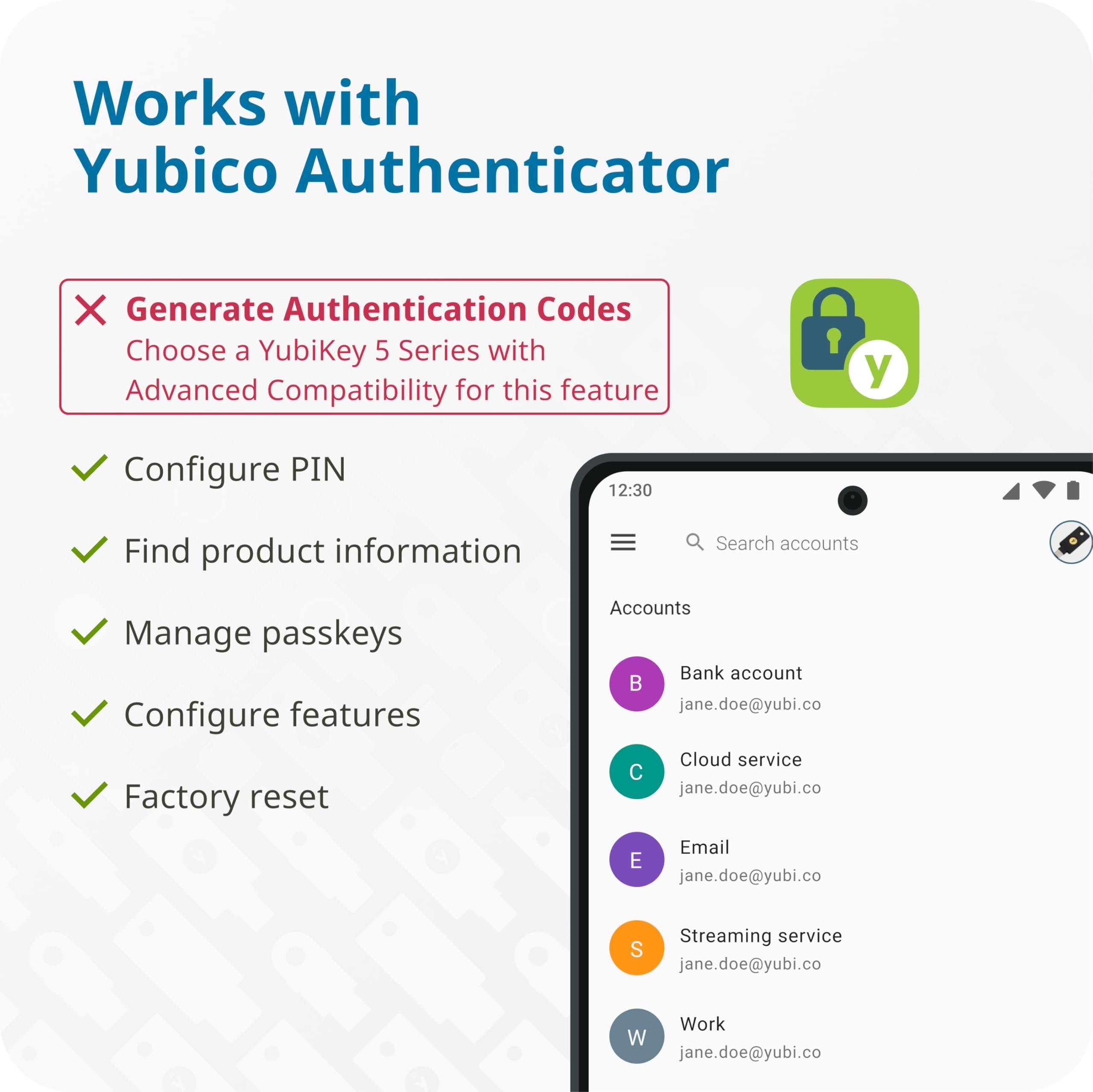
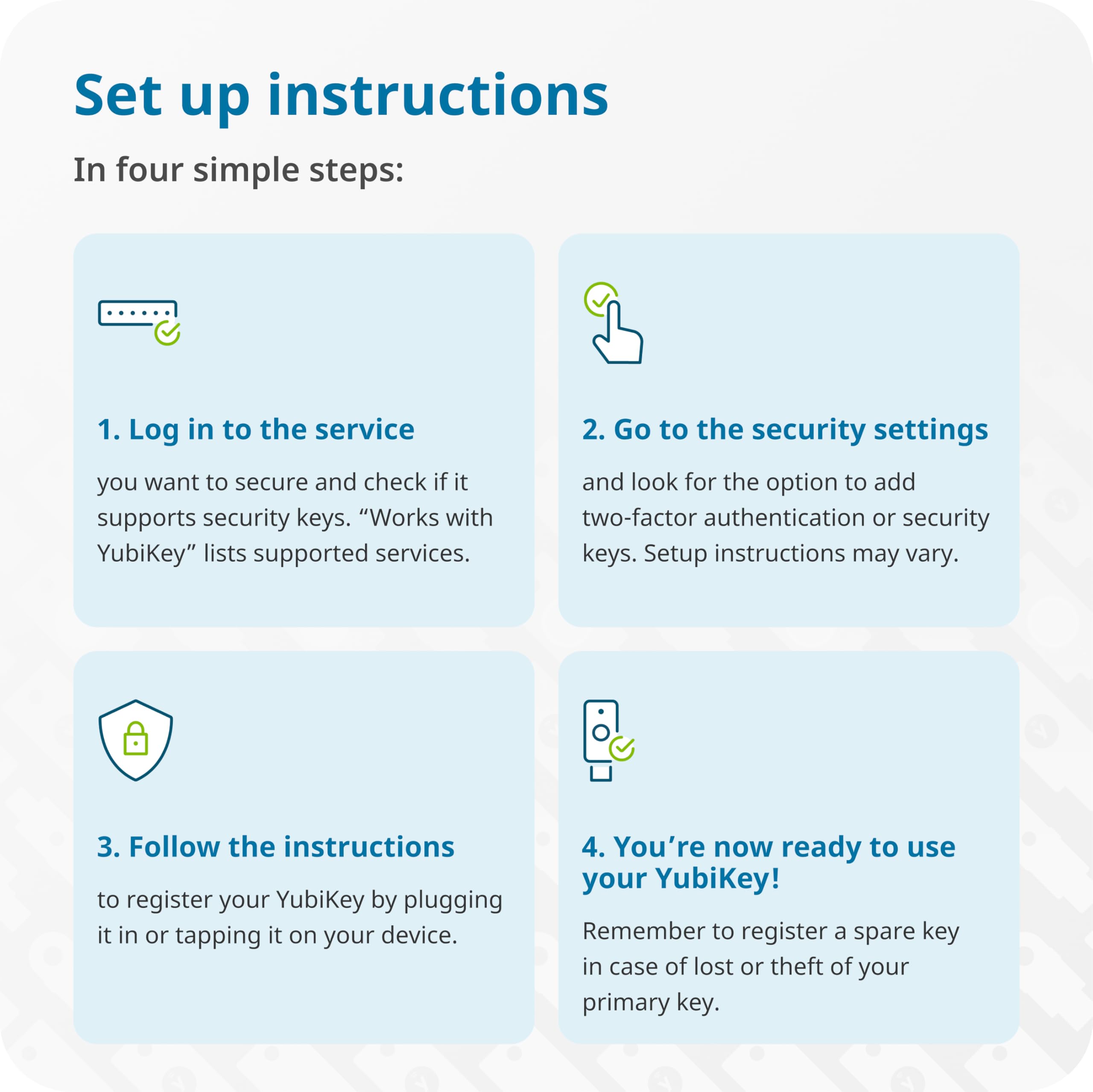

🔐 Own your digital kingdom with Yubico Security Key C NFC
The Yubico Security Key C NFC is a compact, durable two-factor authentication device that secures over 1000 accounts using FIDO2 and U2F standards. It offers fast, battery-free login via USB-C or NFC, making phishing attacks obsolete. Designed for professionals who demand seamless, reliable security, it’s crafted to withstand daily wear and includes a recommended backup key for uninterrupted access.


| ASIN | B0BVNRXFHT |
| Amazon Bestseller | #13,238 in Computers ( See Top 100 in Computers ) #526 in USB Flash Drives |
| Are Batteries Included | No |
| Customer Reviews | 4.4 4.4 out of 5 stars (3,675) |
| Date First Available | November 21, 2023 |
| Flash Memory Type | USB Memory Stick |
| Hardware Connectivity Technology | USB Type C |
| Item Weight | 10 g |
| Item dimensions W x H | 1 x 50 x 85 mm |
| Item model number | 5060408465301 |
| Manufacturer | Yubico |
| Model Name | Security Key C NFC |
| Product Dimensions | 0.1 x 5 x 8.5 cm; 10 g |
K**N
Perfect
Works as expected with no flaws at all. Robust yet simple
S**T
MacBook Pro 2019にT2-Ubuntuを導入したが、パスキー認証を使いたくて本品を購入。 Snap版Firefoxでは最初のPIN設定ができず、Windows機で設定する必要があった。(Ubuntu上で他のブラウザでPIN作成ができたのかどうかは未確認) 設定してしまえばあとはUbuntu上のFirefoxでパスキーの保存・利用ともにできるようになった。とても便利。
B**D
Excellent Quality
Works perfectly and fast shipping as well!
A**ー
最近、AWS個人利用で無料利用枠を使用(練習)しはじめましたが、2024年10月よりIAMログインにMFA(多要素認証)が必要となったことで、やむなく購入しました。 本来ならスマホの各種authenticatorアプリで認証できるはずが、時刻を同期しても、どうしても認証されないエラーとなったため、こちらのセキュリティキーを選択しました。 商品としては問題なくログインに使用することができています(商品自体に説明書の添付がないですが、AWSログイン認証の際にUSB端子に挿入するよう指示があった時に挿入し、4桁のPINを設定したあと、セキュリティキーの金属部分に指を置くだけで認証登録され、使用可能となります)。 安かろう悪かろうと迷いましたが、同じ製造元の1万円超のセキュリティキーを買わなくても大丈夫でした。 同じような悩みに直面された方にとって少しでも参考になれば幸いです。 Recently, I started using (practicing) the free tier for personal use of AWS, but as of October 2024, MFA (multi-factor authentication) will be required for IAM login, so I was forced to purchase it. Normally, I should be able to authenticate with various authenticator apps on my smartphone, but even after synchronizing the time, I got an error that authentication was not possible, so I chose this security key. As a product, it can be used to log in without any problems (there are no instructions attached to the product itself, but when instructed to insert it into the USB terminal for AWS login authentication, insert it when instructed, set a 4-digit PIN, and then simply place your finger on the metal part of the security key to be authenticated and used). I thought some cheap products are not usually good... but I didn't have to buy a security key from the same manufacturer that costs over 10,000 yen(JP). I hope this will be of some help to those who have faced similar problems.
M**A
WEBサイトログインのMFAキーとして購入。 PCだけではなく、USB Type-Cなので、iPhone 15からも利用できてとても便利です。
し**客
Yubico製品だけに、普通に定評がある通りです。 なお、この製品に限らず、FIDO2のセキュリティキーの特徴は次の通りです。 ・認証情報がセキュリティキーの中にあり、これは外から読み出すことができない ・認証情報が必要な処理はセキュリティキー内で行う ・セキュリティキーを抜き差しする、あるいはタッチするなどのアクションがあるまで機能しない ・必要のないときにはPCやスマホから抜いた状態にしておける ・ネックストラップを使うなどで肌身離さず、などと物理的にわかりやすくセキュリティ確保可能 ・万が一、誰かが拾ったとしても設定してあるPINを8~10回間違えるとロックされる ・ロックされたらリセット以外は一切受け付けなくなる ・リセットされたら工場出荷時の状態に戻るため認証情報はマッサラになる つまり、認証に必要なものをセキュリティキー内に持たせてしまい、しかも物理的に保護しやすくしている、という特徴があるのです。 Amazon、Microsoft、GoogleのFIDO2をサポートするアカウントに登録して使っています。 セキュリティキーは複数所持しているので、それらがバックアップです。 FIDO2セキュリティキーを設定してパスワードレスログインをする場合は、パスワードは普段から使わなくなりますので、忘れてしまうでしょう。従って、何かに記録しておきましょう。 また、パスワードをUSBメモリやDVD-RWなどに記録してコピペで運用する形にするなら、大画面PCなら、パスワードは10文字でも100文字でも1000文字でも「同じ」ですので、そのサイトがサポートする最大文字数にすべく、パスワード生成器で作ったものを多数くっつけて作りましょう。 ちなみに、Amazonでは1024文字で設定できるのを確認しています(が、設定したらそれ以降は5時間ぐらい放置して下さい。)。 パスワードを1024文字も設定したら変更の必要性は、フィッシングに引っかからない限りはまずないでしょう。なので、長期記録を見越してDVD-RWに記録してもよいわけです。 セキュリティキーを使う(実はFIDO2はセキュリティキーを使っても「パスキー」と呼ばれますが。)パスワードレスなら、パスワードはとにかく長くしても、普段の運用のしやすさに影響がないので、パスワードを使ったクラッキングを潰しておいたほうが良いでしょう。このほうが、セキュリティキーを導入したメリットが出ますしね。 Amazonの場合でパスワードが必要になるのは、パスワード変更時とパスキーのデバイスが全滅したときだけでしょうから、パスワードをとにかく強固にすることをお勧めします。 ちなみに、Amazonの場合は登録しているセキュリティキーが全滅しても、パスワードでログイン可能です。 それ以外のサイトは全滅するとダメなので、ほかにメールでのOTP送付の認証、Googleパスワードマネージャによるパスキー(これはGoogle Chromeが使えるものならほとんど使える。)、認証アプリなども設定しましょう。 FIDO2以外に、TwitterではFIDO U2Fでの運用となり、PINを必要としません。 Twitterには、動作確認程度に登録して、もう登録解除してあります。 この運用は、サイトのパスワードに追加してセキュリティキーの二段階認証になります。 具体的な使い方は、「Yubico」でググれば、公式サイトの日本語版が出てきますので、それをよく読みましょう。 FIDOの技術的なものに関しては、「FIDO Alliance」でググって、FIDOのおおもとにアクセスしてよく読みましょう。 技術的背景がわかってから扱うと、「これを使うにはこういう設定をしなければならない。」と、感覚でわかるようになってくるはずです。
セ**ィ
使えなくて返品対応して頂きました
さ**し
usb-c版が高すぎるのとpcでも使うことを考えればベストかな。 usbcには変換噛ませばいいし、nfcで対処出来ればそれで事足りるし。
U**7
NFC, touch, USB-C. All good. You can also use iPhone’s NFC to authenticate with this security key. Expensive though; double the price of USA.
A**U
Excelente, funcionando conforme o esperado
T**O
YubiKeys are a must at every tech company I've worked for. They offer the highest level of security and are incredibly easy to set up. I’ve used them for over eight years, and they’ve saved me from multiple phishing attempts. If you see negative reviews, ignore them—it’s usually just a lack of technical know-how. Take the time to learn the system; the security payoff is worth it.
Y**I
La verdad es un excelente producto para mejorar la seguridad, se activa conectando la USB a un puerto, pero importante mencionar que la PC no reconoce como un dispositivo USB. Una vez que se activa solo podrá configurarse al momento de activar la seguridad en 2 pasos ya sea por NFC o USB, pero si pasan la llave por algún lector NFC o la conectan, el dispositivo no la reconoce inmediatamente, solo lo hace al momento de configurar el 2FA. Me imagino que por eso algunos usuarios comentan que no les sirvió. Tengo una Yubico 5 y esa si se reconoce como USB aunque no la estes usando para configurar en ese momento.
C**R
works fine, but thus far I can only use it on Amazon ... Google in their infinite widsom require purchasing 2 security keys so there is a back up which is VERY irritating ... otherwise, Australian banks and financial institutions are typically WAAAAY behind the rest of the world.
Trustpilot
3 days ago
5 days ago