🚀 Upgrade to the future-proof Wi-Fi 7 mesh system that keeps your home connected, secure, and lightning fast!
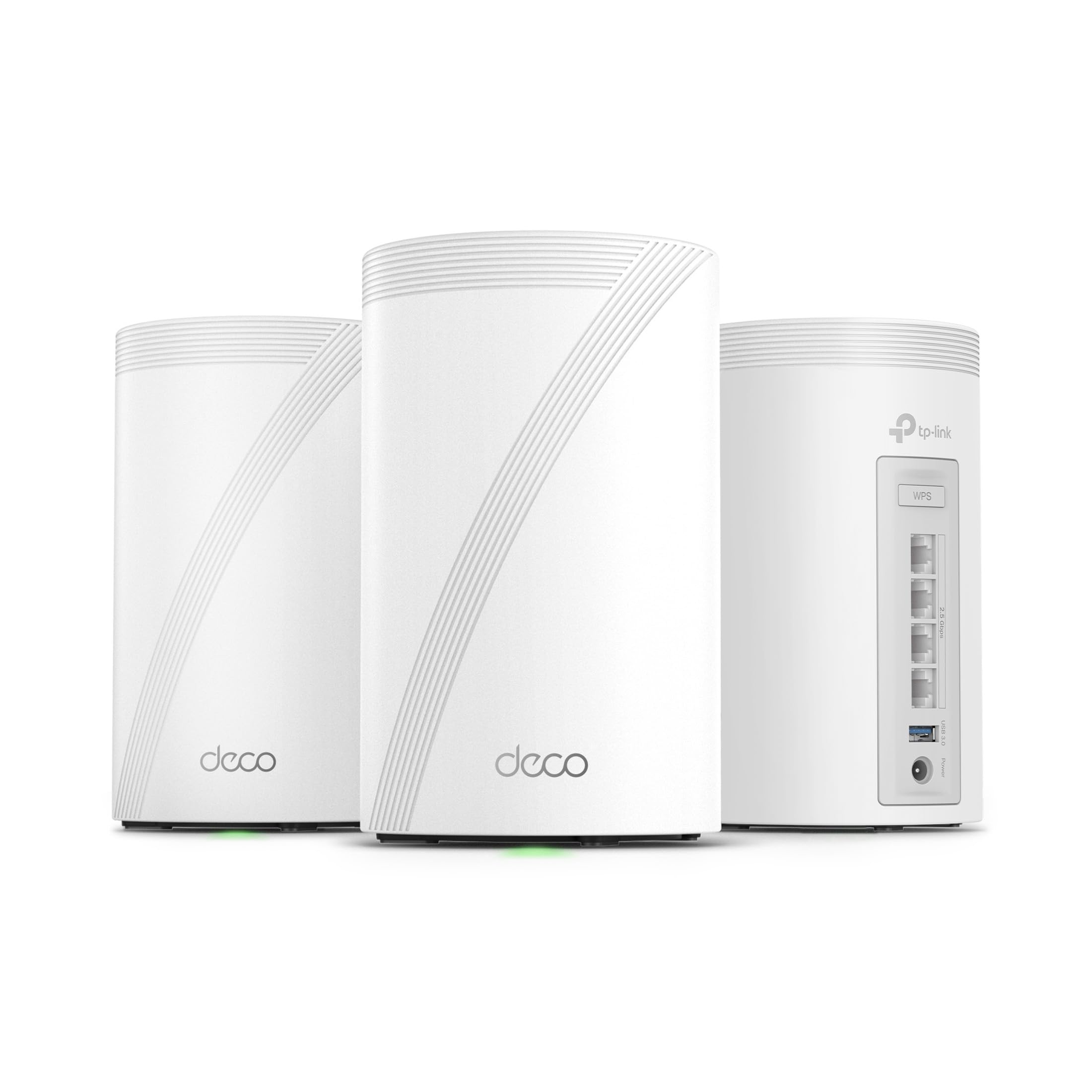
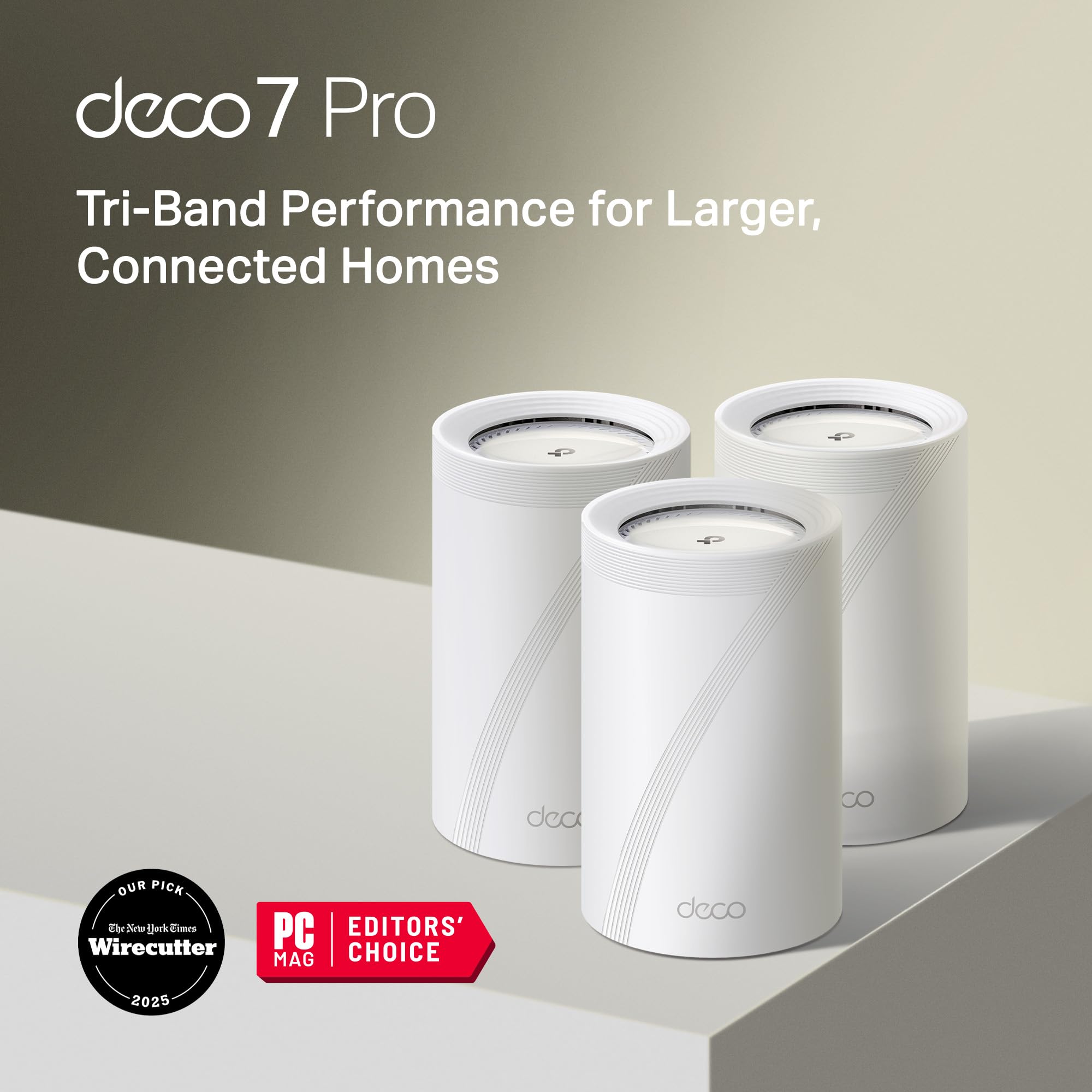
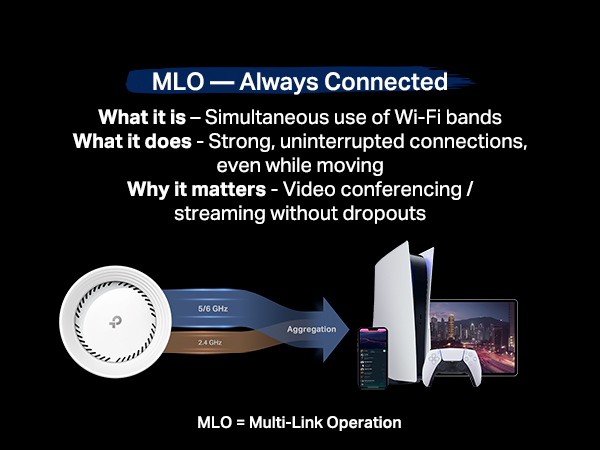
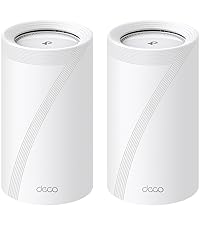
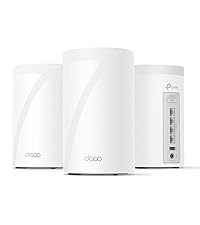
The TP-Link Deco BE10000 is a cutting-edge tri-band Wi-Fi 7 mesh system delivering combined speeds up to 10 Gbps across 6GHz, 5GHz, and 2.4GHz bands. This 3-pack system covers up to 7,600 sq.ft., supports over 200 devices, and features four 2.5G WAN/LAN ports plus USB 3.0 for versatile wired connectivity. AI-driven seamless roaming and TP-Link HomeShield security ensure optimal performance and protection. Easy setup and management via the Deco app make it ideal for demanding smart homes and professional-grade networking.


| ASIN | B0CN8QLS4K |
| Batteries Included | No |
| Batteries Required | No |
| Brand | TP-Link |
| Compatible Devices | Gaming Console, Personal Computer, Printer, Security Camera, Smart Television, Smart Thermostat, Smartphone, Tablet |
| Connector Type | Ethernet, Wi-Fi |
| Customer Reviews | 4.2 4.2 out of 5 stars (646) |
| Data Transfer Rate | 10 Gigabits Per Second |
| Date First Available | 19 September 2024 |
| GSM frequencies | 6 GHz |
| Item Dimensions LxWxH | 10.7 x 10.7 x 17.6 Centimeters |
| Item Weight | 2 kg 260 g |
| Item model number | Deco BE63(3-Pack) |
| Manufacturer | TP-Link |
| Model | Deco BE63(3-Pack) |
| Model Name | WiFi 7 Mesh System |
| Mounting Hardware | 1 RJ45 Ethernet cable, 3 Deco BE63 units, 3 Power adapters, Quick Installation Guide |
| Net Quantity | 1.0 Count |
| Number of Ports | 4 |
| Number of items | 1 |
| Operating System | Linux |
| Product Dimensions | 10.74 x 10.74 x 17.6 cm; 2.26 kg |
| Special Features | Access Point Mode, Guest Mode, QoS, Remote Access, WPS |
| Total USB ports | 1 |
| Wireless Type | 802.11.be, 802.11ac, 802.11ax, 802.11g, 802.11n |
M**.
Love these things. I set these up as a mesh system for the ground floor, which doesn't have any router signal. Just connect one of them by Ethernet, then let the rest repeat off of that. You'll get great coverage for the entire ground floor. Also, setup is super easy as TP-Link has a great app for this. Thinking of buying another pack just to extend coverage even more.
D**D
Replaced an older ASUS mesh system that was a daily headache to deal with for a 4,500 sq ft house on 3 levels. Decided to give this TP-Link Tri-Band WiFi 7 BE10000 Whole Home Mesh System (Deco BE63) a go. Based on my constant problems with my ASUS mesh system, I was expecting this to be a pain from the start. I was dead wrong. This took about 30 minutes (if that) to set up and get going, start to finish, and it works flawlessly in this 3 level house. Whole house is covered, about 70 devices, and it hums right along with no issues. I'm very impressed (and relieved from not having to deal with that ASUS fiasco every day). I've only had this now for a couple of days, but everything is going well so far. PROS: 1. Setup was simple and straightforward via the Deco app 2. It worked perfectly out of the box - no hassles or hiccups 3. Enough flexibility to set your router's address and the DHCP range - if you have a lot of static IP addresses this makes transitioning to the TPLink much easier 4. Speed is great - I haven't benchmarked it, but it no one has noticed any lagging on any devices, multiple 4k TVs, etc. CONS: There are a couple of things - 1. What idiot designed these power adapters? First, they're HUGE. The way it has to be plugged in it takes up 3 outlets on a power strip. There's no reason a power supply has to be that large. Second, the flimsy power cord is way, way too short. Someone really dropped the ball in design of the power supply and cord, particularly for a $450 router. 2. The router has a USB port on it. (in fact each of the 3 units has the same 3 RJ45 and USB ports, but the USB for the main unit (the first one you set up and go through the installation) is the only one that you can hang an external drive off of and access it.)) I plugged an external hard drive into the USB port and was able to share it via the Deco app - the one catch is that you can't just create a share name, such as "backup". The router adds a "G" so that in order to use the share, it must be used as \\your.router.ip.address\G\backup ...not really a big deal, but I have many computers that run backups and I had to go reconfigure them to add the "G" to the network path. Other thoughts - You're forced to use the Deco app on a phone or tablet to manage the network. There is a webpage interface, but it's basic stuff only. That said, I'm pretty impressed with the Deco app itself - seems to have all of the needed features without a lot of stuff I don't really use or need that I had in the ASUS and have seen in other router setups. There is a basic level of security included for free, but TP-Link offers additional tiers of security. I ended up adding the Security+ ... but they also have a tier that includes advanced Parental Controls, VPN, Password Management, and several other things, for more money of course. So far so good on all of my IoT devices too. If you're looking for a router system with great coverage and speed that you don't have to muck around with daily, this appears to be a solid choice. I'll update this review if anything changes.
M**S
Easy to set up, app connects quickly, and the speeds are top notch. Probably the best option for the price.
M**S
TLDR: Deco BE83 (BE10000) is just as fast as BE95 (BE33000) for most homes but silent/no fans. If you normally opt for the latest & greatest hardware, a word of caution, I originally went with the Deco BE95 but found it to be overkill. Unless you have faster than 2.5Gbps fiber internet coming into your home + Cat6 Ethernet cables + a fast switch, the Deco BE95 will be no faster the cheaper WiFi 7 Deco BE83. The Deco BE95s are big and can emit noticeable noise when the fans kick in. Deco BE83s have no fans and run quiet. The Deco App and setup is good. Config is App-only. I've used web-based/IP address config for older systems but find the app to be a better experience overall. The phone app is MUCH better designed than the desktop app. I wouldn’t bother with the desktop app TBH. Overall the physical design of the Deco BE95s and BE63s are good and I appreciate that they're plain white cylinders. The LEDs can be turned off on both (permanently or on a schedule, at night for instance) which is great. The external transformer of the BE95s are larger bricks & AC power cables that can create a cable mess. The BE63s have smaller, more normal, plug-in-wall power bricks. I like these mounts to hang on the wall from Bangcheer: Wall Mount for TP-Link Deco BE63/ BE65/BE67/BE68/BE10000/BE11000/BE14000 Mesh Wi-Fi 7 System, Saving Space Aluminum Alloy Wall Hanging Bracket Holder with Cable Storage Rack (White-2Pack). Some older switches (Cisco SG200 Smart Switch for example) don’t work with the Deco’s IEEE 1905.1 Ethernet Backhaul Protocol. I had to temporarily wire the Decos in series before they hit the switch to make wired backhaul work. Deco will opt for WiFi backhaul on its own if the Ethernet isn’t up to snuff. A new Ubuquiti Pro Max 16 switch replaced the old Cisco and remedied the issue and now all nodes are plugged directly into the switch rather than in series. TP-Link switches also are said to work for Ethernet backhauls without issue. But I wanted a fan-less 16-port 2.5Gbps switch and TP-Link options weren’t great in that dept. I setup a three node Deco BE95 system. It was zippy and worked well but I didn’t like the fan noise. So I changed to a three node Deco BE83 system and haven't notice any drop in performance. BE63s run cooler, no fans, and deliver the same speed if you're under 2.5Gbps internet service into your building.
W**N
I've been thinking about upgrading to a mesh network for decades--long before they existed. Instead, I've had to position three WiFi routers in strategic places in my two-story home to keep my plethora of WiFi devices connected and to accommodate my guests who bring their own phones, laptops, tablets and other personal devices that suck the bandwidth out of my 1G/1G network. They all required periodic maintenance to keep the firmware up to date and to guard against hackers. So, the Deco packaging and installation was easy enough--for the first device--virtually plug and play. I was referred to the iPhone app for the remaining and the second device came up quickly, but I spent an hour trying to get the third to be added. I followed the instructions and moved it closer and closer to the initial router only to get to the point of returning all three. I decided to read the instructions again and it said it should just work. It had. After that, it was just a matter of finding the WiFi-enabled devices all over the home. The Ring doorbell cameras and lights, the thermostat, the Amazon Echo(s), the bathroom scale, and my own laptops and tablets. The problem is, older devices did not work with whatever 2.4Ghz DECO was providing. They all had to switch back to the older router to work. But, I did more research and found out how to emulate the old security protocols with the 2.4 I also discovered that for the first time (and I've been doing this since the '90s), the router only had 4 RJ45 ports. All of my previous TP-Link routers had one port to connect to the LAN backbone and four ports to connect to remote wired devices that didn't support WiFi. This meant one of my devices will remain disconnected until I wire an old 5-port switch to share one of the ports. The performance seems to be fine, but it only uses 2.4, 5 and 6Ghz, not 7 as promised. I'll might have to keep one of my old routers working to support the old 2.4Ghz devices that don't work with the DECO system--until I sort out the issues. My question is, with a device the size of a loaf of Whole Wheat bread, why not squeeze in another RJ45 port?
Trustpilot
1 week ago
3 weeks ago