Desertcart purchases this item on your behalf and handles shipping, customs, and support to New Zealand.
⌨️ Split, Splay, and Slay Your Workflow!
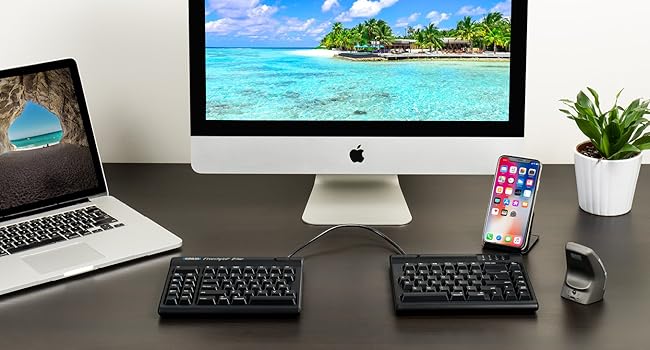
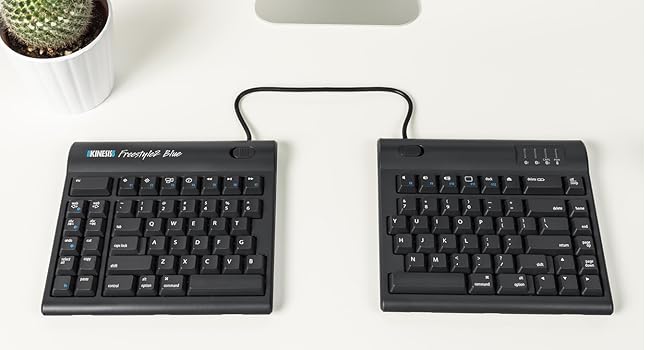
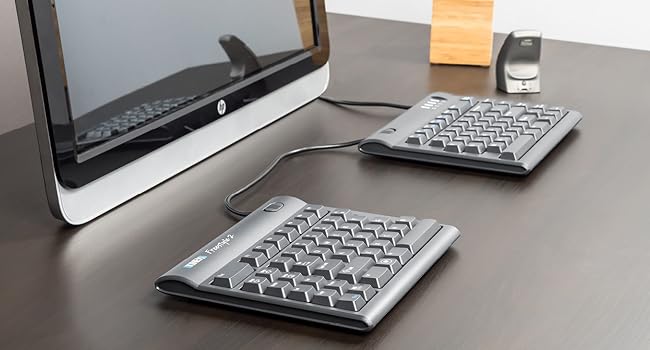
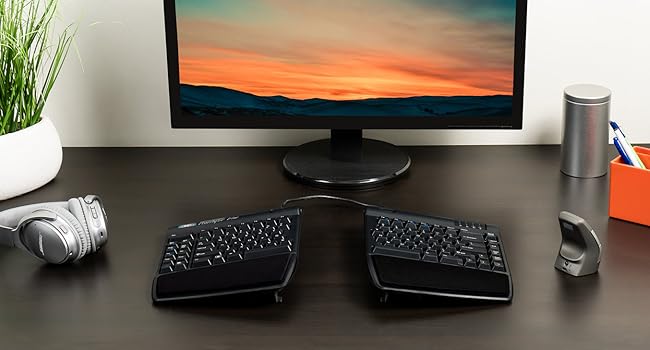
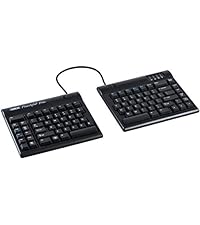
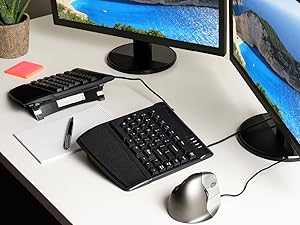
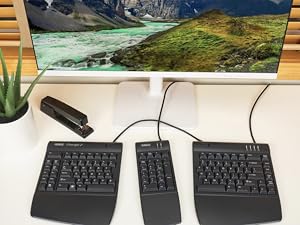
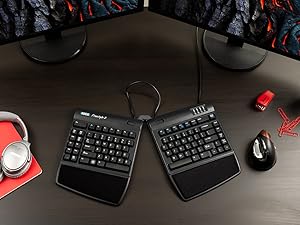
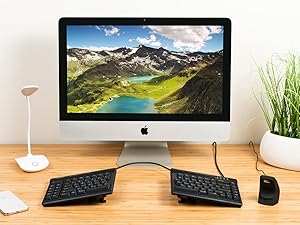
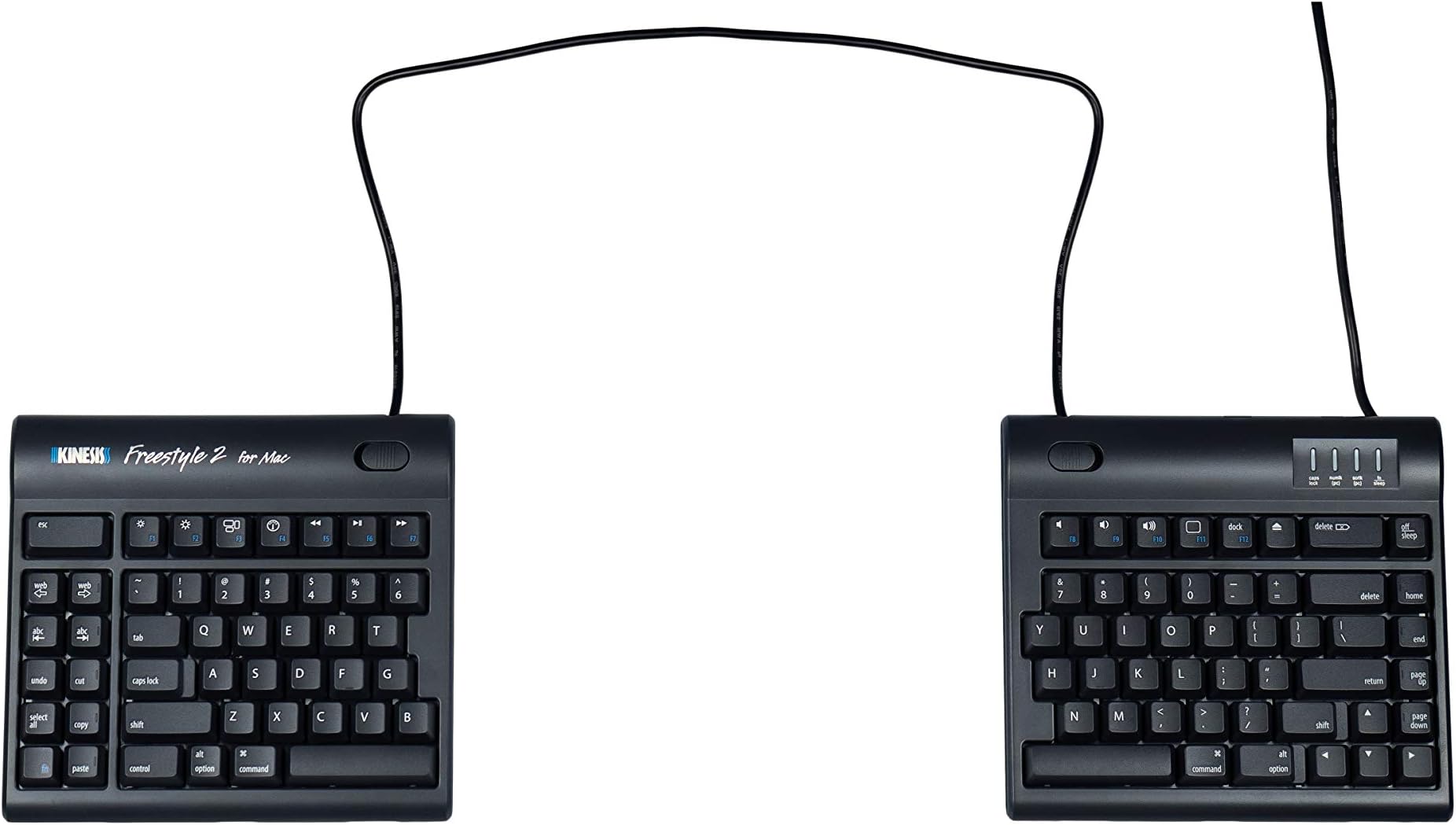
The KINESIS USB Freestyle2 Keyboard for Mac features an award-winning split design with up to 20 inches of adjustable separation, low-force tactile membrane keys, and a zero-degree slope to reduce wrist strain. It includes Mac-specific hotkeys and a built-in 2-port USB 2.0 hub, offering a plug-and-play ergonomic typing experience tailored for professionals seeking comfort and productivity.


| Antenna Location | Office |
| Asin | B009ZNBJBM |
| Best Sellers Rank | 149,721 in Computers & Accessories (See Top 100 in Computers & Accessories) 2,314 in Keyboards (Computers & Accessories) |
| Box Contents | Keyboard |
| Brand Name | Kinesis |
| Button Quantity | 19 |
| Colour | Black |
| Compatible Devices | MAC |
| Compatible Operating System Family | MacOS |
| Compatible Tablet Computer Models | AAUB P30 |
| Connectivity Technology | USB, USB-A |
| Customer Reviews | 4.1 4.1 out of 5 stars (172) 4.1 out of 5 stars |
| Enclosure Material | Acrylonitrile Butadiene Styrene |
| Hand Orientation | Ambidextrous |
| Item Dimensions L X W X H | 39L x 18.5W x 1.8H centimetres |
| Item Weight | 1 Kilograms |
| Keyboard Description | Mac |
| Keyboard Layout | QWERTY |
| Manufacturer | Kinesis Corporation |
| Manufacturer Part Number | KB800HMB-US-20 |
| Mechanical Keyboard Switch Model | Custom Membrane (Kinesis) |
| Minimum Required Operating System Version | Mac OS X 10.4 Tiger |
| Model Name | KINESIS CORPORATION |
| Model Number | KB800HMB-US-20 |
| Number Of Items | 1 |
| Number Of Keys | 94 |
| Number Of Packs | 1 |
| Number Of Sections | 2 |
| Power Source | Corded Electric |
| Product Features | Multimedia Keyboard |
| Series Number | 800 |
| Style Name | Ergonomic |
| Switch Type | Tactile (predicted) |
| Theme | Ergonomics |
| Total Usb 2 0 Ports | 2 |
| Unit Count | 1.0 count |
| Upc | 607998800034 |
| Water Resistance Level | Not Water Resistant |
User
Ruined by keyboard layout
Not sure why they decided to break with the standard layout and put a set of keys on the left side of the keyboard. If you touch type you will keep accidentally hitting these keys. My solution was to cut out and gaffer-tape a piece of card over them. Not very elegant and after two years of having to re-tape the card I am now searching for another brand- A split keyboard that sticks to a standard layout. If you need to look at the keys when you type you might find these extraneous keys useful.
User
holy crap this is amazing
My first impression is... holy crap this is amazing. WHY are split keyboards not the standard? Regular keyboards, in comparison, make me think of Chinese foot binding. Right away, I'm typing at normal speed. I haven't gotten used to the layout of the extra/function keys, but then again I only just started using it. I do like the Mac-specific keys so far, though. I'm glad I picked this up instead of the PC version, since I'm on a Mac. I wasn't sure if the Mac product was inferior or something, but I don't see any evidence of that. Solid product so far.I imagine the keys could be better, but honestly... I just came from a Microsoft Sculpt and this keyboard feels way better. More accurate. More responsive. Since it's wired, I don't have to worry about wireless interference. The keys are not too light nor too stiff or noisy. Pretty quiet overall. Even compared to a Microsoft Natural Ergonomic 4000, the keys feel better.I can't emphasize enough how awesome the split aspect of the keyboard is. It took me no time at all to fall back into my normal typing rhythm. I was expecting an adjustment phase, similar to the Kinesis Advantage, but because it's still a flat keyboard without the funky key wells of the Advantage, it's easier to get used to. With other keyboards, the armrests on my chair make absolutely no sense, and in fact bother my elbow quite a bit due to repetitive irritating pressure. However, this keyboard lets me pull my shoulders back (which is super critical for good posture and warding off shoulder problems) and actually line my arms up with the armrests.It's not this often that I'm this happy with a product. There's always something wrong. I'm sure I'll notice something wrong soon enough. But my first impression is a high A grade.I am interested in the tent things, but at first glance it costs ~$50. Not too enthused about that, but I get that it's a specialty product. Kinda wish the tents came with. I could see that being a very good thing.
User
Solved my wrist pain!
A bit of a learning curve as the B is the on the opposite side I used to use, but other than that being able to spread and fan the two halves of the keyboard into an ergonomic position has saved me from a lot of wrist pain.
User
No tenting included
It's a good keyboard, but there are dozens of different versions and mine didn't include the tenting parts. At this price not including them is absolutely ridiculous for a plastic keyboard who's only special feature is the split and no tenting.
User
軽い
四十肩になり、分離型キーボードを探してました。強めにタイピングする方だと思いますが、キーが軽く、音も静音だと思いました。肩が楽になった!
User
数字の6が左手側
設定も簡単ですぐに使い始めることができました。体への負担が軽くなり、概ね良好です。難点は、数字もブラインドタッチなので6が右側にあってくれるとよかったのですが…。
Trustpilot
1 month ago
1 month ago