Buy anything from 5,000+ international stores. One checkout price. No surprise fees. Join 2M+ shoppers on Desertcart.
Desertcart purchases this item on your behalf and handles shipping, customs, and support to New Zealand.
🎨 Small tablet, huge creative impact — never miss a stroke!
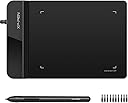
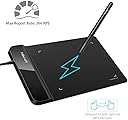
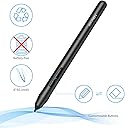
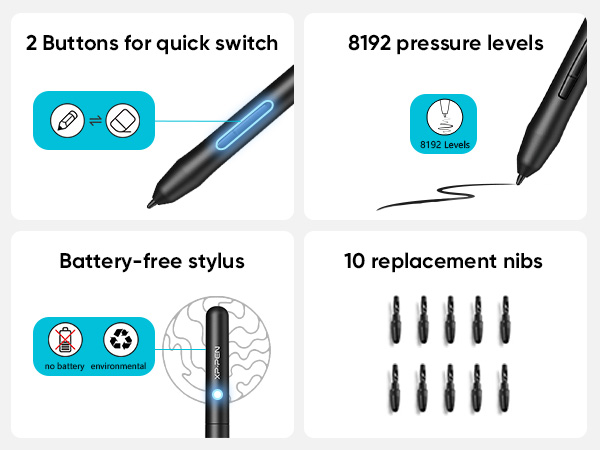
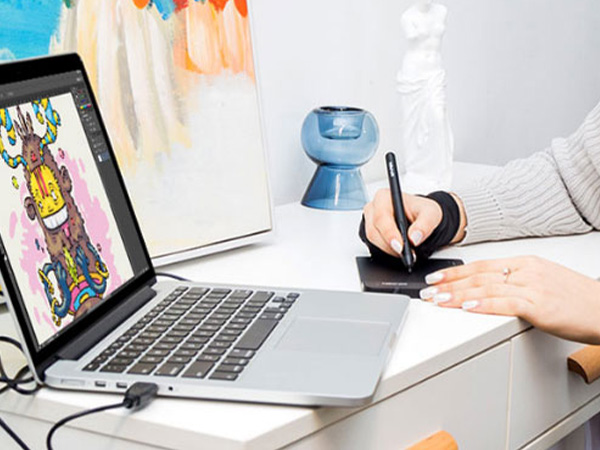
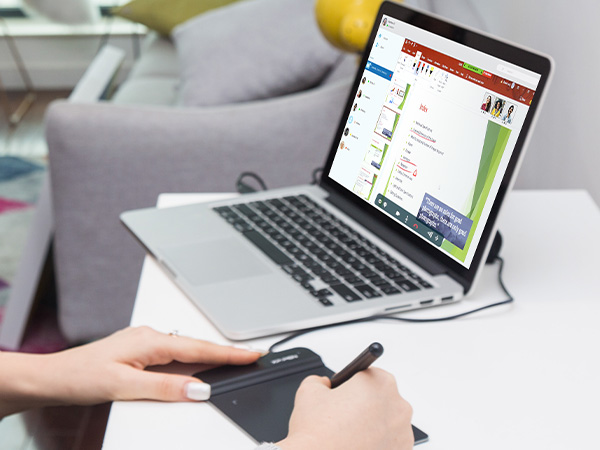
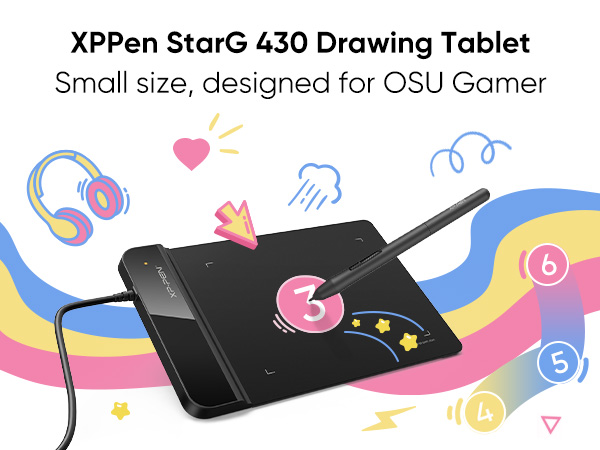
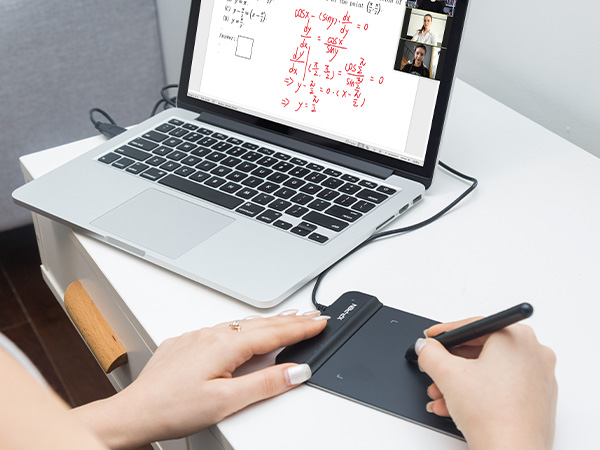
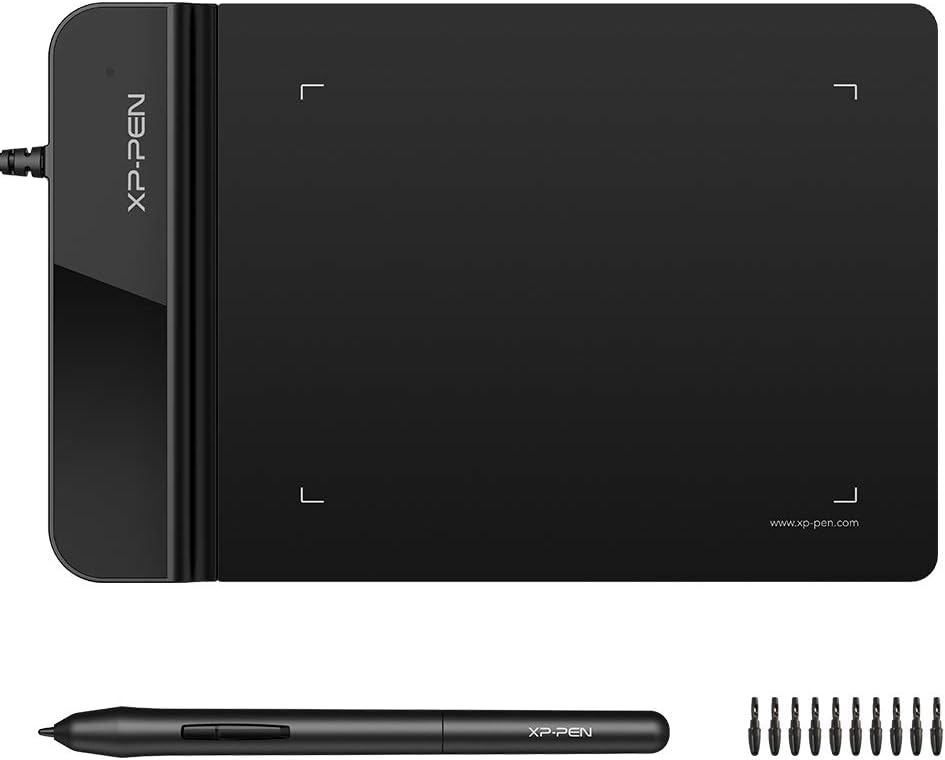
The XPPen G430S is an ultra-thin, highly responsive 4 x 3 inch graphic tablet designed for OSU! gaming, digital art, and online teaching. Featuring 8192 levels of pen pressure sensitivity and a battery-free stylus, it delivers smooth, precise input with a rapid 266 RPS report rate. Compatible with Windows 7+ and Mac OS X 10.10+, this compact device supports ambidextrous use and plug-and-play functionality, making it a versatile tool for professionals and creatives on the go.


| ASIN | B01BA6XQI0 |
| Active Surface Area | 4 x 3 inch |
| Additional Features | Stylus |
| Best Sellers Rank | #7 in Computer Graphics Tablets |
| Brand | XP-Pen |
| Built-In Media | Tablet, Passive Pen, Quick Guide, Replacement Nibs, Pen-Clipper |
| Color | Black |
| Compatible Devices | Windows 7 and above, Mac OS X 10.10 (or later) |
| Connectivity Technology | USB |
| Customer Reviews | 4.2 out of 5 stars 9,892 Reviews |
| Display Type | LED |
| External Testing Certification | Não aplicável |
| Item Dimensions L x W | 4.21"L x 5.12"W |
| Item Weight | 0.25 Pounds |
| Manufacturer | XP-PEN |
| Mfr Part Number | StarG430 |
| Model Name | Star G430S |
| Model Number | StarG430 |
| Native Resolution | 5080 line_per_inch |
| Operating System | Windows 7 and above, Mac OS X version 10.10 or later |
| Pressure Sensitivity | 8192 Levels |
| Screen Size | 4 Inches |
| Special Feature | Stylus |
| Specific Uses For Product | OSU Game, Online Teaching, remote working |
| Target Audience | Teacher |
| UPC | 602258815575 |
| Unit Count | 1.0 Count |
| Warranty Description | 12-month warranty |
A**X
Awesome XP Pad
This is an awesome product. While trying to set it up, I encountered an issue for using this to e-sign forms, but their customer support was fast in replying and helped me to finish the set up properly. Now it works great for drawing and e-signing. The good thing is that it uses no batteries and that's a plus feature. The design is also great. Hope it will last long.
C**B
Small and mighty: very responsive, no batteries, no BS!
I had no idea if this would work for the application I had intended it for. That is, being a mechanical designer, sometimes advantageous to mark something up on screen by hand in a natural fashion. As it turns out, it worked perfectly and continues to do so no matter what application I use it with. You can even use it as an extremely precise mouse if you want to, hovering the stylus over the pad. It’s small enough at 4 x 6“, to easily get stashed somewhere when you’re not using it and not have it take up half an acre of desk space. And I really like the little things that went into the design and function such as it knows immediately when you pull the stylist out and self activates ready to use. I also really like the fact that it comes with probably half a dozen stylist tips doesn’t use those tiny quadruple-A batteries that are in some Bluetooth stylus pens, and has all kinds of customizable function buttons and so forth that I could probably burn more time than I care to consider tailoring them if I want to. If like me, and you don’t need a full a size or bigger surface to draw on, this is ideal. It has an app interface that allows you to customize all different kinds of things, including stylus, pressure and angle, and on, and on and on, and probably most important of all at least for me it works, and it works well. I didn’t have to break the bank getting something bigger or more than I needed, and was able to blindly pick and win the lottery for exactly what I need. Probably the most difficult thing from starting out and it’s normal I expect, is tailoring the sensitivity and so forth to your writing style. Hand position, elevation of the stylus on the pad, stylus angle and pressure. It is extremely sensitive, which I think is fantastic, but it will take a little bit of getting used to and adjusting, so you’re not over or under correcting. Zero regrets: I should’ve gotten something like this years ago.
E**E
Pretty decent tablet!
It was a pretty decent tablet! The design was kinda small for my hands so if you have big hands, you might want to consider something else, the sensitivity is fine for what it’s worth. This was my first ever tablet for Osu! And I have to say it’s was very good for it, you get like 10 extra tips and a thing to replace them with so you’re getting good value for your money.
J**Y
XP PEN TABLET GOATED
I got this XP Pen tablet because my previous display XP Pen broke after a couple years of use and this had been a life saver I continued to work on my commisions easily and effectively its great to have on the go or on a small space and it feels great for the price if you're a beginner to digital art I reccomend this as a starting point
L**A
Having some problems now that it's been used for awhile
When I first purchased the tablet, I was in love! It's perfect for if you're new to digital art and if you need something light and easy to take with you. I take animation classes where we use drawing tablets and this is easy to use because I can fit it in my bag to take between classes. Very easy to set up, no buttons or anything to learn how to work, and you can also enable and disable certain pen features to your own tastes. However! I bought this December 28th, 2017. It hasn't been a full year yet, but I'm running into some problems with it. The pen and tablet randomly haven't been working, I tried everything the support website told me to do, and still no resolution. The pen randomly decides to draw when it's not pressing onto the tablet piece, or will randomly click and drag things? Until I unplug it. For the money, you get what you pay for. This is a cheaper alternative to Wacom, kind of like the tablet that you buy so you can start making art, but when you're financially able to, you buy a nicer one. If it didn't start having these issues, I would rate it 5 stars, but because it hasn't even been a year yet and I can't even use it, that's what makes me place it at 3 stars.
C**.
Amazing Little Tablet for the Price!
This is my third tablet but my first XP Pen after a friend recommended it to me. I had a larger tablet before I wanted to replace after the touchpad stopped working so I actually upgraded to a visual tablet. Only to find out that it won't work with my computer. I was frustrated beyond words trying to troubleshoot so I wanted something simple again. THIS is simple. Easy to use. It's almost plug and play with how simple it is! I did have to download the driver program, but that took seconds. The pressure sensitivity is amazing! It took some tweaking in my art program to get it to register the pen strokes as more than super light, but now that it has, I'm incredibly impressed by how versatile it is for such a small tablet. This is by far superior to the original one I wanted to replace in spite of it being about half the size. After all the frustrations I've had with other tablets, I'm so glad to have found one that not only works, but works well and doesn't make me want to throw it out the window. Well worth the purchase, and the price is fantastic!
P**T
Great! Wish it were wireless though
Works perfectly. The pen is responsive and feels smooth. The tabs on the top of the tablet are convenient and don't interfere with the writing surface. The only bummer for me is the cord. I wish I had purchased a wireless drawing tablet. Though the cord is long enough and fits well, it gets in my way. It's a personal preference and doesn't diminish the product's value.
C**.
First time size DOES matter for a tablet...
I've been working in the digital design and visual FX industry for over 2 decades.. I've owned and used tablets for my illustration and Zbrush work for MANY of those.. I have ALWAYS preached to new artists and illustrators that, despite me owning a LOT of Wacom products, you DO NOT NEED a large expensive tablet to produce quality art. THIS tablet has proven me WRONG!! Do you NEED a big and expensive fancy tablet? Absolutely NOT.. Can THIS tablet be used to produce quality illustrations and other art? NO.. your work will be 10x better spending the extra $10 on the Huion model that is one size larger.. (yet actually has thickness.. this 2mm stuff is useless trash with poor performance). Why? Simply put, using it flat on a desk, the tablet isn't large enough to properly hold it in place. The "real estate" for holding it still is useless.. And my preferred method of holding it in my hand/lap is completely out of the question due to the thickness mentioned above. I'm not telling you that you NEED to go buy some $200+ Wacom or even a higher end model from this company or Huion. I'm simply telling you that the extra $10 for the (one size larger) Huion WILL improve your ability to get what you want from your hand to the program you're using. Trust me, I do this for a living, and after my Wacom Intuos bit the dust, I ordered this AND the Huion to see which to keep. I believe I've explained why I'm choosing a return this one and keep the Huion. (I'm probably misspelling that by the way). Oh and just a side not, I had this less than a day, and Amazon is CHARGING ME for the return print label so I'm not even getting my refund (not all it).
I**M
small
very small
L**G
Excellent for text input
Work with Microsoft Word flawlessly. I use this for Chinese text input. Way faster and accurate than using mouse.
S**S
سهولة التحكم وتوصيل الجهاز
سهل جدا وسلس بالتعامل، اعتقدت انه فقط للرسم لكن تبين انه يمكن استعماله للتحكم بالجهاز كامل، حيث انه اذا اردت التصفح يمكنني الاستغناء عن الماوس. و اعداداته سهلة وغير معقدة.
S**I
Happy
Happy for my girl
A**M
ممتاز
ممتازة جدا، ويأتي معها سيريال نمبر لبرنامج ArtRage Lite تحصل عليه من خلال موقعهم الرسمي بإدخال سريال نمر الجهاز (خلف الجهاز) ينصح بتحميل البرنامج الرسمي للمنتج بالبحث في الموقع عن اسم الجهاز وتحميل البرنامج الخاص به (يأتي الجهاز بكتيب ينصح بقرائته به كل التعليمات)
Trustpilot
1 day ago
1 week ago