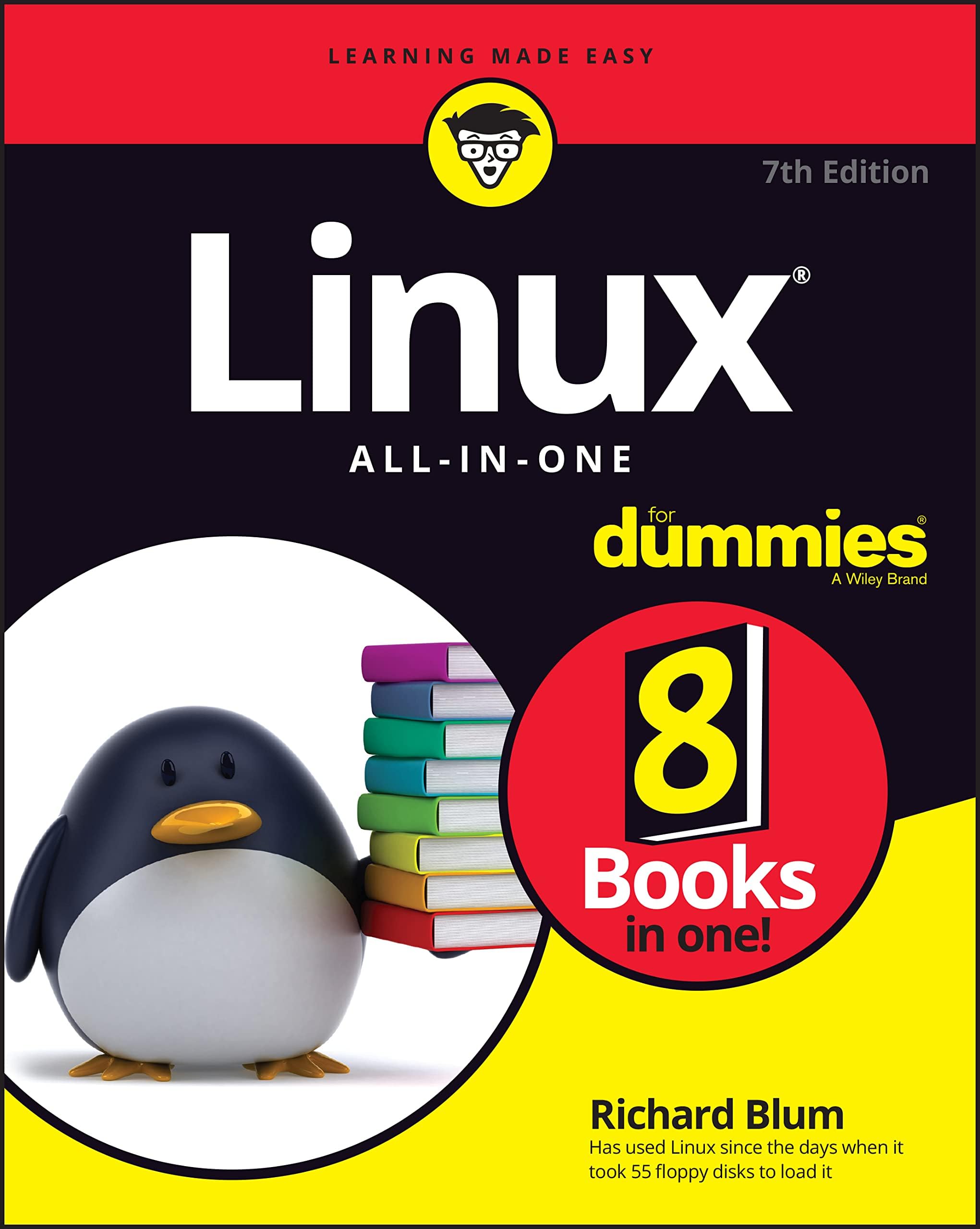
Linux All-In-One For Dummies (For Dummies (Computer/Tech))
Product ID: 447502423
Buy anything from 5,000+ international stores. One checkout price. No surprise fees. Join 2M+ shoppers on Desertcart.
Desertcart purchases this item on your behalf and handles shipping, customs, and support to New Zealand.
Linux is for everyone! Linux All-in-One For Dummies breaks down the ever-popular operating system to its basics and trains users on the art of Linux. This handy reference covers all the latest updates and operating system features. It presents content on Linux desktops, applications, and more. With eight books in one, you’ll have access to the most comprehensive overview of Linux around. Explore the inner workings of Linux machines, so you’ll know Linux front to back. This all-inclusive handbook also walks you through solving Linux problems―complete with hands-on examples―so you’ll be a Linux whiz before you know it. Get familiar with Linux as you install and customize the operating system Learn how to navigate the file system, use the Linux shell, and get online Become a Linux guru with server hosting, scripting, and security how-tos Study for your Linux certification by using this complete guide as your reference This book is a massive source of support for beginning and intermediate Linux users, as well as those looking to brush up on their knowledge for certification. And, thanks to the signature Dummies approach, it’s also a lot of fun. Review: Some information is dated. - First, let me start out by saying that I am not a Linux newb. Back in the day, I was certified in SCO Unix System V, and I cut my teeth on the original Slackware. So, I notice gaping holes like when the author references multiple drives chained on a cable. Not sure who might be running old IDE, SCSI, MFM or original RLL drives, but that is who would be chaining drives. The rest of us are using SATA as the oldest connection type, and most of us who are running newer hardware are using NVME M.2 connected SSD's. Why install a second hard drive when you can install to a 256 or 512 GB thumb drive or SD card that can be had for under $40. Thumb drives and SD cards are huge now, and cheap. Thumb drives also have the benefit of being portable. You can jump into the one time boot menu on any PC, boot off your Linux thumb, and go to town. Some Linux distros do now support UEFI. Ubuntu, Kubuntu OpenSUSE, Fedora, Mint, Debian, POP!_OS, and Red Hat Enterprise, just to name a few. Just about any distro based on Ubuntu, Fedora, or Debian should support it. Now I have not tested every ddistro myself, so your milage may vary. And, no mention of Microsoft Hyper-V when he goes to talk about virtualization. I swear by VirtualBox, I do, but I have over 2 dozen distros running in VM's, and nearly a third run better under Hyper-V. Some do not work at all under VirtualBox, but run just fine under Hyper-V. Only goes to show that you need more than one hypervisor. That is just the glaring holes in the first chapter. Some of the information, while not technically wrong, is a bit dated. For the most part the information presented is solid. Might want to update some of this next edition. Chaining hard drives reminds me of my very first 8088 clone and my 65 MB RLL boot drive seconded by a 122 MB RLL drive. Who could ask for any more space. Much better than my Epson QX-16HD with its 10 MB drive running dual boot CP/M and MS-DOS 2.11... circa about 1985. Dual partitioning/booting still works, and has worked for a very long time. Just not the best way in 2025. Another gaping hole, and this time a real issue in a world where threats exist around every corner. One of the best reasons to use Linux is it supports AES-256 hard disk encryption out of the box, but unless you want to jump through hoops of fire, you really want to engage encryption, every time, without fail, during the install process. There is a check box in the drive partitioning section of every modern distro's install. Check the box, provide a password for the encryption, and the system will automatically encrypt the drive. You will then need to enter both your encryption password and your user password on every boot. Problem is that is not mentioned during the install for Ubuntu in chapter 3 of the first book, and it should be mentioned. Even virtual machines should employ encryption, though, if the physical drive where the virtual disk resides is encrypted, it is less of an issue than it is when the virtual disk is on an unencrypted volume. I still err on the side of encrypting both the physical drive and the virtual drive because one thing I am certain of is you can never have too much security now. Understand that my Linux VM's are not just test machines in many cases. I have two big strong desktops running Windows 11, i9 chips, 64 GB of RAM, and 1 or 2 TB m.2 SSD's. I have a stack of large 512 GB and 1 TB SD cards that I store VM's on, and plug in as needed. My VM's are all configured with 8-12 GB of RAM, 4-6 processor cores, and 128 or 256 GB dynamic hard drives. I have 3 monitors connected to these stations, and I run VM's 3 up, one on each monitor. There is really no difference in practice between a virtual machine and a physical machine that runs a single OS. Security, including antivirus, firewalls, and hard disk encryption apply to all machines virtual or physical. Review: Good resource for learning - A great comprehensive guide on how to operate a linux system. Worth every penny and makes the experience learning the system easy.





| Best Sellers Rank | #58,397 in Books ( See Top 100 in Books ) #2 in Linux Certification Guides #7 in Microsoft OS Guides #14 in Linux Operating System |
| Customer Reviews | 4.5 4.5 out of 5 stars (149) |
| Dimensions | 7.4 x 1.5 x 9.2 inches |
| Edition | 7th |
| ISBN-10 | 1119901928 |
| ISBN-13 | 978-1119901921 |
| Item Weight | 2.31 pounds |
| Language | English |
| Print length | 576 pages |
| Publication date | November 16, 2022 |
| Publisher | For Dummies |
L**R
Some information is dated.
First, let me start out by saying that I am not a Linux newb. Back in the day, I was certified in SCO Unix System V, and I cut my teeth on the original Slackware. So, I notice gaping holes like when the author references multiple drives chained on a cable. Not sure who might be running old IDE, SCSI, MFM or original RLL drives, but that is who would be chaining drives. The rest of us are using SATA as the oldest connection type, and most of us who are running newer hardware are using NVME M.2 connected SSD's. Why install a second hard drive when you can install to a 256 or 512 GB thumb drive or SD card that can be had for under $40. Thumb drives and SD cards are huge now, and cheap. Thumb drives also have the benefit of being portable. You can jump into the one time boot menu on any PC, boot off your Linux thumb, and go to town. Some Linux distros do now support UEFI. Ubuntu, Kubuntu OpenSUSE, Fedora, Mint, Debian, POP!_OS, and Red Hat Enterprise, just to name a few. Just about any distro based on Ubuntu, Fedora, or Debian should support it. Now I have not tested every ddistro myself, so your milage may vary. And, no mention of Microsoft Hyper-V when he goes to talk about virtualization. I swear by VirtualBox, I do, but I have over 2 dozen distros running in VM's, and nearly a third run better under Hyper-V. Some do not work at all under VirtualBox, but run just fine under Hyper-V. Only goes to show that you need more than one hypervisor. That is just the glaring holes in the first chapter. Some of the information, while not technically wrong, is a bit dated. For the most part the information presented is solid. Might want to update some of this next edition. Chaining hard drives reminds me of my very first 8088 clone and my 65 MB RLL boot drive seconded by a 122 MB RLL drive. Who could ask for any more space. Much better than my Epson QX-16HD with its 10 MB drive running dual boot CP/M and MS-DOS 2.11... circa about 1985. Dual partitioning/booting still works, and has worked for a very long time. Just not the best way in 2025. Another gaping hole, and this time a real issue in a world where threats exist around every corner. One of the best reasons to use Linux is it supports AES-256 hard disk encryption out of the box, but unless you want to jump through hoops of fire, you really want to engage encryption, every time, without fail, during the install process. There is a check box in the drive partitioning section of every modern distro's install. Check the box, provide a password for the encryption, and the system will automatically encrypt the drive. You will then need to enter both your encryption password and your user password on every boot. Problem is that is not mentioned during the install for Ubuntu in chapter 3 of the first book, and it should be mentioned. Even virtual machines should employ encryption, though, if the physical drive where the virtual disk resides is encrypted, it is less of an issue than it is when the virtual disk is on an unencrypted volume. I still err on the side of encrypting both the physical drive and the virtual drive because one thing I am certain of is you can never have too much security now. Understand that my Linux VM's are not just test machines in many cases. I have two big strong desktops running Windows 11, i9 chips, 64 GB of RAM, and 1 or 2 TB m.2 SSD's. I have a stack of large 512 GB and 1 TB SD cards that I store VM's on, and plug in as needed. My VM's are all configured with 8-12 GB of RAM, 4-6 processor cores, and 128 or 256 GB dynamic hard drives. I have 3 monitors connected to these stations, and I run VM's 3 up, one on each monitor. There is really no difference in practice between a virtual machine and a physical machine that runs a single OS. Security, including antivirus, firewalls, and hard disk encryption apply to all machines virtual or physical.
C**G
Good resource for learning
A great comprehensive guide on how to operate a linux system. Worth every penny and makes the experience learning the system easy.
W**D
Everybody's got it which says something.
I'm what the influencers call a tech-savvy guy. If you are comfortable with Windows terminal or have access, say at work, to a member of the tribe this book should be enough to put you on Linux at the browser-and-VLC level. Not guaranteed but likely.
A**A
BUY THIS BOOK ESPECIALLY IF YOU ONLY PURCHASE ONE
I usually don't recommend "Dummy" books but this one is an exception. It is well written, explains things in sufficient detail (without trying to convince the reader with the author knows everything), and is THE book I use, along with the occasional internet search, to do the things I want to do in Linux. So you know, this recommendation comes from someone with 30+ years in IT, has installed / supported at least 10 different O/S's (and IS very qualified in most of them), and wanted a good reference for Linux but have no interest in becoming a Linux guru. At least for now. However, if that was the goal this would be the foundation on which I would build. More info, I purchased this along with three others, two of which I sent back they were so awful, and the third would have gone back if it had not been accidentally damaged.
B**E
Great Linux introduction for beginners and those who want a refresher text.
A well written Linux introductory text.
D**J
great bookshelf of Linux minibooks in one book
Great for me as a Linux "noob". I had tried Linux on an old laptop a decade or so ago, and it was a passable web surfer. But now have ditched Windows for Linux, so needed a readable but not too deep dive. This is it. Covers a topic, but doesn't get lost in it. Several mini books in one to do that. Way recommend!
W**D
Not For Dummies or Beginners!
It's hard to write a fair review on this "For Dummies" book because it's not really a book for Dummies! I started with computers in the 80s with an Amaga 1000 writing code in Amaga Basic. I was familiar with the MS-DOS days and have written programs is C++ as a hobbyist for years but I am not and never was a professional. I say this because with my limited background with computers and writing programs I found this book confusing and difficult to understand is several areas. This book, in my opinion, requires you to have a fair amount of computer knowledge and some familiarity with CLI commands and using the terminal to get the most from this book. Also, I think the idea of eight books in one leaves little room for detailed information in any of the eight books, it can leave you hanging and needing more. It also goes into areas the beginner in Linux will be completely lost and probably care less about. So this is not a book for beginner or dummies. It's probably a very good book if I could just understand it, the title is misleading.
J**I
Still browsing
I love these books for referencing and if I want to look up something new. Its packed with info I know it covers new users no experience and for me its been awhile since I used linux so its a great refresher and reminder. Also covers new things.
S**O
No eres tú, soy yo…
Lo siento. No me ha servido para aprender a programar. Eso si. Muy interesante la historia del desarrollo del programa y sus aplicaciones.
H**R
excellent book without viral malware ideology
After fighting with the latest Windows "program" and cutesy language (ie Moments, AI, etc). I have now changed my & my families laptops to Linux and this book helped my accomplish that transition easily. I will be purchasing more copies of this book to assist them with the changes. None of my family is influenced by social media
K**N
Easy to learn Linux
This is a great book, very easy to find what I need and clear, concise instructions.
B**E
Too beginner level
İt is too beginner level and complicated. İt is only narrating like a novel. Topics and commmands could be explain only 50 or 100 pages.
R**G
Useful reference
My go-to reference. And I'm an absolute dummy!
Trustpilot
3 weeks ago
5 days ago