Desert Online General Trading LLC
Dubai, United Arab Emirates
Desert Online General Trading LLC
Dubai, United Arab Emirates




❄️ Stay Cool, Work Smart — Elevate Your Laptop Game!
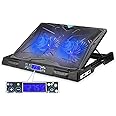
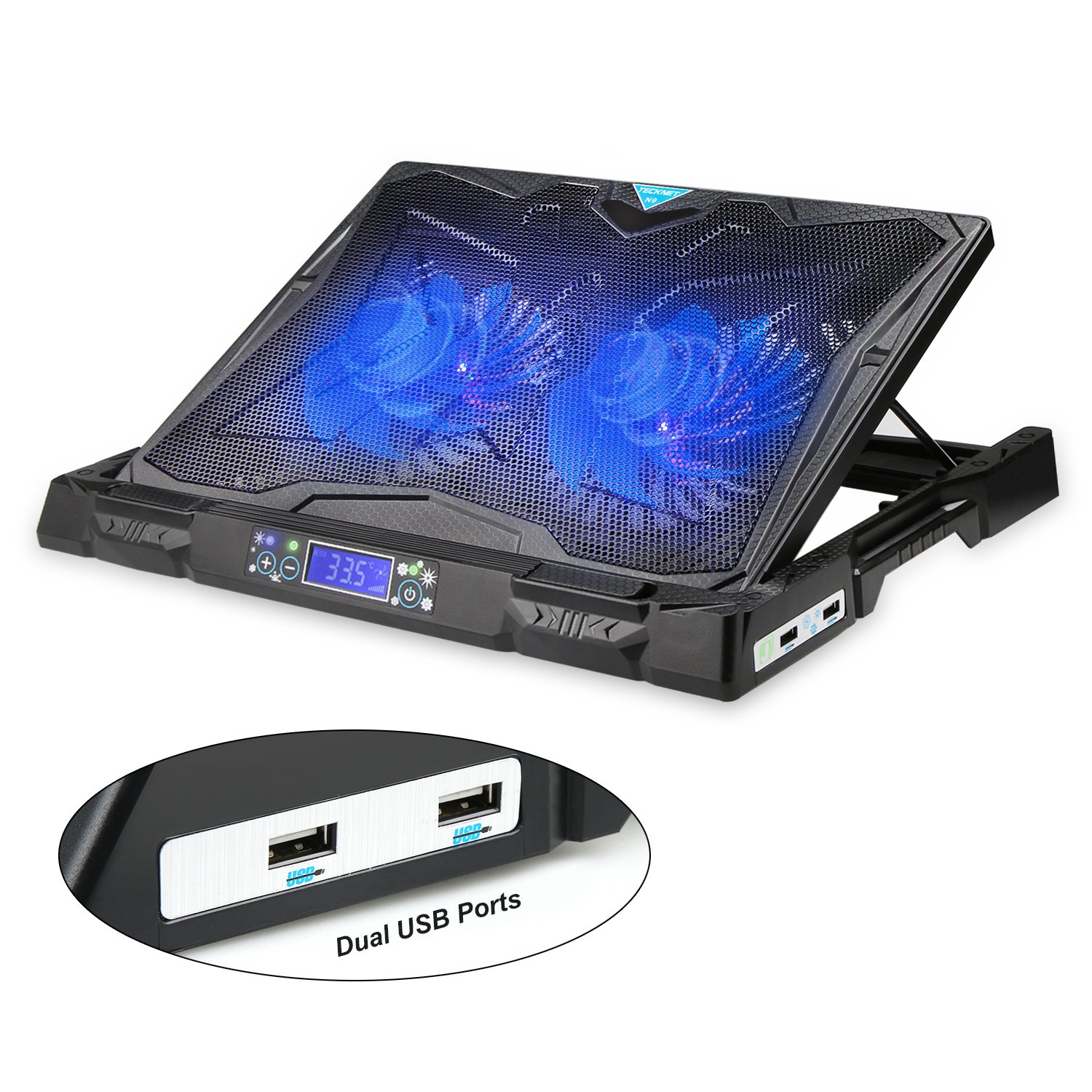
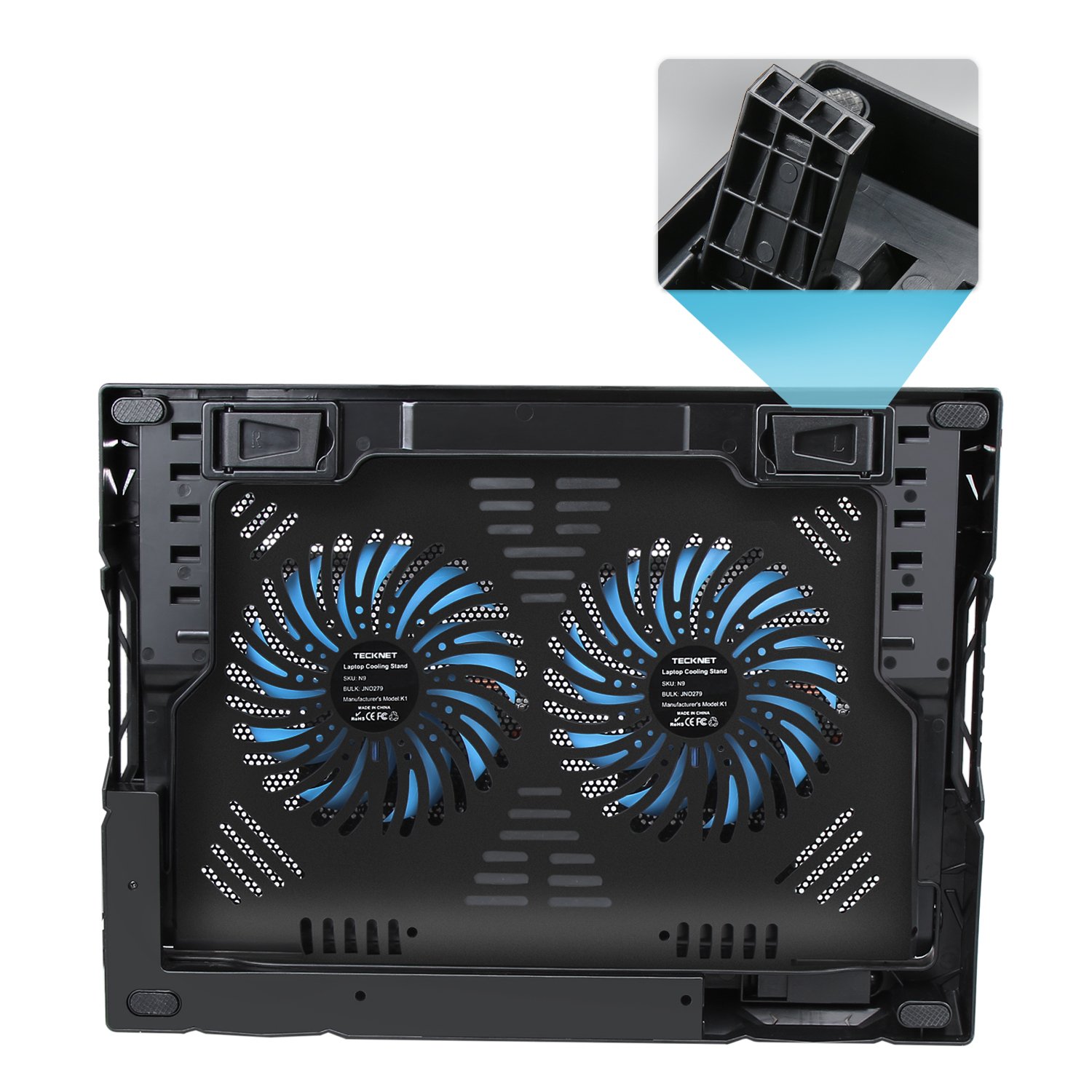
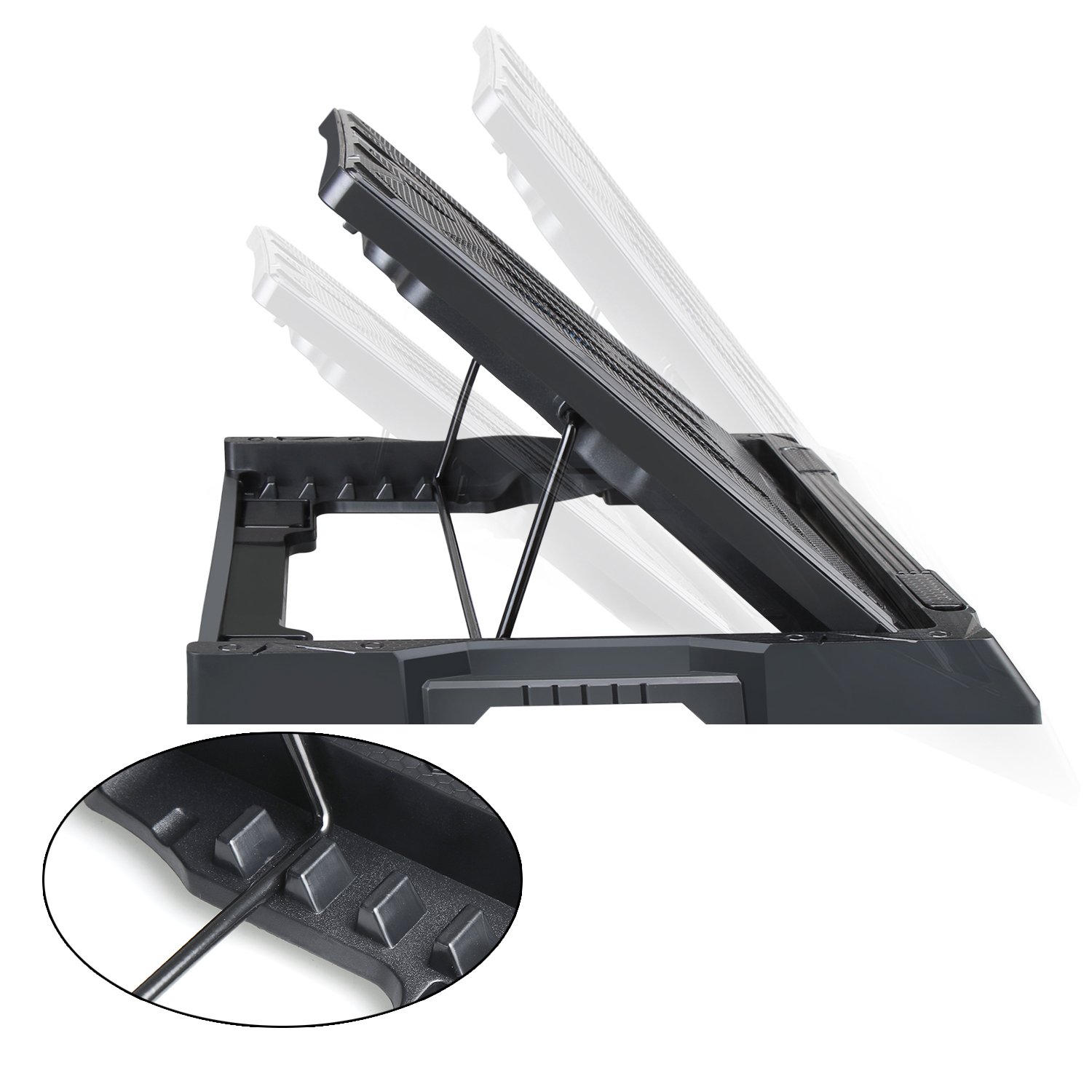
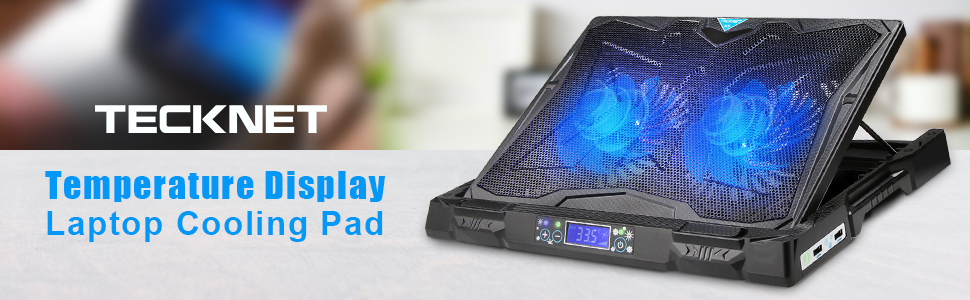
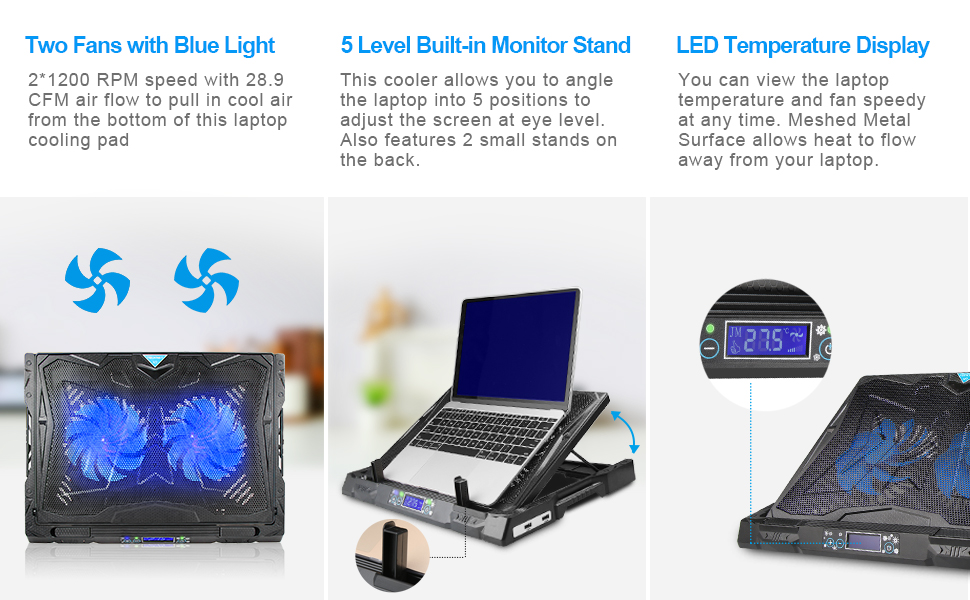
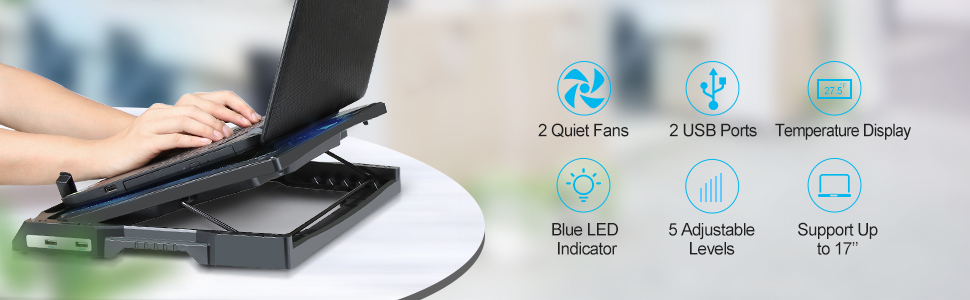
The TECKNET Laptop Cooling Pad is a sleek, USB-powered cooling stand designed for laptops between 12" and 17.3". Featuring dual ultra-quiet fans and a real-time LCD display for temperature and fan speed, it offers precise cooling control. Its ergonomic 5-level adjustable height design ensures comfortable use for gaming, work, or streaming. The ventilated metal mesh surface maximizes airflow, while an extra USB port adds convenience. Durable yet portable, this cooling pad is a must-have accessory for professionals and gamers seeking optimal laptop performance and comfort.
B**B
Good sturdy stand with quiet fan option
I often use my laptop on a cushion on my lap or on the carpet by my TV to stream to my TV, both of which make the laptop hot and I know should not do! This stand has been very useful for both of these uses to just keep the laptop cool. It is also stable on a large cushion on my lap even whilst raising it to a more comfortable eye level than I have been able to before. This is in addition to it being as effective as your would expect on a desk with the stand legs raised. It has flip up legs at the front to keep the laptop in place and the display is pleasant. You can hear the fan when turned on but it is negligible over the sound of the laptops own fan. There are two USB ports, use either to get power from the laptop and the other acts as a USB hub, connecting through to the laptop to make up for the port being used to power the stand. There are blue LEDs in the fan which look nice enough if you like that sort of thing. All in all very happy with the stand.
G**H
Great option for hot office environments!
Ever since the pandemic affected my way of working, I have been working from home for quite a while now. My setup is in the garage which I have converted and insulated to make it comfortable to work in. However, during the hot summer months, my laptop is regularly getting too hot and in danger of overheating. I had been looking for something for a while that could help me with this.I’ve had a good experience with Tecknet products beforehand so thought I’d give it a go. The stand was well packaged and a lot lighter than I thought it would be. It fits perfectly on my desk and the stand allows you to either lay it flat or at an angle with the design preventing the laptop from falling off. The fans seem efficient and are effective without being unbearably noisy and the temperature display is a useful inclusion for monitoring purposes. I really like the fact it comes with an additional USB port as I am always running out of locations to plug peripherals/ accessories in.In summary, I would recommend it as a great, budget friendly options that goes above and beyond simply cooling but being a useful and near necessary addition for people that regularly work on laptops, especially in overheated garages!
G**F
Solid Laptop Cooling Stand
We have an old gaming laptop at home that the kids use, which gets too hot to touch at times.We took it all apart, cleaned it and made sure the fans were free of dirt as a first step. This helped, as it now takes longer to get to the heat levels it did before - however with them home schooling the laptop is often on for 4-6 hours at a time.So we decided to try a laptop cooler and see whether that helps. The cooler has a temperature gauge on it, which has hit 28 degrees without the fans turned on, but with the fans turned on sticks at around 26 max. This makes the difference in so much that it isn't too hot to touch now, but is certainly still warm. I'm not sure why the laptop runs so hot, just poorly designed I guess.I would also say that it helps if your laptop has a fan vent on the underside of the laptop. We didn't find it as useful on a laptop with rear/side fan vents which probably makes sense, as it is blowing air upwards at plastic casing rather than into the ventilation system itself?It has the added benefit of being a decent laptop stand for raising a laptop monitor too. If you have an external keyboard, you will find that this is very useful. It is very sturdy and supports our brick of a gaming laptop quite happily, so you don't need to worry about it giving way.The most annoying thing about this fan though, is the fact that it doesn't remember settings by default. You press on and it sets the fans automatically. I find that they run at 50% and are quite noisy. It has a secondary mode which allows manual operation - setting the fans above 80% reduces the noise. Every time you turn the laptop on it defaults to Auto again and you have to change it.
D**D
Good height adjustable stand with solid cooling
This ticks two boxes for me. It cools when I need it, which does happen with some of the CPU intensive work I do. It also raises the laptop to a good eye level height which is also adjustable depending on whether I am standing, sitting or slouching! Good size too which means I can use it with my docking station on there as well!The temperature gauge is useful to see how warm things are and I like the fact that you can override the auto and blast it if you want to. There is some fan noise at speeds but still quieter than my laptop fan when at full tilt.Build quality is pretty good, yes it is plastic but pretty robust for a desk based cooler/riser and as I say, it takes my dock as well as the laptop easily. The extra USB port is useful, in my case I use it for a full size keyboard.No complaints here, just one minor niggle. There is no option to turn it off completely if the laptop is in sleep mode and the USB port is still therefore powered. Whilst the fans aren’t running or anything, the display is still lit up which annoys me very slightly - easily remedied by either full laptop power down or just unplugging the USB.
Trustpilot
3 weeks ago
1 week ago