We remain fully operational. Our teams are working around the clock to ensure your deliveries continue safely.

DOWNLOAD THE APP


Copyright © 2025 Desertcart Holdings Limited
DOWNLOAD THE APP


Buy anything from 5,000+ international stores. One checkout price. No surprise fees. Join 2M+ shoppers on Desertcart.
Desertcart purchases this item on your behalf and handles shipping, customs, and support to New Zealand.
🖥️ Elevate your workspace and play with color, speed, and style!
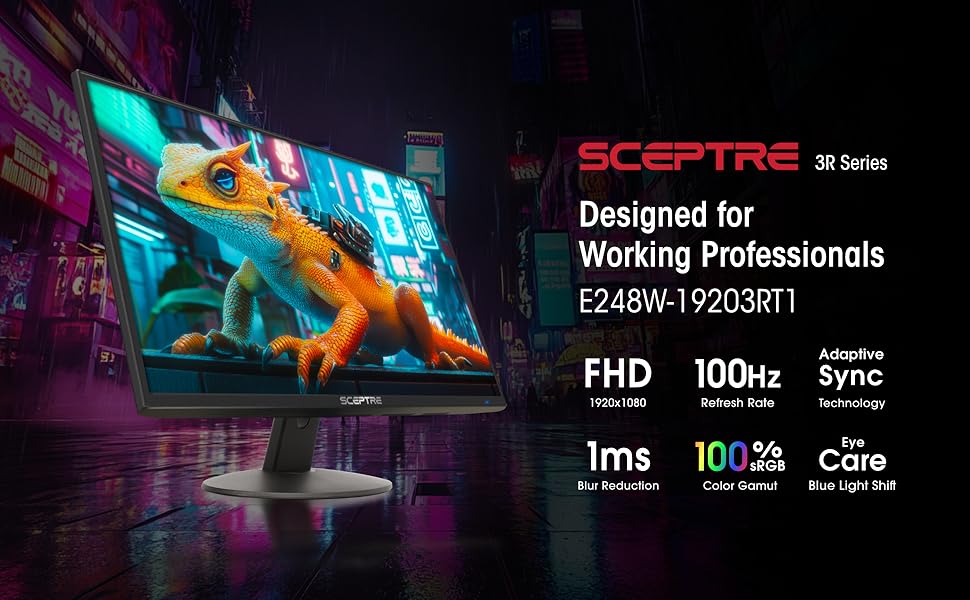
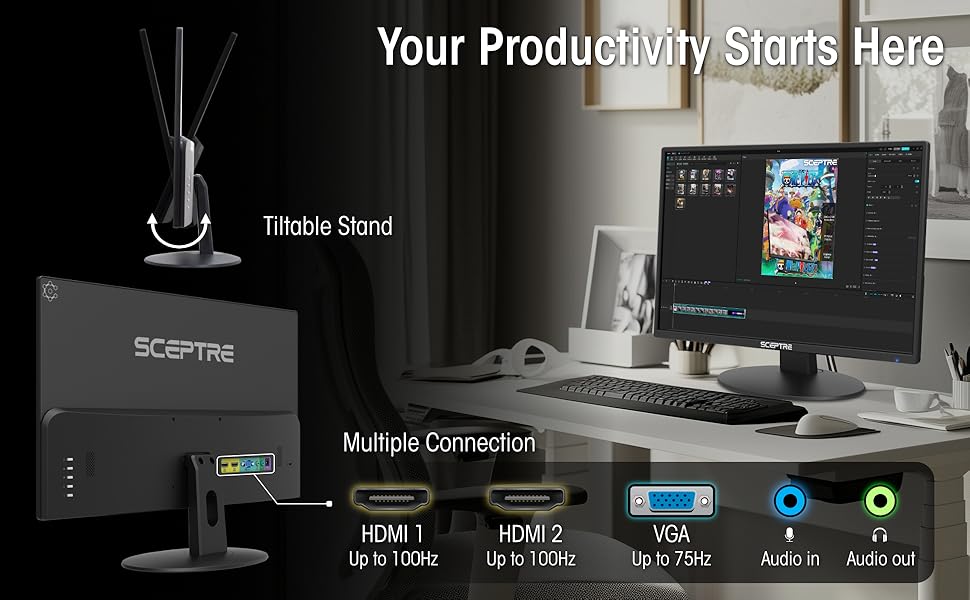
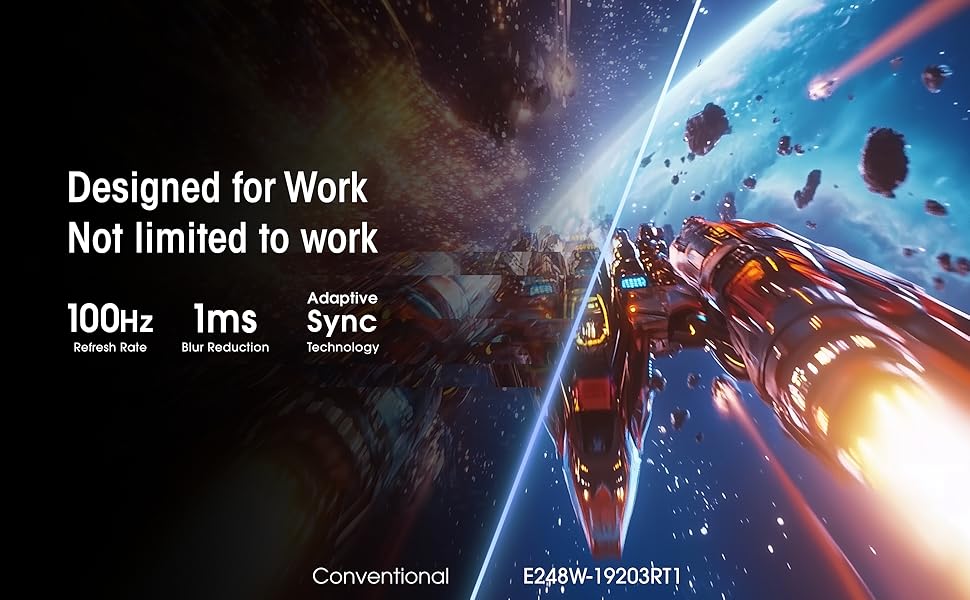
The Sceptre 24-inch Prime Monitor combines a vibrant 99% sRGB color gamut with a fast 1ms response time and versatile dual HDMI plus VGA connectivity. Its built-in speakers and eye-care features like Blue Light Shift make it an ideal choice for professionals and gamers seeking a sleek, reliable, and immersive 1080p display.

| ASIN | B0773ZY26F |
| Adaptive Sync | FreeSync |
| Additional Features | Blue Light Filter, Built-In Speakers, Eye Care, Flicker-Free, Tilt Adjustment |
| Aspect Ratio | 16:9 |
| Best Sellers Rank | #387 in Electronics ( See Top 100 in Electronics ) #17 in Computer Monitors |
| Brand | Sceptre |
| Brightness | 250 cd/m² |
| Built-In Media | Monitor Display x 1, Base x 1, Base Screws x 1, User Manual x 1, AC Adapter x 1 (12V/2.5A), Cables |
| Color | Machine Black |
| Color Gamut | 99.0 |
| Compatible Devices | Devices with HDMI or VGA output |
| Connectivity Technology | HDMI, VGA |
| Contrast Ratio | 16:9 |
| Customer Reviews | 4.6 4.6 out of 5 stars (28,511) |
| Display Resolution Maximum | 1920 x 1080 Pixels |
| Display Technology | LED |
| Display Type | LED |
| Global Trade Identification Number | 00792343323037 |
| Hardware Connectivity | HDMI |
| Has Color Screen | Yes |
| Item Dimensions D x W x H | 7.03"D x 21.25"W x 15.53"H |
| Item Type Name | Sceptre E248W-19203R 24" Ultra Thin Frameless 1080p LED Monitor HDMI VGA, Machine Black |
| Item Weight | 5.8 Pounds |
| Manufacturer | e-Sceptre |
| Model Name | E248W-19203R |
| Model Number | E248W-19203R |
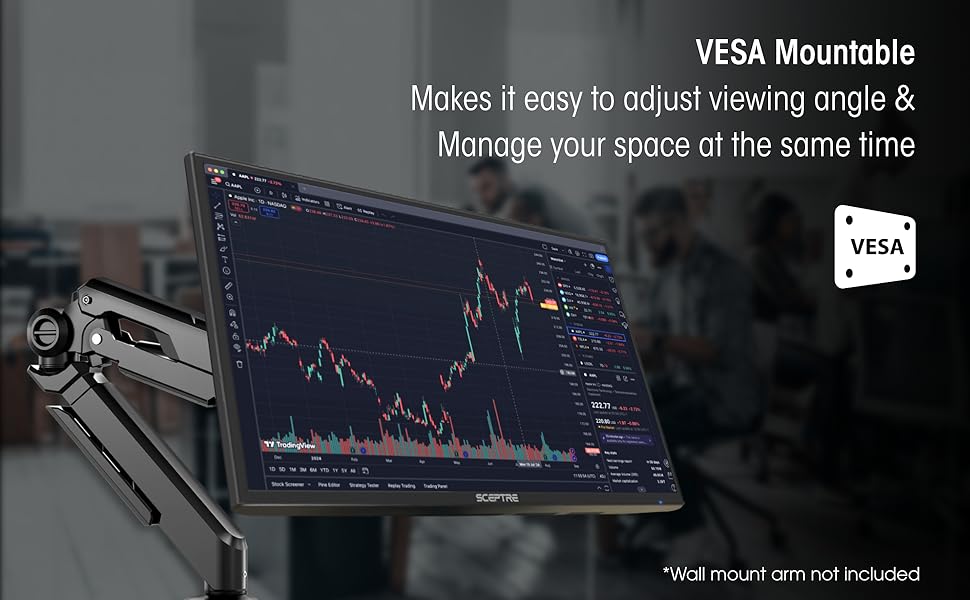
| Mounting Type | Wall Mount |
| Native Resolution | 1920x1080 |
| Number of Component Outputs | 3 |
| Picture Quality Enhancement Technology | Yes |
| Power Consumption | 25.4 Watts |
| Refresh Rate | 60 Hz |
| Resolution | FHD 1080p |
| Response Time | 1 Milliseconds |
| Screen Finish | Glossy |
| Screen Size | 24 Inches |
| Series Number | 2025 |
| Shape | Round |
| Specific Uses For Product | Business, Gaming, Multimedia |
| Total Number of HDMI Ports | 2 |
| UPC | 792343323037 |
| Unit Count | 1.00 Count |
| Viewing Angle | 178 Degrees |
| Voltage | 110 Volts |
| Warranty Description | limited one year |
| Warranty Type | 1 Year Manufacturer Warranty |
L**V
Affordable, good quality
I’ve had this monitor for almost 2 months now and it works great. I don't game it’s just my work monitor but it’s a good size, not too bulky or heavy, easy to set up, and is compatible with my mini PC, I have no complaints especially for the affordable price.
M**L
Excellent visual quality, durable, and a good value
I initially bought two Sceptre 24-inch monitors and was so impressed with them that I bought three more. They've all lasted three years or more, so far, and that's with 24/7 use. Connectivity was a breeze, and response time is good. I've had no issues about stability. I regard their visual quality as excellent. Their sound quality is okay, but I didn't buy them for sound. Overall, my five Sceptre 24-inch monitors have been an excellent value.
T**G
It’s a monitor - nothing exceptional, but nothing wrong either
This product came super fast with Amazon Prime. One-day delivery. This monitor hooks up with my MacBook Air with a USB C Dongle. The picture isn’t that crisp but it is good enough. It functions great for Netflix, Amazon Video or other streaming services. It’s great for gaming. I have this monitor hooked up to my PS4 and the picture quality is amazing. I play Red Dead Redemption 2 and I frequently stop to admire the details in the water and snow. I’m not sure if this is due to the quality of the monitor or the game. It’s relatively easy to set up once you get it out of the box. It comes with a power cord and HDMI inside the box. There are 2 HDMI ports on the back so you could hook up a computer and another device. What I like about this monitor is that I don’t have to switch inputs from PS4 to my MacBook. When I disconnect my MacBook, the monitor detects the PS4 connection and automatically changes it. When my PS4 is off and I connect my MacBook the monitor instantly connects. The speakers suck though. They are quiet. They have no bass either. I paid roughly 88 dollars with tax for this screen and it was a good deal. Just keep in mind this is a 1080P screen so it’s not as good quality as a 1440p or 4k screen. Keep your expectations low. It’s a good secondary screen or a gaming device. It’s not great for photo or video editing if you want something with super high definition.
M**T
Very clear picture
This is a very good monitor for the money. I bought it for work because it has a built-in speaker. Everything is great, but the speaker sounds tinny while playing music. Other than that I would highly recommend it.
J**N
I am extremelly impressed with this monitor! Great buy specially for gaming!
I have a GTX 1060 laptop, set up is easy and there was no need for me to calibrate anything, I even dare say this monitor looks better than my own laptop screen at 1080p. At first i thought it didn not support 75Hz and the colors were washed out and it was too bright, also on the nvidia panel it said 1080p at 60Hz however this is what you gotta do to fix it. "CALIBRATION" 1. Connect via HDMI 2. Open Display settings and make sure that they are set so that only the 2nd display is turned on, do not put duplicate or extend. 3. Open Nvidia control panel and go to "Change Resolution" 4. You will see two lists, one will say HD, UHD etc, the other one at the bottom will say "PC", (changing the first list will project your laptop screen to the second screen however your laptop is 60Hz and the monitor is 75Hz that is why its limited to 60Hz and colors are washed out, changing the second list will basically use your laptop to power up the monitor at full 75Hz 1080p with the right color calibration.) 5. On list two "PC" change the resolution to 1080p and 75Hz And there you go, now you can use your 75Hz monitor for gaming, make sure to change the settings indvidually in games to 75Hz or they will still run at 60Hz and the colors will be washed out. Now onto the review *** REVIEW *** The screen resolution is full 1920x1080p at 75Hz, the colors are very accurate, it looks no where near like a TN panel, I would say its in between a TN panel and an IPS panel but closer to IPS. It comes with speakers which are ok for the price but I recommend headphones or your own speakers which are probably better if you got this for gaming. This is what comes in the package - Monitor - 4 screws for mounting - Two screws for setting up the monitor (non adjustable height( - HDMI to VGA cable - VGA to VGA cable I really recommend this monitor even if not for gaming, its a great price for what you get and it even comes with two cables. However one thing to note is that the difference between 60Hz and 75Hz is hard to notice in games. Playing Witcher 3 and Rise of Tomb Raider at locked in 75FPS wasn't anything much more amazing than 60FPS. However it is still an improvement. One last thing to confider if you’re debating on a 75Hz vs 144Hz monitor - If you have a graphics card such as the GTX 770,970,1060 Most games (witcher, call of duty, battlefield wont go back 80 fps on ultra / high graphics) so you wont be able to take advantage of a 144Hz monitor, so I suggest this one. UNLESS you play on medium/low settings. - If you have a graphics card such as a GTX 770,780,980,1070 and above, I suggest the 144Hz monitor since these can run most tiles at well above 100FPS so you can take advantage of the monitor. *** UPDATE *** Earlier on the review I said the difference between 60Hz and 75Hz was negligible, I take it back. I played on my laptop which is limited to 60Hz and it feels bad and slugish compared to 75Hz, once you go higher refresh rate you can never go back Its one of those things you dont realise until its taken away, great improvement.
M**D
Great product, the visuals are amazing. I use this monitor for gaming and it runs smoother than my tv. What sets this monitor aside from most monitors is that it has an input audio and output audio source which is pretty awesome because I can just plug my headphones into the monitor and hear everything clearly. The audio on its own is not the greatest without headphones as I’m used to the surround sound system on my tv, however if you put headphones into the monitor, the sound is perfect. In terms of the audio without headphones, I had difficulty trying to distinguish where enemies were during games based on their footsteps, however when I put headphones in, I was able to properly distinguish where people were. So I’m conclusion, it’s an amazing product and definitely worth your money, but if you’re gonna use it for gaming, make sure you have headphones or another audio input !!
J**S
Sem problemas.
F**D
صراحه كنت متردد فيها لاني حاب استخدمها لسوني ٥ بس الحمدلله رهيبه بالالعاب كول اوف وسبيدر وفونايت كلها سلسه وجميله جدا يعني باختصار اذ على جودة كنك حاط 1080 جدا مناسبه للأفلام والألعاب مشكلتها فقط الصوت واذ عندك سماعه ما تفرق معاك غير كذا افضل تاخذ هذي الشاشه منها تلعب ومنها تتفرج فيها يوتيوب ونت فلكس وجميع البرامج
ز**د
ممتازه
R**E
This is a fantastic computer monitor. Picture is very clear and was easy to assemble. The only thing I don't like is the on/off switch. Instead of being on the side or front of the monitor, it's on the back. Bottom button on a vertical row of 5. Very much not user friendly. I can feel on/off and use it without turning it around but to use any of the other adjustments, you would have to turn fully around. Not convienient at all.
Trustpilot
2 days ago
1 month ago