We remain fully operational. Our teams are working around the clock to ensure your deliveries continue safely.

DOWNLOAD THE APP


Copyright © 2025 Desertcart Holdings Limited
DOWNLOAD THE APP


Buy anything from 5,000+ international stores. One checkout price. No surprise fees. Join 2M+ shoppers on Desertcart.
Desertcart purchases this item on your behalf and handles shipping, customs, and support to New Zealand.
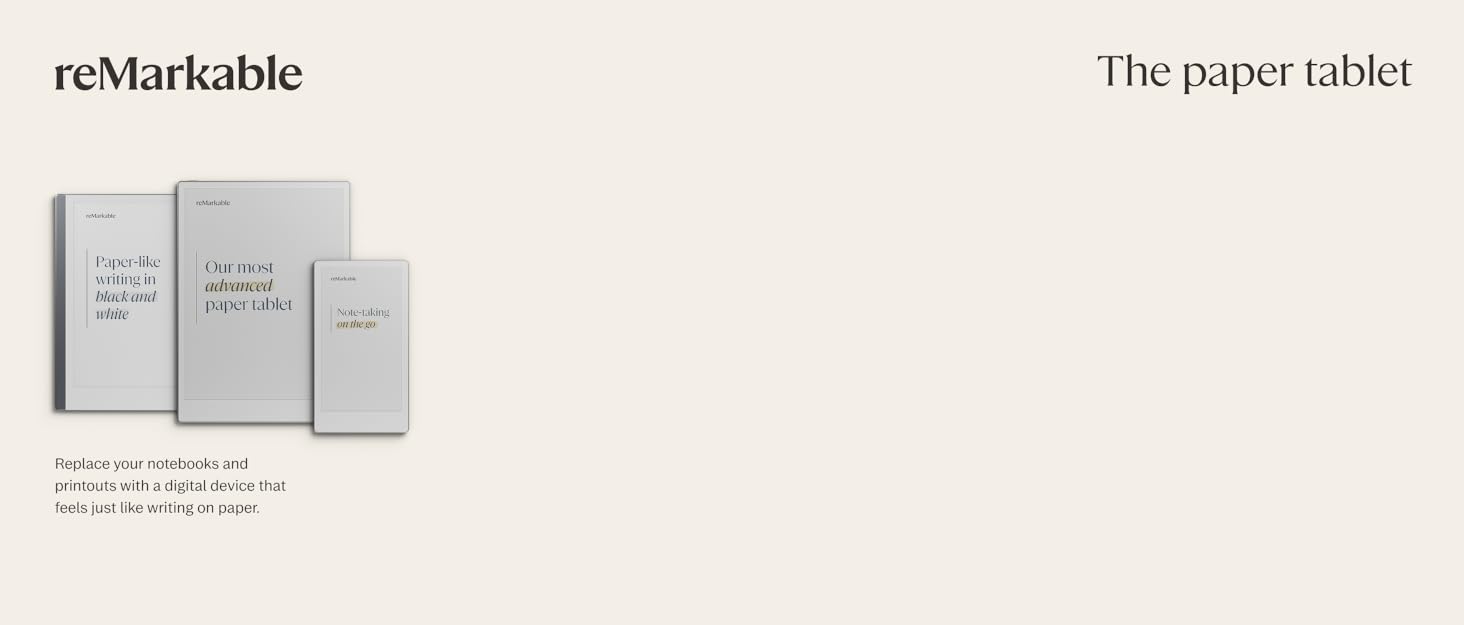
📝 Elevate your note-taking game with the reMarkable Paper Pro – where paper meets the future.
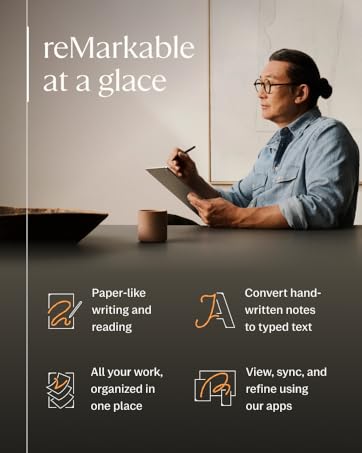
The reMarkable Paper Pro Bundle features an 11.8” full-color Canvas display that mimics paper with ultra-low glare and adjustable lighting. Included is the Marker Plus pen with built-in eraser and six spare tips, delivering a natural writing experience. Organize notes effortlessly with handwriting-to-text conversion and PDF annotation. The bundle is completed with a stylish, durable Mosaic Weave Book Folio cover in Basalt, making it the ultimate portable digital notebook for professionals seeking a premium, distraction-free workflow.


| ASIN | B0DGBDR2PM |
| Battery Average Life | 2 weeks |
| Best Sellers Rank | #844 in Electronics ( See Top 100 in Electronics ) #20 in Computer Tablets |
| Brand | reMarkable |
| Built-In Media | reMarkable Paper Pro, Marker Plus, 6 spare Marker tips, Book Folio, USB-C cable |
| Color | Burgundy |
| Compatible Devices | Desktop, Smartphone, Tablet |
| Connectivity Technology | USB |
| Customer Reviews | 4.2 4.2 out of 5 stars (494) |
| Human-Interface Input | Touchscreen with Stylus Support |
| Item Dimensions L x W x Thickness | 15.04"L x 9.33"W x 1.66"Th |
| Item Weight | 1.2 Pounds |
| Manufacturer | reMarkable |
| Memory Storage Capacity | 64 GB |
| Mfr Part Number | RM83C-1001NW |
| Model Name | RM83C-1001NW |
| Model Number | RM83C-1001NW |
| Other Special Features of the Product | Color Display, Reading Light |
| RAM Memory Installed | 64 GB |
| Screen Size | 11.8 Inches |
| Unit Count | 1.0 Count |
| Warranty Description | 1-Year Limited |
R**H
Electronic paper tablet.
Handy tool for taking notes. The only problem I have was the COST & poor instructions on how to use. Most of the online videos don’t show you how to use efficiently. I do like the tool and its compact size. Other see it and don’t like you cant read books or watch movies. One other thing its not super bright. But exelent battery life. I will continue to find more ways to use it.
J**7
Not a single negative for me
I’ve really enjoyed this over the past 6 months or so. Love the way it feels/sounds more like writing on paper vs. iPad glass. Not having email/text notifications pop up is extremely satisfying, feels like I’m off grid.
T**Y
The best tablet ever
Life-changing device. So convenient for notetaking. Adding color took my Remarkable experience to a whole new level. The battery lasts forever, it weighs so much less than my iPad air, the screen is larger, and it FEELS LIKE PAPER. The back light is a game changer and causes no eye strain. Take the time to learn how to load Kindle books (it's not that hard and you own them - it's not illegal) and you can highlight and notate them. The tablet is thin but extremely well built. I never worry about breaking it. They've added quite a bit of functionality lately - the ability to upload screenshots from your phone, the ability to draw shapes that snap into perfection, sharing your notes instantly. The only drawback is that this device costs as much as an iPad that contains a ton of more tech. Keep in mind, however, iPads have always been sold for less than they are worth. Apple could never sell them for what they are worth, especially if they have to stop making them in China. They make their money on selling your data, and licensing accessories. Get out of the ecosystem! You won't regret switching to Remarkable.
A**R
Shouldn't Be Selling These
Surprised at how bad this thing really is. Buggy and laggy at best. After a few weeks of use, it is currently just a paperweight. It's frozen on the sleeping screen and none of the recovery methods work. I'm trying to return, but their return policy is not friendly. Make sure you keep the instructions or your return might be denied. The pencil tips are a racket. Make sure you checkout that cost before you buy, as the tips last a couple weeks at best.
B**A
Worse Battery Life, Better Functionality
I really like the back lit feature and the color options, but I do find that the battery life lasts much less time than my previous tablet.
T**L
THE BEST NOTEPAD!
This notepad ROCKS!! Super easy to see in the sun... Just buy it!!
J**Y
Perfect for travel and meeting notes
Originally I got the reMarkable Paper Pro to take quick notes during calls and reduce the amount of sticky notes I have spread around my desk. At first it helped me become more organized and have a clean desk, but then I found more uses for it. I brought the Paper Pro to a work conference and expo recently. reMarkable made notes significantly easier when on my feet networking at events and while walking along the trade show halls talking to customers at different booths. Overall I fully recommend using the Paper Pro. It was super easy to send notes to my work computer and even convert them into text for a quick copy + paste into meeting reports. The pen is pretty cool too. I’ve used a Microsoft surface in the past and hated using the pen to take hand written notes. It felt weird and when my hand rested on the tablet, it would throw the notes off. With the Paper Pro, it actually feels like writing on paper, which was a real nice change up compared to the tablets I’ve used previously. Being able to use different colors and the highlighter was an added bonus. All in all, the Paper Pro is an excellent tool with the perfect blend of technology and simplicity.
J**.
Not Sure the Color Version is Worth the Extra $$$ & Needs. Better Full Coverage Case & User Manual
The colors are almost imperceptible and it definitely lacks an instruction manual. The built in demo is too fast. And I haven’t been able to find a good YouTube tutorial that really breaks down the basic features and functionality yet. Also, when you use the tool to transcribe handwritten notes to text, it loses any spacing & formatting and it makes the text very small. I haven’t figured out how to edit the text it creates so that it’s formatted in a useful way. Most of all, it’s not very user friendly or intuitive. But, it does feel a lot like paper and I’m hopeful I will figure out these challenges. Lastly, I also ordered the case. Which is a waste because it’s difficult to open and close and it doesn’t protect the side mounted pen/marker from getting knocked off. Within the 2nd day of use I thought I’d lost the pen. Luckily, I found it on the backseat floor in my car. Now I know, I need a completely closed case that will keep the pen safe and enclosed.
K**E
Very great to use. I thought about this for along time (over a year) before I actually bought it. The only complaint I have is that I waited so long. It’s convenient to have a “tablet” writing pad that’s not a tablet. There are no games or distractions. The brightness settings are cool for low light but you can turn them off to save battery. I love how you can have folders as well. Highlighter function is very cool. The remarkable is very user friendly. Writing isn’t quite like paper but pretty darn close for electronic. Very much worth the money and I would recommend it over and over again.
O**A
Produit premium, très agréable à utiliser. L'interface n'est toujours pas disponible en Français ce qui est vraiment incompréhensible.
M**A
It’s been now many months since I purchased this and can give the Pros & Cons in detail: Pros: 1. Amazing writing tool. No distractions like an iPad that I have. 2. Writing experience is smooth like paper. Unlike writing on a glass surface like iPad. 3. Organizing notes is super easy. Adding new books or pages is as simple as a click. 4. We can add different types of page styles like ruled, plain, dotted etc. 5. The bundle pen that came along has an excellent grip. Does not roll over as it is not round. Has a strong magnet and has never fallen ever since I purchased. 6. Simple erasing techniques where selection tool to erase is there. Also, back of the pen gives you erasing option. 7. Converting handwritten text to typed text is an option that I haven’t used much. 8. You can create tags to written contents to easily search them when needed. 9. Great battery life. Mine lasts for a week. C type charging is there. 10. Folio case that came as a bundle is of top notch quality. 11. There’s option to send email of your handwritten notes too. 12. You can access your handwritten notes from the remarkable app of your phone or laptop. So data syncs on all platforms. Cons: 1. Although the device charge lasts for a week but this could had been more. 2. There is back lit option too to use in dark. The light though is not too bright. So I do not use it. 3. There’s option to create colour highlights or color ink. However these colours are little faded types. So I use black 99.9% of times. Overall, if you have it, you’ll definitely find it useful and people around you will be inquisitive to know what it is.
M**M
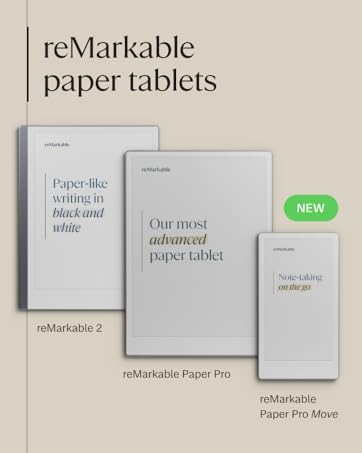
I was a ReMarkable 2 user. I upgraded to the ReMarkable Paper Pro (RPP). ReMarkable are the only paper tablets I've used and this upgrade was well worth it. Amazon's own pay in 3 options really helped as it's well documented just how expensive this product is, but as an avid note taker for work on a daily, hourly basis it's a tool that has saved me countless notebooks (although I'm nowhere near having saved the cost of 2x remarkable devices in saved notebook expense). What it has saved me is storage space and time and effort in organising and finding my notes with the help of tags. Start using tags immediately -finding your notes without them once you're several months in can be a pain. Everything that I wanted to be improved from the RM2 has been upgraded for RPP. Colour and backlight are also well documented and both very delicate yet effective. Less well publicised is the slightly larger screen and the improved detail possible with pen styles and widths. Where the RM2 was prone to blurring and flaring the strokes at the screen edges this one maintains tight and improved detail throughout. While heavier and slightly larger, mine is always desk bound and so remains comfortable to use or rather holding it is never an issue for me. The addition of colour is very good. There are many different types of colour from highlighters to R,G,B, magenta, orange, cyan, yellow, grey... plus shaders which give you different depths and strengths of each colour. Don't expect OLED vibrancy of colour however... The colours are pale, (washed out even) on the RPP's own screen, which is fine for note taking - but they're strong and vibrant once you open your document on PC, phone or tablet screens. There was nothing about this purchase that I regret, but it definitely comes down to the balance of price versus need as it's not cheap.
A**O
Muy bueno y la entrega fue antes de tiempo y el paquete llego muy bien.
Trustpilot
5 days ago
1 month ago