📚 Elevate your digital reading & note-taking game with color, speed, and style!
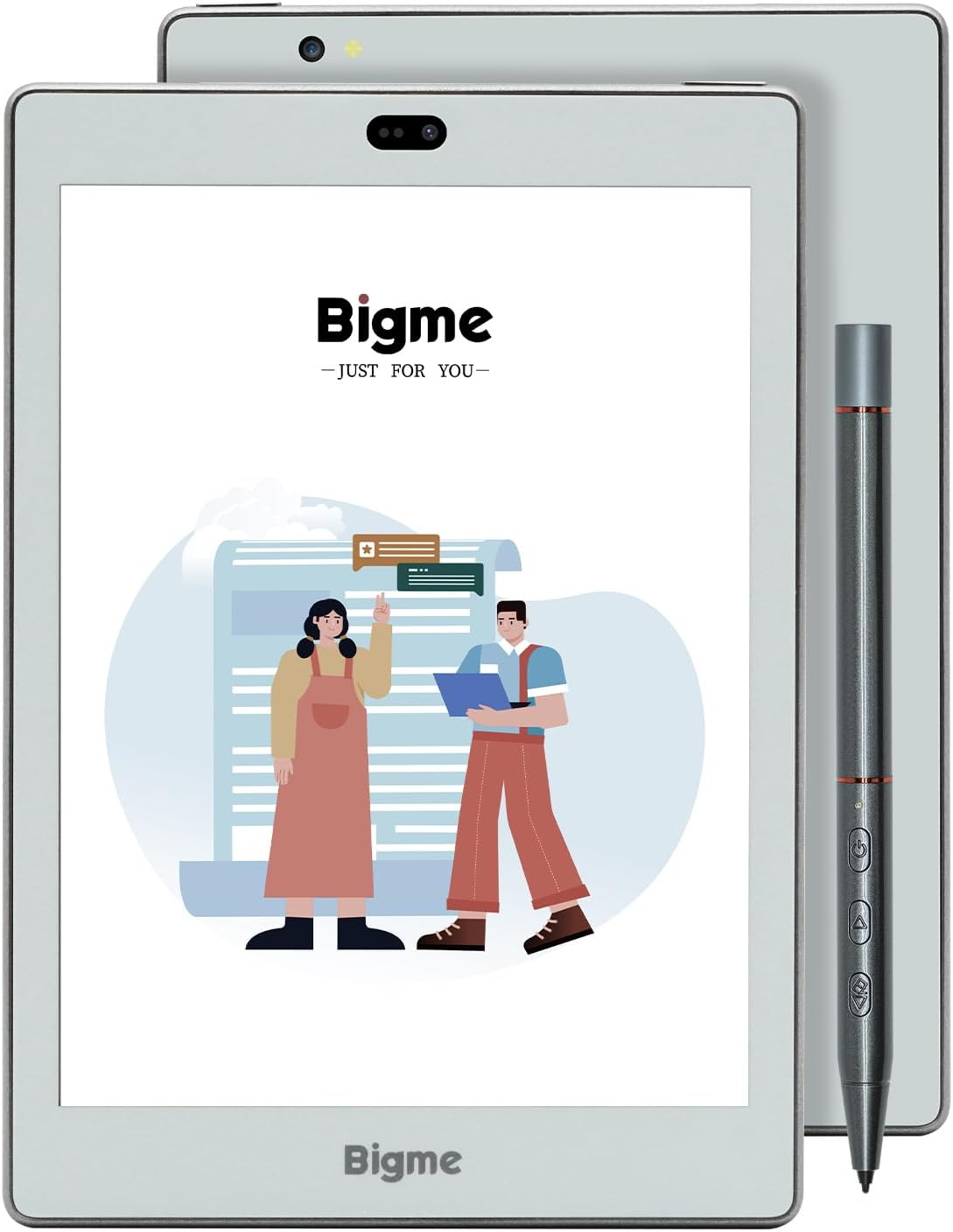
The Bigme S6 Color+ is a 7.8-inch color E-Ink tablet featuring a Kaleido 3 display, octa-core 2.3 GHz processor, 6GB RAM, and 128GB storage. It supports Google Play apps, smooth stylus input with over 100 templates, and offline voice-to-text transcription. Designed for professionals seeking a versatile e-reader and note-taking device, it combines eye-friendly color e-paper technology with Android 11’s open ecosystem. Some users report performance and screen refresh issues, so it’s ideal for early adopters craving innovation in digital reading and productivity.


| ASIN | B0CCPR1H9K |
| Battery Description | Lithium-Ion Polymer |
| Bluetooth support? | Yes |
| Box Contents | Charging Cable, Protective Case, Stylus |
| Brand Name | Bigme |
| Colour | 150PPI |
| Compatible Devices | Android 11 and above, devices that support PDF, TXT, EPUB, HTML, HTM, AZW3, RTF, FB2, DOC, MOBI, PPT, XLS, PNG, JPG, BMP, WAV, MP3 file formats, and have Wi-Fi and Bluetooth connectivity |
| Customer Reviews | 3.2 3.2 out of 5 stars (23) |
| Display Technology | Electronic Ink |
| File Format | EPUB |
| Human Interface Types | Touchscreen |
| Item Dimensions L x W x Thickness | 19.6L x 13.8W x 0.7Th centimetres |
| Manufacturer | Bigme |
| Manufacturer Part Number | S6 Color + |
| Memory Storage Capacity | 128 GB |
| Model Name | S6 Color |
| Model Number | S6 Color + |
| Native Resolution | 150PPI |
| Network Connectivity Technology | ['USB-C'] |
| Night vision | No |
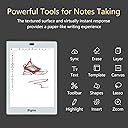
| Other Special Features of the Product | Kaleido 3 E-ink display, Google Play support, Handwriting with smart pen, Offline voice to text transcription |
| Processor Speed | 2.3E+3 MHz |
| RAM Memory Installed | 6 GB |
| Screen Size | 7.8 |
| Unit Count | 1.0 count |
K**M
Good as an Idea but lacks features, speed, refinement. It doesn’t have fingerprint scanner as claimed in the Ad. Screen is flashing white when moving between applications, old screen shadows appear on new screen, slow when moving between applications, color palette need to be improved for smoother color contrast and transition. Color resembles 1980s color screen with 256 color shades, 4G is not working, touch screen is not sensitive enough, tablet hangs up many times and I have to reboot it. YouTube video is grainy, and painfully slow. Unless you really need it, I advise to wait for next improved model.
A**A
En apariencia es bonita, comoda para leer. Las funciones de la pluma son utiles, las varias opciones para modificar (luz, contraste, etc) son buenas. La “textura” de la pantalla es agradable al tacto (no es lisa) LO MALO: tengo 3 días usándola y es EXTREMADAMENTE lenta. LO PEOR: Al intentar realizar notas se queda en la parte de atras (borroso) la ultima pantalla, como si la imagen estuviera quemada. LO RARO: cada que se bloquea y desbloquea da un “flashaso” la pantalla La regresare y veré otras opciones :(
H**7
Product is good but QC and aftersales is really slow
D**I
لا أنصح بشراءه إلا إذا كنت ترغب في ضياع مالك
M**T
I love this new color e-reader, which I got mainly to put library and Bible software apps on, free pdfs, Academia, as well as a Kindle app, of course, so I could do any and all kinds of my digital reading in an E-ink environment instead of always on a glaring phone or tablet screen. But also with color! Hoopla library app does not send your library books to Kindle, but now I can read library books I borrow on this e-reader, as well as the many books, commentaries, and Bibles I have bought or gotten free in my many Bible study apps. Also the many pdfs I can download and read. At 7.9 inches it is still a small device and fits in my purse, while having a bigger screen than most other e-readers. It can also have audiobook apps and play audio or read the screen to you. The speaker isn't very good but you can connect bluetooth headphones and it sounds fine. You can have any social media app on there as well, for when you want to share a quote from a book, have google chrome or other browser for looking up a definition...although I try to keep this for reading only and it has already helped me get more reading done lately. For the price it would be nice to have better sound and even a real headphone aux jack. The battery life is good, although it isn't as long as an e-reader that has no tablet functionality, but you don't use much power when you are just reading on it, and it goes for days of light use. It has a lot of customizable settings for color and light but I have found the standard settings fine. Plug it in to charge when you first get it and are setting it up and downloading apps, which was easy. The native Chinese apps aren't very good, and if you want the Kindle app, first delete it off the device and then download it again from Google Play, which comes pre-loaded. There is lots more internal storage than similar devices as well, and expandable with a micro sd. I'm not impressed with the page turn buttons built into the case, which ONLY work in the native reading app, but I occasionally read pdfs in there and use the buttons. If you actually use the audio feature a lot, you can set those buttons or the stylus to control volume. The included case works well and has wake/sleep, which is good because no one makes a case for this device except Bigme. Although the stylus doesn't seem super secure, I've put the device into and out of bags many times without the stylus falling out. So it's pretty safe from getting lost. I occasionally use it to make notes on a pdf and it writes well enough. Finally, Bigme has worked hard updating the software since this model released a year ago, so it seems to work well without any issues that people complained about back then. It takes a little setting up and getting used to, but if you have set up multiple Android phones or a tablet, it's easy enough to figure out. There's an on-board guide also. Probably the most important thing to learn is how to increase the font size customization for each app you are using, by tapping the "sun" icon at the top of the screen, then "app optimization," and increase the font size to over 300. Otherwise the app controls in most of your apps are too tiny to use easily. (You can use your in-app settings to adjust the app's reading font size afterwards.) You need to do this for every Google app, but the device saves your individual settings for each app, which is great. You can tap the sun icon while each app is open so you can easily see what your adjustments are doing. There are some great preset light settings for daylight reading vs night or bedtime, but the lighting is also fully customizable. You get to them by tapping the down arrow icon at the top of the screen. Bigme seems to have figured out refresh rates and settings well now so I haven't had to adjust them. But be sure you know what you are getting into with an e-ink tablet...soft muted colors and a slight lag when scrolling with some ghosting at times that clears. Not lightning fast and vivid colors like regular tablet screen. Watch some indepth video reviews to be sure that you would appreciate a device like this. But I find it easier on the old eyes, and less distracting to focus on reading, better for reading before bed, or just another portable device to have a Bible app open, while I can use my phone to Google a question or check something in a different app, or watch a scholar on YouTube and follow along. All around highly recommended, although this is cutting edge stuff so I hope people keep refining the software and devices going forward, more companies release similar color e-ink tablets, and competition drives the costs lower. And someone begins to make cute slim cases for them. REVISED to say that you can use the Kindle app settings to enable the page turn buttons! In the Kindle app settings turn on the setting for "use volume buttons for page turn" and then the Bigme buttons will work. I haven't seen where one can do this in any other of the apps I use, like Hoopla and Adobe, but it is great to be able to do it for Kindle.
Trustpilot
2 weeks ago
3 days ago