
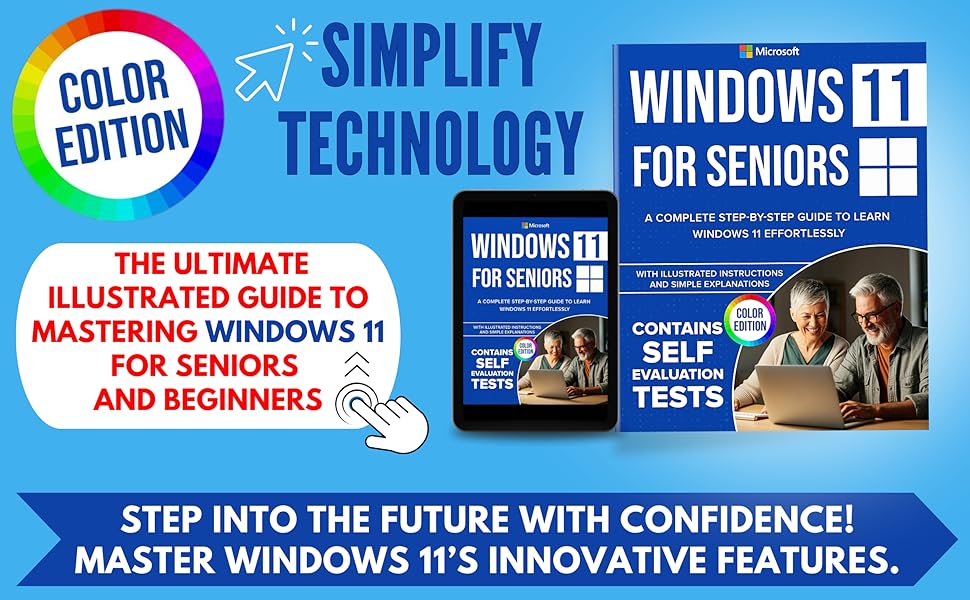
Windows 11 for Seniors: A Complete Step-by-Step Guide to Learn Windows Effortlessly, with Illustrated Instructions and Simple Explanations. COLOR EDITION
Product ID: 695916652
Desertcart purchases this item on your behalf and handles shipping, customs, and support to New Zealand.
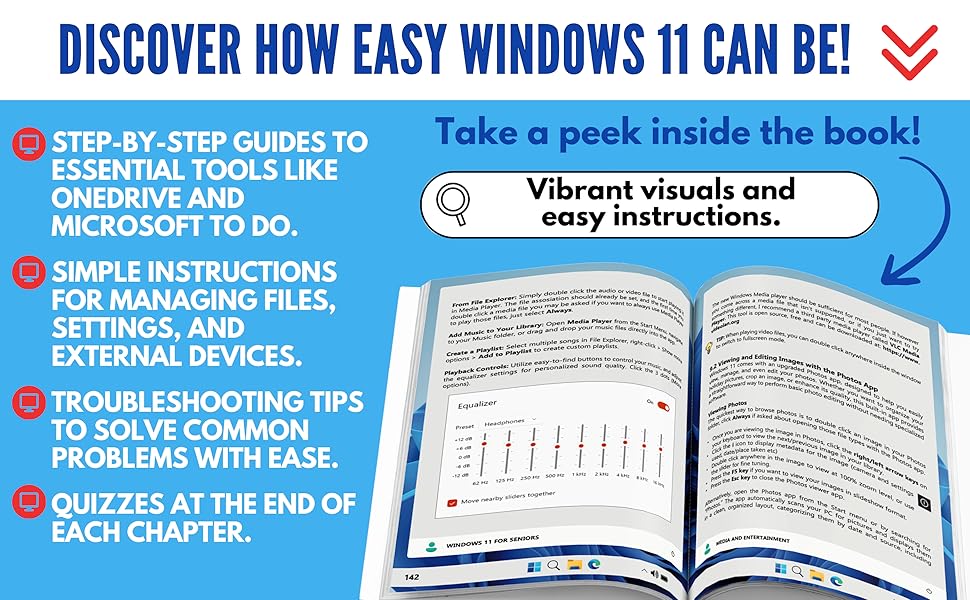
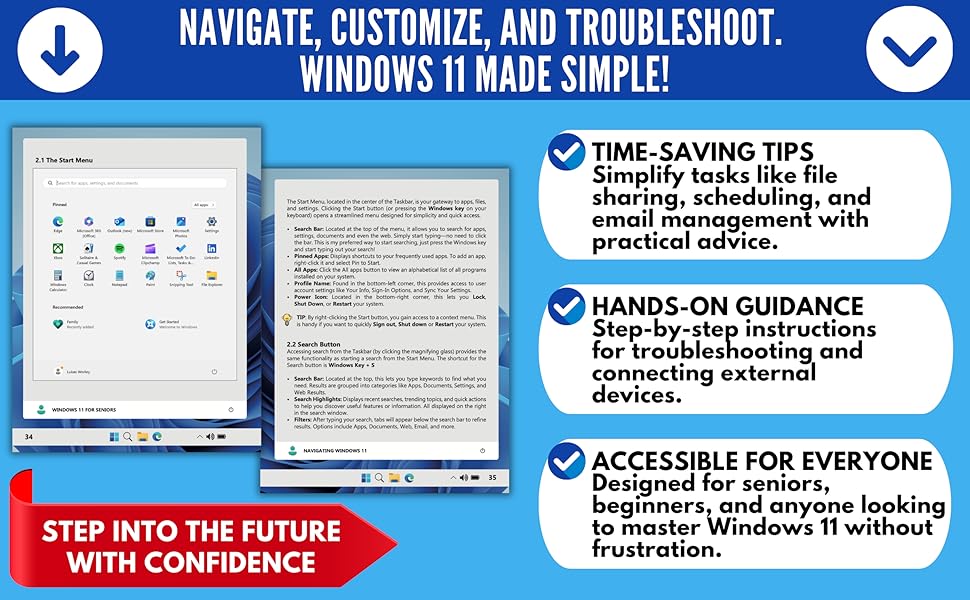
Ready to go from Tech Novice to Tech Savvy? Look no further! Unlock the power of Windows 11 with this comprehensive, step-by-step guide, designed specifically for seniors, beginners, and anyone who wants to master their computer with ease. Now in Full Color 🌈 this edition uses vibrant illustrations to bring every instruction to life, making it even easier to follow along. Changelog for Your Tech Skills: Upgrading from Windows 10? This guide walks you through every step of the process, ensuring a smooth transition to Windows 11 with clear instructions and troubleshooting tips from an Expert. Navigate Windows 11 Effortlessly : Master the desktop, Start Menu, Taskbar, and other essential tools. Outlook and Other Built-In Apps : Manage your email, schedule, and tasks using Microsoft Outlook, plus explore apps like Edge and Media Player. Master OneDrive : Back up, sync, and share your files with ease. Explore Copilot : Simplify tasks and boost productivity with Windows 11's AI-powered assistant. Enhance Security and Maintenance : Learn to protect your system with Windows Defender, Firewall, and regular updates while keeping your PC running smoothly. Troubleshoot Like a Pro : Step-by-step guidance to resolve common Windows issues. Customize Your Experience : Personalize your desktop, Taskbar, and accessibility settings to suit your needs. Connect External Devices : Work seamlessly with printers, scanners, USB drives, and external monitors. With its simple explanations and illustrated instructions, Windows 11 for Seniors and Beginners covers everything from getting started to troubleshooting, all while focusing on making technology accessible and enjoyable. This book is the perfect companion for anyone looking to navigate Windows 11 effortlessly, whether you're upgrading from an older version or using it for the first time. Empower yourself with the knowledge to make Windows 11 work for you!
| Asin | B0DTH4M7HT |
| Dimensions | 21.59 x 1.07 x 27.94 cm |
| Isbn 13 | 979-8306998497 |
| Item Weight | 472 g |
| Language | English |
| Publication Date | 19 January 2025 |
| Publisher | Independently published |
User
Windows 11
Good book. Very informative and easy to follow.
User
Mot complete enough for me
il was not written for a novice would have been better with diagrams
User
nice large print
easy to read and apply
User
Understandable to new users of Windows
Comprehensive and detailed.No assumptions that the reader has any prior knowledge of Windows.
User
Good resource for those who want basic info rather than lots of details
This book is for people who have limited knowledge and experience with computers. For the more experienced, this book is a little lacking in details, so look elsewhere for a Windows 11 book. I rated it 4 stars because of its limited information, but I can see it as a valuable tool for someone -- not just seniors -- who just wants the basics and/or doesn't want to do a deep dive into the use of Windows 11.
Trustpilot
5 days ago
3 days ago