We remain fully operational. Our teams are working around the clock to ensure your deliveries continue safely.

DOWNLOAD THE APP


Copyright © 2025 Desertcart Holdings Limited
DOWNLOAD THE APP
Buy anything from 5,000+ international stores. One checkout price. No surprise fees. Join 2M+ shoppers on Desertcart.
Desertcart purchases this item on your behalf and handles shipping, customs, and support to New Zealand.
🚀 Elevate your live streaming game with ZowieBox — where pro-grade video meets effortless connectivity!
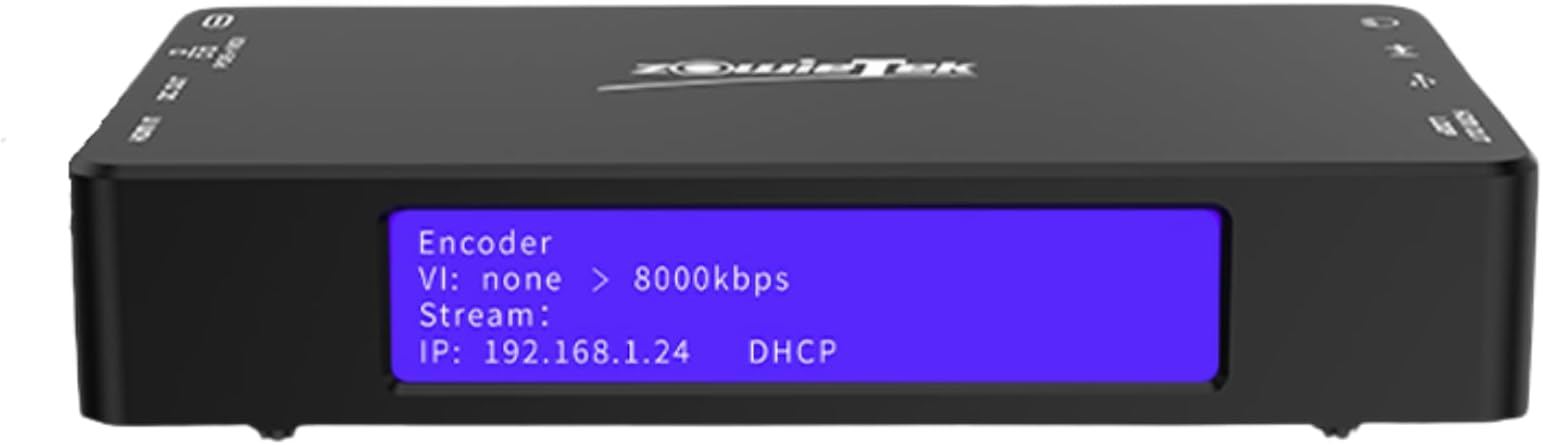
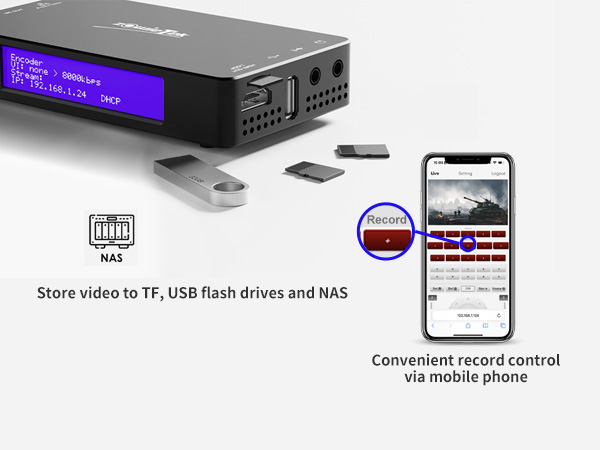
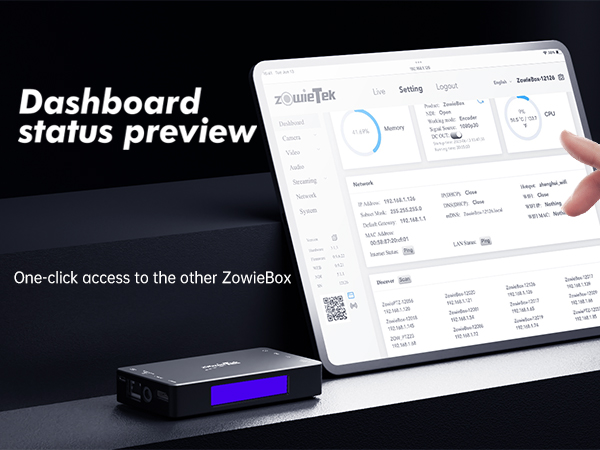
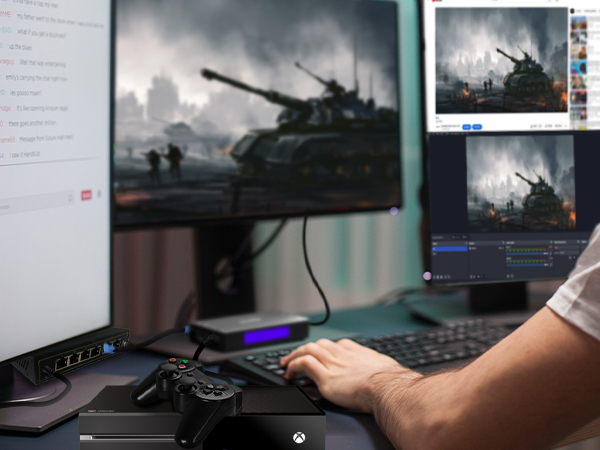
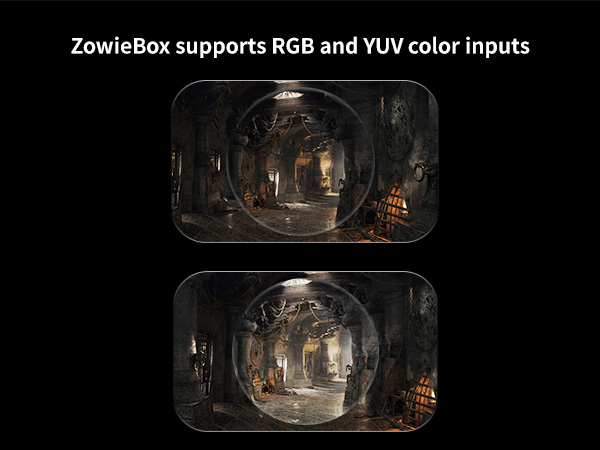
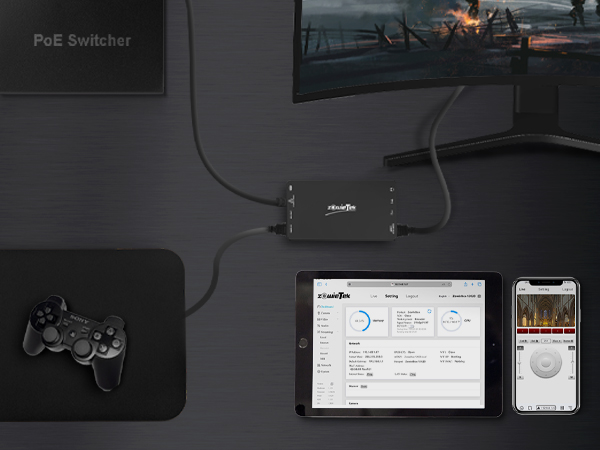
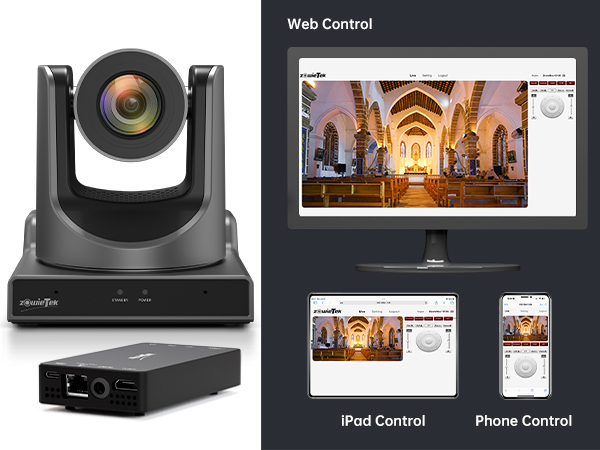
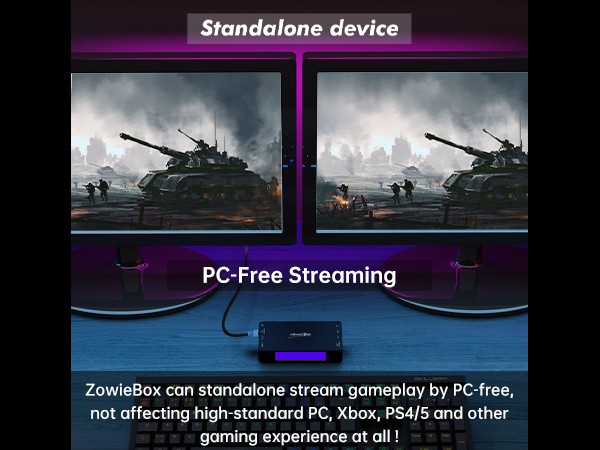
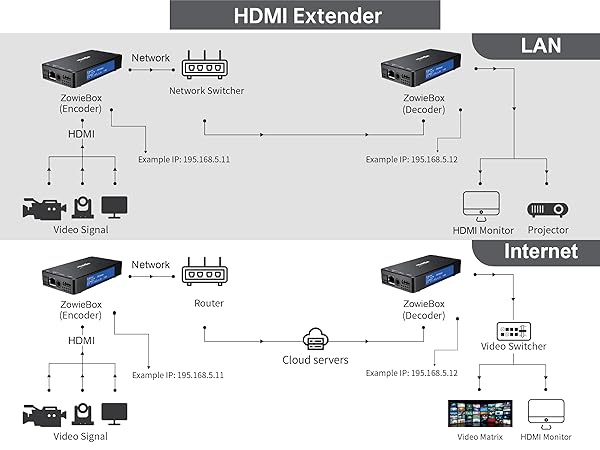
The ZowieBox 4K HDMI Video Encoder/Decoder is a versatile, professional-grade device that converts HDMI signals to and from SRT, RTMP(S), RTSP, and UVC formats. It supports 4Kp60 input with loop-out, enabling high-quality live streaming and real-time monitoring across platforms like YouTube and Twitch. Featuring HDMI over LAN extension, a rugged metal chassis, and an intuitive front display, it’s designed for seamless integration in live events, conferences, and content creation workflows, ensuring low-latency, secure, and reliable video transmission.









| Brand | zowietek |
| Interface type | HDMI |
| Mounting type | Tripod Mount |
| Number of channels | 7 |
| Number of pins | 19 |
| UPC | 617395412013 |
J**K
If you're using NDI in your work flow this is a must!
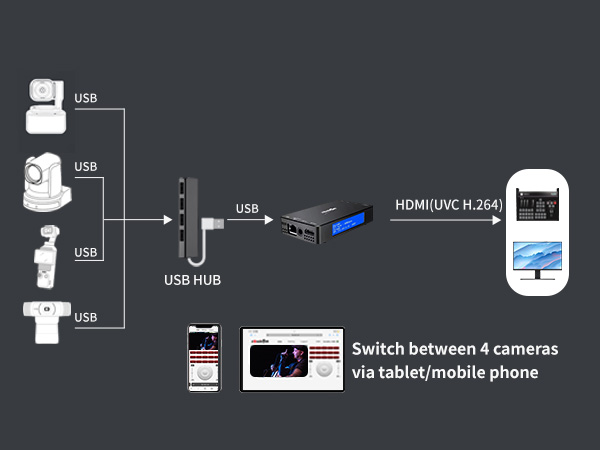
So as i put in the title if you are using NDI as part of your workflow this little box is definitely worth having in your kit bag. The ability for it to encode or decode NDI comes in so useful in a number of cases. Most of our ptz cameras and laptops are all NDI enabled so we don't have to worry about converting from HDMI to ndi BUT there has been countless times where we've been on the job site and the client has wanted to use their laptop but the I.T department have had restrictions on installing software.... with this device it's no problem - we just plug in the laptop hdmi to it and away we go - it's there on the network as an ndi source. We've also had times where there have been other cameras in the room and we've been able to use them on our network but plugging them into one of these boxes to convert their output to ndi. It also works really well as a decoder - meaning our ndi output from vmix can be viewed on any screen with a hdmi input anywhere on the network. The build quality is also fantastic and its pretty indestructible with its metal casing and the screen on the front gives you all the info you need at a glance so you don't have to keep going into the settings to find out what it's setup for. Overall I've not found a better and more reliable ndi encoder or decoder anywhere near the same price point so cannot recommend it enough. We found them so good and useful we now have 4 of them in the kit bag!
T**S
Brilliant device
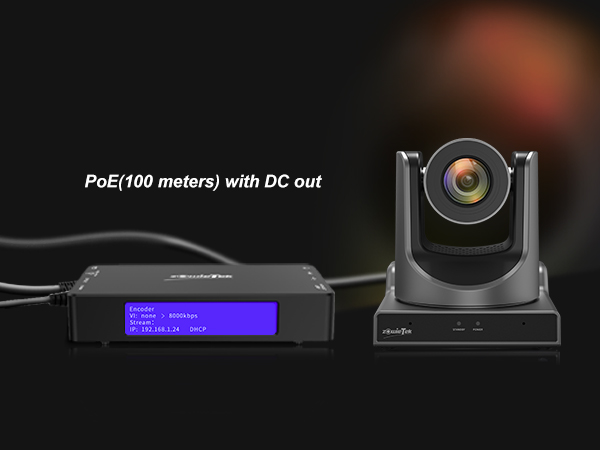
Brilliant device. It has brought life back into my no NDI PTZ camera. The quality of camera was always good but I did not have the NDI control I now use. From this device I can send signal over NDI and power the camera with POE.
M**N
Great Value For The Money
Overall pretty pleased with this product. I wanted it for SRT use and that works well. NDI works well too. You can always question the video encoding quality on most products at this price point but on the whole I would recommend this for non professional use.
B**E
Bought, working but not tested
The item worked but couldn't service the purpose it was bought for. This may be due to the concrete structure of the building.
D**N
The hardware is there, but the software not there (yet?)
I was very excited to try this encoder as it seemed to be of excellent quality on the outside. The software looked promising at first, but I've found its usability to be not so great after using it for some time. There would be the occasional freeze, and sometimes the AV would be desynchronised. Most importantly, the audio ADC and the way it was controlled were not good. The sound would clip before reaching full volume on the stream, and it would be very difficult to adjust the levels to optimum levels when using the device. The available audio codecs were not of great quality too - there are a lot more quality options that are not CPU-heavy and can be integrated with this device in the future. There is no indication of the current input level on the web interface. I know Zowetek have been pushing software updates for this, and I would not be surprised if it gets better in the future, but I had to return mine.
B**B
Most useful NDI/Studio item
I purchased one of these a few weeks back and have been impressed by the multiple options it has given me in the studio and remotely. So I bought another one. You need to read the full information as your uses might be different to mine. With 2 of these I can send and receive HDMI via Cat5e cable around the building. I can input into one and daisy chain it to the other and then RTMP stream to 4 different destinations. I can overlay graphics to the stream or add simple overlay text. I can control, power and output from non NDI PTZ cameras remotely. I can use a USB to seriel cable and control the PTZ. I can SRT, H264 and H265 all in 4K. I could set up a couple of remote cameras, log onto the local wi-fi and SRT/RTMP stream either to the studio or directly to Facebook and Youtube or more. I haven't been this impressed with a piece of studio equipment for a long time, but it really is the most useful piece of kit, especially if you are an NDI user in your network. Update: I have now purchased a third unit and aside from some confusion over how to log into the unit when using it in Hotspot mode (old manual with incorrect IP address in it) I have yet to find a downside to the unit. Currently I am connecting all my cameras into these boxes and powering them via a PoE router when mobile streaming with multiple cameras.
K**S
Cheap and easy to setup streaming
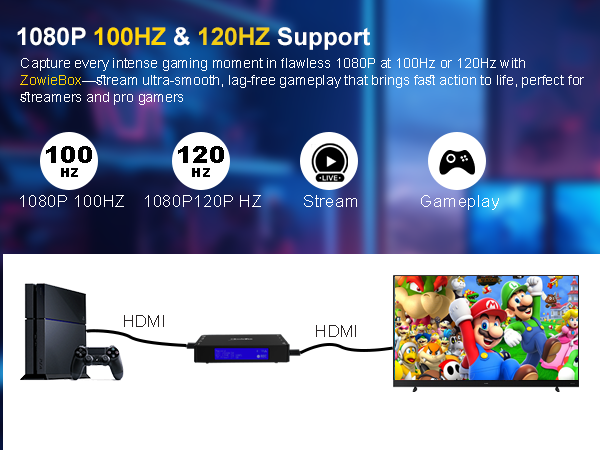
Just what I was looking for to stream games consoles into an Apple Vision Pro. Easy to setup, the only real gotcha was audio defaulting to line-in rather than HDMI. Simple to enable NDI/HX3. Good build quality, encoding crisp with no lag I could notice. Gets my 5* vote.
W**T
Flaky
This has a lot of potential - but it is not a fully reliable box. The box is dumb and relies of the web interface to set up and run every aspect of this box. Unfortunately the web interface is very unintuitive and a real mess - with so many contradictory pages and buttons. This was designed by a poor IT engineer and ignores the way people will want to use this device in reality. The interface defaults back to Chinese a few times and does not inspire confidence it is working as it should. Would I trust this to record a stream? I am not sure i would. update: I have experienced a few box resets randomly. Also the video stream via NDI to HDMI is intermittent, dropping out sometimes or occasional jittery images. This makes it unreliable and so not usable in NDI mode. A real disappointment.
Trustpilot
3 days ago
2 weeks ago