Desertcart purchases this item on your behalf and handles shipping, customs, and support to New Zealand.
🔥 Level up your game with ASUS XG32WCMS — where speed meets stunning visuals!
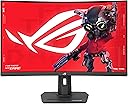
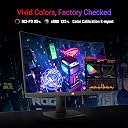
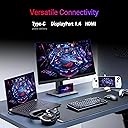
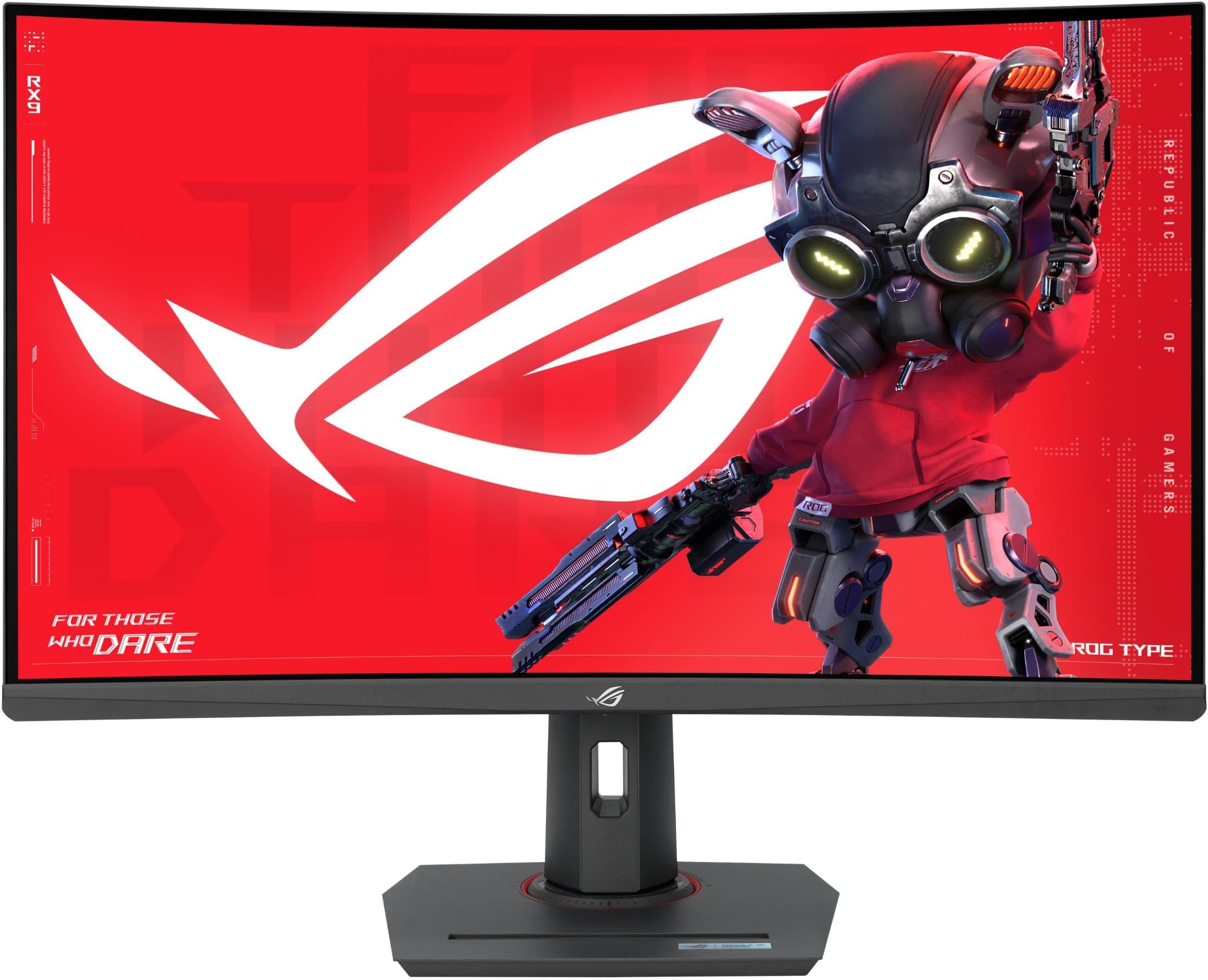
The ASUS XG32WCMS is a 32-inch curved gaming monitor featuring a sharp 2560x1440 QHD resolution, an ultra-fast 280Hz native refresh rate, and a 1ms response time for seamless, blur-free gameplay. Equipped with HDR400 and FreeSync Premium, it delivers vibrant colors and smooth visuals. Its matte screen finish reduces glare, while versatile connectivity options including USB-C, DisplayPort, and USB ports make it a future-proof choice for serious gamers and professionals alike.


| ASIN | B0CXS85ZS4 |
| Adaptive Sync | FreeSync Premium |
| Aspect Ratio | 16:9 |
| Aspect ratio | 16:9 |
| Brand | ASUS |
| Brand Name | ASUS |
| Colour | Black |
| Contrast Ratio | 400:1 |
| Customer Reviews | 4.4 out of 5 stars 43 Reviews |
| Display Technology | LED |
| Display Type | LCD |
| Hardware Connectivity | DisplayPort, USB |
| Has Color Screen | Yes |
| Image contrast ratio | 400:1 |
| Item Dimensions D x W x H | 24.6D x 70.8W x 57.3H centimetres |
| Item Weight | 20.7 Pounds |
| Manufacturer | ASUS |
| Maximum Display Resolution | 2560 x 1440 Pixels |
| Model Name | XG32WCMS |
| Model Number | XG32WCMS |
| Native Resolution | 2560x1440 |
| Network Connectivity Technology | DisplayPort, USB |
| Picture Quality Enhancement Technology | HDR400, FreeSync Premium, Curved Display |
| Processor Count | 1 |
| Product Features | Curved |
| Refresh Rate | 280 Hz |
| Resolution | QHD Wide 1440p |
| Response Time | 1 Milliseconds |
| Screen Finish Type | Matte |
| Screen Size | 32 Inches |
| Screen size | 32 Inches |
| Screen surface description | Matte |
| Specific Uses For Product | Gaming |
| Total USB Ports | 1 |
| Total Video Out Ports | 3 |
| UPC | 197105497085 |
| Unit Count | 1.0 count |
A**E
Very solid for price point, with strong gaming features.
Good backlight uniformity. Good brightness. Good color. Good adjustments and features in the UI. Very fast max frame rate and pixel response. Input lag is low. VA means no IPS glow and good darkness - it's not OLED-crisp in the dark areas, but it's the next best thing, and it won't burn-in. Conversely, the bright areas can get considerably more bright than OLED. It has zero dark-smear. And seems very good vs ghosting. (concerns on "some" older VA's) Viewing angles seem better than average. I use my own custom test imagery to calibrate. I was able to get it to a fairly high quality of detail in the extreme light and extreme dark areas of images (at the same time). It's not the best you can get, but it's a very attractive "at price point" option. other thoughts: - 32" looks great, and really eliminates any sense of tunnel vision. - 1440p at 32" is "slightly" pixelated. The PPI is 92, whereas a ppi of 95-120 is more the norm, with most monitors around 110. If you sit with your face close to the screen, 1440p may not have the sharpness you want (whereas a 27 or 28 inch monitor would, with 1440p). But if you lean back, it's good. Also, as long as there's a bit of depth in the desk, you can always move a monitor back a little to "sharpen it up". It's all relative to your eyesight and viewing distance. Basically I'd say that 1440p @ 32" is only a bad idea if you sit up/lean in, so your viewing distance is short, and your desk has no depth to move the monitor back. This is assuming 20/20 vision also. If you lean back while using, or have a bit of desk space to move the monitor back, it's fine. - The curve is good. Uniform curvature, not too aggressive, easy to get used to. Curved screens are a gimmick on tv's, but they're nice on any large format monitor, where the 'audience' is going to be squarely centered. You could regard this as a "30 inch ultra-wide" 1080p, but with 1440 vertical height instead of 1080, getting you back to 16:9 ratio and stretching the diagonal to 32 inches. Considered that way, some modest curve makes sense. - HDR is a bit of a gimmick... red can't be redder than red, for example. Mostly HDR only adds layers of "gradient" in color, which you might notice in a very subtle color shift in something like an image of blue sky, etc. Not super relevant for gaming or media consumption. More a graphic design feature. BUT... many SDR screens don't actually cover the entirety of the SDR or SRGB color space. While HDR screens usually do. Basically for most users, HDR gets you "very high end" SDR color, without a very high end price. So HDR is a good thing... just not in the way it's marketed. I'm a monitor snob. Very nitpicky about visuals (graphic designer). Color accuracy, light/dark handling, dynamic range, pixel response, input lag, ghosting, overshoot, fps/hz, quality of adjustments in UI, etc. I scrutinize the details pretty hard. And this was my pick for a $200-$400 range gaming monitor. The 180hz version would also be an excellent pick for $150 less. You CAN definitely spend more and get better, but for gaming? Only if you have excess money to burn, or for graphic design work. OLED seems to be taking over... It definitely looks the best. But it's debatable whether it's a good choice. Depends on how much burn-in risk your normal use involves. I like to see monitors last 5, 6, 8 years, I don't expect an OLED would manage that vs burn-in, unless you're really walking on eggshells to pamper it. Right below that in visual aesthetic is a 'GOOD' VA with quantum dot and/or a huge amount of dynamic backlight zones. Right below that, just a really GOOD VA. Only at the low end, once you get down to "not so good VA" does IPS start to look like a better option, and even then, only in a well lit room to disguise the backlight bleed-through. Anyway, this is a very solid option in it's price range. Sometimes goes on sale too.
D**Y
As perfect as it can get.
One of the better VA panels. There's very little black smearing. I went from 27inch 1440p to 32inch 1440p and this allows be to sit further from the screen. You can manage all screen setting right from the asus app in pc so no need to push buttons. The brightness range is amazing, it can get very dim for nights and bright for daytime. Got used to the curved screen in a week. This is as good as it can get anything short of oled displays.
Z**H
Amazing quality for insane low price
Awesome monitor.
B**N
Most underrated gaming monitor at the moment
I’d argue this is one of the best gaming monitors money can buy and for the price it’s an absolute steal. This is currently the highest refresh rate monitor that is larger than 28 inches and it’s a worthwhile difference compared to 240hz. At 32 inches game elements are much bigger compared to 24 or 27inch monitors which makes it easier to aim and hit headshots in games like cs2, and overall allows for a more immersive experience no matter the game, especially with the curved panel. It’s also 1440p rather than 4k which still looks great on 32 inches. You are actually able to hit the max refresh rate of the monitor on many games without the need to lower your settings or have a 5090 which makes this a great monitor for native res players. Historically VA panels have been avoided for gaming due to the slow pixel response times but this monitor is very fast for a VA panel and is equivalent or even better than the gaming IPS panels that currently flood the market. However with this monitor you also get amazing contrast compared to an IPS so it’s easier to spot enemies in game and overall the monitor looks so much nicer compared to an ips or tn. Highly recommend this monitor!
S**E
Yes!
My first got a manufacture issue, but Amazon replaced it and now this one work amazing. Looking for a high Frame rate monitor and dont want to get an Oled, get this one. It wont dissappoint
Trustpilot
1 day ago
2 weeks ago